 Pizyn
Three kinds of edit
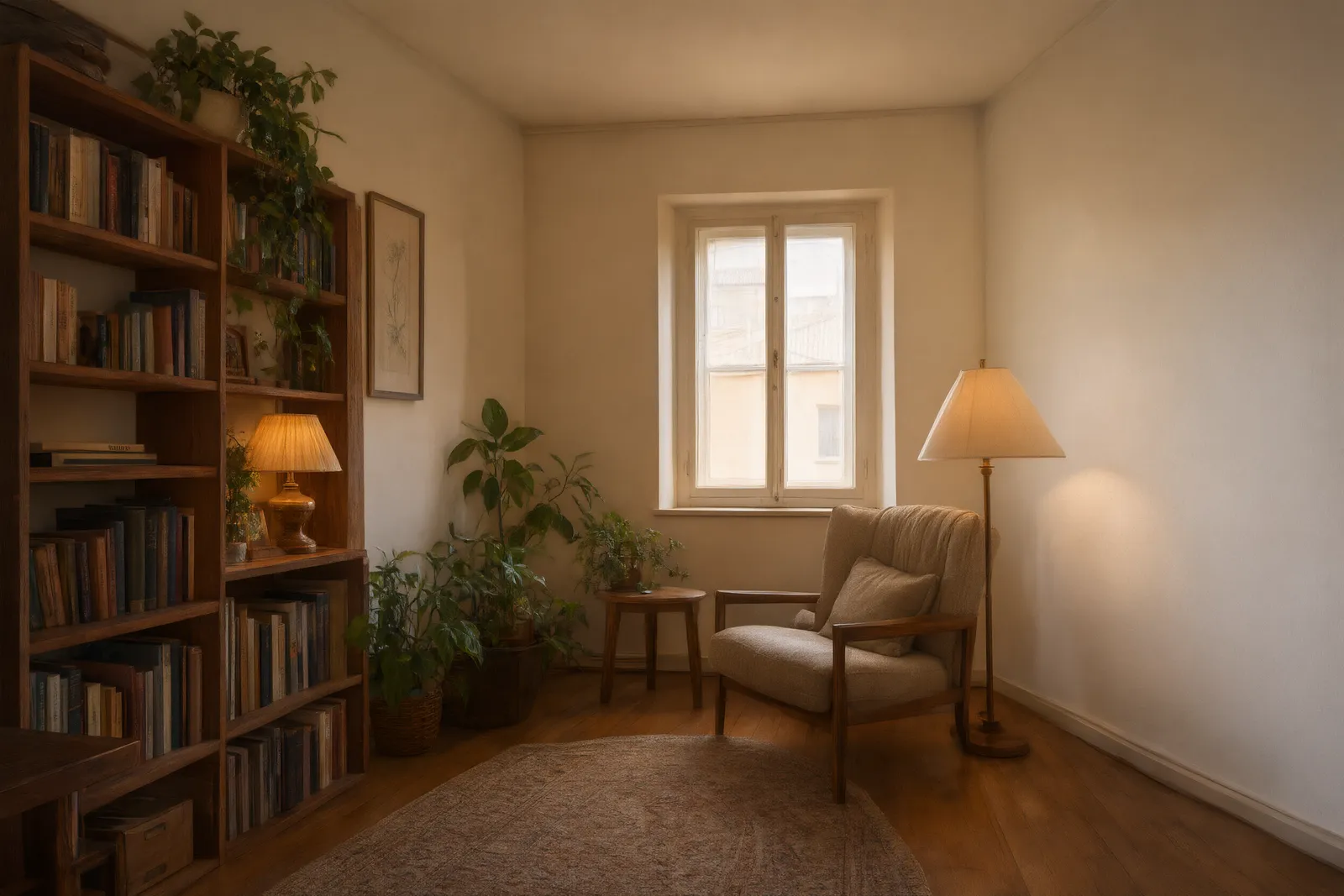
Restyle keeps the composition and changes the look: a photo becomes a watercolor, a product shot moves from studio light to a spa scene. Relight changes time and weather — day into night, summer into autumn — while the scene stays put. Composite combines several references: this product, in that room, wearing this color. The plain room above became a reading corner in one composite edit on Qwen Image 3.0.
What a reference image actually does
A reference is evidence, not a filter. It tells the model what the subject looks like — the bottle's label, the person's jacket, the room's layout — so the edit preserves identity while the prompt changes everything else. More references help when they show different things (product + setting + style); near-duplicates add cost without adding information. The studio's AI Image Editor is built around this: one bound model, up to four references, and a markup canvas for pointing at the exact spot.
How many references does each model take?
- Up to 4: GPT Image 2.6 and Sunburst, Nano Banana Pro, Nano Banana 2 and 2.1, the Seedream family
- Up to 3: Qwen Image 3.0, Wan 2.7, FLUX 3 Klein
- Exactly 1: Z-Image Turbo — a single-photo restyle engine at 1 credit
What edits cost — including the per-reference catch
Most models charge the same for an edit as for a generation: Seedream 5 Flash is a flat 5 credits either way, references included, and Wan 2.7 is 5 Standard / 13 Pro in both modes. Two families meter references, and we pass that through transparently instead of hiding it: GPT Image 2.6 edits run on their own rate card (from 8 credits, +3 per extra reference or markup layer), and Qwen charges per input image (6 credits for the first reference, +1 for each extra). The panel always shows the exact total before you generate — and with the hold system, a failed edit charges nothing.
A workflow that works
- Start from the best original you have. Edits preserve structure; a sharp, well-lit source edits better than a muddy one.
- Change one thing per edit. “Make it night” then “add neon reflections” beats a six-clause instruction — and when a step fails, you know which one.
- Use markup when words are ambiguous. On GPT Image 2.6, circle the object and write what should happen to it; pointing beats paragraphs.
- Keep the winner's chain. Each edit becomes the next edit's source. Save intermediates in your account history so you can branch instead of restarting.
New to this? The cheapest classroom is Z-Image Turbo: one photo, one credit, one new look. When the edit matters, step up to Nano Banana Pro for conversational control or GPT Image 2.6 for markup precision — the model guide maps every option by job.