 Pizyn
OpenAI · Image model
GPT Image 2.6 Sunburst AI Image Generator
Sunburst is the precision tier of OpenAI's GPT Image 2.6, launched 2026-11-04 alongside the faster Flare: it plans the scene before it draws, renders at maximum fidelity, and holds faces, products and layouts steady across edits. Same quality ladder and credits as GPT Image 2.6 (Flare) — pointed at finals, not drafts.
Your generation will appear here.
Try one of these:
Session history
01 · Overview
What is GPT Image 2.6 Sunburst?
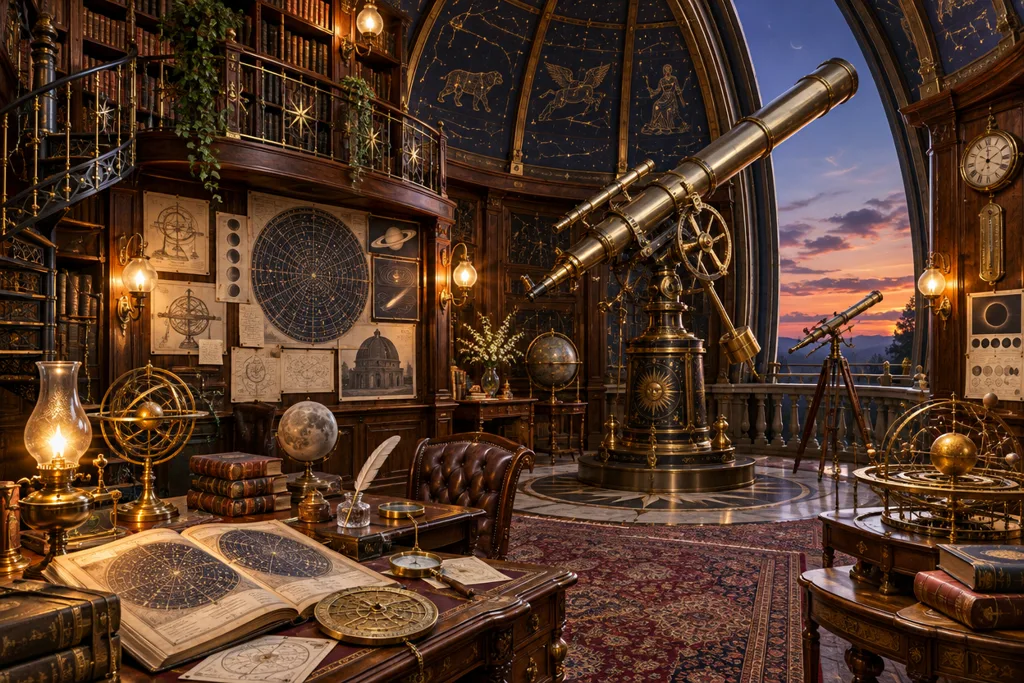
Sunburst is the high-fidelity engine of OpenAI's GPT Image 2.6. Where Flare optimizes for speed, Sunburst spends more compute per image: it plans layout and scene structure before drawing, renders finer detail, and keeps subjects consistent when you edit. It is the tier to use for the asset you actually ship.
Everything else matches the 2.6 family: five quality tiers, native GIF and SVG output, markup-based editing, and reusable reference images — at the same credit prices as Flare on this site.
Specs & capabilities
| Inputs | Text to image · Image to image · Markup edits · Reusable reference images |
| Resolution | 1K for low/medium/high, 2K for xhigh/max |
| Aspect ratios | 9 ratios in the studio, including 21:9 cinema |
| Output formats | PNG, JPEG, WebP, GIF and SVG — all native to the model |
| Pricing shape | Five quality tiers (low to max); edits carry their own rate card — see the comparison table below |
Good to know: Sunburst trades speed for fidelity — expect roughly 20–60 seconds at high tiers. Draft cheaply on Flare, then re-render the winning prompt here for the final.
02 · Features
Why creators finish on Sunburst
It plans before it draws
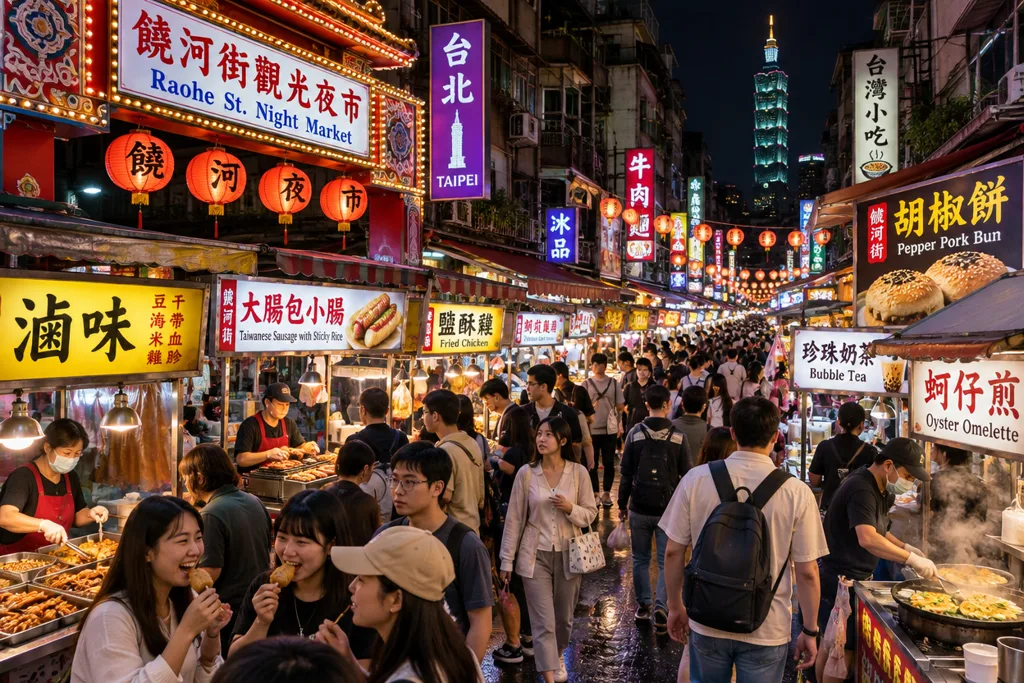
Sunburst's engine works out the scene's layout and structure before rendering — busy, multi-element prompts (markets, workshops, layered interiors) come out composed instead of collapsing into mush. The more elements your brief has, the bigger the gap versus the fast tier.

Edits that keep what matters
Change the coat, keep the person. Sunburst is the consistency tier: faces, products and backgrounds hold steady while the one thing you asked for changes — the difference between a usable product series and a slot machine. This portrait's coat was recolored from red to navy; everything else stayed put.
Final-asset fidelity
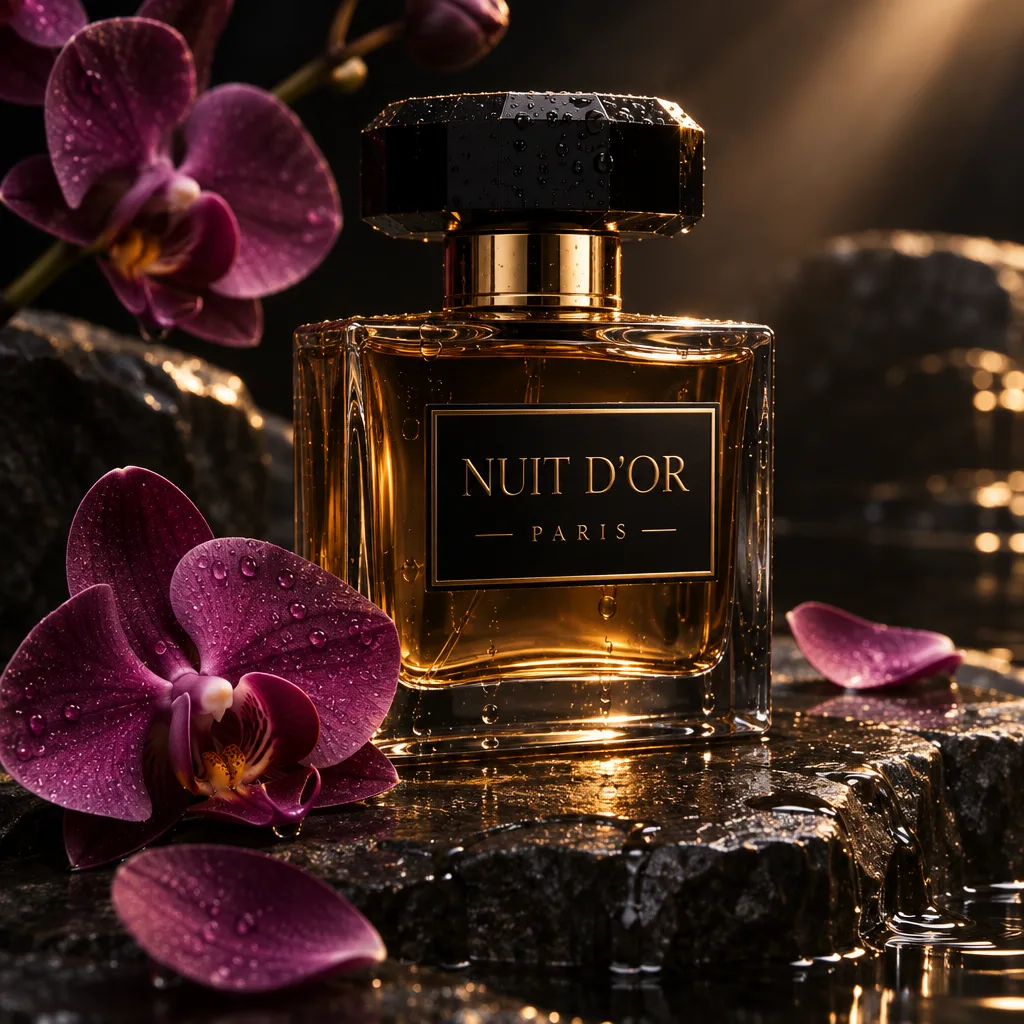
Fine print, fabric weave, reflections — Sunburst renders the details that survive a client's zoom-in. It inherits GPT Image's field-leading text rendering and adds the render budget to keep small type and intricate surfaces clean at 2K.
03 · Create
What you can create with GPT Image 2.6 Sunburst
Real outputs from this studio, with the exact prompts that made them. Load one into the tool and make it yours.
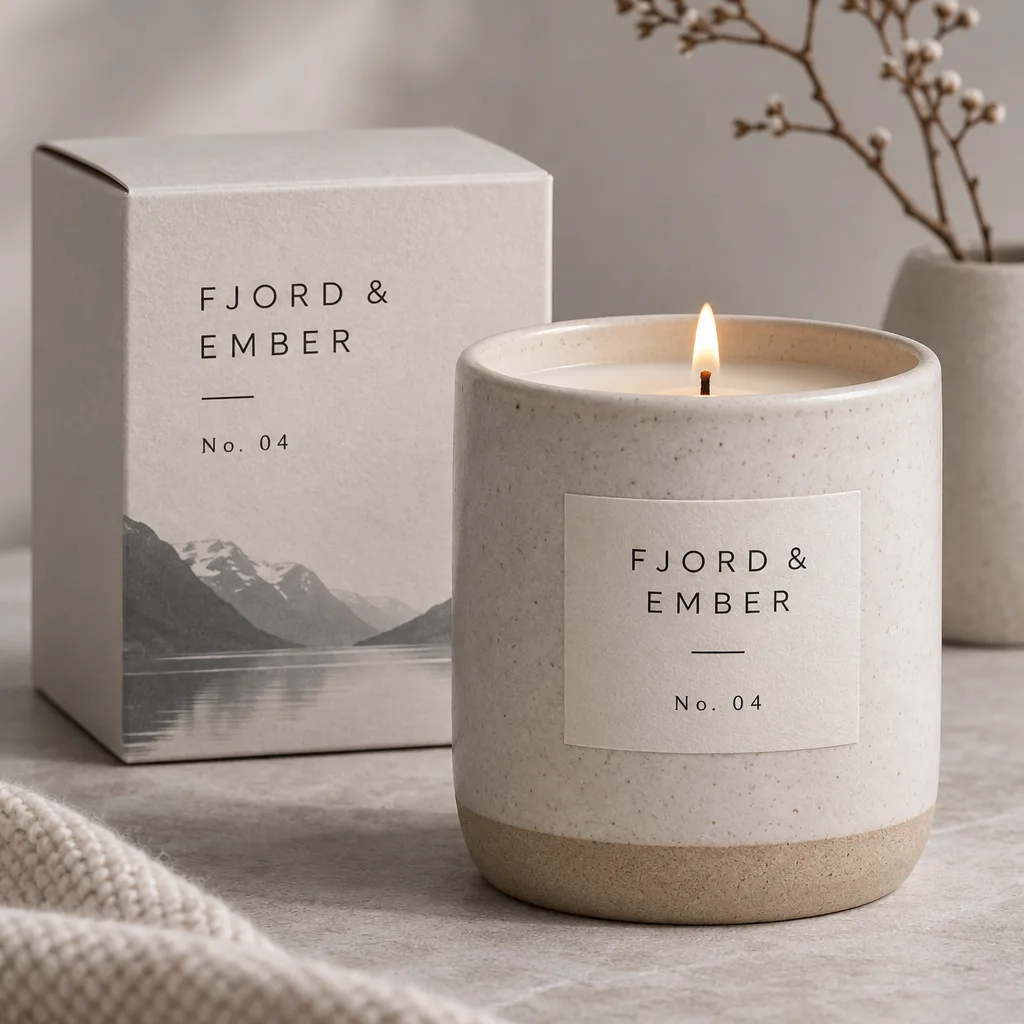
Packaging with exact label text
“A ceramic candle jar packaging design with the label “FJORD & EMBER — No. 04” in minimal Scandinavian typography, studio product photo”
Brand typography rendered letter-perfect — mockups you can put in front of a client without a disclaimer.

Complex scenes, resolved
“A detailed cutaway illustration of a cozy treehouse interior with a reading corner, tiny kitchen and rope ladder, warm lamplight, storybook style”
Many small elements, one coherent space — the scene-planning engine earns its keep on briefs like this.
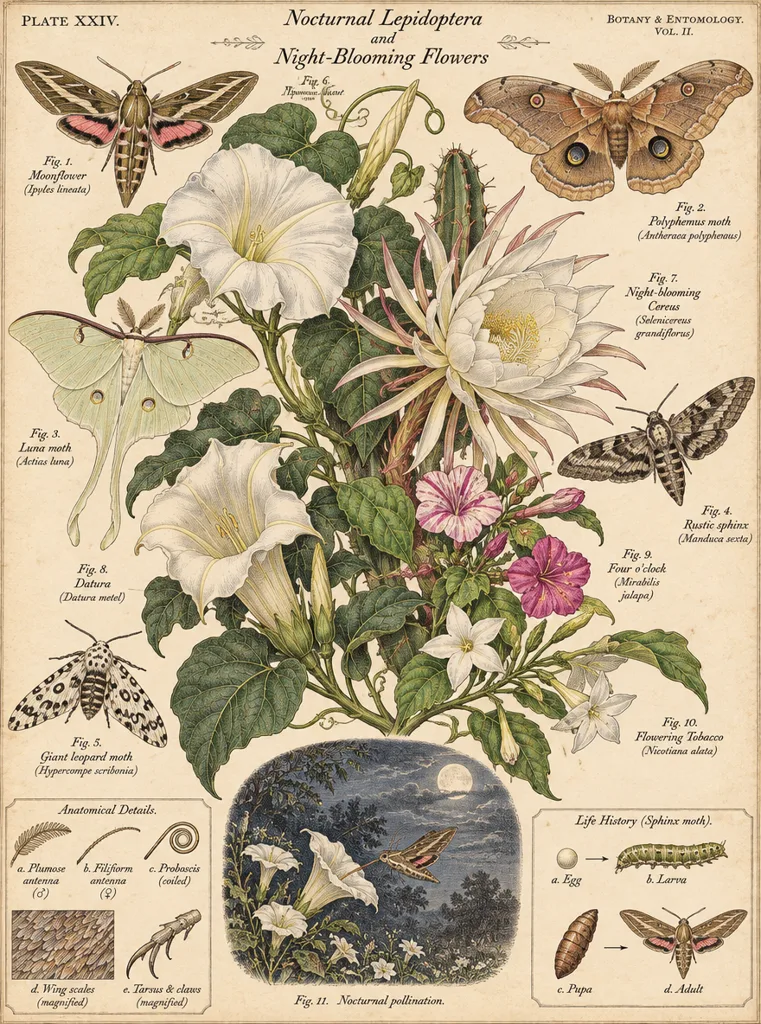
Intricate illustration
“An intricate botanical illustration plate of moths and night-blooming flowers, vintage scientific style, fine linework”
Fine linework and dense detail stay crisp — plate-style artwork that holds up at print size.
Sunburst vs Flare
| Sunburst (this page) | Flare | |
|---|---|---|
| Built for | Quality: final assets, consistent edits, complex scenes | Speed: drafts, iterations, GIF |
| Typical time | 20–60s at high quality | ~6s at low quality |
| Engine | Plans layout & scene structure before drawing | Direct fast rendering |
| Credits here | Generations: low 5 · medium 9 · high 10 · xhigh 35 · max 78 on both. Edits: 8 / 11 / 13 / 38 / 80 by tier, +3 per extra reference image or markup layer. | |
One balance covers both engines — draft on Flare, finish on Sunburst, no transfers or second account.
04 · How to use
How to use GPT Image 2.6 Sunburst
1
Write the full brief
Sunburst rewards detail: name the elements, their positions and the exact text in “quotes”. Or load an example above.
2
Finish at high tiers
This engine is for finals: pick high, xhigh or max, and add SVG export (+4 credits) when you need a vector.
3
Generate & download
You are charged only when an image succeeds — failed generations cost nothing. Results land in the stage and your history.
Prompt guide — getting the best out of Sunburst
- Describe the layout explicitly (“sign on the left, crowd below, lanterns above”) — the planning engine uses spatial instructions other models ignore.
- In edits, say what must NOT change (“keep the face, outfit and background identical”) — consistency is this tier's strength.
- Keep headlines short; for a tricky word, spell it out letter by letter.
- For a series, reuse the same reference image and change one variable per edit.
- Save max quality for the final render — high is usually indistinguishable for web use.
05 · Pricing
GPT Image 2.6 Sunburst pricing
Free
For a first test drive
$0
No card required
- Every model, every tier
- Full speed, no slow queue
- Personal use license
Starter pack
Best for exploring every model
$9.90
One-time · $0.01 per credit
≈ 110 standard generations
- Full ownership & commercial rights
- Credits never expire
- Charged only on success
Most popular
Pro pack
Best for regular creative work
$19.90
One-time · $0.01 per credit
≈ 221 standard generations
- Full ownership & commercial rights
- Credits never expire
- Charged only on success
Studio pack
Best for high-volume projects
$39.90
One-time · $0.01 per credit
≈ 443 standard generations
- Full ownership & commercial rights
- Credits never expire
- Charged only on success
One-time packs from $4.90 (490 credits, never expire) arrive with the payments phase. Full pricing on the pricing page.
06 · FAQ
GPT Image 2.6 Sunburst FAQ
What is the difference between Sunburst and Flare?
Both are GPT Image 2.6. Flare is tuned for speed (drafts in as little as ~6 seconds); Sunburst spends more compute per image — it plans the scene structure before drawing — for maximum fidelity and the most consistent edits. They share quality tiers, formats and credit prices here.
Why does Sunburst take longer?
The planning and high-fidelity rendering passes take roughly 20–60 seconds at high tiers. That is the trade: use Flare while exploring, Sunburst for the render you ship.
Do Sunburst edits cost the same as generations?
Edits have their own rate card: 8 / 11 / 13 / 38 / 80 credits by tier (low to max), plus 3 credits per extra reference image and 3 for a markup layer — the provider charges per input image, and the price is always shown before you generate.
Can I use the images commercially?
Yes — paid plans include a commercial license for the images you generate: ads, packaging, client work, merchandise. As everywhere, don't use it to imitate real brands, products or people you don't have the rights to.
Can Sunburst make GIFs and SVGs too?
Yes — like Flare, it generates native animated GIFs (2–16 frames) and true SVG vectors, alongside PNG, JPEG and WebP. For a dedicated animation studio, see the AI GIF Maker.