 Pizyn
Google DeepMind · Image model
Nano Banana 2.1 AI Image Generator
Google's newest Nano Banana (Gemini Flash Image line): sharper in-image text, better real-world knowledge and conversational editing — at lower prices than Nano Banana 2: $0.04 at 1K, $0.06 at 2K and $0.135 at 4K.
Your generation will appear here.
Try one of these:
Session history
01 · Overview
What is Nano Banana 2.1?
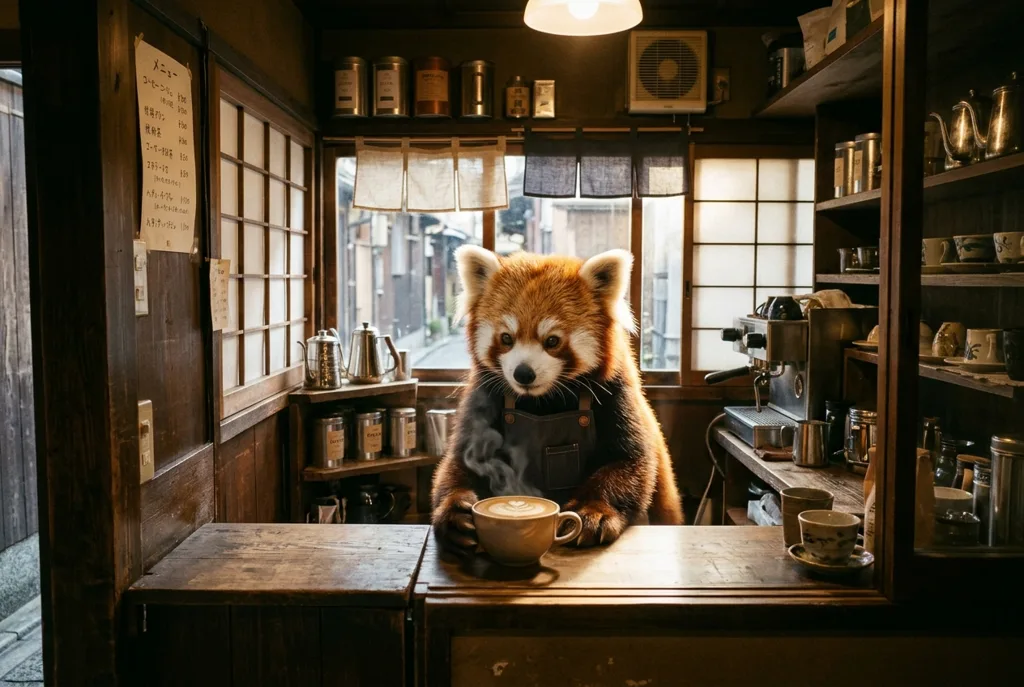
Nano Banana 2.1 is the newest generation of Google's fast image line. It keeps everything that made Nano Banana 2 the iteration workhorse — conversational edits, consistent characters, optional search grounding — and improves the two things creators asked for: sharper text inside images and better real-world knowledge, while cutting the per-image price at every tier.
There is no 0.5K tier anymore; the ladder starts at a full 1K for 7 credits. For all-out finals at true 4K, Nano Banana Pro remains the top of the family.
Specs & capabilities
| Inputs | Text to image · Image editing · Multi-reference (up to 4 in the studio) |
| Resolution | 1K, 2K or 4K |
| Aspect ratios | 10 ratios in the studio, including 21:9 cinema |
| Output formats | PNG and JPEG |
| Pricing shape | Three resolution tiers; 4K costs about 3.4× the 1K price. Edits add a small per-reference fee, included in the price shown. |
Good to know: 2.1 is cheaper than Nano Banana 2 at every shared tier (1K: $0.04 vs $0.07). Nano Banana 2 still wins for throwaway drafts — it keeps the 0.5K tier at 8 credits.
02 · Features
Why creators pick Nano Banana 2.1
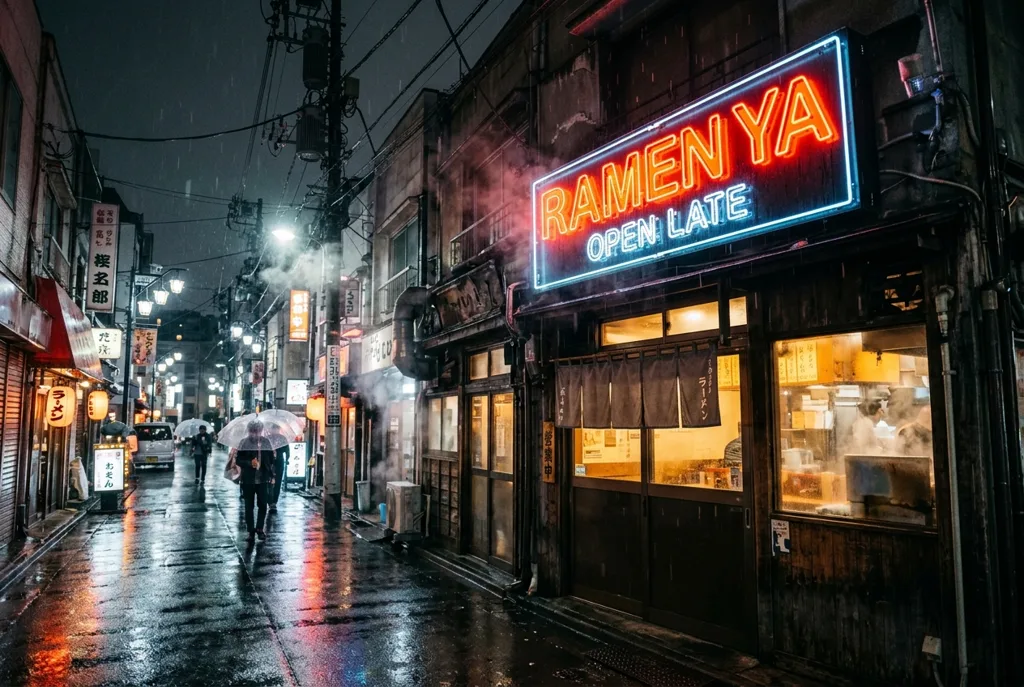
Text that spells, at Flash prices
Signage, posters and packaging mockups were the Flash line's weak spot; 2.1 closes most of the gap to Pro. Lettering comes out clean enough for social and ads work — at $0.04 an image instead of flagship prices.
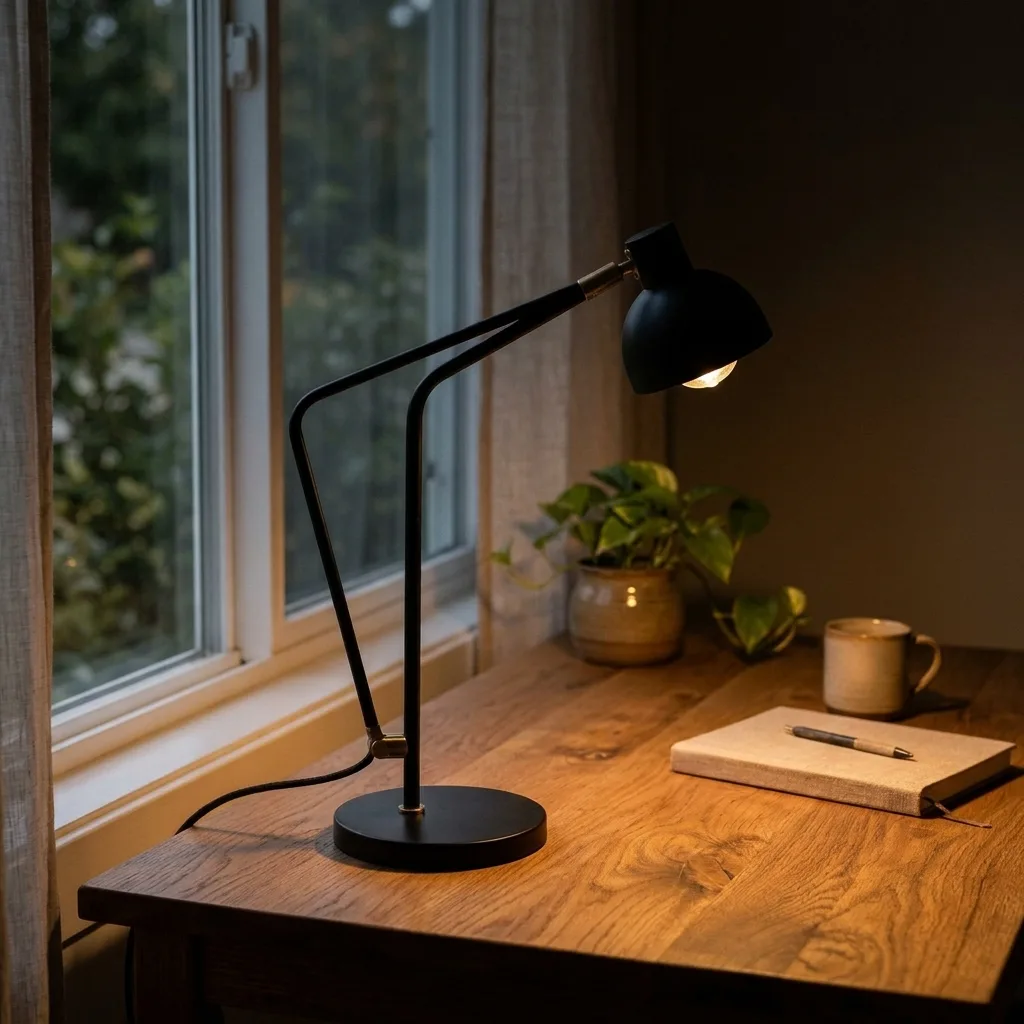
Edits in plain words
“Make it night and switch the lamp on” — no masks, no jargon. This scene was shot in daylight and re-lit by a sentence. Add up to four reference images per edit in the studio, and chain small changes for predictable results.
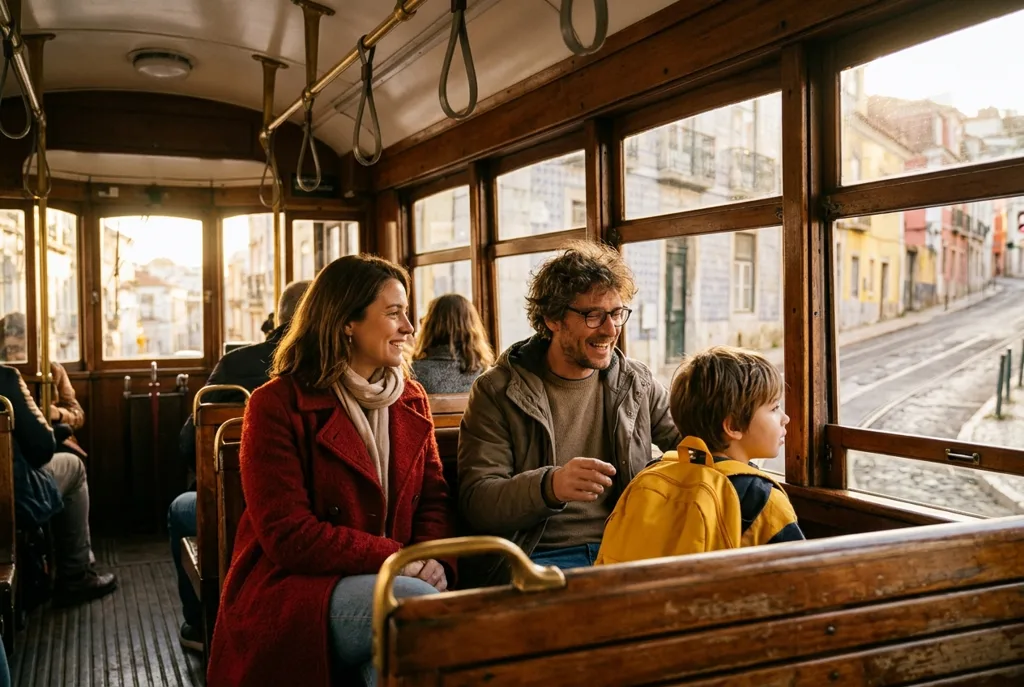
Characters and real-world grounding
Named characters stay themselves across a series, and the model's improved world knowledge gets places, products and styles right more often. Optional web and image search (+3 credits each) grounds a prompt in current references when accuracy matters.
03 · Create
What you can create with Nano Banana 2.1
Real outputs from this studio, with the exact prompts that made them. Load one into the tool and make it yours.
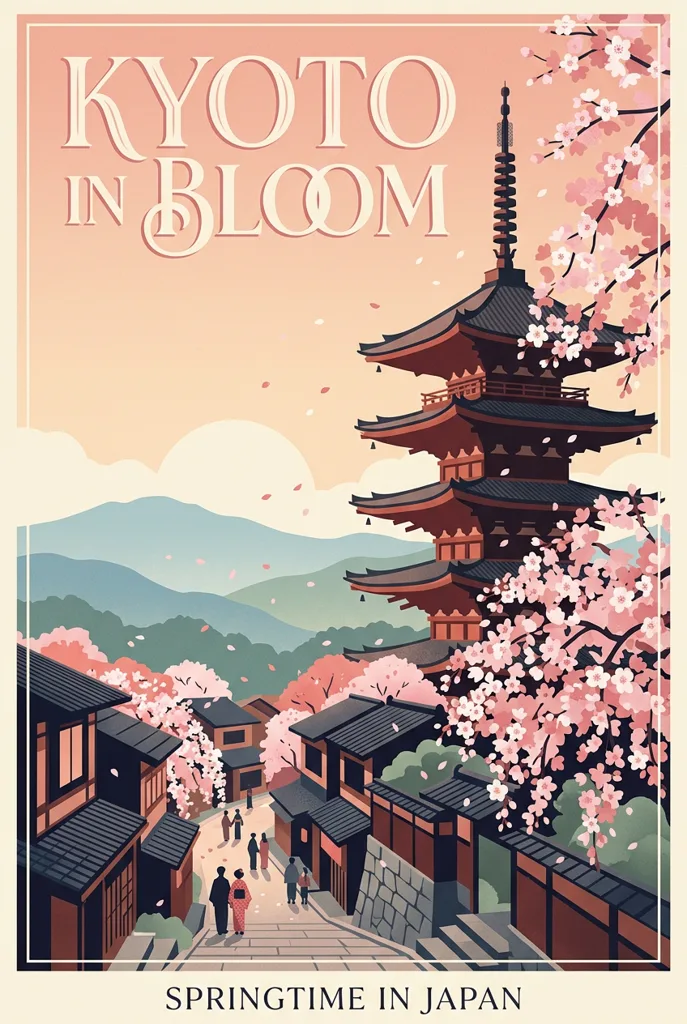
Posters with real headlines
“A travel poster for Kyoto in spring with the headline “KYOTO IN BLOOM” in elegant serif type, cherry blossoms and a pagoda, flat illustration”
The headline is the design — and it spells. Travel and event posters in one 7-credit pass.
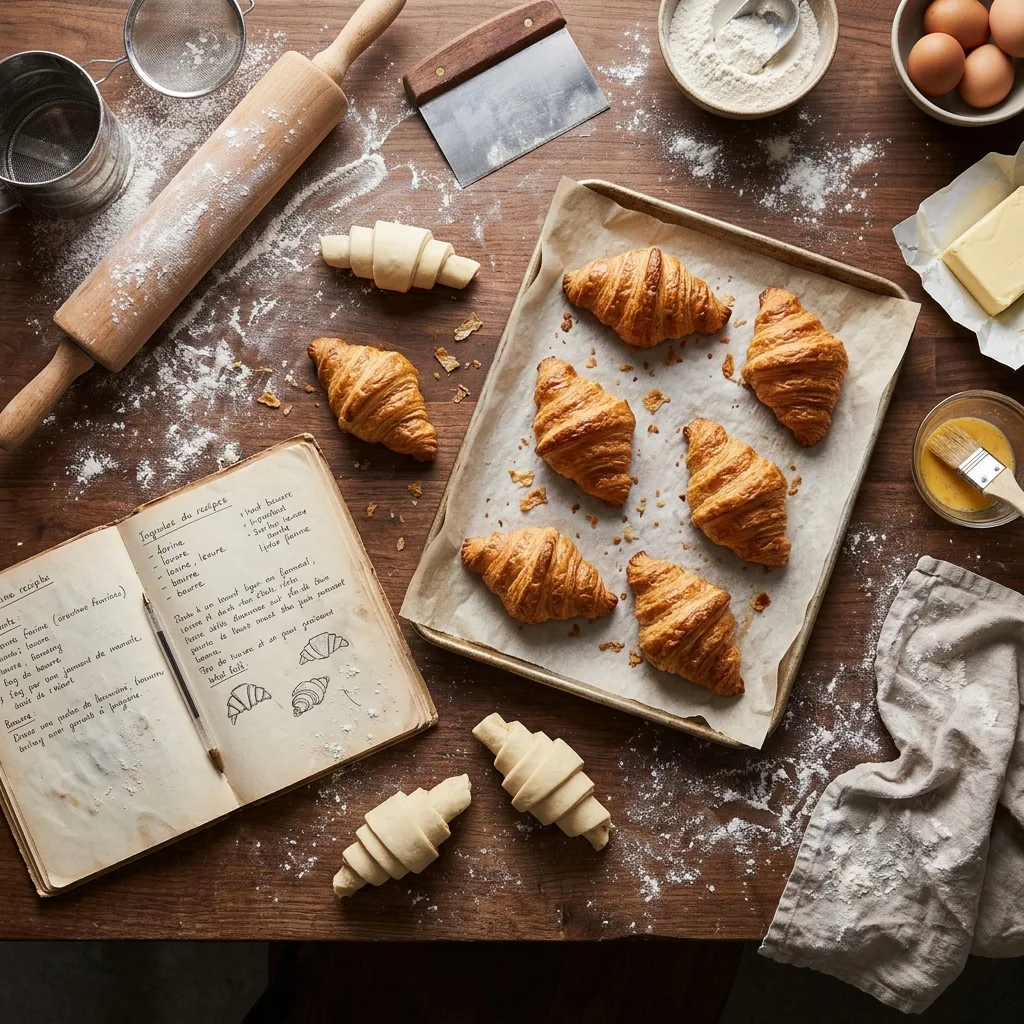
Food and product flat-lays
“Overhead flat-lay of a baker's worktable with croissants, flour and a recipe notebook, soft bakery light”
Menu, blog and store imagery without booking a studio — the everyday content this model is priced for.
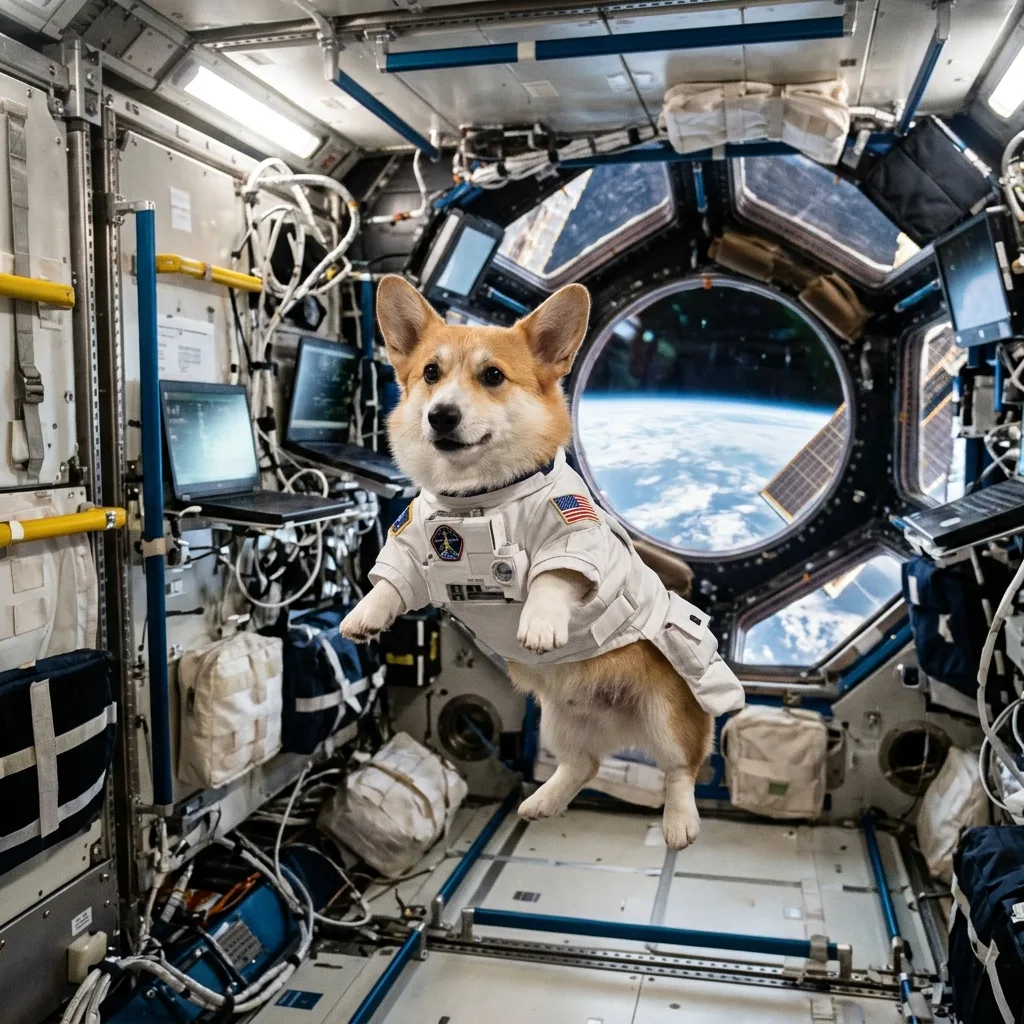
Photoreal whimsy
“A corgi astronaut floating in a space station, photorealistic, Earth visible through the window”
Impossible scenes at photo level — the kind of thumb-stopping image social feeds reward.
04 · How to use
How to use Nano Banana 2.1
1
Describe it — or the edit
Write a scene, or switch to Image to Image and describe the change in plain words. Load an example above to start.
2
Pick a resolution
1K for drafts, social and most web work; 2K for finals; 4K for print. Add web or image search (+3 credits) when the prompt needs real-world grounding.
3
Generate, then escalate
Charged only on success. When a draft wins, re-render at 4K — or hand the prompt to Nano Banana Pro for the final polish.
Prompt guide — getting the best out of this model
- Put the exact headline in “quotes” — 2.1's text rendering is the reason to pick it over Nano Banana 2.
- Edits work in plain words: "make it night", "swap the background to a sunny beach". One change per edit keeps results predictable.
- Name each character clearly (“the woman in the red coat”) and reuse the same descriptions across a series.
- Turn on web or image search when the subject is a real place, product or current style.
- Iterate at 1K (7 credits) and finish the winner at 4K — don't pay print prices for drafts.
05 · Pricing
Nano Banana 2.1 pricing
Free
For a first test drive
$0
No card required
- Every model, every tier
- Full speed, no slow queue
- Personal use license
Starter pack
Best for exploring every model
$9.90
One-time · $0.01 per credit
≈ 141 1K generations
- Full ownership & commercial rights
- Credits never expire
- Charged only on success
Most popular
Pro pack
Best for regular creative work
$19.90
One-time · $0.01 per credit
≈ 284 1K generations
- Full ownership & commercial rights
- Credits never expire
- Charged only on success
Studio pack
Best for high-volume projects
$39.90
One-time · $0.01 per credit
≈ 570 1K generations
- Full ownership & commercial rights
- Credits never expire
- Charged only on success
One-time packs from $4.90 (490 credits, never expire) arrive with the payments phase. Full pricing on the pricing page.
06 · FAQ
Nano Banana 2.1 FAQ
How is Nano Banana 2.1 different from Nano Banana 2?
It is the newer generation: sharper in-image text, better real-world knowledge, and lower prices at every shared tier (1K is $0.04 vs $0.07). Nano Banana 2 keeps one advantage — a 0.5K draft tier at 8 credits for throwaway explorations.
How is it different from Nano Banana Pro?
Pro is the flagship: true 4K with the most polish, at 24–40 credits. 2.1 is the fast, everyday tier at 7–23 credits — draft and publish here, finish on Pro when a piece has to be perfect.
How many reference images can an edit use?
Up to four in the studio. The price shown before you generate already includes the provider's small per-reference fee — no surprises afterwards.
Can I use the images commercially?
Yes — paid plans include a commercial license for the images you generate: ads, packaging, client work, merchandise. As everywhere, don't use it to imitate real brands, products or people you don't have the rights to.
Which resolution should I pick?
1K for social posts, drafts and most web work; 2K for web finals; 4K when you will print or crop hard.