Mini
$4.90
490 credits · one-time
≈ 98 Qwen images
 Pizyn
Alibaba · Image model
Alibaba's Qwen Image 3.0 is the family that treats words as a first-class citizen: Chinese and English typography rendered correctly on posters, menus, labels and covers — at one flat price for 1K and 2K alike.
Your generation will appear here.
Try one of these:
01 · Overview
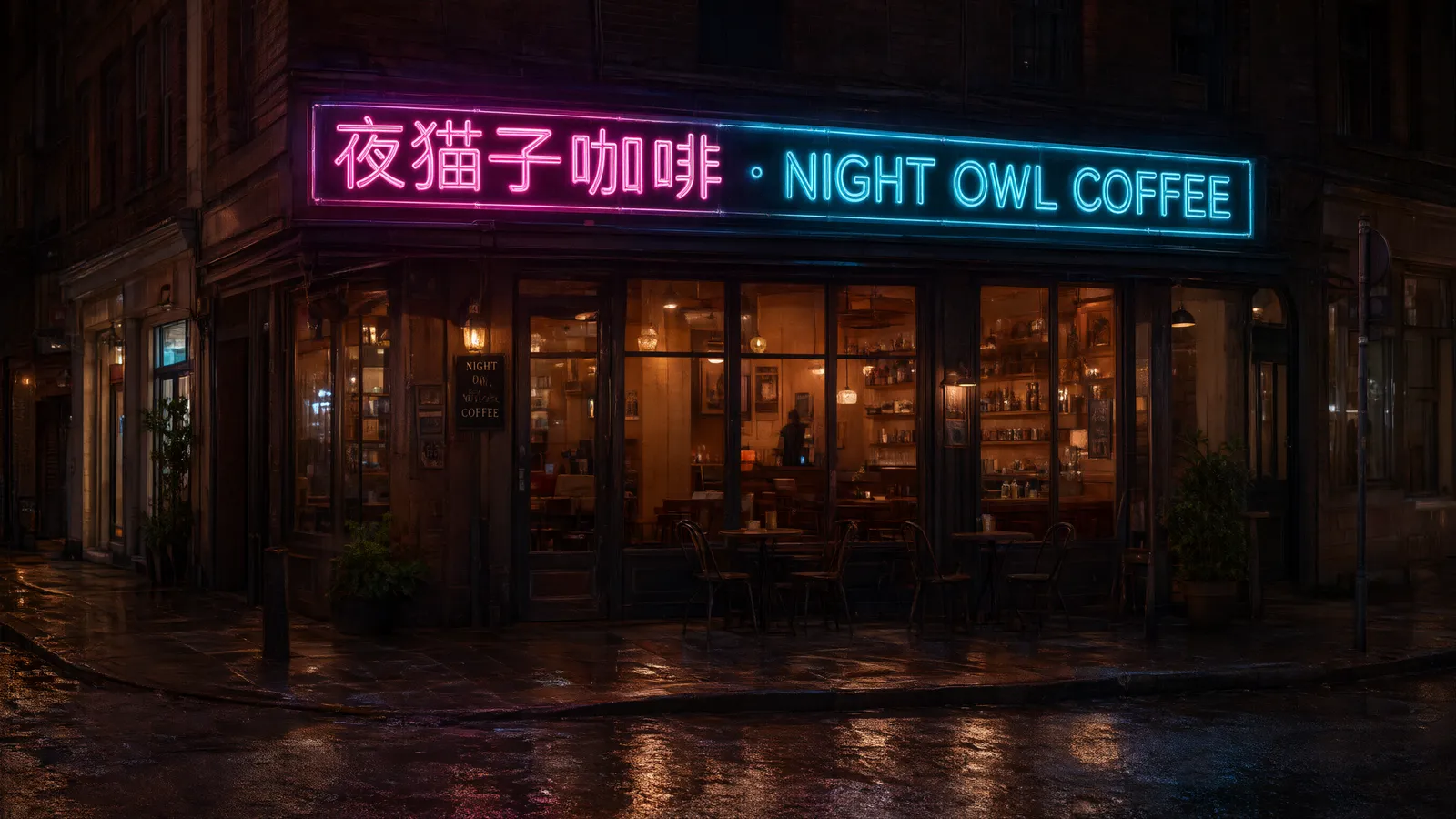
Qwen Image 3.0 is the third generation of Alibaba's Qwen image family, built around one standout skill: layout-grade text rendering. Where most models treat lettering as decoration, Qwen composes it — bilingual headlines, itemized menus, priced labels and book covers with the words spelled right, in Chinese and English alike.
It generates at 1K or 2K across ten aspect ratios at one flat price, and edits with up to three reference images, each reference adding a small per-image charge.
| Inputs | Text to image · Image editing · Multi-reference (up to 3 in the studio) |
| Resolution | 1K or 2K — one flat price for both |
| Aspect ratios | 10 ratios in the studio, up to 21:9 ultrawide |
| Output formats | Set by the model (no format picker — Qwen does not expose one) |
| Pricing shape | Generation flat $0.03. Edits $0.03 plus $0.003 per input image — priced here as 6 credits for the first reference, +1 per extra. |
Good to know: Qwen accepts up to three reference images per edit. If your composite needs four, the GPT Image 2.6 studio takes up to four references.
02 · Features
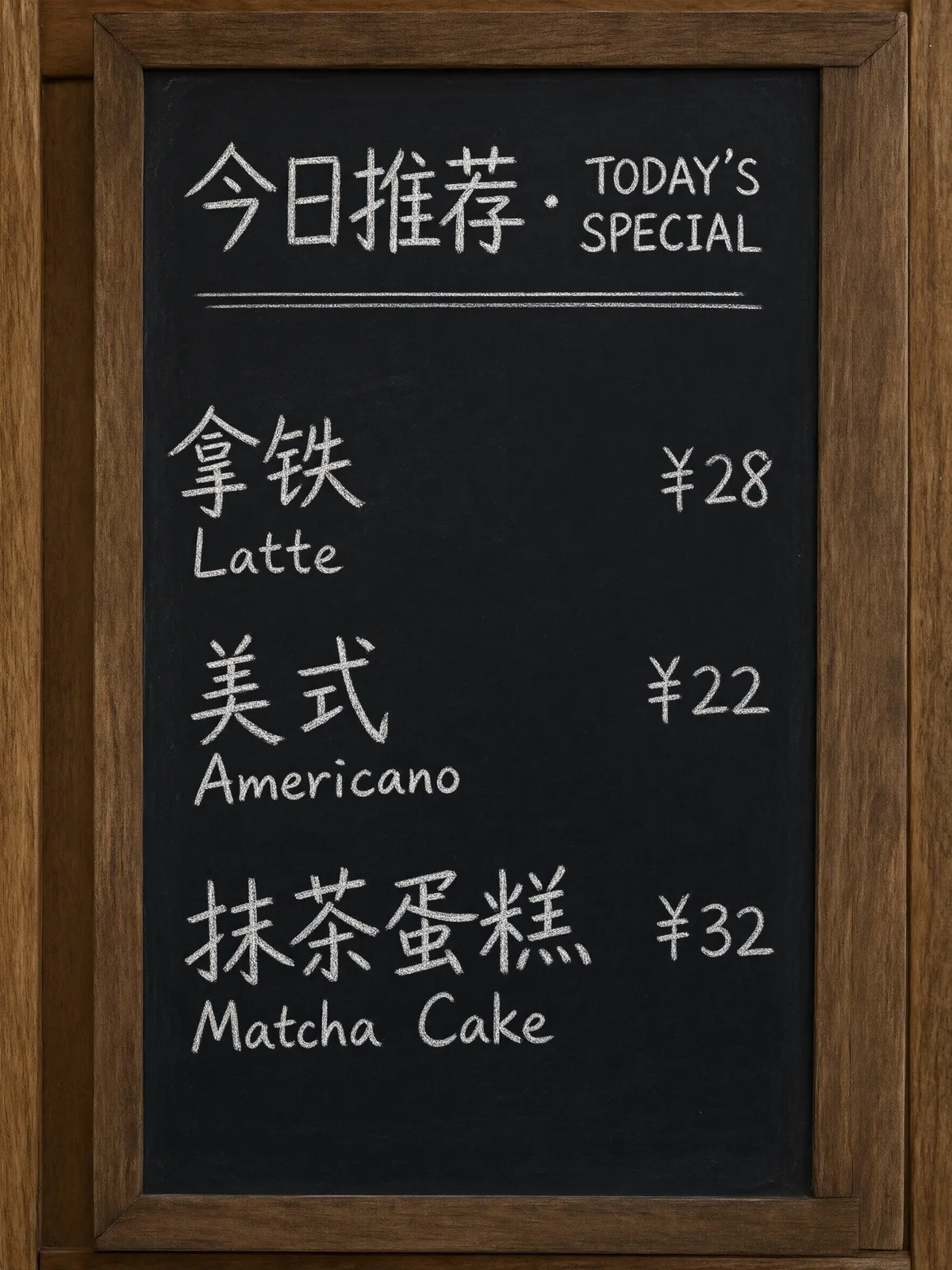
Itemized text is where image models usually fall apart — Qwen holds a whole menu together: dish names in two languages, prices aligned, nothing garbled. Restaurants, cafés and market stalls get signage they can actually print.
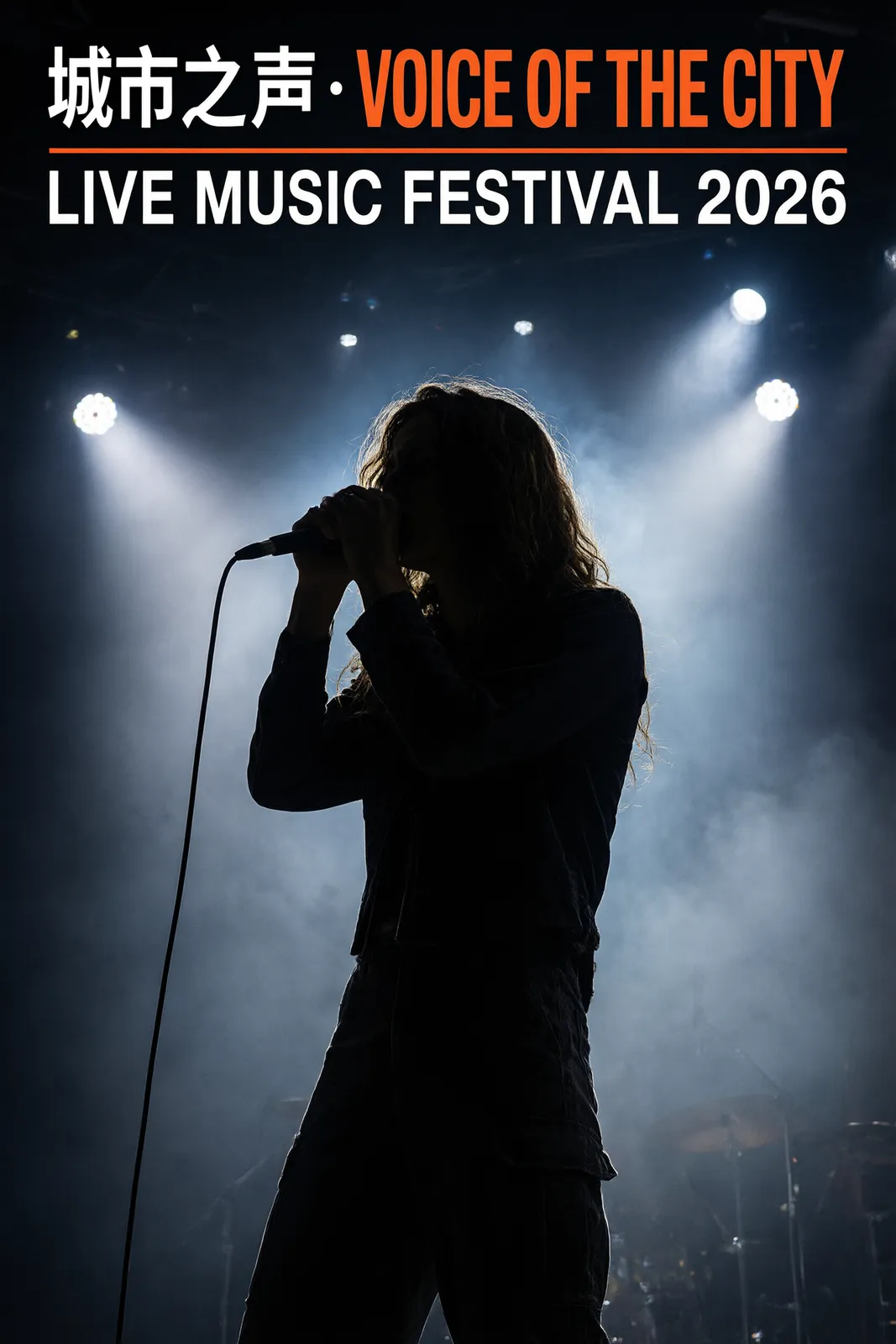
Headline hierarchy, mixed-script lockups, dates and venues placed like a designer would — Qwen's output reads as finished key art for events that market in two languages at once.
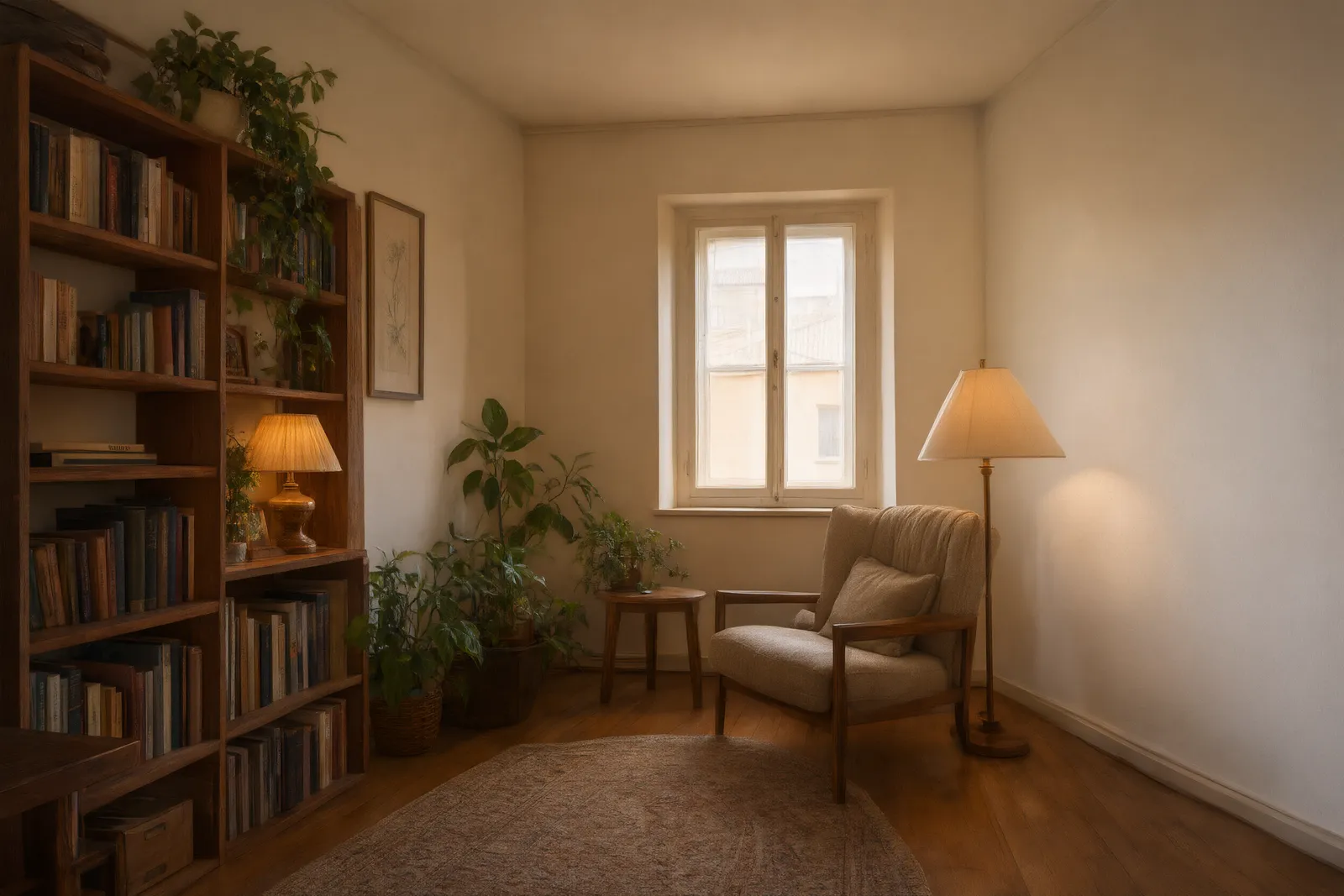
This reading corner started as a plain room photo. Qwen charges a small fee per input image, so we price edits transparently: 6 credits with one reference, +1 credit for each extra, up to three.
03 · Create
Real outputs from this studio, with the exact prompts that made them. Load one into the tool and make it yours.
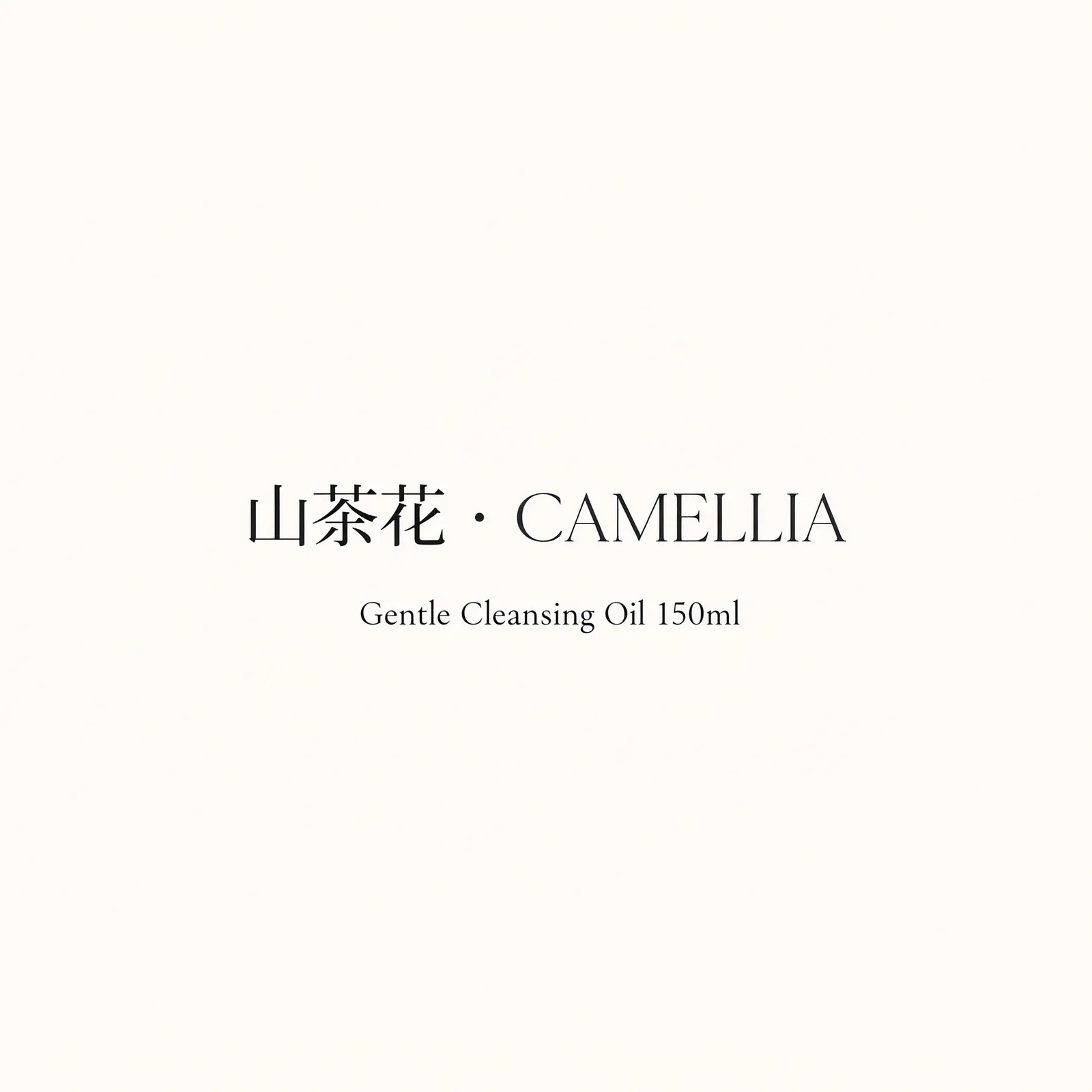
“A minimalist skincare product label design reading “山茶花 · CAMELLIA” with “Gentle Cleansing Oil 150ml” beneath, elegant serif type on a cream background”
Export-ready label concepts for cross-border products — both scripts clean enough to hand to a packaging designer.
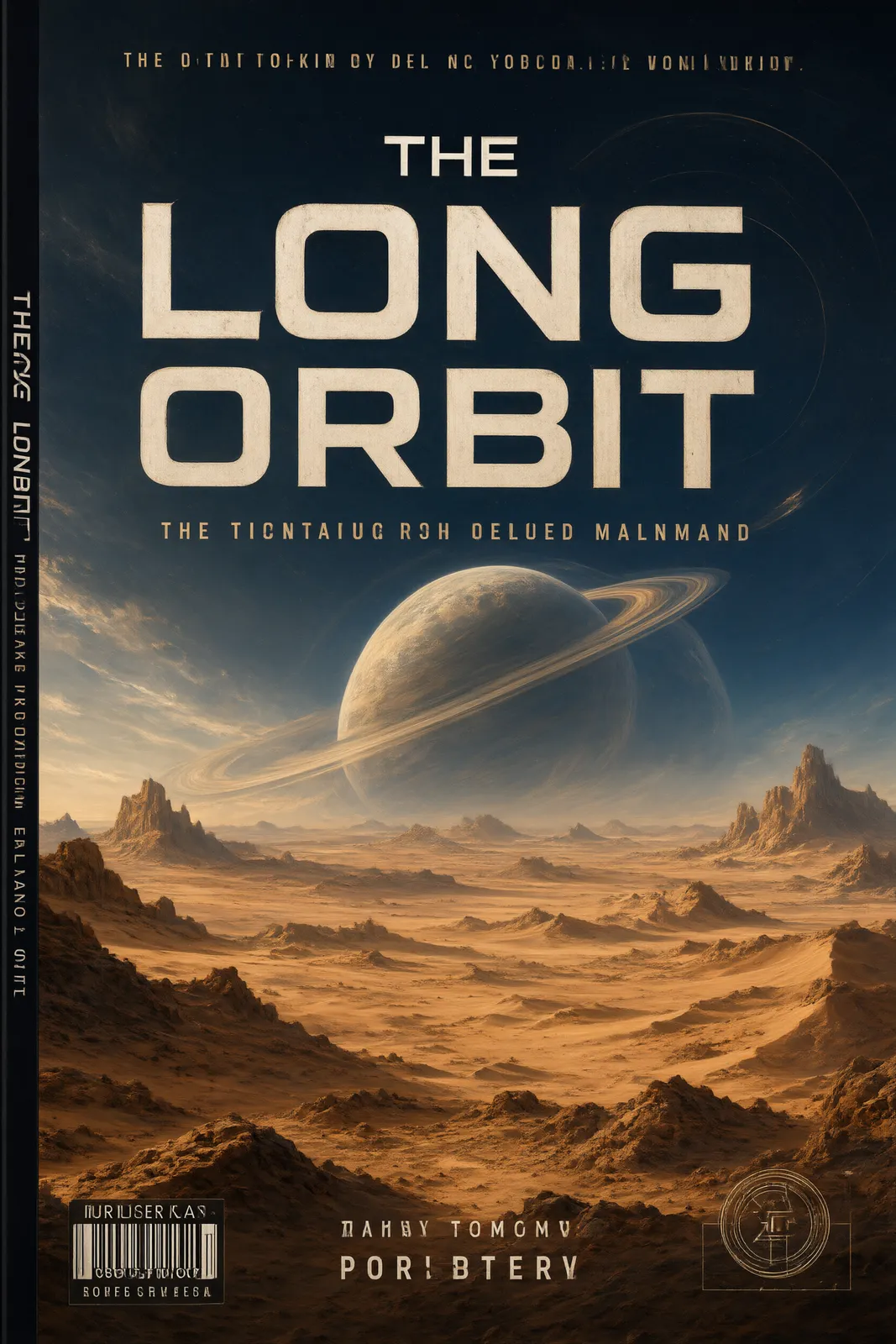
“A science-fiction novel book cover with the title “THE LONG ORBIT” in bold futuristic type, a ringed planet rising over a desert, painted cover art”
Title-first covers where the lettering is part of the artwork, not pasted on afterwards.
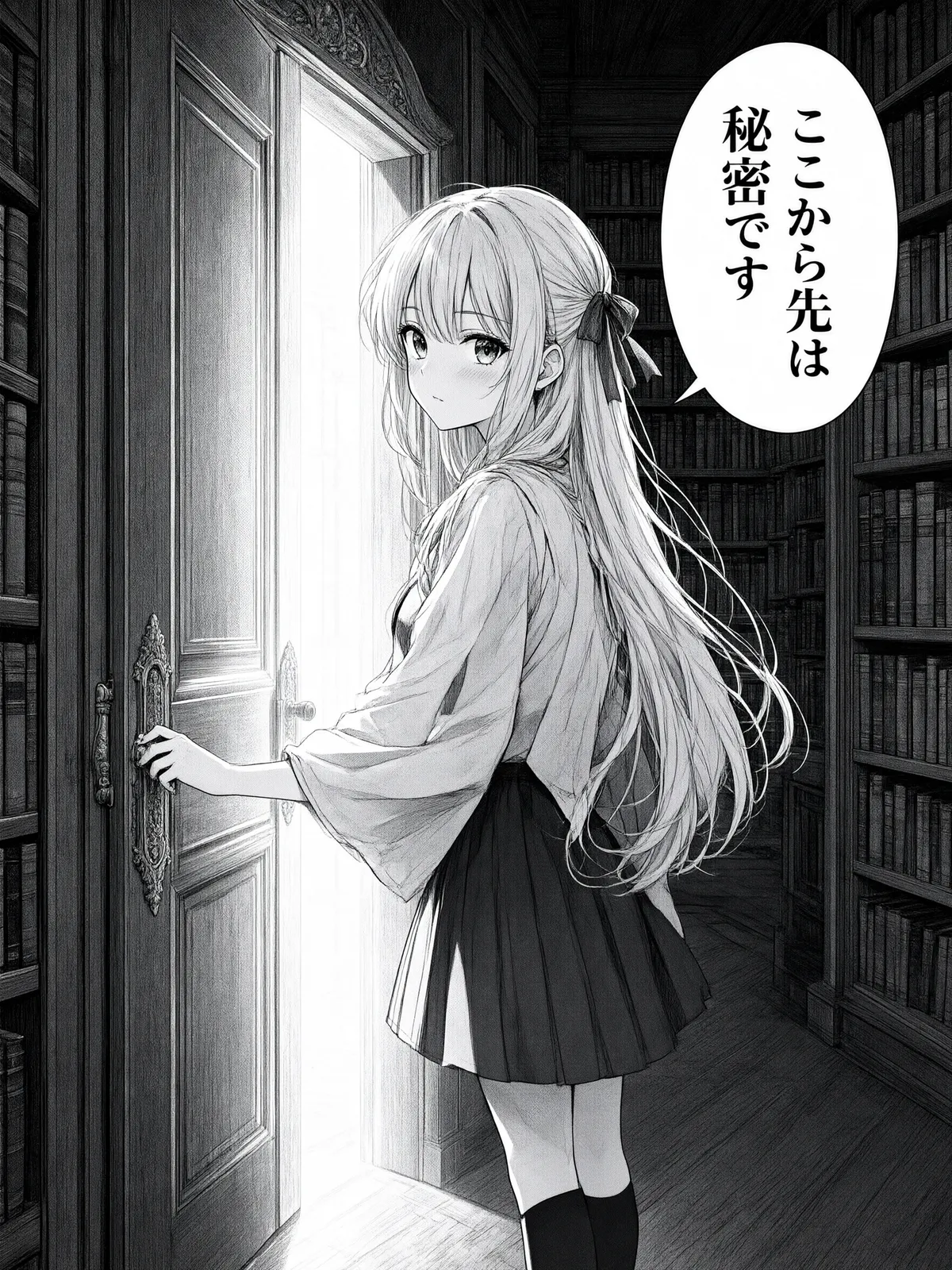
“A manga panel of a girl opening a glowing door in a library, speech bubble reading “ここから先は秘密です”, black and white ink style with screentones”
Speech bubbles with legible text — panels, webtoons and storyboards that read as finished pages.
04 · Guide
1
Put the exact text you want — headlines, prices, labels — in quotes inside your prompt, in Chinese, English or both.
2
1K and 2K cost the same 5 credits. Choose from ten aspect ratios, up to 21:9 ultrawide.
3
Credits are held when you submit and charged only on success. For edits, add up to three references (6 credits for the first, +1 each extra).
05 · Pricing
Generation is a flat 5 credits ($0.05) at 1K or 2K. Edits are 6 credits with one reference, +1 per extra reference (up to 3). One-time credit packs, no subscription, credits never expire.
$4.90
490 credits · one-time
≈ 98 Qwen images
Most popular
$9.90
990 credits · one-time
≈ 198 Qwen images
$19.90
1,990 credits · one-time
≈ 398 Qwen images
$39.90
3,990 credits · one-time
≈ 798 Qwen images
06 · FAQ
Generation is a flat 5 credits ($0.05 at the standard credit rate) at 1K or 2K. Edits cost 6 credits with one reference image, plus 1 credit for each extra reference (up to three). New accounts start with 20 free credits.
Text-heavy design: posters, menus, signage, labels and covers where Chinese and English lettering must be spelled correctly and laid out like a designer did it. It is the strongest bilingual-typography model on Pizyn.
Qwen's API does not offer an output-format option, so there is nothing to pick — images are delivered in the model's native format and saved to your account history. If you need a guaranteed PNG, JPEG or WebP, Z-Image Turbo and the Seedream family offer format choices.
Up to three. Qwen charges a small fee per input image, which is why edits are priced per reference: 6 credits for the first, +1 credit for each additional one.
Both render Latin text well. Qwen's edge is bilingual CJK + English layouts and dense itemized text (menus, labels, price lists); Nano Banana's edge is conversational editing with reference photos. Many designers draft wording on Qwen and photography on Nano Banana Pro.
AI Poster MakerSeedream 5 Pro — flagship typographyWan 2.7 — Alibaba's thinking modelAll models
20 free credits land in your balance the moment you sign up. No card required.
No password to remember — your Google account is your Pizyn account.
By continuing, you agree to our Terms and Privacy Policy.