Mini
$4.90
490 credits · one-time
≈ 490 Turbo images
 Pizyn
Tongyi Lab · Image model
The cheapest seat in the studio: one credit per image. Z-Image Turbo is Tongyi Lab's distilled speed model — a handful of inference steps, results in seconds, and a price that makes "just try it" the whole workflow.
Your generation will appear here.
Try one of these:
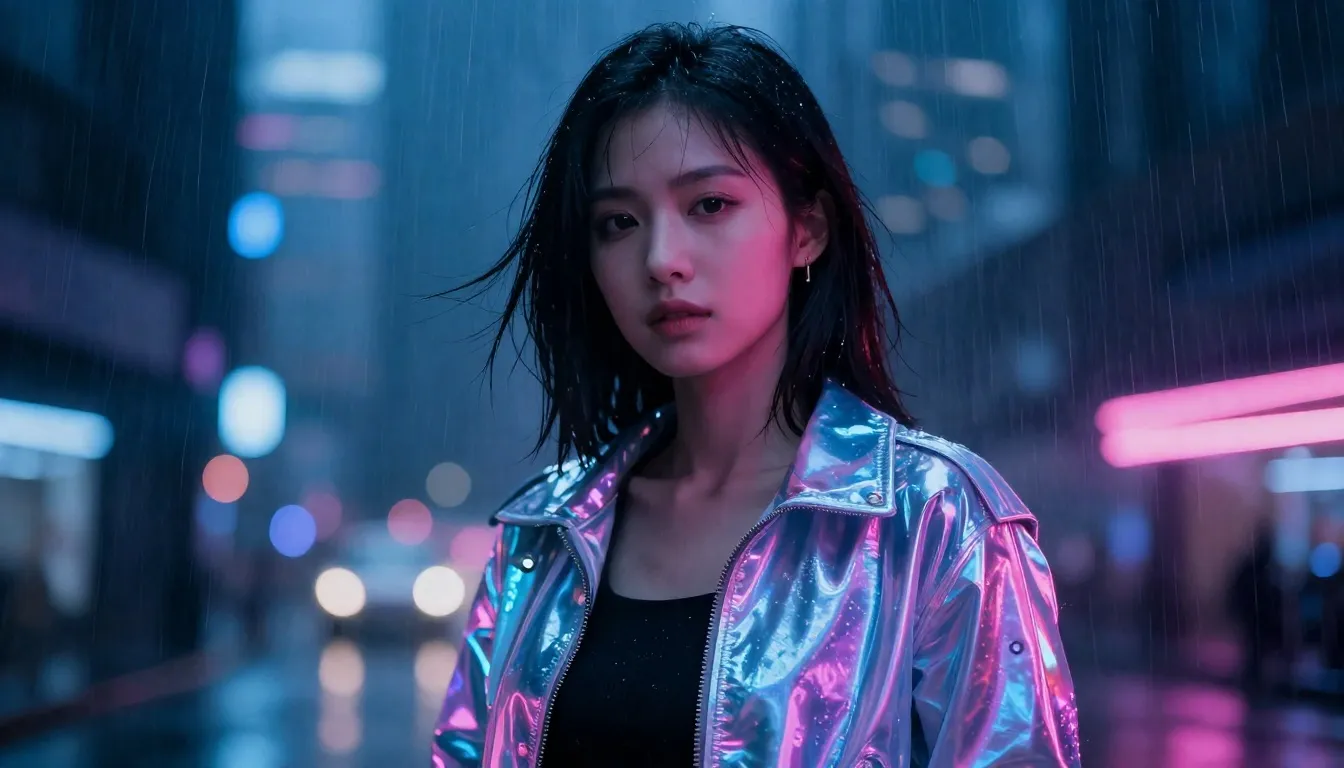
01 · Overview
Z-Image Turbo is Tongyi Lab's distilled image model: a large model's knowledge compressed into a few-step generator that answers in seconds. It trades the last word in fine detail for something no flagship can offer — an image for a single credit.
It generates across ten aspect ratios up to 1536px, in JPEG, PNG or WebP, and restyles a single reference photo toward any prompt. New accounts start with 20 free credits — twenty images — before a single pack is bought.
| Inputs | Text to image · Single-reference restyle (image to image) |
| Resolution | Preset sizes up to 1536px per side |
| Aspect ratios | 10 ratios in the studio, up to 21:9 ultrawide |
| Output formats | JPEG, PNG and WebP |
| Pricing shape | Flat $0.005 per image upstream — priced here at exactly 1 credit, generation and restyles alike. |
Good to know: restyles use one reference image at a balanced strength — the result keeps your photo's composition while following the prompt's look. For multi-reference composites, use Nano Banana 2 or GPT Image 2.6.
02 · Features
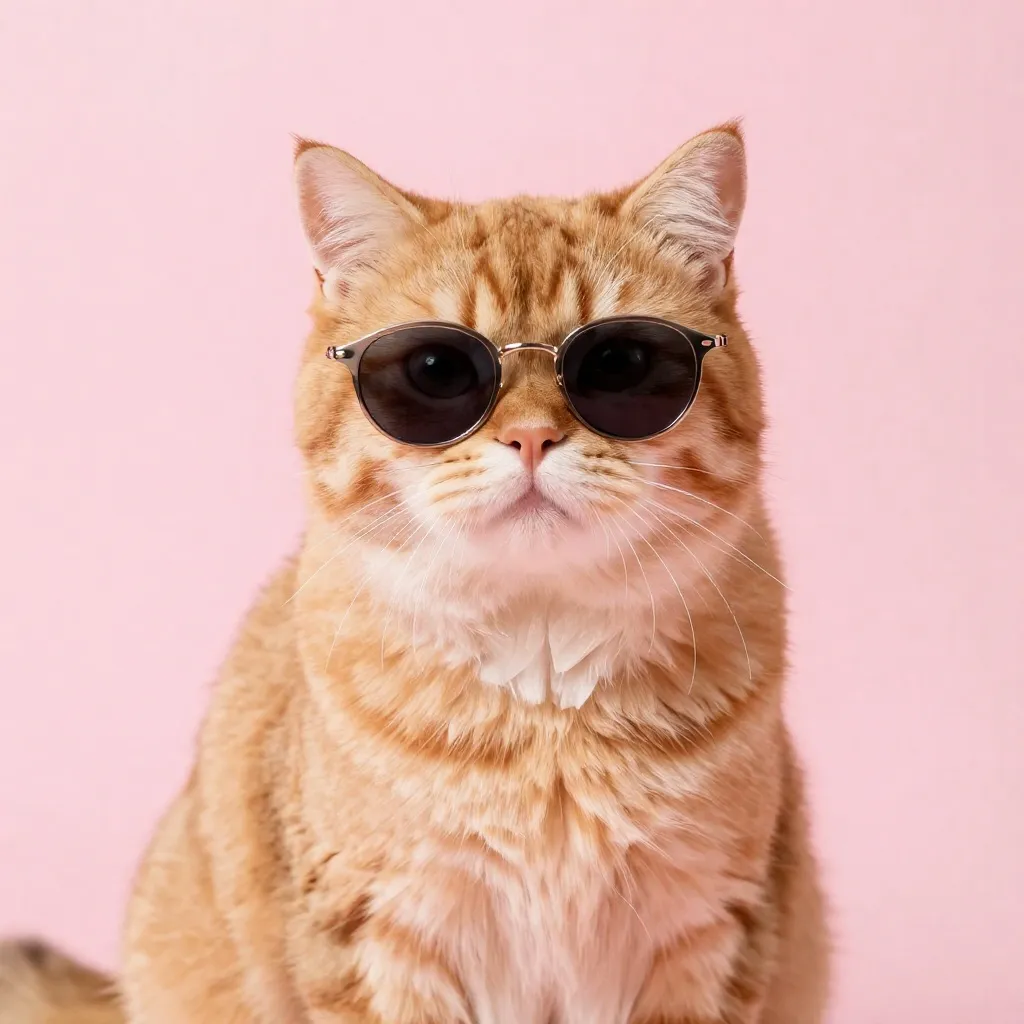
At one credit, the psychology changes: you stop rationing generations and start exploring. Avatars, memes, thumbnails, placeholder art, twenty variations of a sticker idea — volume work that would be wasteful on a flagship is free-form here.
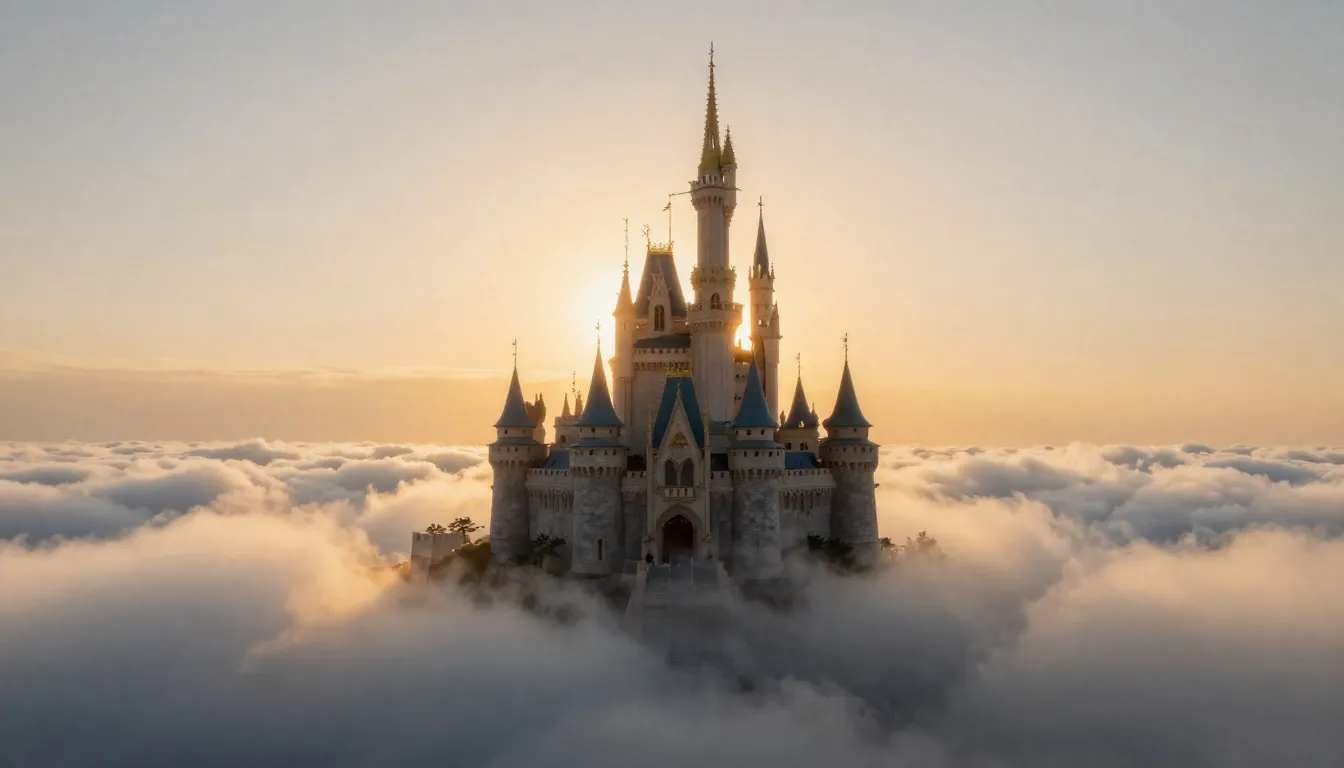
Turbo inherits its teacher's composition and color sense — landscapes, characters and scenes come out coherent on the first try, which is exactly what a draft engine needs to be useful upstream of a final render.
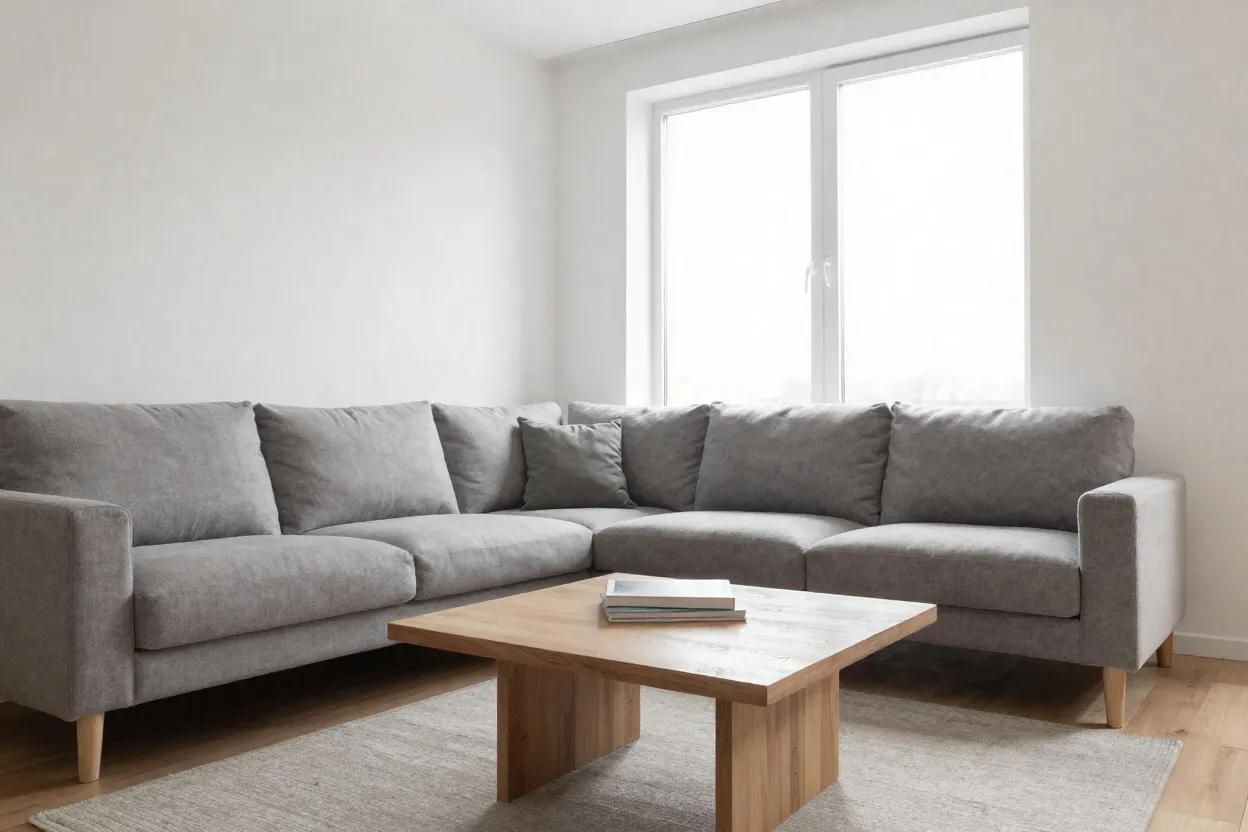
Drop in a photo and describe a new look — this living room became a watercolor illustration in one pass. Photo-to-anime, photo-to-painting and seasonal re-skins are the classic Turbo party tricks, still one credit each.
03 · Create
Real outputs from this studio, with the exact prompts that made them. Load one into the tool and make it yours.
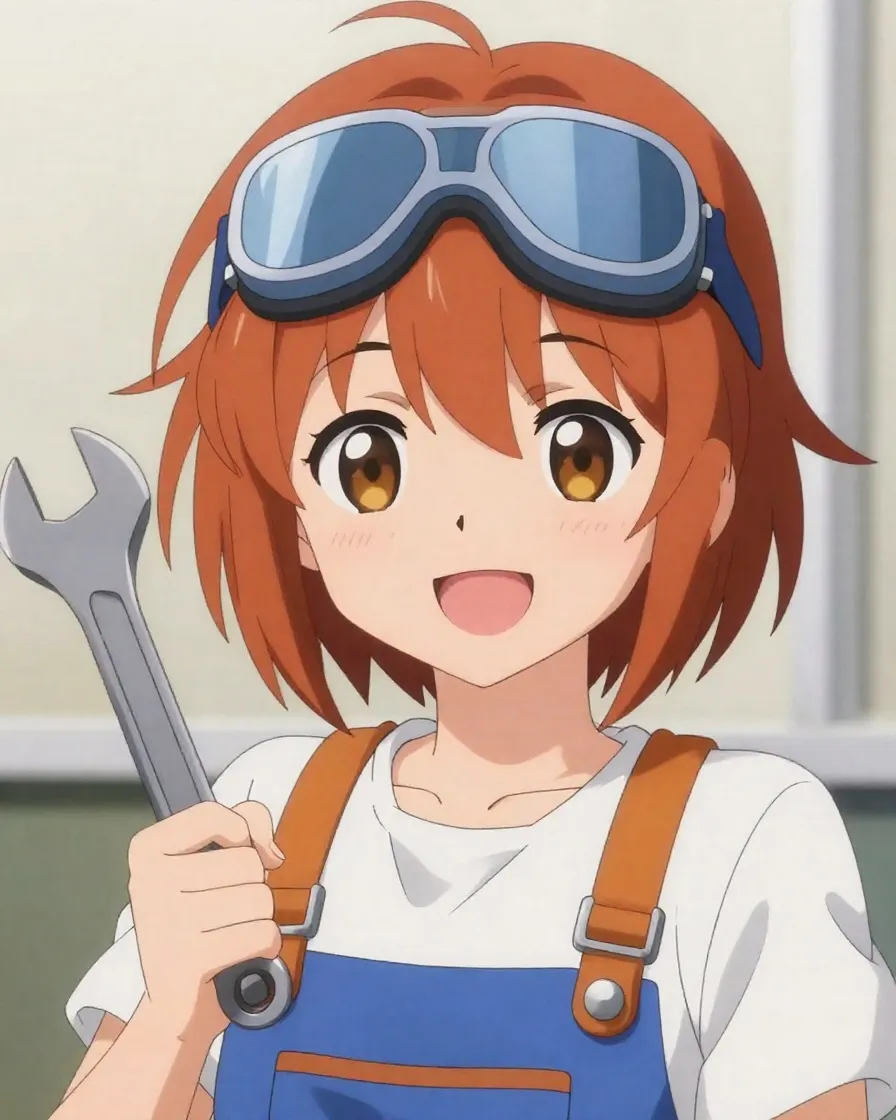
“An anime character portrait of a cheerful mechanic girl with goggles and a wrench, vibrant colors, clean line art”
Profile pictures, character concepts and sticker packs — generate a cast of twenty for the price of one flagship portrait.
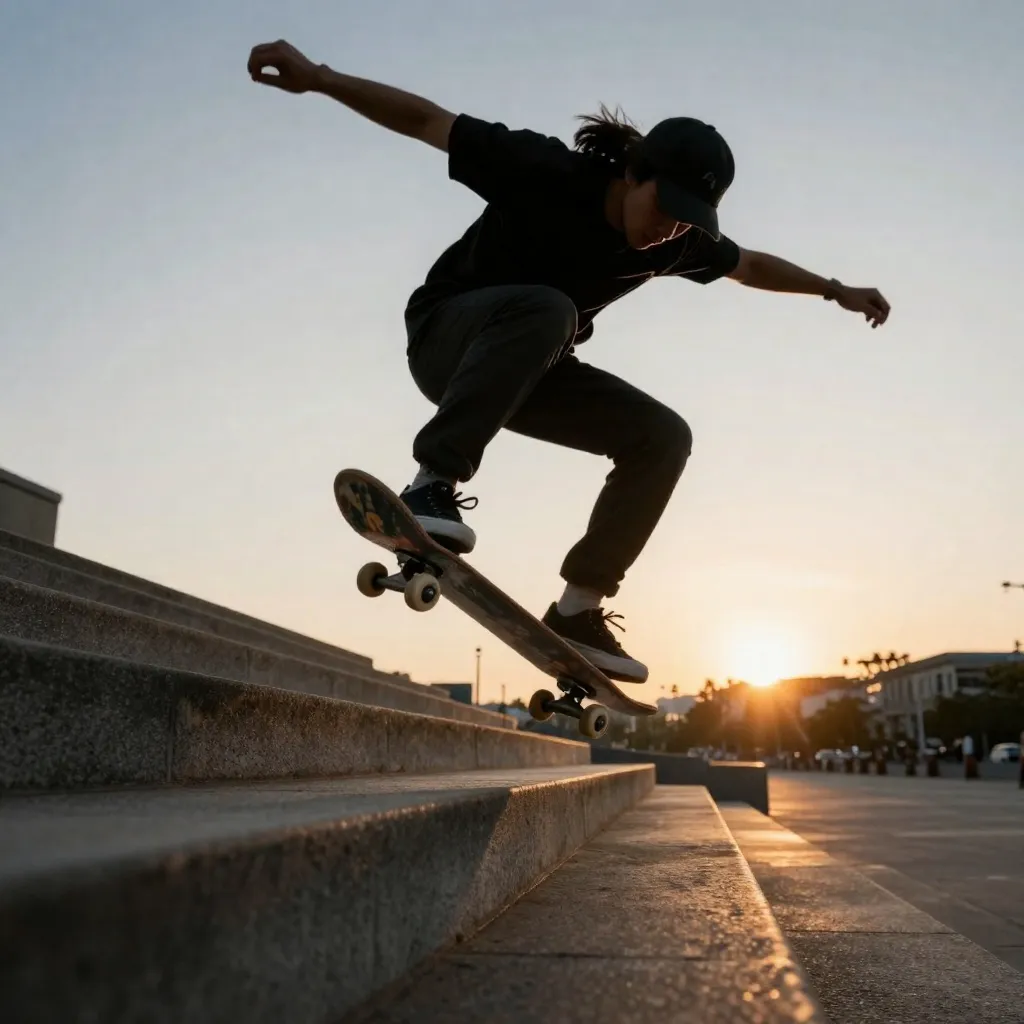
“A skateboarder mid-jump over city steps at sunset, motion energy, low angle action shot”
Daily posts, story backgrounds and thumbnails at a pace — and price — that matches a posting schedule.

“A ceramic coffee mug on a wooden table with morning light and soft steam, cozy product photography”
Block out a product shot here for a credit, then take the winning composition to Seedream 5 Pro for the final render.
04 · Guide
1
Type a prompt, or switch to Image to Image and drop in one photo to restyle it toward a new look.
2
Ten aspect ratios and your choice of JPEG, PNG or WebP. That's the whole form — Turbo keeps it simple.
3
One credit, charged only on success. Results land in seconds — iterate freely and keep the winners.
05 · Pricing
Every image is 1 credit ($0.01) — generation and restyles alike. One-time credit packs, no subscription, credits never expire.
$4.90
490 credits · one-time
≈ 490 Turbo images
Most popular
$9.90
990 credits · one-time
≈ 990 Turbo images
$19.90
1,990 credits · one-time
≈ 1,990 Turbo images
$39.90
3,990 credits · one-time
≈ 3,990 Turbo images
06 · FAQ
Exactly 1 credit ($0.01 at the standard credit rate) per image — generation and photo restyles alike. It is the cheapest model on Pizyn: a new account's 20 free credits make 20 images.
Tongyi Lab's distilled image model: a large model's ability compressed into a few-step generator that returns images in seconds. It is built for drafts, volume and play — not for final print detail.
Yes. Switch to Image to Image, add one reference photo and describe the new look. The restyle keeps your photo's composition at a balanced strength. Multi-reference composites are not supported here — see Nano Banana 2 or GPT Image 2.6 for those.
Ten aspect ratios with sizes up to 1536px per side, delivered as JPEG, PNG or WebP — your choice in the panel.
When the image is a final: crisp text (Qwen Image 3.0), 2K–4K detail (Seedream 5 Pro) or complex multi-reference edits (GPT Image 2.6). Turbo's job is to find the idea cheaply.
FLUX 3 Klein — the 2-credit speedsterAI GIF MakerNano Banana 2All models
20 free credits land in your balance the moment you sign up. No card required.
No password to remember — your Google account is your Pizyn account.
By continuing, you agree to our Terms and Privacy Policy.