Mini
$4.90
490 credits · one-time
≈ 98 Standard images
 Pizyn
Alibaba · Image model
Alibaba's Wan family is famous for video; Wan 2.7 brings the same visual intelligence to stills, with a twist: it thinks about composition before it renders. Two tiers — Standard for everyday work, Pro when the canvas goes up to 4K.
Your generation will appear here.
Try one of these:
01 · Overview
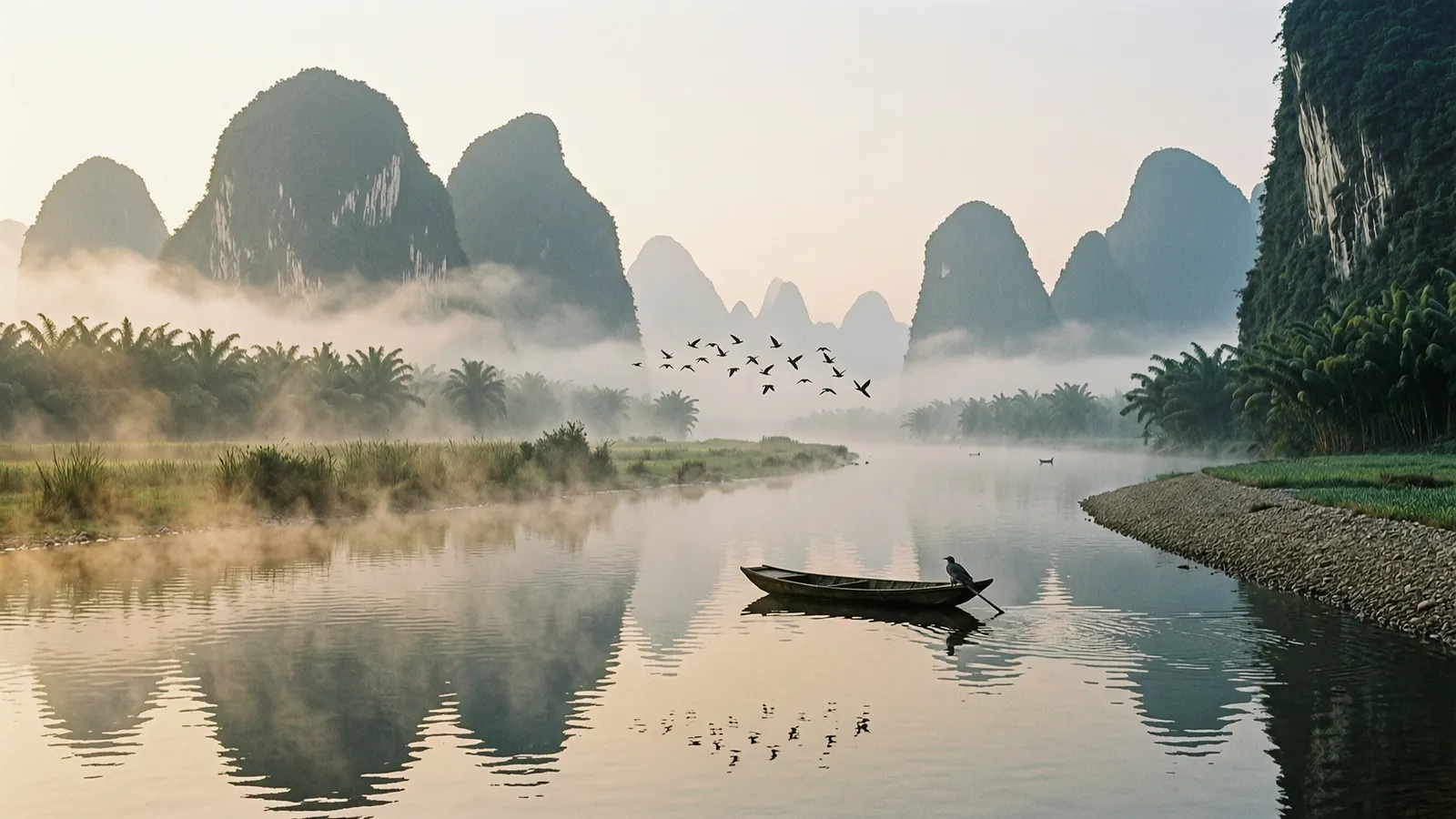
Wan 2.7 is the still-image generation of Alibaba's Wan 2.7 family — the line best known for video, applied to photography-grade stills. Its text model runs a brief reasoning pass over your prompt (its "thinking mode") before rendering, which shows up as unusually coherent scenes: layered landscapes, believable crowds, props that belong together.
Every job comes in two tiers. Standard (5 credits) covers generation and edits at up to ~2K canvases; Pro (13 credits) switches to the pro endpoints, with canvases up to 4096×4096 total pixels for finals and print.
| Inputs | Text to image · Image editing · Multi-reference (up to 3 in the studio) |
| Resolution | Standard tier up to ~2048×2048 total pixels; Pro tier up to 4096×4096 |
| Aspect ratios | 10 ratios in the studio, up to 21:9 ultrawide |
| Output formats | Set by the model (no format picker — Wan does not expose one) |
| Pricing shape | Standard endpoints flat $0.03, Pro endpoints flat $0.075 — priced here at 5 and 13 credits in both modes; reference images not billed separately. |
Good to know: Wan's thinking pass makes turns slower than the speed models (typically 15–45 seconds). For rapid-fire drafting, Z-Image Turbo answers in seconds for 1 credit; Wan is where you send the prompts that need a considered composition.
02 · Features
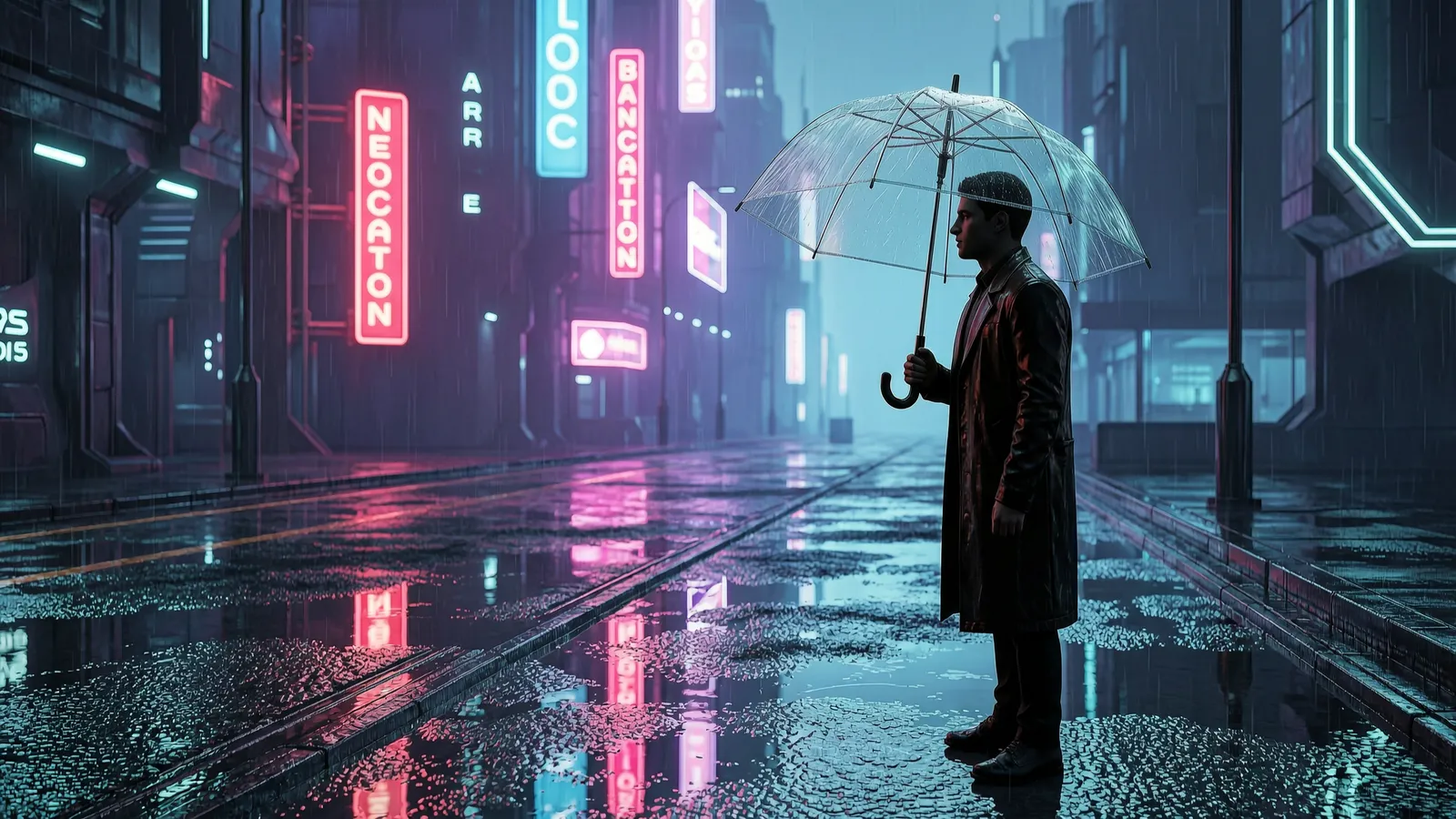
The reasoning pass pays off in busy frames: reflections agree with their light sources, crowds vary naturally, and foreground-to-background storytelling stays readable. Wan scenes feel directed rather than assembled.
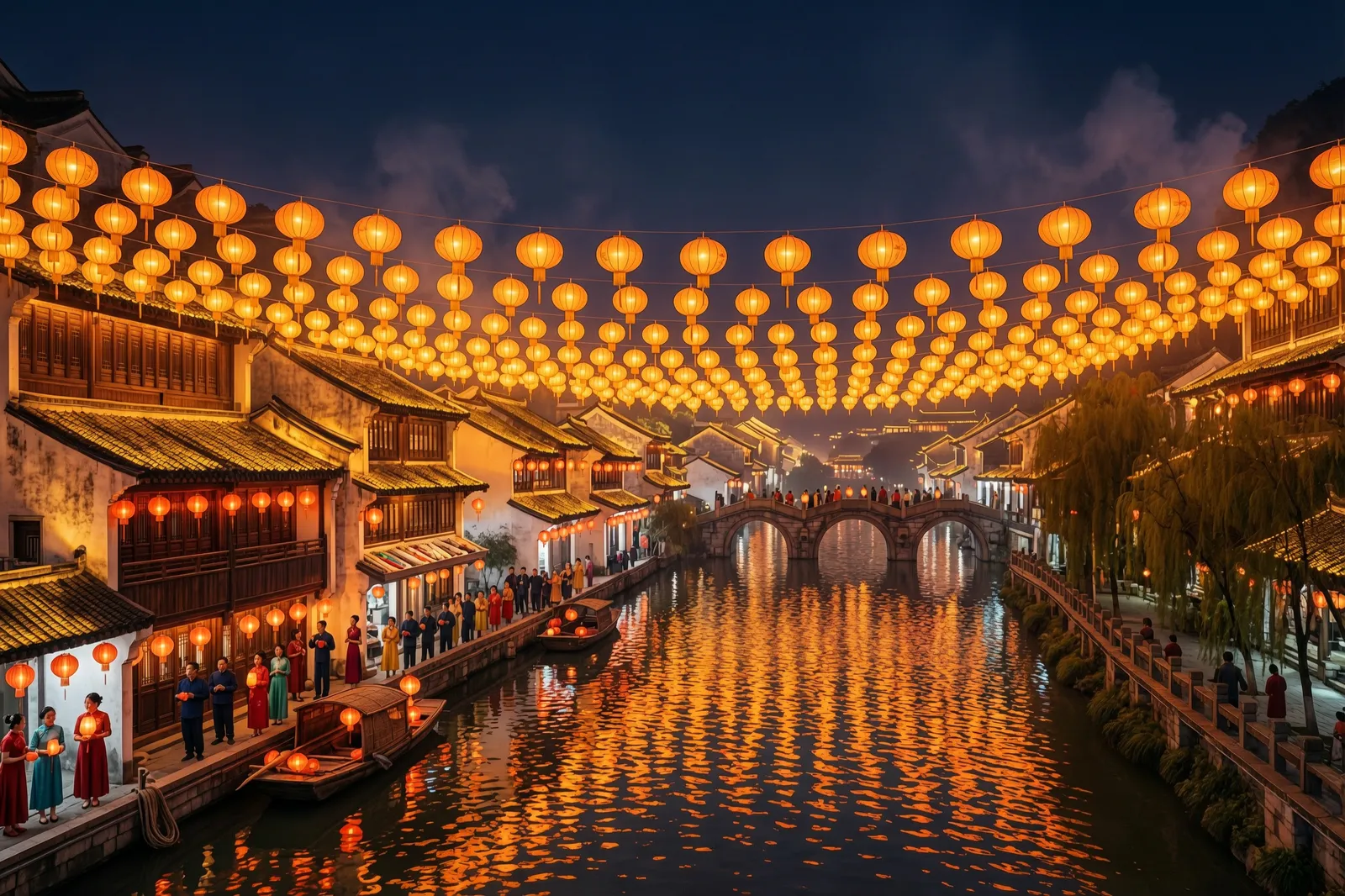
This festival poster was rendered on the Pro tier: bigger canvas, more headroom for detail at display sizes. Draft the layout on Standard, then flip one toggle for the final — same page, same workflow.
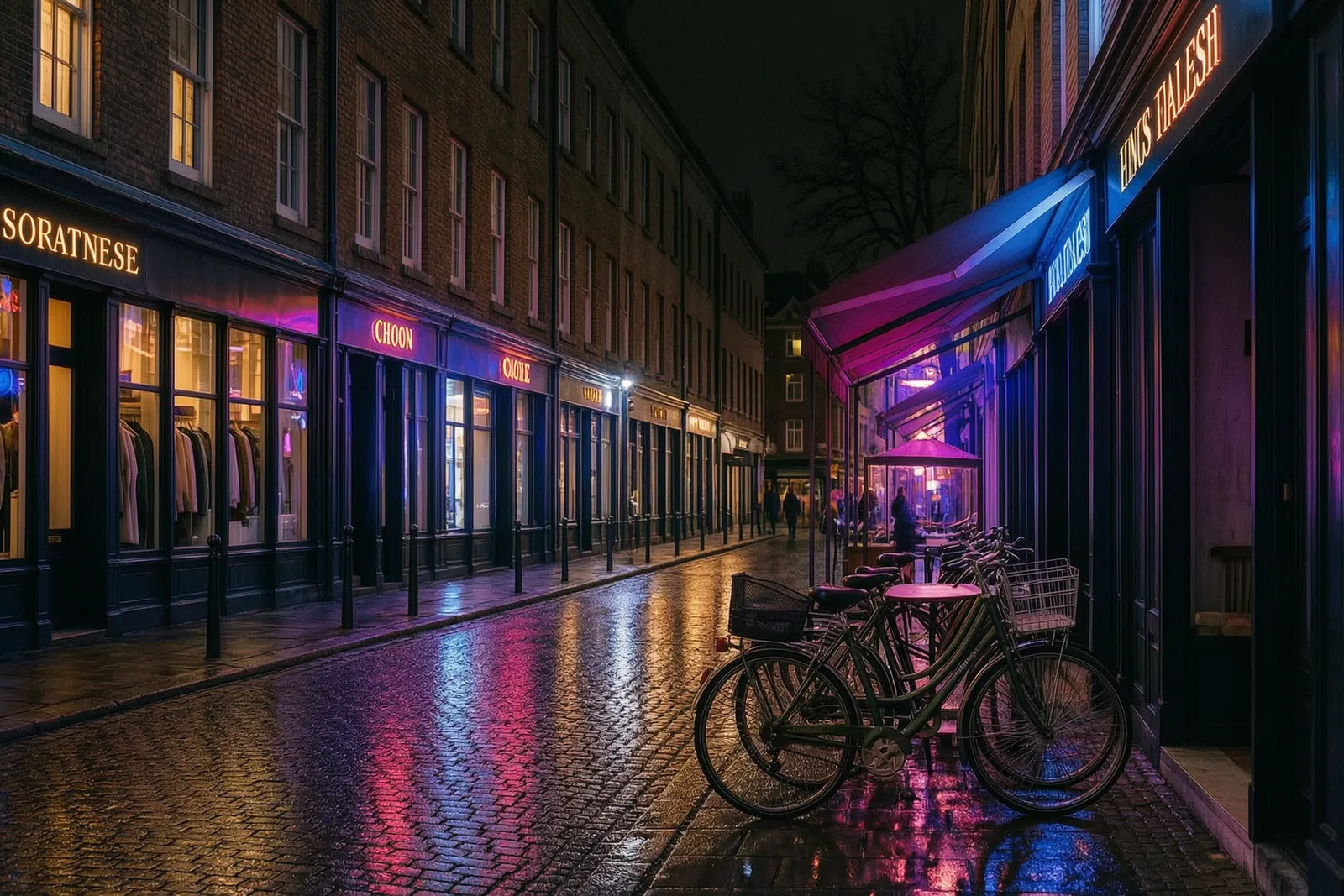
Day into night, season into season: this street was relit after dark from the daytime original. Edits take up to three references and are priced exactly like generation — 5 credits Standard, 13 Pro.
03 · Create
Real outputs from this studio, with the exact prompts that made them. Load one into the tool and make it yours.
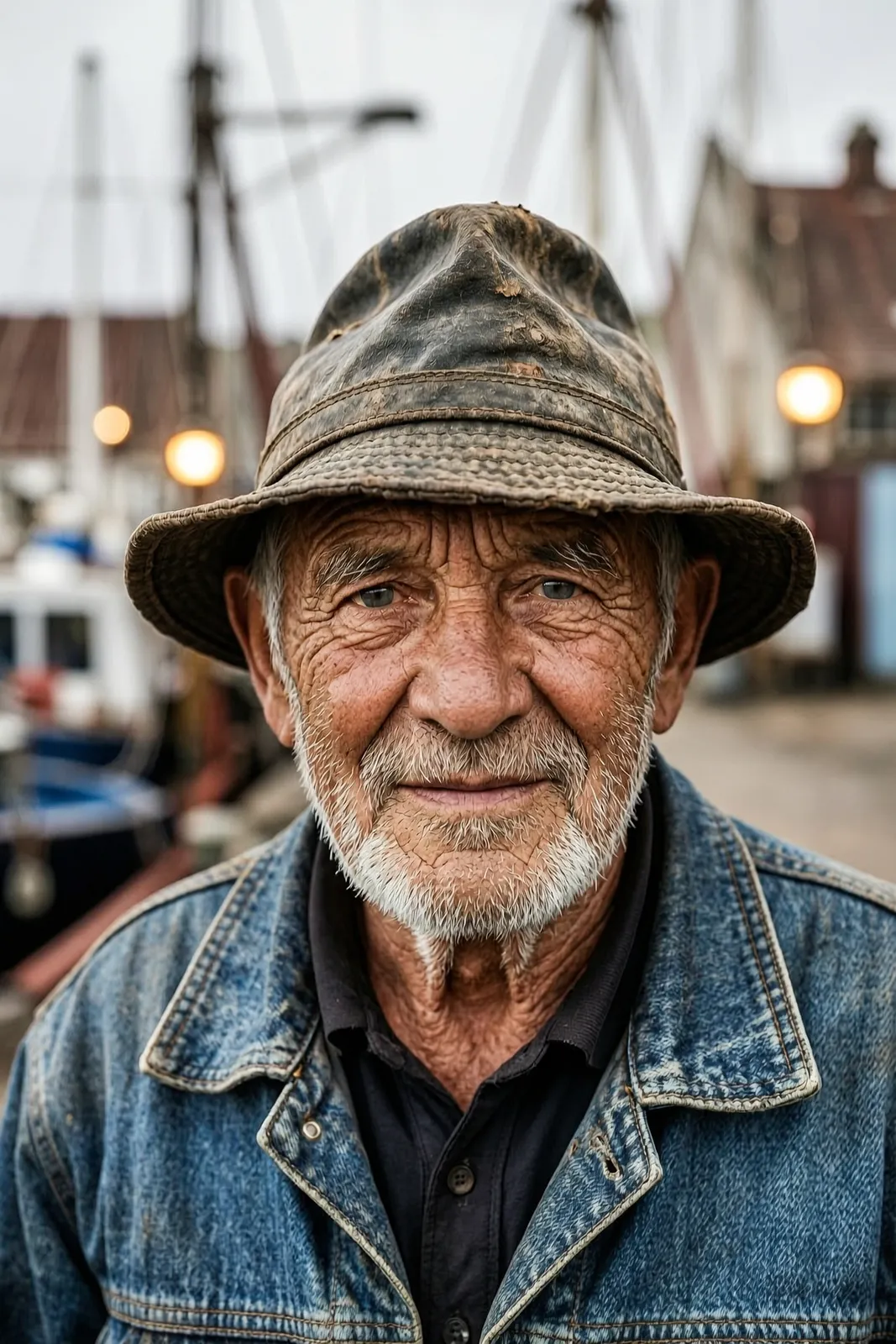
“A portrait of an elderly fisherman with a weathered face and kind eyes, harbor light, documentary photography”
Faces with life in them — Wan's photographic training shows in skin, light and expression.
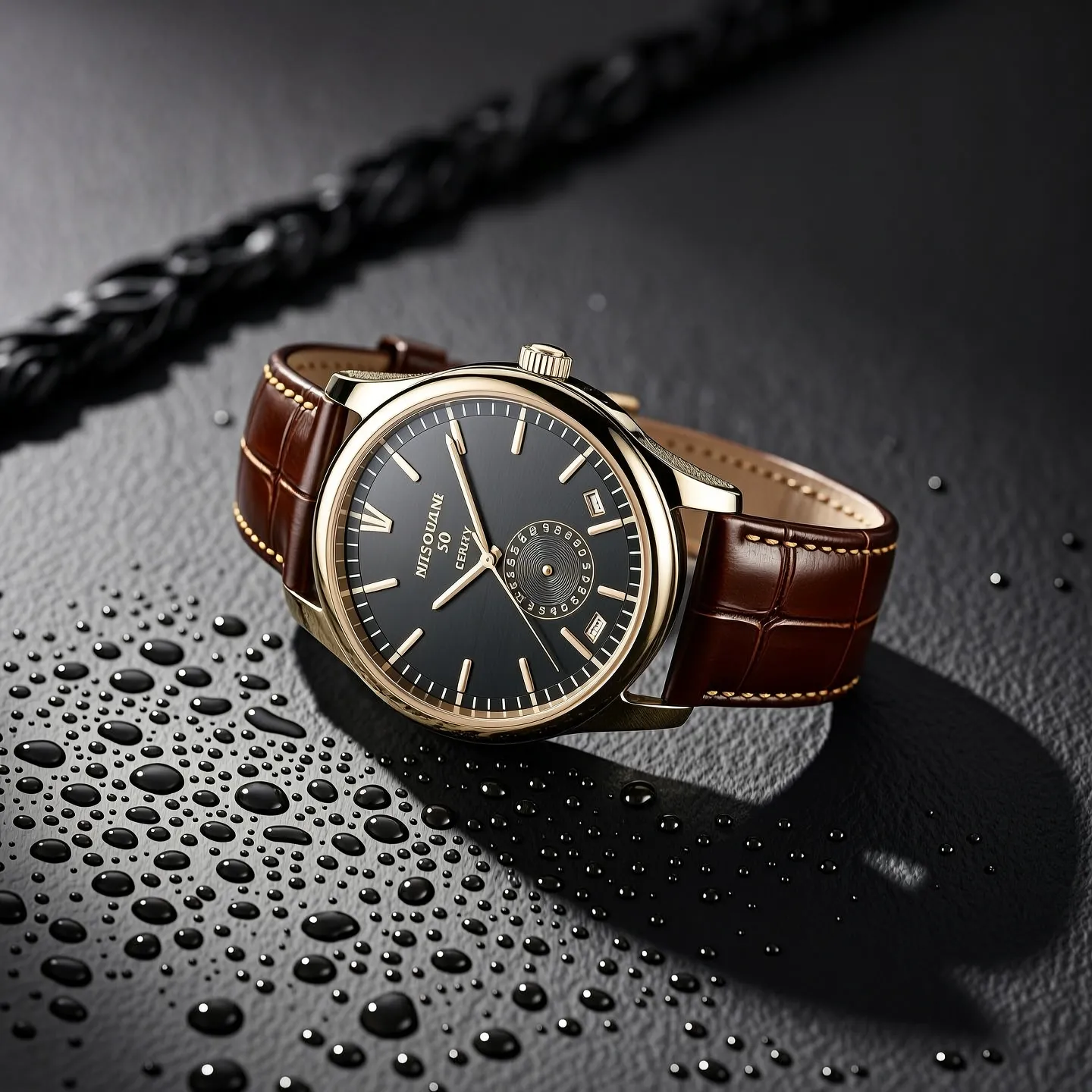
“A luxury watch product photograph on dark slate with dramatic side light and fine water droplets”
Moody, expensive-looking product stills — draft on Standard, print from Pro.
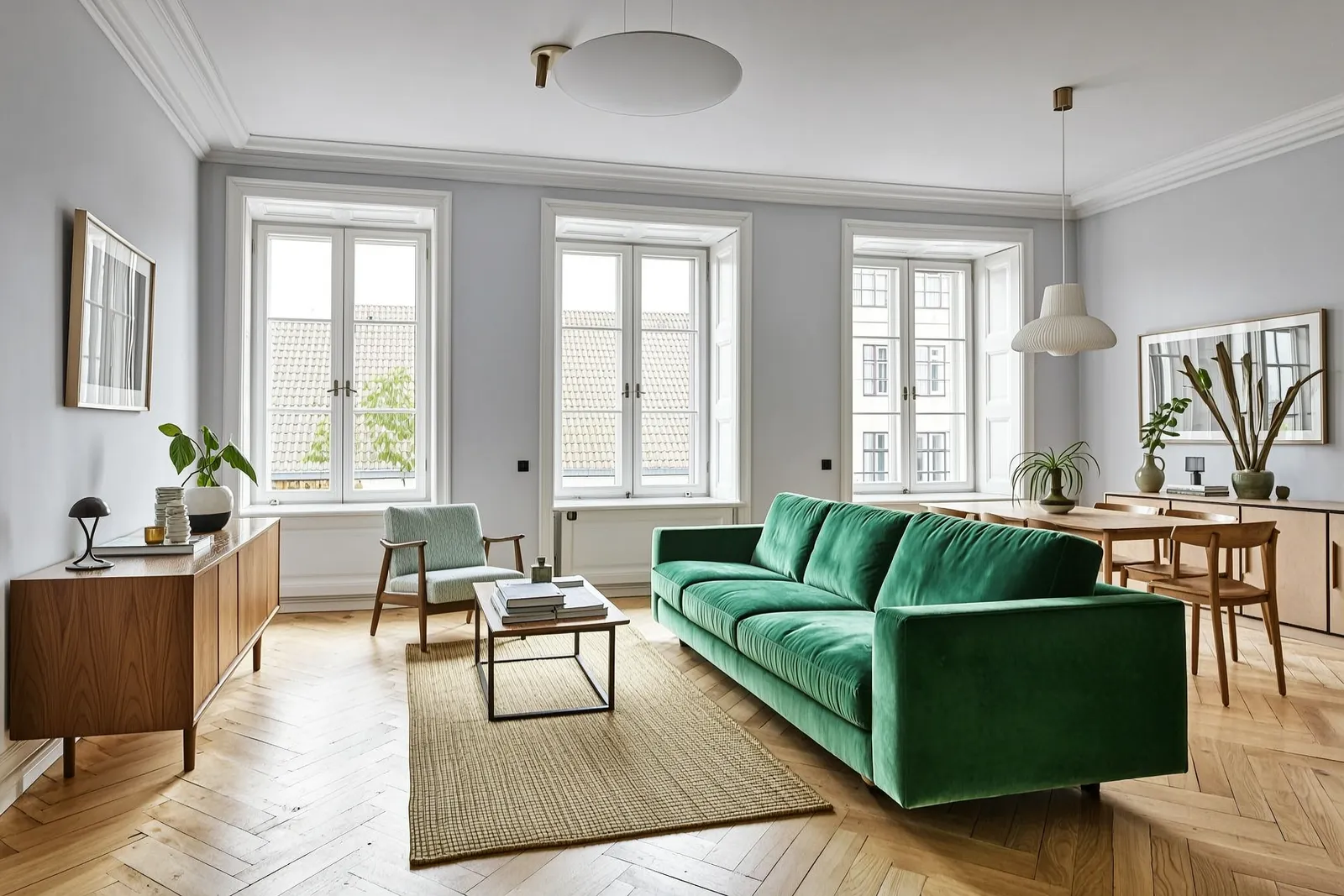
“A bright Scandinavian living room interior with a green velvet sofa, oak floor and large windows, architectural photography”
Rooms that respect perspective and light — mood boards and listing visuals without a render farm.
04 · Guide
1
Give the thinking pass something to work with: subject, setting, light and mood. Or switch to Image to Image with up to three references.
2
Standard (5 credits) for drafts and everyday finals; Pro (13 credits) when the image will be printed or displayed large — up to 4K total pixels.
3
Allow 15–45 seconds for the thinking pass. Credits are held at submit and charged only when the image succeeds.
05 · Pricing
Standard is 5 credits ($0.05) and Pro is 13 credits ($0.13) — the same in text and edit modes, references included. One-time credit packs, no subscription, credits never expire.
$4.90
490 credits · one-time
≈ 98 Standard images
Most popular
$9.90
990 credits · one-time
≈ 198 Standard images
$19.90
1,990 credits · one-time
≈ 398 Standard images
$39.90
3,990 credits · one-time
≈ 798 Standard images
06 · FAQ
Standard generations and edits are 5 credits ($0.05 at the standard credit rate); the Pro tier is 13 credits ($0.13) in both modes. Reference images are never charged separately. New accounts start with 20 free credits.
Pro runs on Wan's pro endpoints: canvases up to 4096×4096 total pixels (against ~2048×2048 on Standard) and more detail headroom for print and large displays. The workflow is identical — it is a quality toggle on the same page.
Before rendering, the text model briefly reasons over your prompt — subject placement, light, scene logic — then generates. It is on by default upstream, which is why Wan's scenes hold together well and why turns take 15–45 seconds instead of a few.
Up to three in the studio, at no extra charge — edits cost the same as generation on each tier.
Wan's API does not expose an output-format option, so images arrive in the model's native format and are saved to your account history. If you need a guaranteed format, Z-Image Turbo offers JPEG, PNG and WebP.
Qwen Image 3.0 — Alibaba's typography modelZ-Image Turbo — 1-credit draftsAI Image EditorAll models
20 free credits land in your balance the moment you sign up. No card required.
No password to remember — your Google account is your Pizyn account.
By continuing, you agree to our Terms and Privacy Policy.