 Pizyn
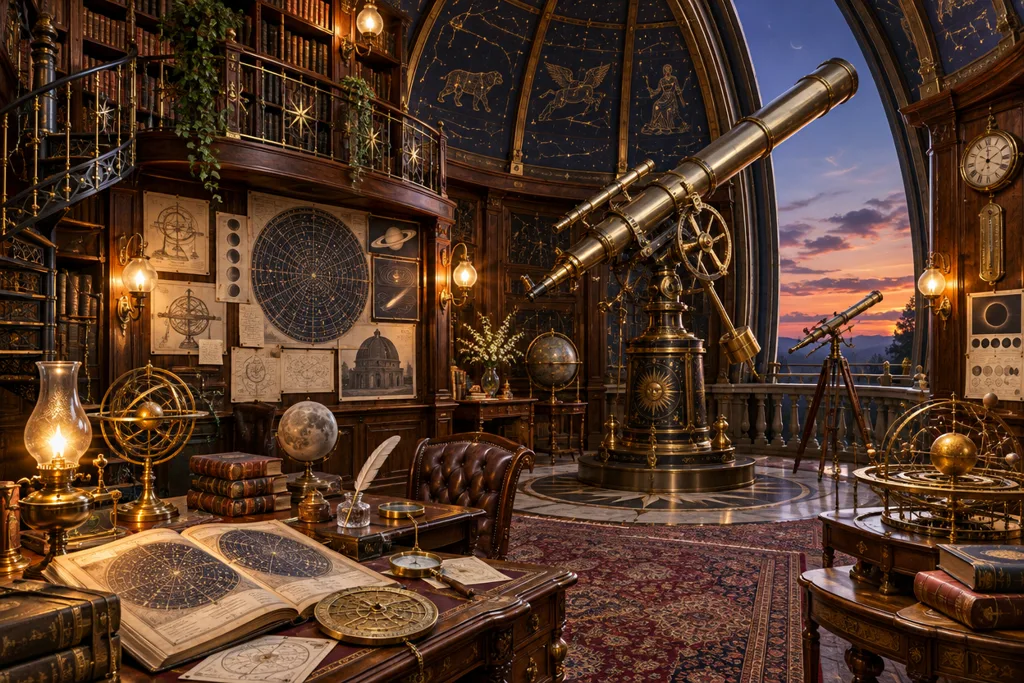
The anatomy: subject, medium, light, composition
A reliable prompt answers four questions in one or two sentences. Subject: what is in the frame, specifically — “a street musician with a saxophone” beats “a musician”. Medium: what kind of image it is — photograph, watercolor, 3D render, manga panel. Light: golden hour, neon, soft window light, dramatic spotlight. Composition: overhead flat-lay, low angle, wide shot, close portrait. Compare:
“A cat” → “A fluffy orange cat wearing tiny sunglasses, studio portrait on a pastel pink background”
The second version is not longer by accident — every clause removes a decision the model would otherwise make randomly. Try it on any model page, for instance Z-Image Turbo at 1 credit per roll.
Name the medium first when it matters
Models follow medium cues strongly. “Overhead food photograph”, “vintage travel poster”, “clay render” and “documentary photography” each switch the entire rendering style. If you want a poster, say poster — and if the poster needs words, keep reading.
Put text in quotes — and pick a model that can spell
Text you want rendered belongs in quotes: the headline “AMALFI — LA DOLCE VITA”, in retro serif type. But spelling is a model skill, not a prompt skill. Qwen Image 3.0 is the bilingual specialist — it lays out Chinese and English together, menus and labels included — while Seedream 5 Pro is the pick for flagship poster typography and GPT Image 2.6 adds SVG export when the lettering has to stay crisp forever. Our model guide compares them by job.
Describe layout like a designer
For designed artifacts, add layout instructions: “headline at top, three items listed below with prices on the right”. Qwen follows layout direction unusually well; the AI Poster Maker builds on GPT Image 2.6 for the same reason. Vague prompts get pictures; directed prompts get designs.
Direct the camera
Photographic prompts reward camera language: lens and angle (“low angle action shot”), depth (“shallow depth of field, city bokeh”), and genre (“editorial food magazine style”). Wan 2.7 is especially fluent here — its video heritage shows — and FLUX 2 Pro answers with the most literal realism.
The workflow: draft cheap, finish expensive
- Explore on a draft tier. Roll four variations on Z-Image Turbo (1 credit) or FLUX 3 Klein (from 2 credits). You are buying information: which composition, which light.
- Lock the prompt. Take the winning frame's recipe — subject, medium, light, composition — and keep the wording identical.
- Finish on a flagship. Re-run the locked prompt on GPT Image 2.6 Sunburst, Seedream 5 Pro or Nano Banana Pro for the render you will actually ship.
- Edit, don't re-roll. If the frame is 90% right, fix the 10% with an edit instead of gambling on a new generation — our editing guide covers references and relighting.
Five mistakes that waste generations
- Keyword soup. “beautiful, amazing, 8k, masterpiece” adds noise, not direction. Spend words on subject, medium and light.
- Contradictions. “Minimalist scene packed with detail” makes the model choose for you — usually badly.
- Long text blocks. Beyond a headline and a few short items, spelling degrades on every model. Split long copy across images.
- Re-rolling instead of editing. A new roll discards everything that worked. Edit the near-miss.
- Judging a model on one roll. Variance is real. Generate in fours on cheap tiers before concluding anything.
Ready to practice? New accounts start with 20 free credits — twenty Z-Image drafts, or a flagship final and change. The prompt boxes on every model page include real example prompts you can load and modify.