 Pizyn
xAI · Image model
Grok Imagine Image 2.0 AI Image Generator
xAI's flagship image model — the Imagine 2.0 engine behind grok.com's Quality Mode, launched at the top of the text-to-image and image-edit leaderboards: photoreal scenes, confident text and edits that follow instructions. 9 credits at 1K or 2K alike — one flat price, no tier games.
Your generation will appear here.
Try one of these:
Session history
01 · Overview
What is Grok Imagine Image 2.0?
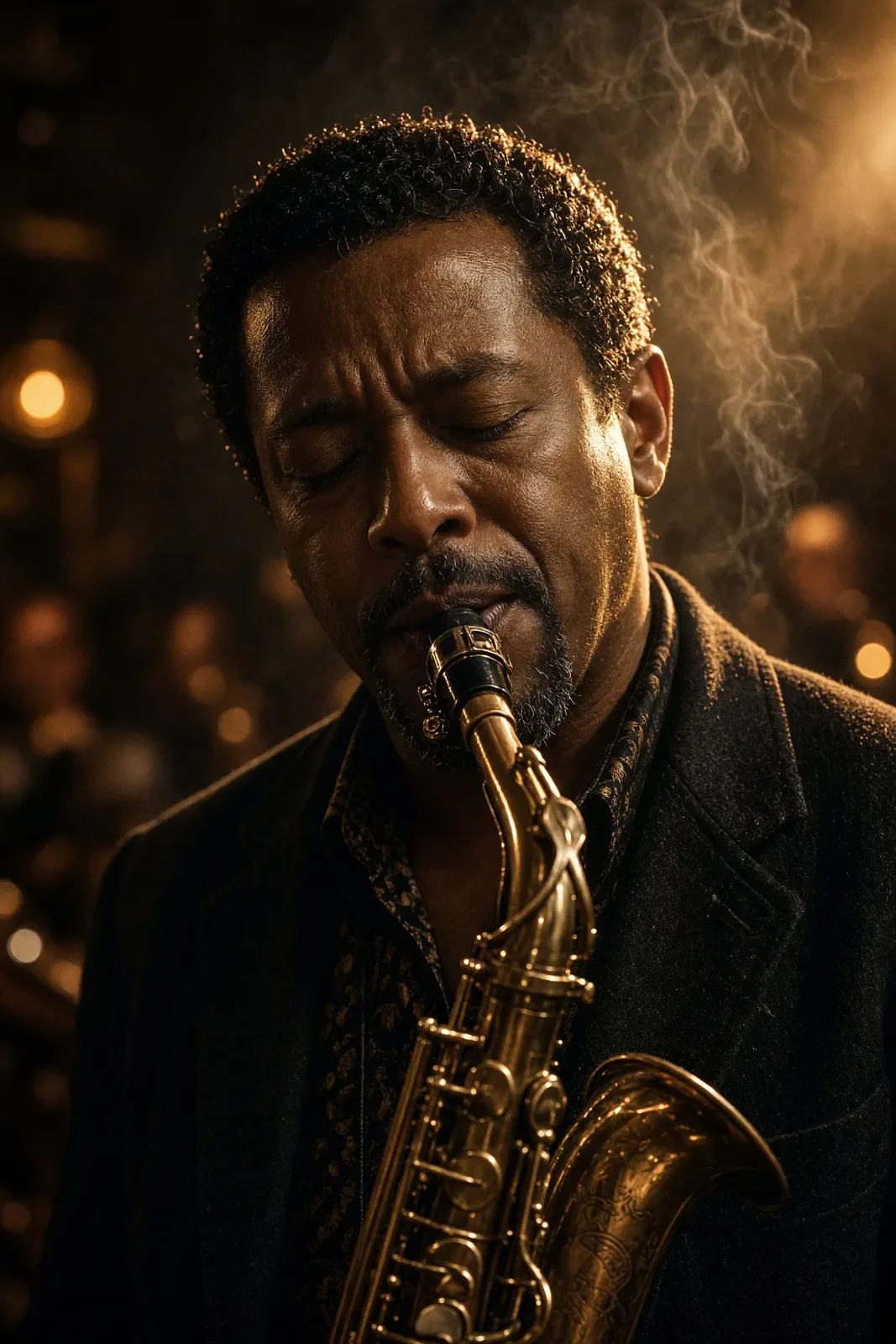
Grok Imagine Image 2.0 is xAI's current flagship image model — the same engine that powers the Quality Mode in grok.com's Imagine tab. When xAI launched it in August 2026 it ranked second on both the text-to-image and image-edit Arena leaderboards, and it shows: skin, brass, smoke and low light all stay photographic, and it takes direction — lighting, lens, mood — unusually well.
The pricing is the simplest in the studio: the provider charges one flat rate at every resolution and quality setting, so here 1K and 2K both cost 9 credits, and edits are a flat 10 credits with up to three reference images.
Specs & capabilities
| Inputs | Text to image · Image editing · Multi-reference (up to 3 in the studio) |
| Resolution | 1K or 2K — the same 9 credits either way, so finish at 2K |
| Aspect ratios | 13 ratios, including phone-native 19.5:9 and 9:19.5 and ultrawide 20:9 |
| Output formats | JPEG — the model's native output; there is no format upsell because the provider offers none |
| Pricing shape | Generation is a flat $0.05 at 1K and 2K, edits a flat $0.06 with one to three references — priced here as 9 credits and 10 credits at either resolution. |
Good to know: for volume drafting, the original Grok Imagine Image makes photographic frames for 4 credits; for one-credit throwaway drafts there is Z-Image Turbo; and for true 4K output, Nano Banana Pro.
02 · Features
Why creators pick Grok Imagine Image 2.0
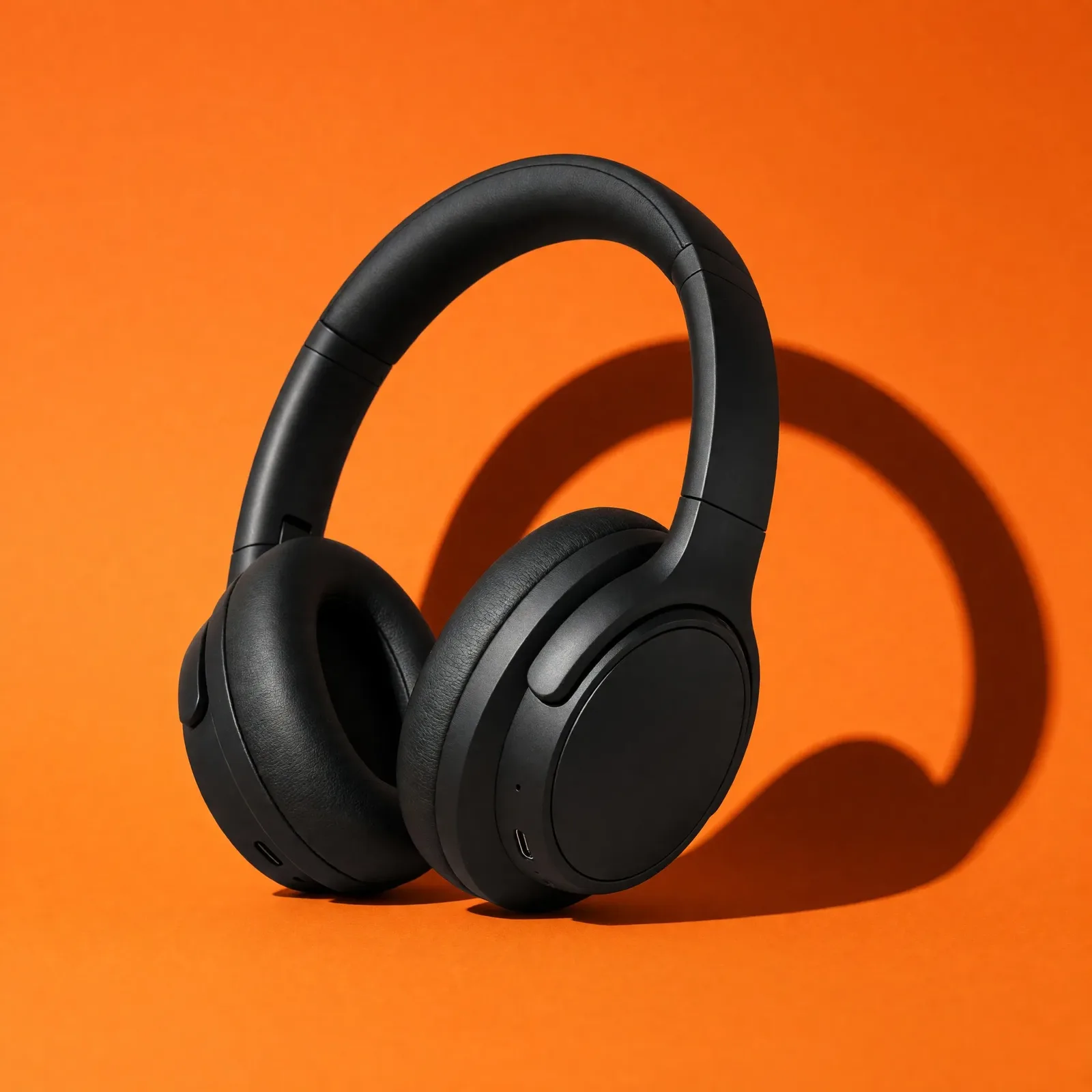
Advertising light, product truth
One hard shadow, a saturated backdrop and materials that read true — matte polymer, metal hinge, fabric mesh. 2.0's product frames arrive looking art-directed rather than assembled, at 2K for the same 9 credits as 1K.
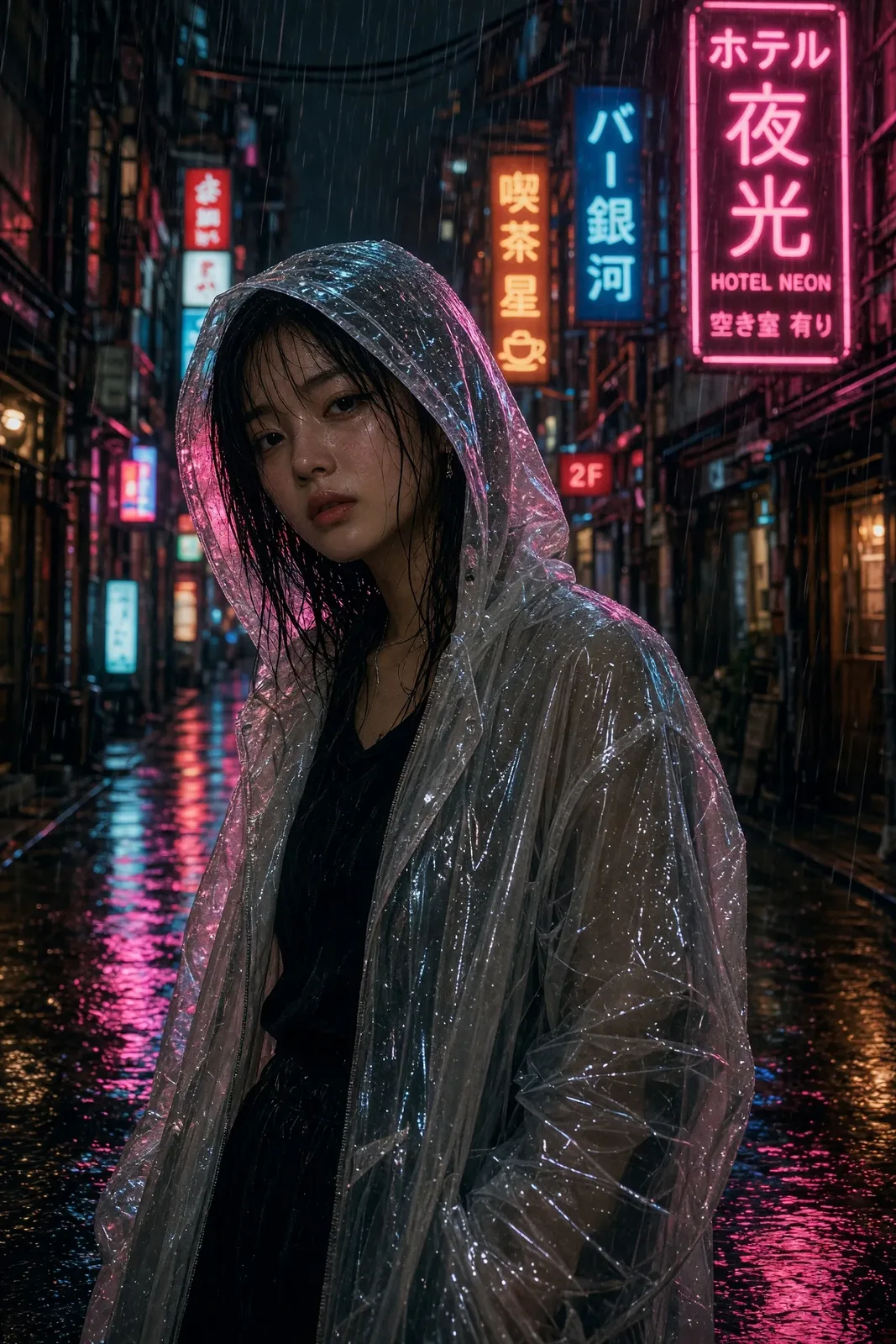
Weather, neon and wet pavement
Rain is where image models usually fall apart — reflections double, signs smear, faces melt. 2.0 holds the scene together: one coherent wet alley, one believable model, film grain over the top.
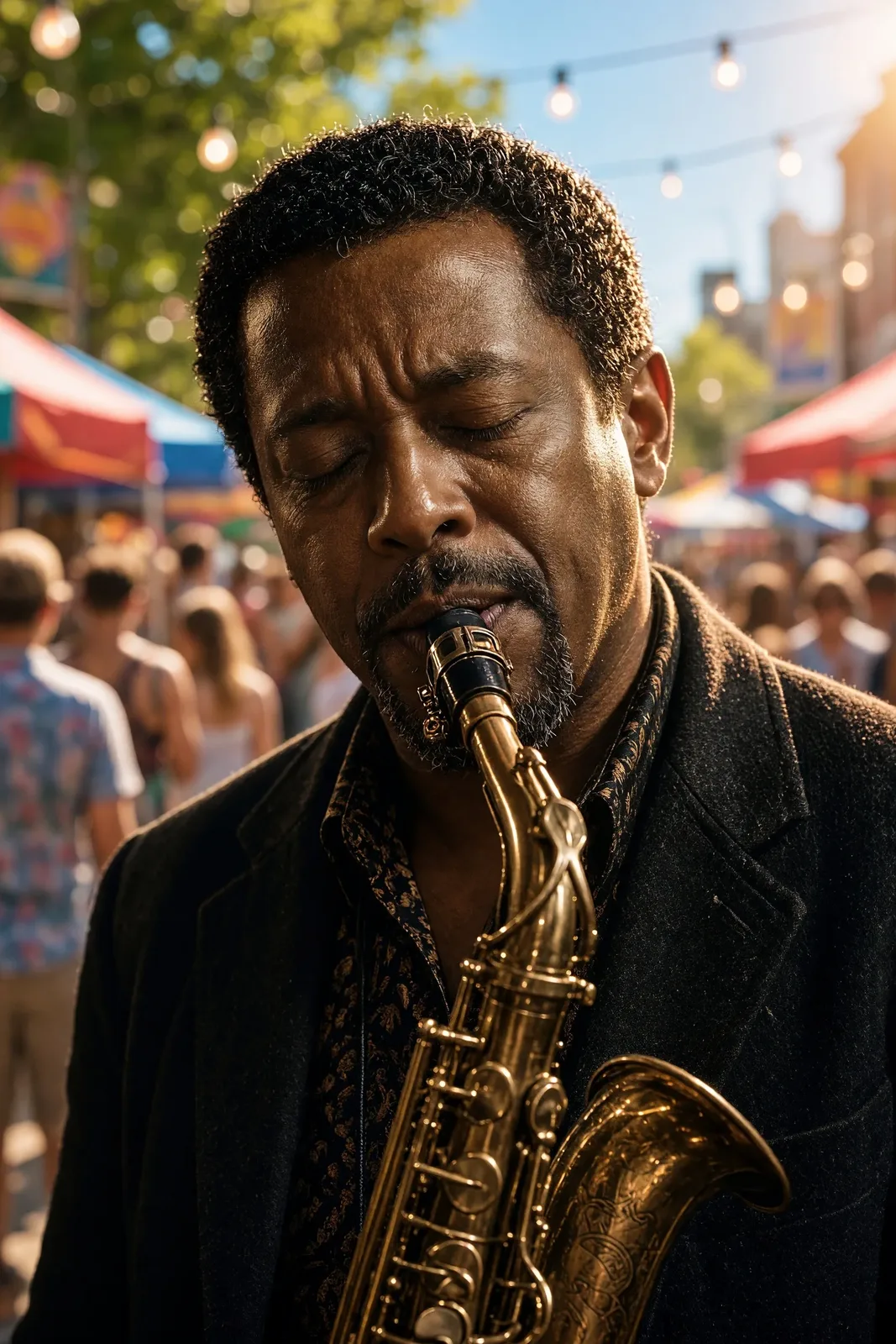
Edits that move the subject, not the face
This frame started as the club portrait at the top of the page: same musician, same saxophone, new world — a sunny street festival. Edits take up to three reference images for a flat 10 credits; extra references are free because the provider does not charge for them.
03 · Create
What you can create with Grok Imagine Image 2.0
Real outputs from this studio, with the exact prompts that made them. Load one into the tool and make it yours.
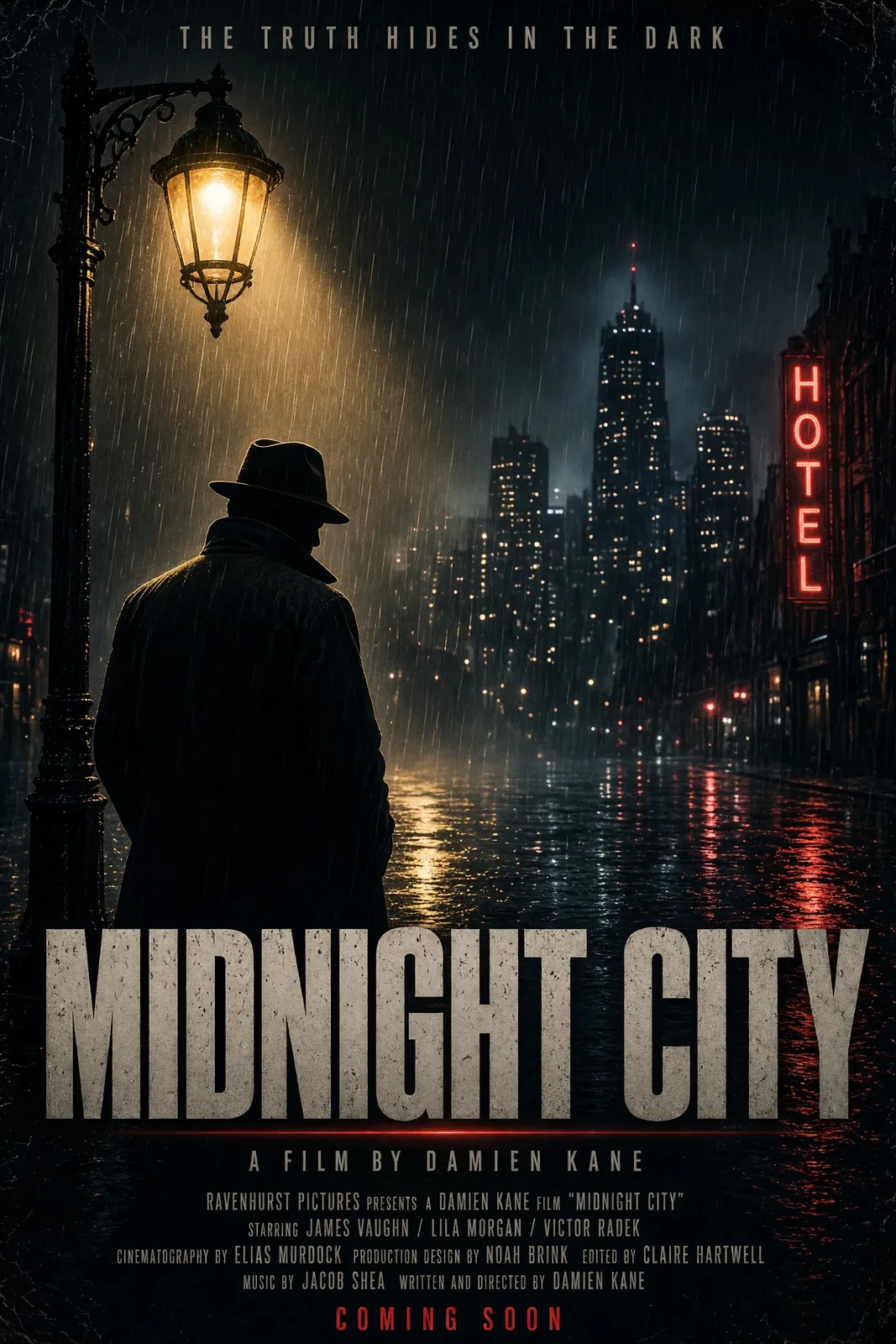
Posters with real type
“Neo-noir movie poster, a detective silhouette under a streetlamp in the rain, bold title text at the bottom reading MIDNIGHT CITY, cinematic poster design”
Headline text is spelled right and set like a poster, not pasted on — quote the exact wording in your prompt and 2.0 treats it as type, not texture.
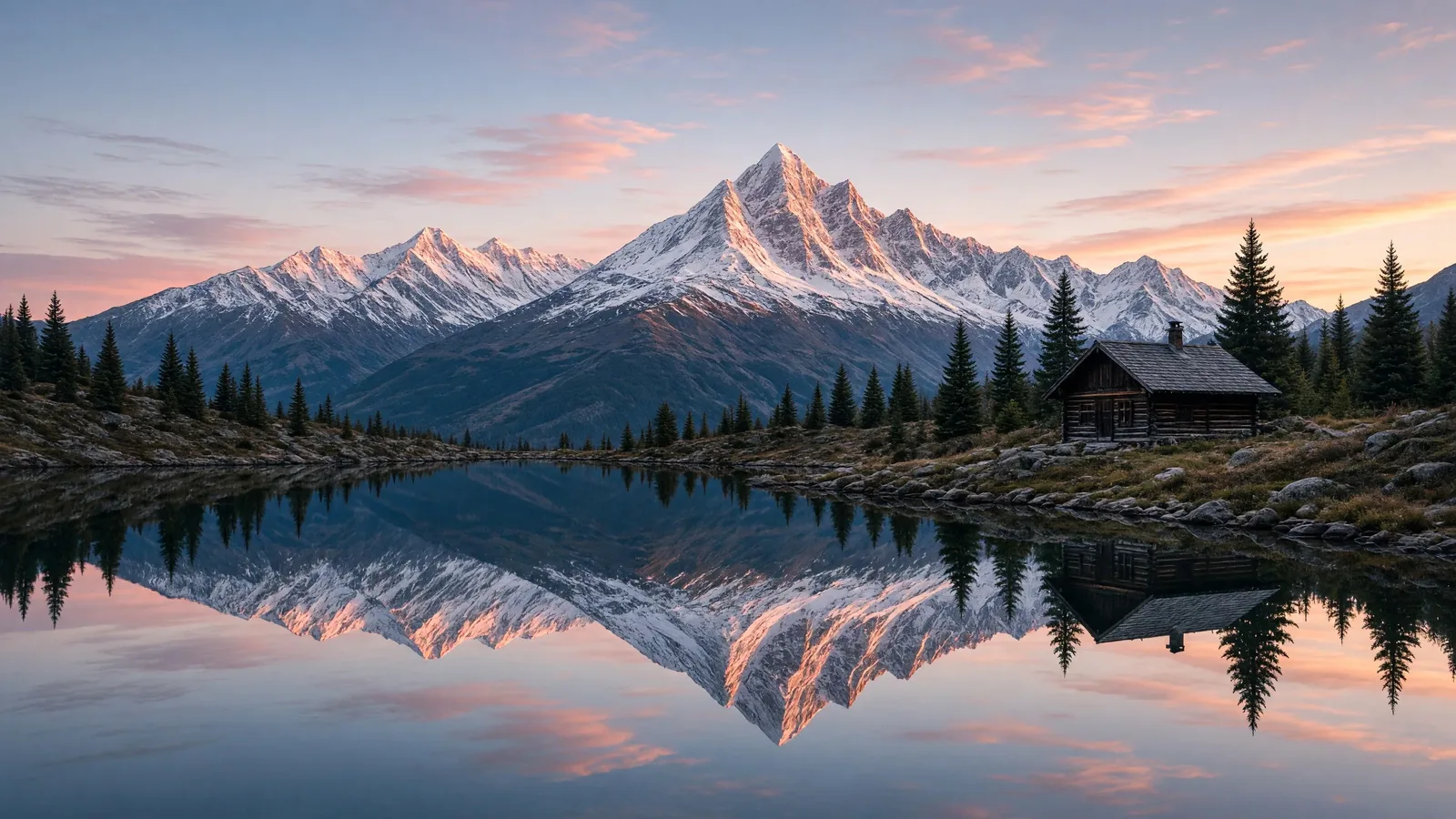
Landscapes at 2K
“Mirror-still alpine lake at dawn reflecting snow peaks, a small wooden cabin on the shore, pink alpenglow, landscape photograph”
Reflections stay mirrored, the alpenglow stays believable — and since 2K costs the same as 1K, landscape work should always finish at 2K.
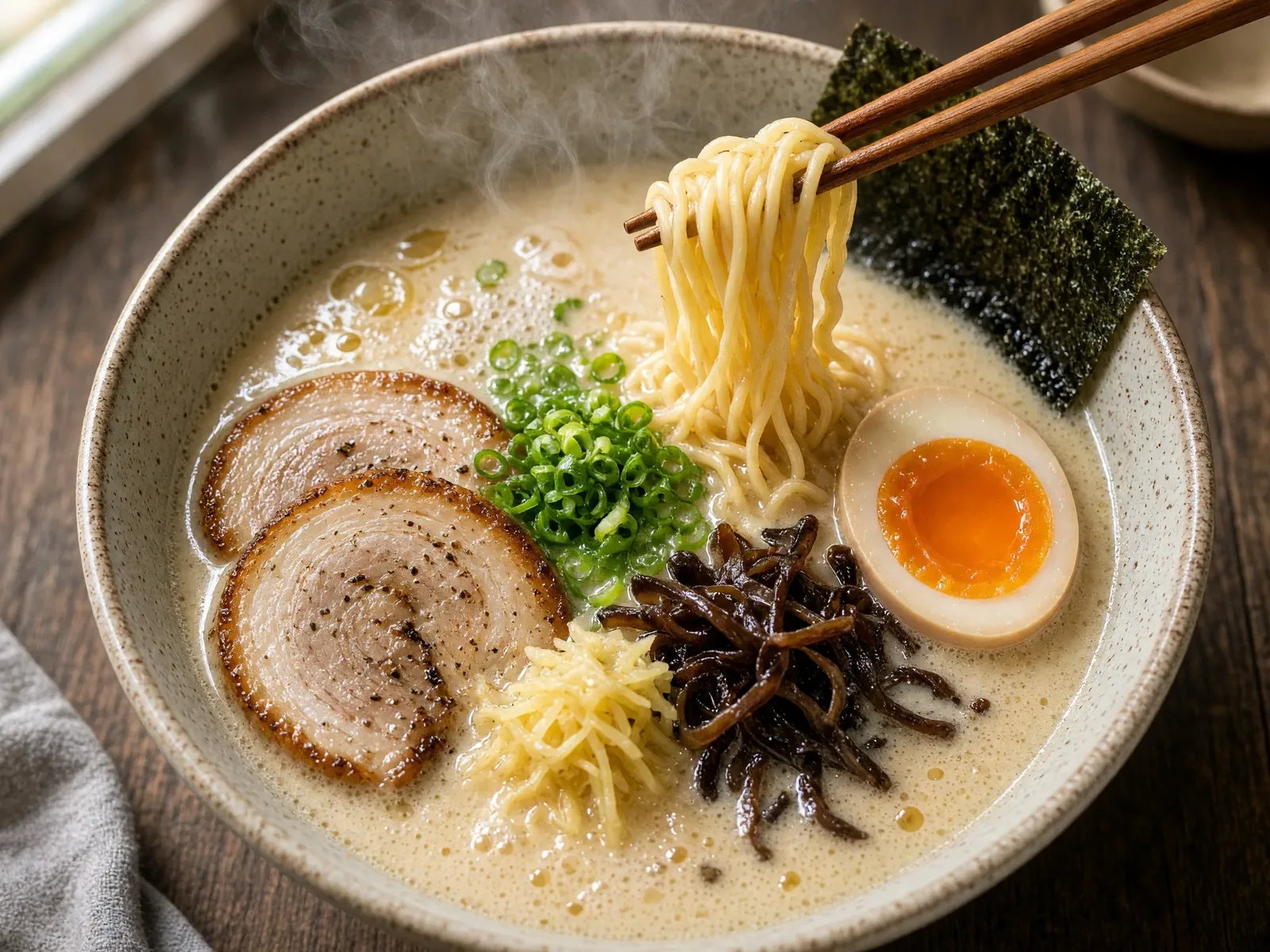
Food that steams
“Overhead macro photograph of a steaming bowl of tonkotsu ramen, chopsticks lifting noodles, soft window light, restaurant menu photography”
Broth gloss, noodle pull and real steam in one frame — menu and delivery photography without a shoot day.
04 · Guide
How to use Grok Imagine Image 2.0
1
Direct the scene
Subject, light, lens and mood — 2.0 follows photographic direction closely, so write like you're briefing a photographer.
2
Finish at 2K
1K and 2K cost the same 9 credits. Draft compositions at either size; keep the 2K frame.
3
Generate & download
Credits are held when you submit and charged only on success — most images land in about a minute. Edits add up to three references for a flat 10 credits.
Prompt guide
- Always finish at 2K: the price is identical to 1K — there is no reason to keep the smaller frame.
- Quote exact text: put the words you want rendered in quotes (“reading MIDNIGHT CITY”) and say where they sit — 2.0 sets type deliberately.
- Use the phone ratios: 19.5:9 and 9:19.5 are native full-screen phone frames — wallpapers and stories without cropping.
- For edits, name what stays: “keep his face and the instrument unchanged, move him to…” — 2.0 holds identity while it rebuilds the scene.
- Give it real light: “rim light”, “soft window light”, “golden hour” — the model's photographic training responds to lighting language more than to style adjectives.
05 · Pricing
Grok Imagine Image 2.0 pricing
Generation is 9 credits ($0.09) at 1K and 2K alike. Edits are 10 credits ($0.10) with one to three reference images — extra references add nothing. One-time credit packs, no subscription, credits never expire.
Mini pack
Best for a first top-up
$5
One-time · ≈ $0.01 per credit
≈ 83 Seedream images
≈ 100 GPT Image 2.6 drafts
- Full ownership & commercial rights
- Credits never expire
- Charged only on success
Most popular
Pro pack
Best for regular creative work
$20
One-time · ≈ $0.01 per credit
≈ 333 Seedream images
≈ 83 Nano Banana Pro 2K finals
- Full ownership & commercial rights
- Credits never expire
- Charged only on success
Studio pack
Best for high-volume projects
$50
One-time · ≈ $0.01 per credit
≈ 866 Seedream images
≈ 1,040 GPT Image 2.6 drafts
- Full ownership & commercial rights
- Credits never expire
- Charged only on success
Max pack
Best for the heaviest workloads
$100
One-time · ≈ $0.01 per credit
≈ 1,800 Seedream images
≈ 450 Nano Banana Pro 2K finals
- Full ownership & commercial rights
- Credits never expire
- Charged only on success
06 · FAQ
Grok Imagine Image 2.0 FAQ
How much does Grok Imagine Image 2.0 cost?
9 credits ($0.09 at the standard credit rate) per image at 1K or 2K — the provider charges one flat rate, so the resolution never changes the price. Edits cost 10 credits ($0.10) with one to three reference images. New accounts start with 20 free credits.
How fast is Grok Imagine Image 2.0?
Most generations land in about a minute — slower than the studio's draft models, in line with other flagship tiers. Your credits are held when you submit and only charged when the image succeeds.
What is Grok Imagine Image 2.0 best at?
Photorealistic scenes with directed light — portraits, fashion, product and cinematic frames — plus posters with short headline text and instruction-following edits. It launched at #2 on both the text-to-image and image-edit leaderboards.
How do edits and reference images work?
Switch to Image to Image and add up to three reference images, then describe the change. Edits are a flat 10 credits at 1K or 2K; extra references are free because the provider does not charge per input image for this model.
How is it different from Grok Imagine Image?
The original Grok Imagine Image is the fast, budget model: 4 credits a picture at roughly 1MP, single-image edits. 2.0 is the flagship: 2K output, three-reference edits and stronger text rendering for 9 credits.
Related tools
AI Poster MakerGrok Imagine Image — the 4-credit originalZ-Image Turbo — the one-credit draftAll models