 Pizyn
Tongyi Lab · Image model
Z-Image Base AI Image Generator
The finished cut, not the sketch: two credits per image. Z-Image Base is Tongyi Lab's full 6-billion-parameter model — the un-distilled original that Z-Image Turbo was compressed from. Full-step renders with finer detail and closer prompt adherence, plus reference-image guidance for carrying a photo's composition into a new look. The trade is patience: a Base render takes a little under a minute.
Your generation will appear here.
Try one of these:
Session history
01 · Overview
What is Z-Image Base?
Z-Image Base is the full-size Z-Image: a 6-billion-parameter model running its complete sampling process instead of a distilled shortcut. Where Turbo answers in a handful of steps, Base takes its time — and spends it on skin texture, fabric weave, believable reflections and the small print of your prompt that fast models skip.
It generates across ten aspect ratios up to 1536px, in JPEG, PNG or WebP, and can take one reference image as a guide for composition, style or subject. New accounts start with 20 free credits — ten Base images — before a single pack is bought.
Specs & capabilities
| Inputs | Text to image · Single-reference guidance (image to image) |
| Resolution | Preset sizes up to 1536px on the long edge |
| Aspect ratios | 10 ratios in the studio, up to 21:9 ultrawide |
| Output formats | JPEG, PNG and WebP |
| Pricing shape | Flat $0.01 per image upstream — priced here at exactly 2 credits, generation and guided restyles alike. |
Good to know: guidance uses one reference image at a balanced strength — the result keeps your photo's composition and subject while following the prompt's look. It is a restyle, not a pixel-exact edit; for instruction-based edits and multi-reference composites, use GPT Image 2.6 or Nano Banana 2.
02 · Features
Why creators pick Z-Image Base
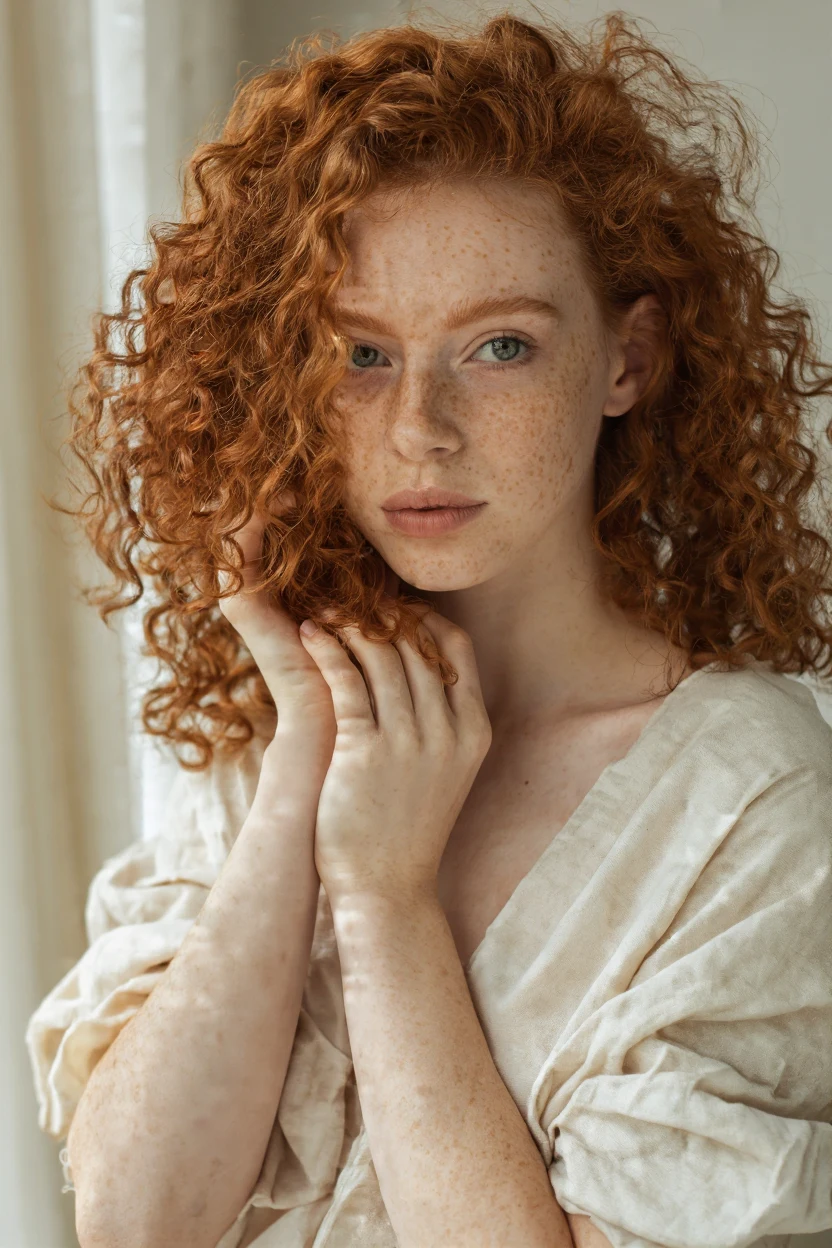
The detail Turbo skips
Full-step sampling shows up exactly where drafts go soft: individual freckles, flyaway hair, the grain of skin under window light. If a face is the subject — portraits, avatars, editorial shots — Base is the two-credit way to keep it believable.
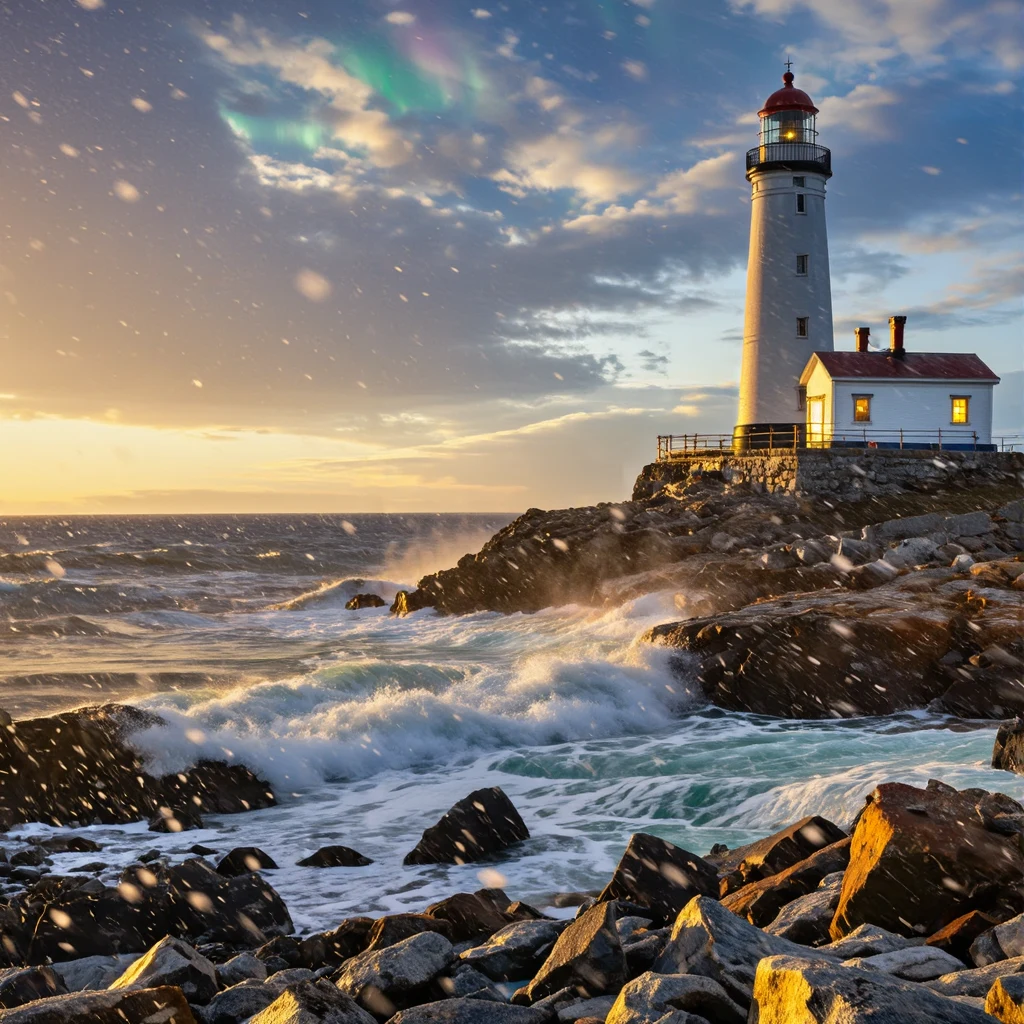
Guided by your photo
Add one reference image and Base carries its composition and subject into a new rendering. The lighthouse below started as the golden-hour frame in the Create section — one guided pass later it stands in falling snow, windows lit, under a faint aurora. Seasonal re-skins, style transfers and composition reuse all work this way.
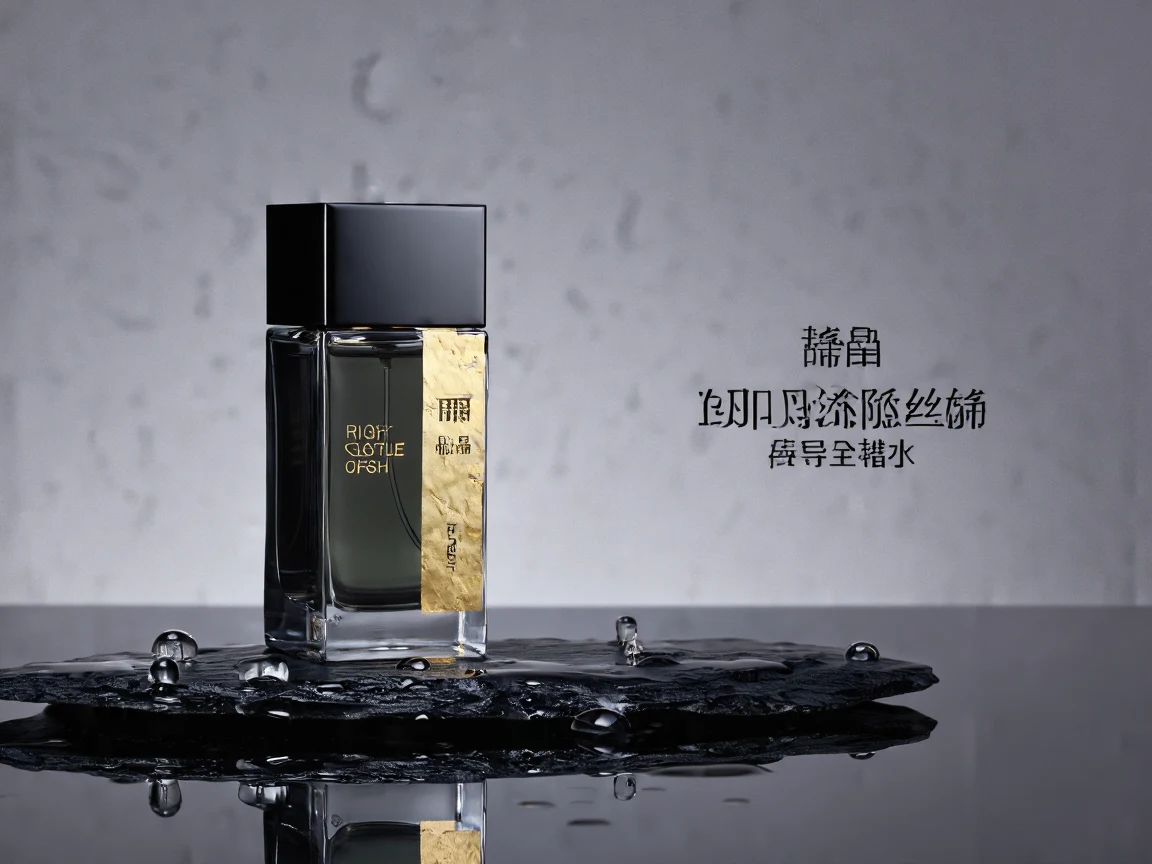
Finished product stills
Controlled reflections, water droplets that sit on the glass instead of smearing across it, studio light with intent — the full model holds product photography together at a price that still allows a dozen takes per product.
03 · Create
What you can create with Z-Image Base
Real outputs from this studio, with the exact prompts that made them. Load one into the tool and make it yours.
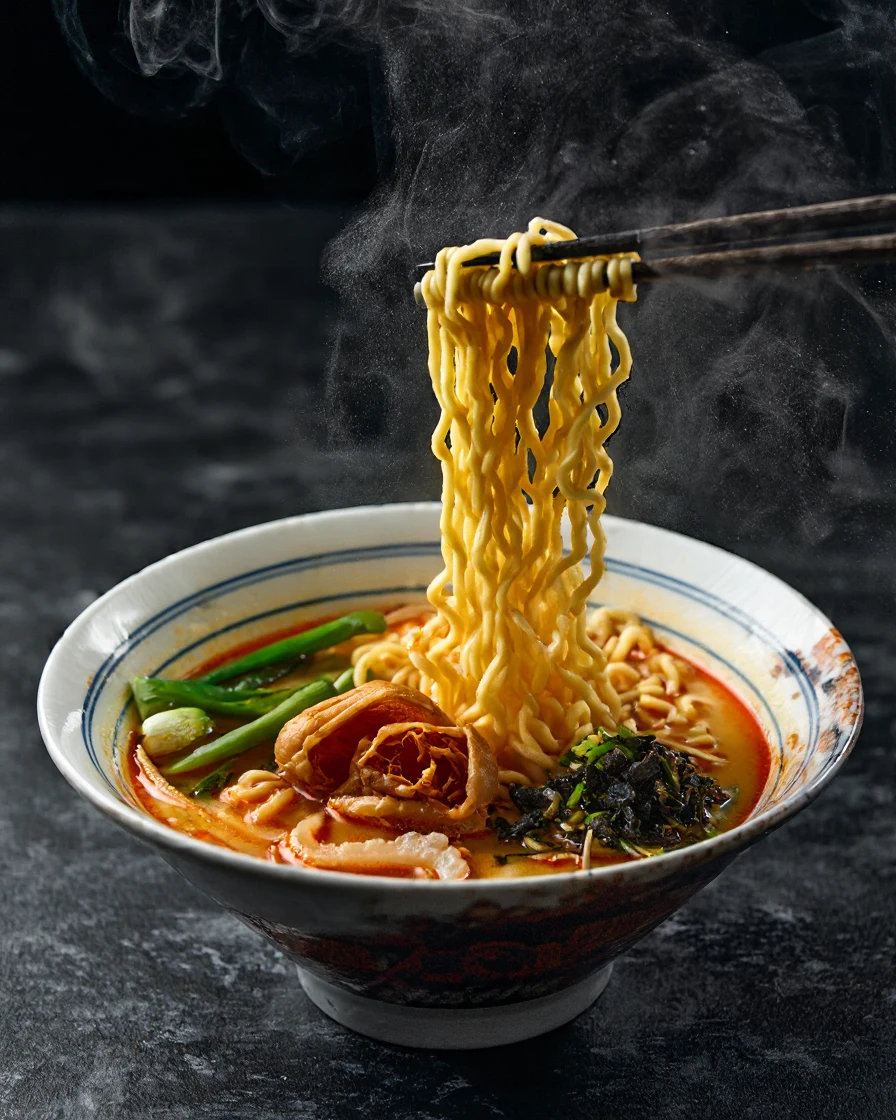
Food and editorial
“Overhead food photography of a ramen bowl with steam rising, chopsticks lifting noodles, dark moody background”
Steam, gloss and garnish detail survive the full render — food shots that read as photography, not illustration.
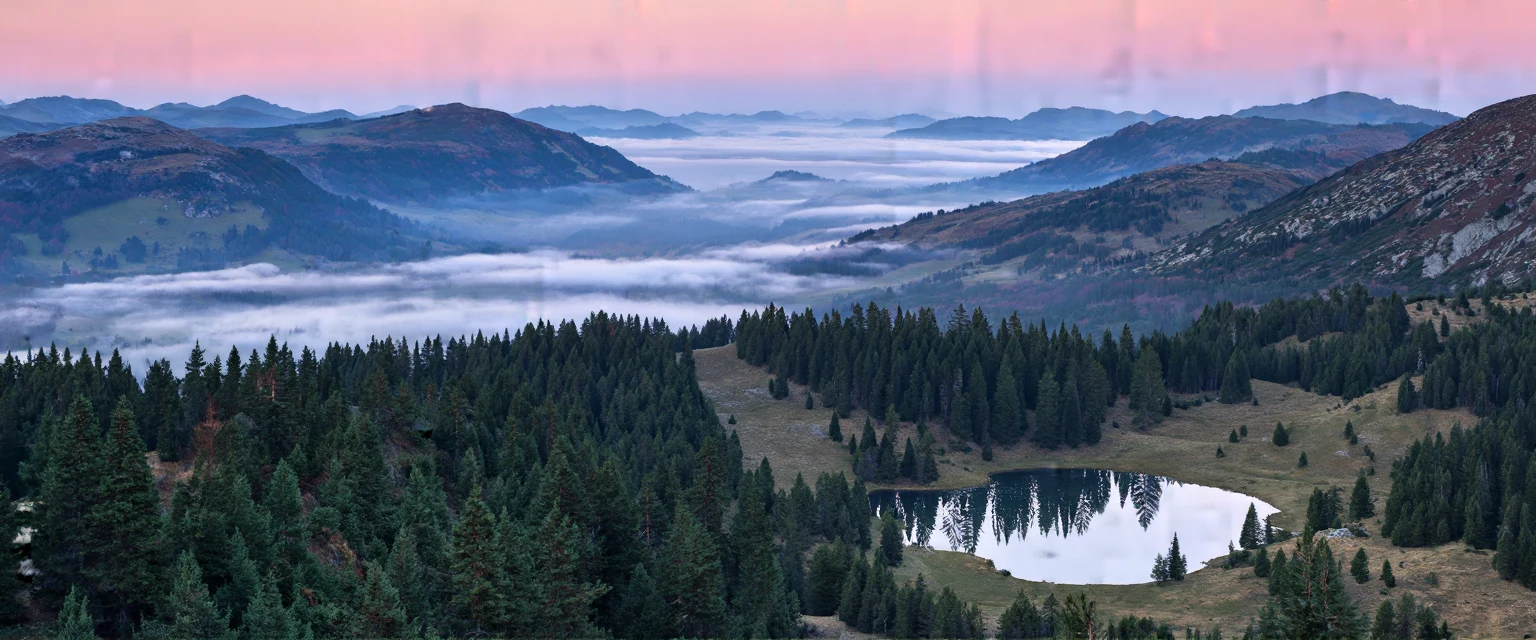
Wide scenes at 21:9
“Panoramic alpine valley at dawn, layers of mist between pine ridges, a small lake reflecting pink sky”
The full 1536px-wide canvas: layered ridges, mist and reflections stay coherent from edge to edge — banners, headers and scenic backdrops.
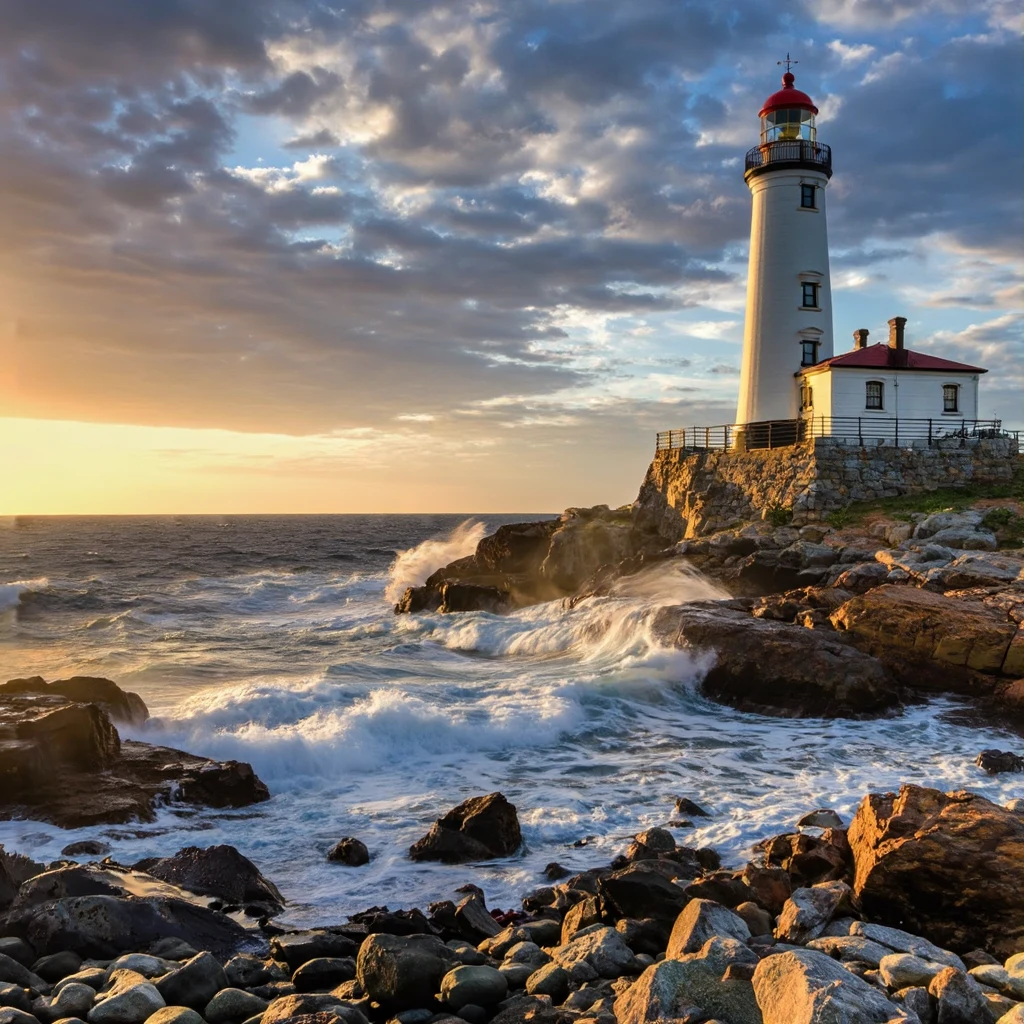
Photoreal landscapes
“A lighthouse on a rocky coast at golden hour, waves crashing, photorealistic, dramatic sky”
This is the frame that became the snowy lighthouse above — generate a strong base image here, then restyle it with reference guidance instead of starting over.
04 · Guide
How to use Z-Image Base
1
Describe or guide
Type a prompt, or switch to Image to Image and drop in one photo to guide the composition, style or subject.
2
Pick shape and format
Ten aspect ratios up to 1536px, and your choice of JPEG, PNG or WebP.
3
Generate & download
Two credits, charged only on success. Allow a little under a minute — full-step renders are thorough, not instant.
Prompt guide
- Write the full brief: unlike its distilled sibling, Base reads longer prompts well — subject, materials, lighting and mood all land. Spend the words.
- Draft on Turbo, finish on Base: explore compositions at 1 credit on Z-Image Turbo, then re-render the winners here at 2 credits for the final detail.
- Guide, don't just describe: for a restyle, upload the photo and describe the target look (“winter snowstorm, aurora sky”) — the reference holds the composition.
- Lock a look with a seed: set the seed in Advanced to reproduce a composition while you vary the wording.
- Know its ceiling: crisp rendered text and resolutions above 1536px belong to the flagship pages — finish detail here, scale there.
05 · Pricing
Z-Image Base pricing
Every image is 2 credits ($0.02) — generation and guided restyles alike. One-time credit packs, no subscription, credits never expire.
Mini pack
Best for a first top-up
$5
One-time · ≈ $0.01 per credit
≈ 83 Seedream images
≈ 100 GPT Image 2.6 drafts
- Full ownership & commercial rights
- Credits never expire
- Charged only on success
Most popular
Pro pack
Best for regular creative work
$20
One-time · ≈ $0.01 per credit
≈ 333 Seedream images
≈ 83 Nano Banana Pro 2K finals
- Full ownership & commercial rights
- Credits never expire
- Charged only on success
Studio pack
Best for high-volume projects
$50
One-time · ≈ $0.01 per credit
≈ 866 Seedream images
≈ 1,040 GPT Image 2.6 drafts
- Full ownership & commercial rights
- Credits never expire
- Charged only on success
Max pack
Best for the heaviest workloads
$100
One-time · ≈ $0.01 per credit
≈ 1,800 Seedream images
≈ 450 Nano Banana Pro 2K finals
- Full ownership & commercial rights
- Credits never expire
- Charged only on success
06 · FAQ
Z-Image Base FAQ
How much does Z-Image Base cost?
Exactly 2 credits ($0.02 at the standard credit rate) per image — generation and reference-guided restyles alike. A new account's 20 free credits make 10 images.
What is the difference between Z-Image Base and Z-Image Turbo?
Base is the full 6-billion-parameter model running its complete sampling process: finer detail, closer prompt adherence, results in a little under a minute. Turbo is a distilled version that answers in seconds for 1 credit — ideal for drafts and volume. The classic workflow is to explore on Turbo, then finish the winners on Base.
Can it use my photo as a reference?
Yes. Switch to Image to Image and add one reference photo: Base follows its composition, style or subject at a balanced strength while applying your prompt's look. It is guidance, not a pixel-exact editor — for instruction-based edits, see GPT Image 2.6.
How long does a generation take?
Typically 30–60 seconds. Base runs the full sampling process rather than a distilled shortcut, so it is deliberately slower than Turbo's few seconds — the wait is where the extra detail comes from.
What sizes and formats are available?
Ten aspect ratios with sizes up to 1536px on the long edge, delivered as JPEG, PNG or WebP — your choice in the panel.
When should I use a different model?
For crisp text (Qwen Image 3.0), 2K–4K finals (Seedream 5 Pro) or multi-reference edits (GPT Image 2.6). Base's job is the finished image at a two-credit price.
Related tools
Z-Image Turbo — the 1-credit draft engineFLUX 3 KleinAI GIF MakerAll models