 Pizyn
Meta · Image model
Muse Image AI Image Generator
One credit per image — generation and editing alike. Muse Image is Meta's agentic image model: it reasons about your prompt before it renders, takes up to nine reference images, and always returns a crisp 1600×1600 WebP. The trade is patience: a render takes about a minute.
Your generation will appear here.
Try one of these:
Session history
01 · Overview
What is Muse Image?
Muse Image is Meta's first image model built around an agentic loop: instead of rendering your prompt in one pass, it plans the composition, checks its own work and refines the result. The payoff is unusually coherent scenes — objects that sit where you put them, lighting that matches the mood you described.
Every image costs 1 credit, whether you write a prompt or edit with references — up to nine of them, so character sheets, mood boards and multi-angle product shots all fit in one job. New accounts start with 20 free credits: twenty Muse images before a single pack is bought.
Specs & capabilities
| Inputs | Text to image · Image editing · Multi-reference (up to 9 in the studio) |
| Resolution | Fixed 1600×1600 output in WebP |
| Aspect ratios | 7 ratios in the studio, from 1:1 square to 16:9 wide |
| Output formats | WebP |
| Pricing shape | Flat $0.0048 per image upstream — priced here at exactly 1 credit, generation and edits alike. |
Good to know: Muse is deliberate — text generations take around 50 seconds and edits longer. If you need an answer in seconds, Z-Image Turbo is the 1-credit fast lane; Muse is the 1-credit careful one. Served on Pizyn via APImart.
02 · Features
Why creators pick Muse Image
Edits that keep the scene
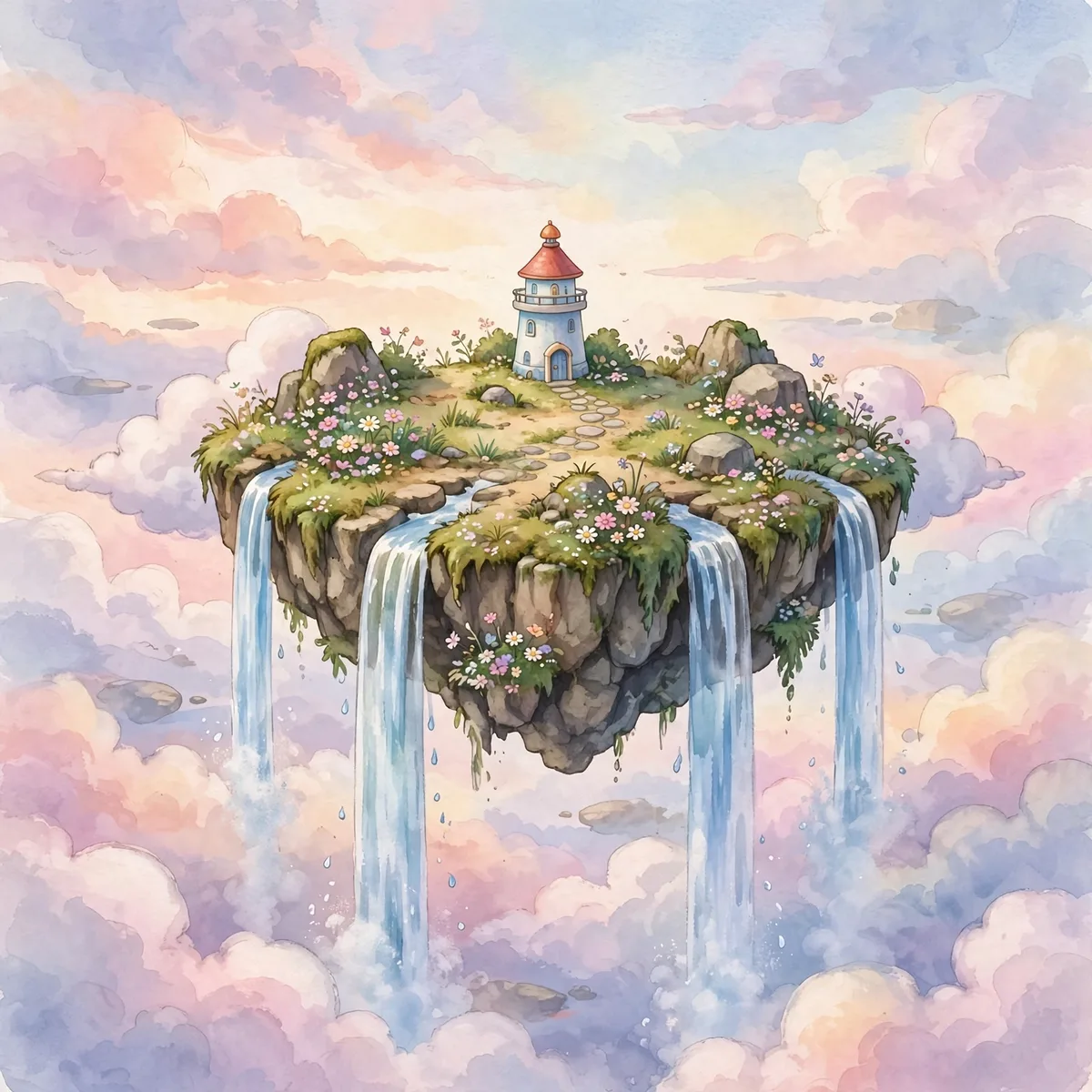
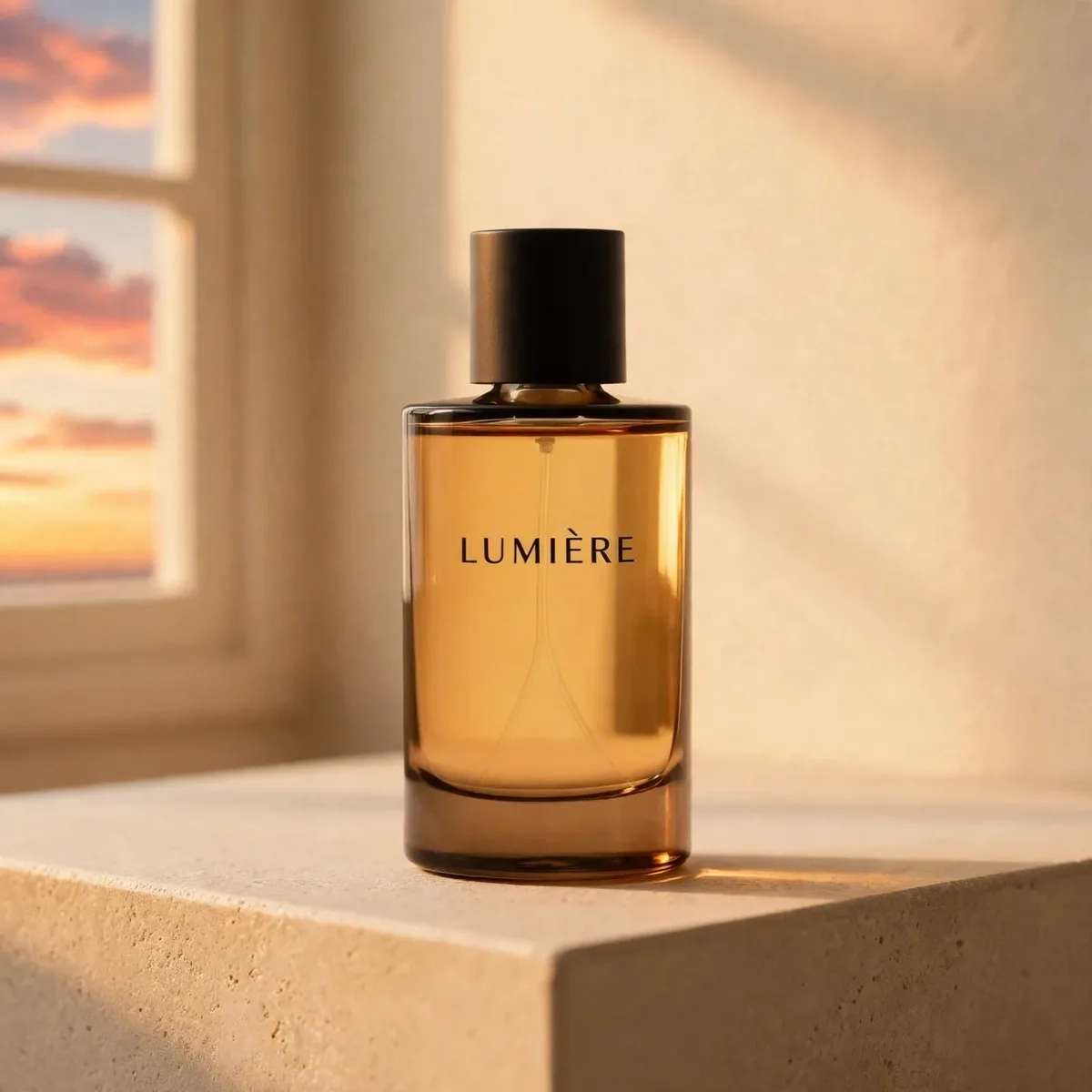
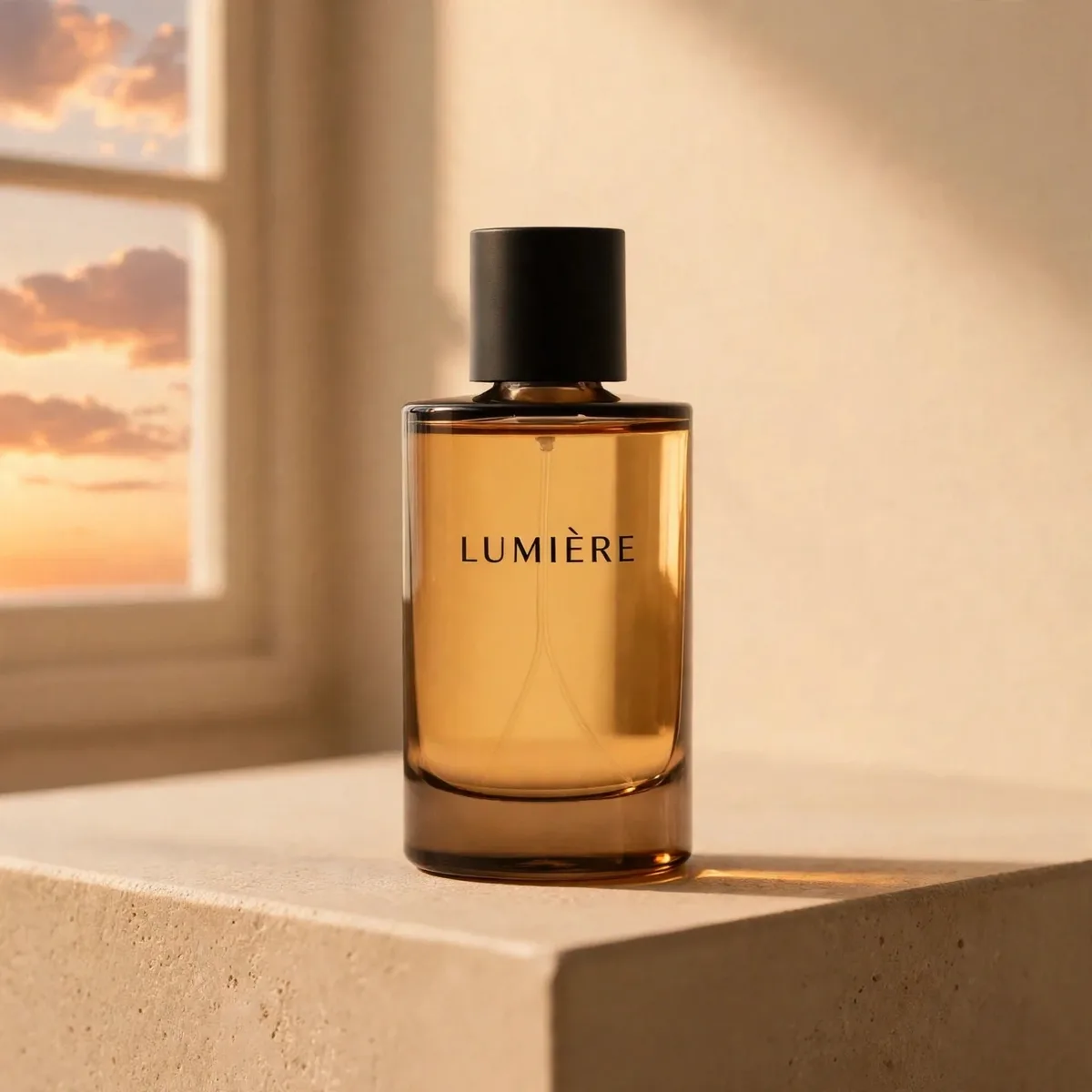
Give Muse a picture and an instruction — “change the sky to a warm sunset” — and it re-renders the whole frame around the change instead of pasting over it. The lighthouse, the waterfalls and the island all survive; only the light changes.
Nine references, one job
Most editors cap you at three or four references. Muse takes nine, so you can hand it a character from one image, a setting from another and a palette from a third — and still have room for the details. All nine ride along for the same single credit.
03 · Create
What you can create with Muse Image
Real outputs from this studio, with the exact prompts that made them. Load one into the tool and make it yours.
Storybook scenes
“A tiny lighthouse on a floating island with waterfalls, pastel sky, storybook style”
The prompt that opens this page: a floating island, a lighthouse, waterfalls, pastel sky. Muse's agentic pass keeps the impossible geography coherent — the island floats, the water still falls somewhere.
04 · Guide
How to use Muse Image
1
Describe or edit
Type a prompt, or switch to Image to Image and drop in up to nine references — characters, settings, palettes.
2
Pick the shape
Seven aspect ratios; every output is a 1600×1600 WebP, whatever the ratio.
3
Generate & download
One credit, charged only on success. Allow about a minute — the agentic loop is thorough, not instant.
Prompt guide
- Let it think: Muse rewards fuller briefs — subject, setting, light and mood in one sentence each. The planning pass uses all of it.
- Assign every reference a role: “face from image 1, jacket from image 2, background from image 3” beats a pile of unexplained uploads.
- Draft cheap, finish careful: explore compositions at 1 credit on Z-Image Turbo, then re-render the winners here when coherence matters.
- One credit is one credit: edits cost the same as generations, so iterate in small rounds instead of betting everything on one prompt.
05 · Pricing
Muse Image pricing
Every image is 1 credit ($0.01) — generation and multi-reference edits alike. One-time credit packs, no subscription, credits never expire.
Mini pack
Best for a first top-up
$5
One-time · ≈ $0.01 per credit
≈ 83 Seedream images
≈ 100 GPT Image 2.6 drafts
- Full ownership & commercial rights
- Credits never expire
- Charged only on success
Most popular
Pro pack
Best for regular creative work
$20
One-time · ≈ $0.01 per credit
≈ 333 Seedream images
≈ 83 Nano Banana Pro 2K finals
- Full ownership & commercial rights
- Credits never expire
- Charged only on success
Studio pack
Best for high-volume projects
$50
One-time · ≈ $0.01 per credit
≈ 866 Seedream images
≈ 1,040 GPT Image 2.6 drafts
- Full ownership & commercial rights
- Credits never expire
- Charged only on success
Max pack
Best for the heaviest workloads
$100
One-time · ≈ $0.01 per credit
≈ 1,800 Seedream images
≈ 450 Nano Banana Pro 2K finals
- Full ownership & commercial rights
- Credits never expire
- Charged only on success
06 · FAQ
Muse Image FAQ
How much does Muse Image cost?
Exactly 1 credit ($0.01 at the standard credit rate) per image — generation and edits alike, however many references you attach. A new account's 20 free credits make 20 images.
What is Muse Image?
Muse Image is Meta's agentic image model: it plans a composition, renders it and refines the result instead of generating in a single pass. It is served on Pizyn via APImart and returns a 1600×1600 WebP for every job.
How many reference images can an edit use?
Up to nine in the studio, all included in the same 1-credit price. Assign each one a role in your prompt — character, setting, palette — for the most predictable results.
Why is it slower than other 1-credit models?
The agentic loop takes time: text generations run around 50 seconds and edits can take over a minute. You are trading speed for coherence — if you need an answer in seconds, Z-Image Turbo is the fast 1-credit option.
What sizes and ratios are available?
Seven aspect ratios from 1:1 square to 16:9 wide. Output is always a 1600×1600 WebP — there are no resolution tiers to choose between.
When should I use a different model?
For 2K–4K finals (Seedream 5 Pro), crisp rendered text (Qwen Image 3.0) or four variations in one run (Midjourney). Muse's job is the careful single image at the lowest possible price.
Related tools
Z-Image Turbo — the fast 1-credit laneNano Banana — the 2-credit editorAI Image EditorAll models