 Pizyn
xAI · Image model
Grok Imagine Image AI Image Generator
The original Grok Imagine: fast, photographic image generation with an eye for composition — wide coastal frames, candid street scenes and clean product shots, most in about ten seconds. 4 credits a picture; edits are 5.
Your generation will appear here.
Try one of these:
Session history
01 · Overview
What is Grok Imagine Image?
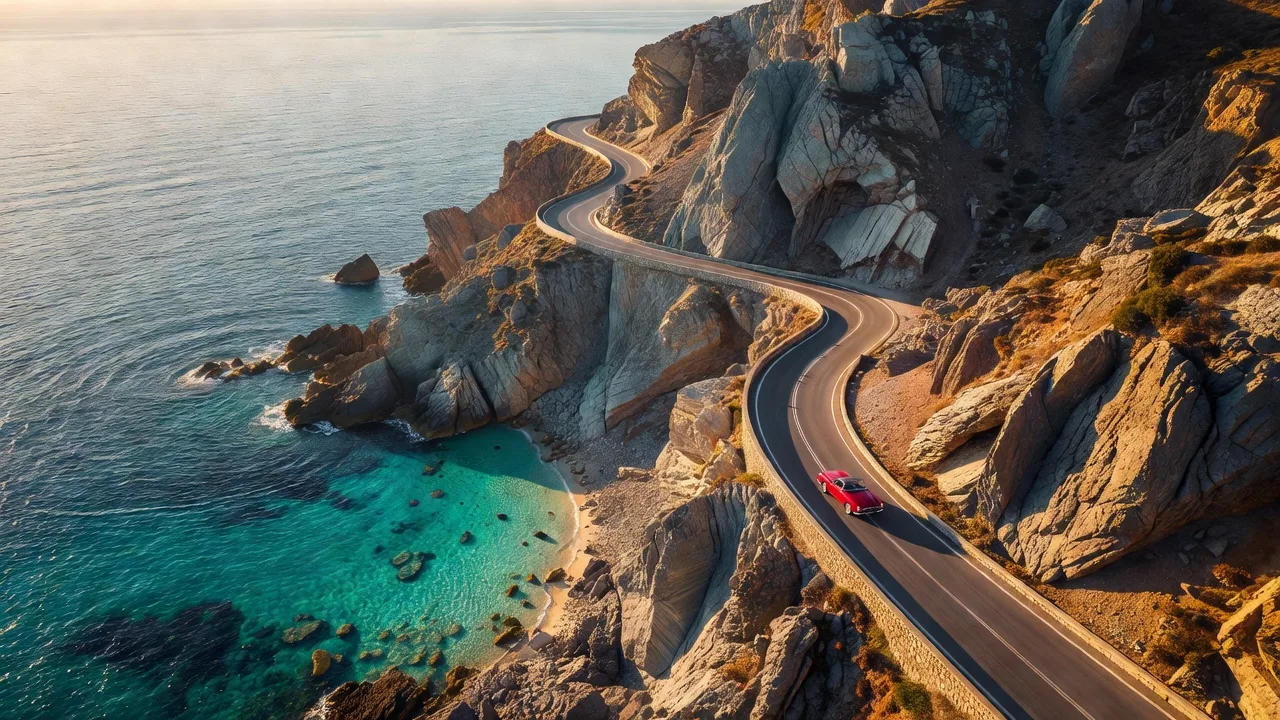
Grok Imagine Image is xAI's first Imagine generation model — the photographic all-rounder that made the line's name. It composes like a photographer: aerials with real geography, street scenes with believable weather, product shots with clean light. Output is a fixed, fast ~1MP class frame, which is exactly why it is cheap.
At 4 credits a picture it is the volume seat in the Grok family — draft a whole storyboard here, then finish the keepers on Grok Imagine Image 2.0 at 2K.
Specs & capabilities
| Inputs | Text to image · Single-image editing |
| Resolution | Fixed ~1MP class output (1280×720 at 16:9) — speed and price over pixels |
| Aspect ratios | 11 ratios, including ultrawide 20:9 and 9:20 for tall placements |
| Output formats | JPEG or PNG — your pick, at the same price |
| Pricing shape | Generation is $0.022 per image and edits are $0.025 — priced here as 4 credits and 5 credits. |
Good to know: when a frame deserves more, Grok Imagine Image 2.0 renders it at 2K with stronger text and three-reference edits for 9 credits. For one-credit throwaway drafts, Z-Image Turbo is still the cheapest seat in the studio.
02 · Features
Why creators pick Grok Imagine Image
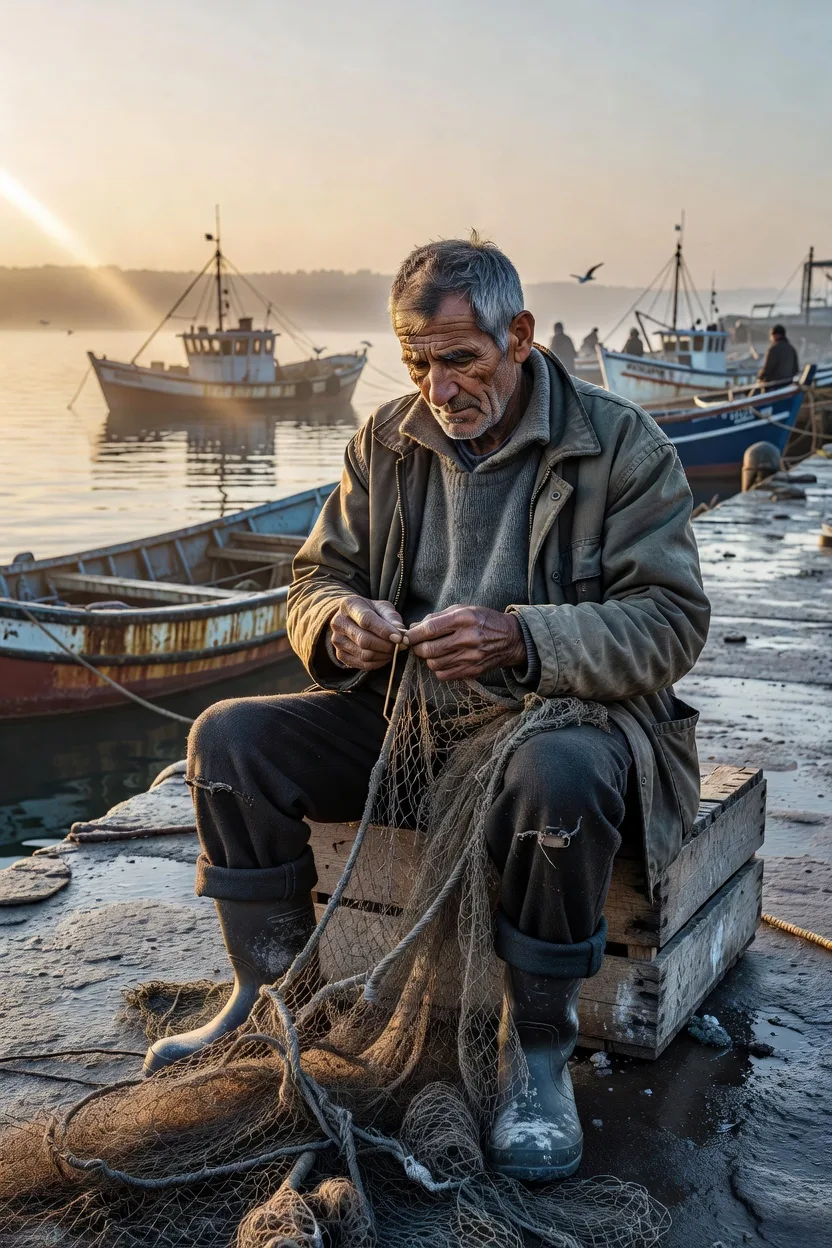
Faces with a life behind them
Documentary portraits are this model's home turf: weathered skin, working hands, harbour light at dawn. It renders people as subjects of a photograph, not characters in a render.
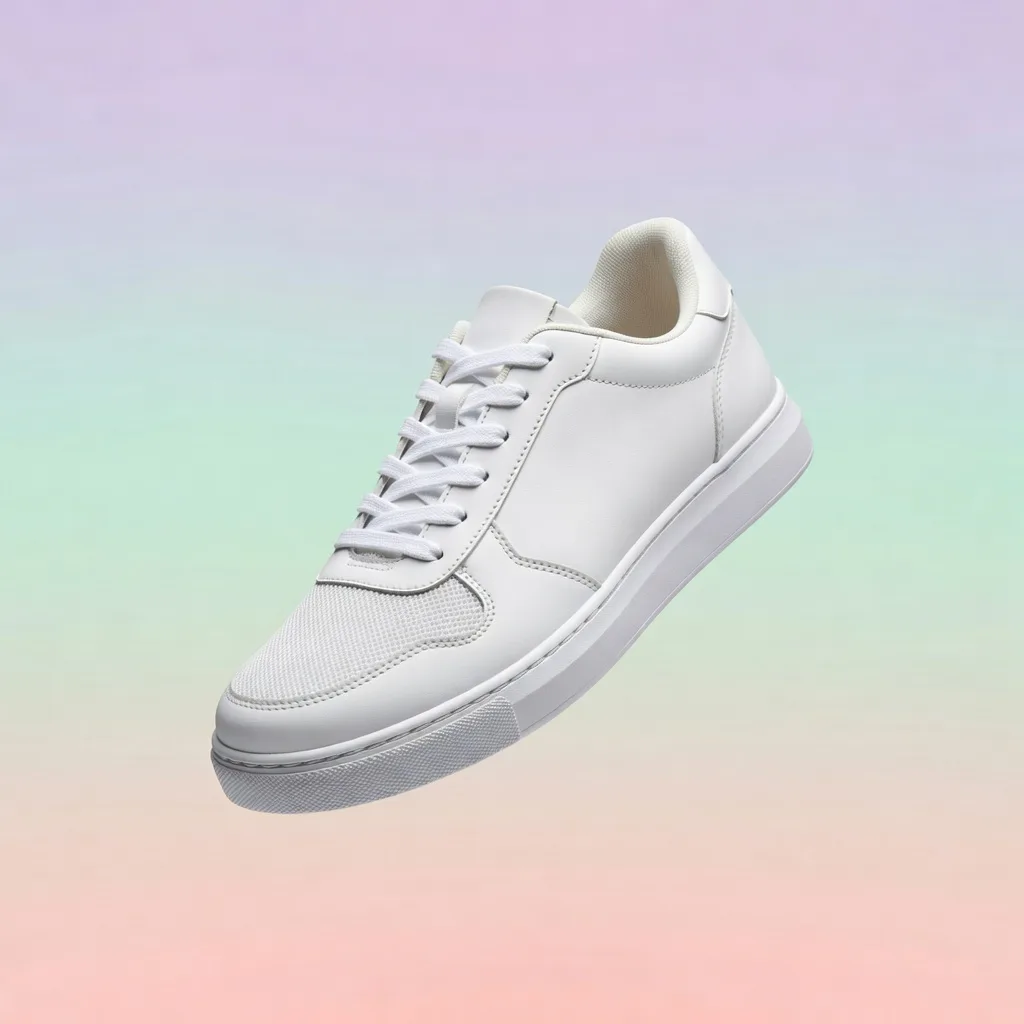
Clean product frames, fast
A floating sneaker on a pastel gradient with honest studio light — listing heroes, ad variants and mock placements at 4 credits each, in about ten seconds a frame.
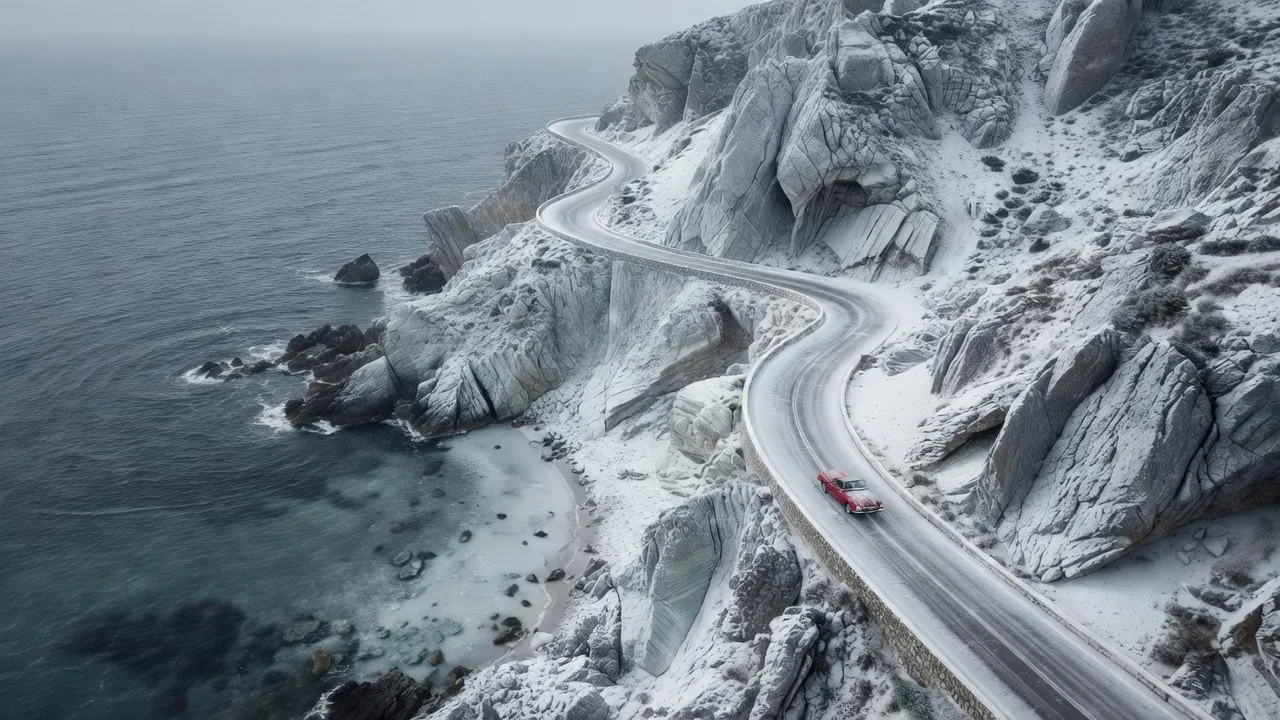
One-image edits that hold the layout
The coastal frame at the top of this page, turned to winter: snow on the cliffs, a steel-grey sea — same road, same red car. Single-image edits cost 5 credits and keep the composition you started from.
03 · Create
What you can create with Grok Imagine Image
Real outputs from this studio, with the exact prompts that made them. Load one into the tool and make it yours.
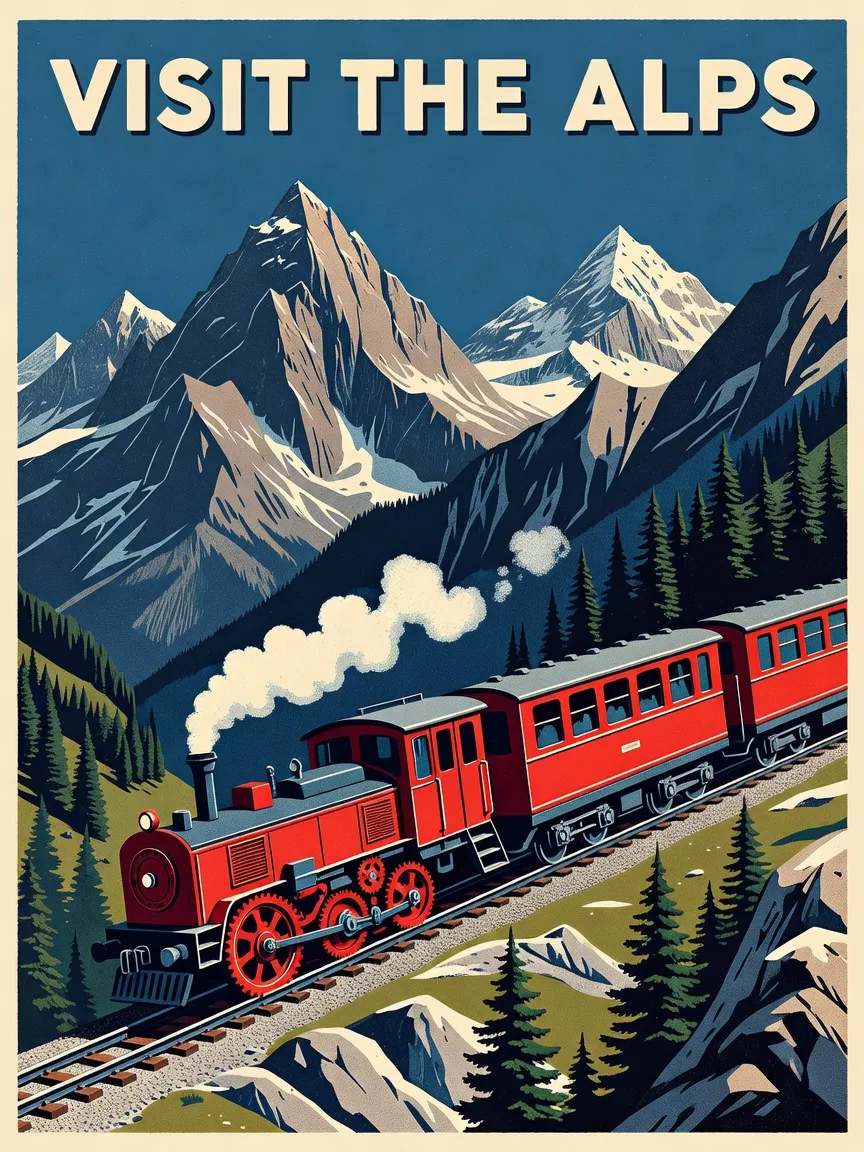
Retro posters and illustration
“Retro travel poster illustration of the Swiss Alps with a red cogwheel train, screen-print style, text at the top reading VISIT THE ALPS”
It does illustration as happily as photography — screen-print texture, period palette and the headline set in a matching face.
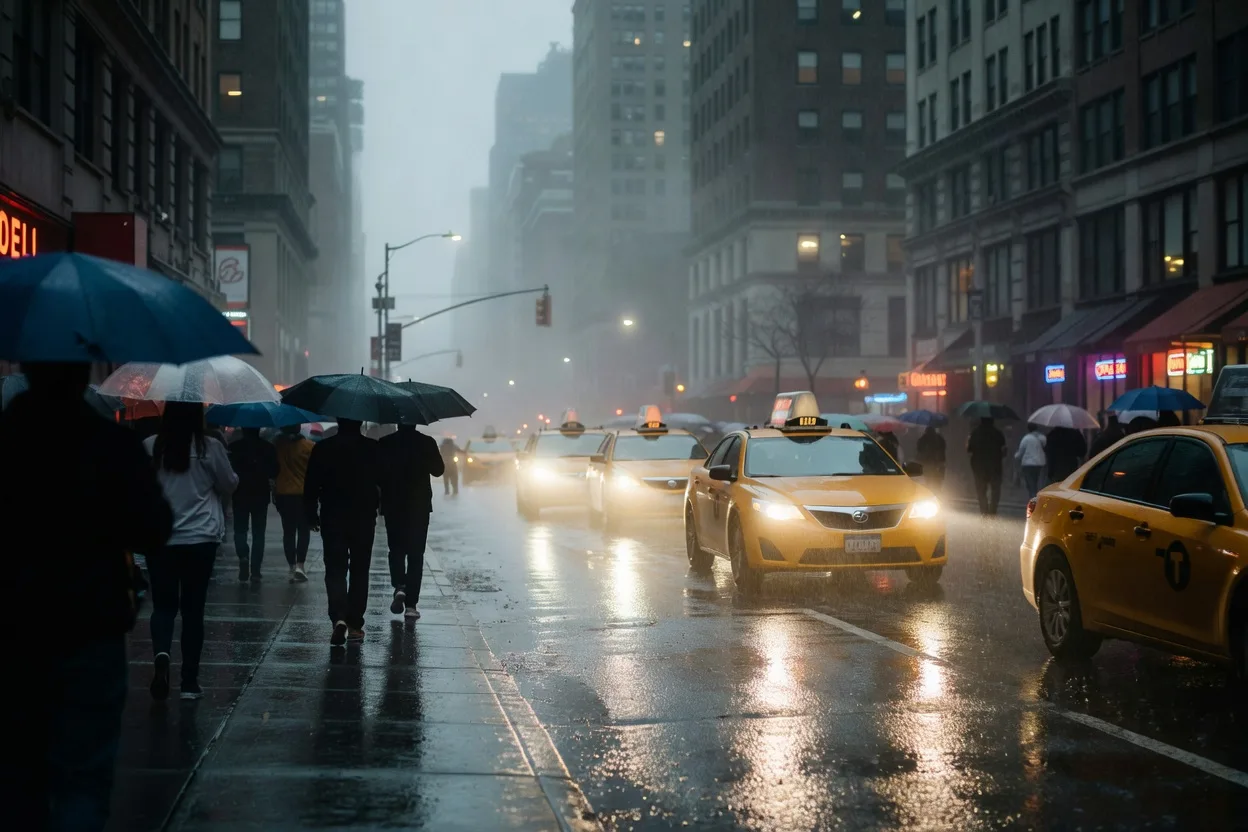
Candid street scenes
“Candid street photograph of a rainy evening in Manhattan, umbrellas, taxi headlights in the mist, cinematic colour grade”
Mist, headlights and umbrellas in one believable frame — the kind of atmospheric shot that usually takes a plane ticket and bad weather.

Lifestyle flat lays
“Flat-lay photograph of a croissant, a cappuccino and reading glasses on a linen tablecloth by a sunny window, lifestyle magazine photography”
Sunny, tidy and instantly usable — blog headers, café menus and social posts at 4 credits a frame.
04 · Guide
How to use Grok Imagine Image
1
Brief it like a photo
Name the kind of photograph — aerial, candid, flat lay, documentary portrait — and the model composes accordingly.
2
Pick a frame
Eleven aspect ratios including 20:9 ultrawide; JPEG for photographs, PNG for graphics.
3
Generate & download
Credits are held when you submit and charged only on success — most frames land in about ten seconds. Edits take one reference image for 5 credits.
Prompt guide
- Lead with the genre: “aerial photograph”, “candid street photograph”, “flat-lay” — the first words set the camera, and this model obeys them.
- Use the wide ratios for places: 16:9 and 20:9 are where its landscape composition shines; 9:20 covers tall story placements.
- Draft here, finish on 2.0: explore ten compositions for 40 credits, then render the winner on Grok Imagine Image 2.0 at 2K.
- For edits, say what must not move: “keep the road layout and the red car” — single-image edits hold the composition while they restyle the scene.
- Pick PNG for graphics: posters and illustration stay crisper as PNG; photographs are smaller and just as good as JPEG.
05 · Pricing
Grok Imagine Image pricing
Generation is 4 credits ($0.04) a picture. Edits are 5 credits ($0.05) with one reference image. One-time credit packs, no subscription, credits never expire.
Mini pack
Best for a first top-up
$5
One-time · ≈ $0.01 per credit
≈ 83 Seedream images
≈ 100 GPT Image 2.6 drafts
- Full ownership & commercial rights
- Credits never expire
- Charged only on success
Most popular
Pro pack
Best for regular creative work
$20
One-time · ≈ $0.01 per credit
≈ 333 Seedream images
≈ 83 Nano Banana Pro 2K finals
- Full ownership & commercial rights
- Credits never expire
- Charged only on success
Studio pack
Best for high-volume projects
$50
One-time · ≈ $0.01 per credit
≈ 866 Seedream images
≈ 1,040 GPT Image 2.6 drafts
- Full ownership & commercial rights
- Credits never expire
- Charged only on success
Max pack
Best for the heaviest workloads
$100
One-time · ≈ $0.01 per credit
≈ 1,800 Seedream images
≈ 450 Nano Banana Pro 2K finals
- Full ownership & commercial rights
- Credits never expire
- Charged only on success
06 · FAQ
Grok Imagine Image FAQ
How much does Grok Imagine Image cost?
4 credits ($0.04 at the standard credit rate) per image. Edits cost 5 credits ($0.05) with one reference image. New accounts start with 20 free credits — five free pictures.
How fast is Grok Imagine Image?
Fast — most generations finish in about ten to twenty seconds. Your credits are held when you submit and only charged when the image succeeds.
What is Grok Imagine Image best at?
Photographic scenes with strong composition: landscapes and aerials, candid street photography, documentary portraits, product frames and lifestyle flat lays — at a price that suits volume work and storyboarding.
How do edits work?
Switch to Image to Image, add one reference image and describe the change. Edits cost 5 credits and hold the original composition while restyling the scene. For edits with up to three references and 2K output, use Grok Imagine Image 2.0.
How is it different from Grok Imagine Image 2.0?
This is the original model: faster and cheaper (4 credits), with fixed ~1MP output and single-image edits. 2.0 is the flagship — 2K output, up to three edit references and stronger text rendering for 9 credits.
Related tools
AI Poster MakerGrok Imagine Image 2.0 — the flagshipZ-Image Turbo — the one-credit draftAll models