 Pizyn
AI tool · Powered by GPT Image 2.6
AI Menu Image Generator
A food photoshoot costs hundreds of dollars and a full day. A menu image here costs 5 credits at low quality (9 at medium, 10 at high) — about $0.05–0.10 each — and takes under a minute. Describe the dish, pick the angle and the light, and GPT Image 2.6 shoots it: ramen, steak, desserts, drinks, all in one consistent style across your whole menu.
Your generation will appear here.
Try one of these:
Session history
01 · Overview
What is the AI Menu Image Generator?
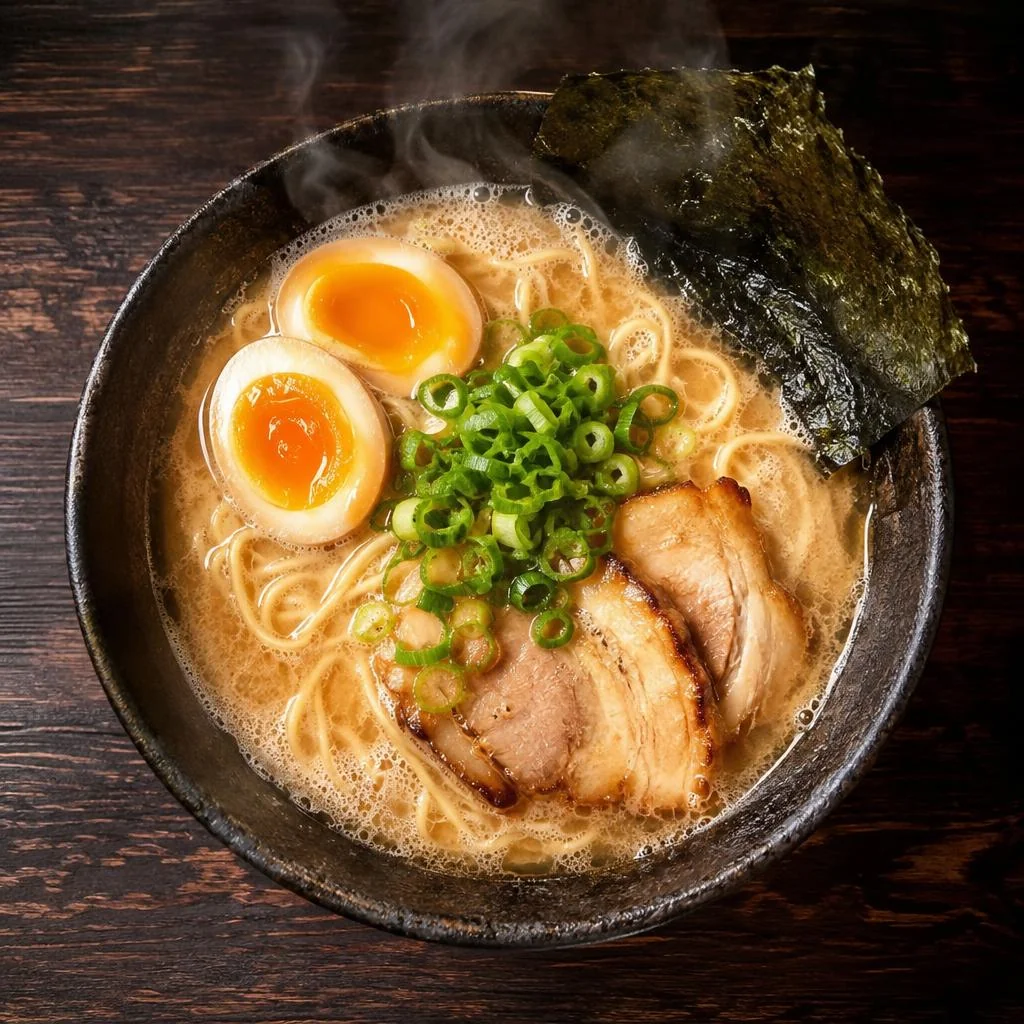
An AI food image generator built for menus: describe a dish and get a finished food photograph — styled, lit and plated — without a camera, a studio or a food stylist. It runs on GPT Image 2.6, the model behind this tool, which is why the ingredients in the brief actually show up in the frame: the soft egg, the chashu, the green onions, the nori — all present, all in the right place.
Use it for restaurant menus, delivery-app listings, food blogs, social posts and recipe cards. A full 20-dish menu at medium quality costs 180 credits — about $1.80 in pack terms — and every dish comes out in the same style, because the same prompt formula drives all of them.
02 · Features
Why food comes out appetizing here
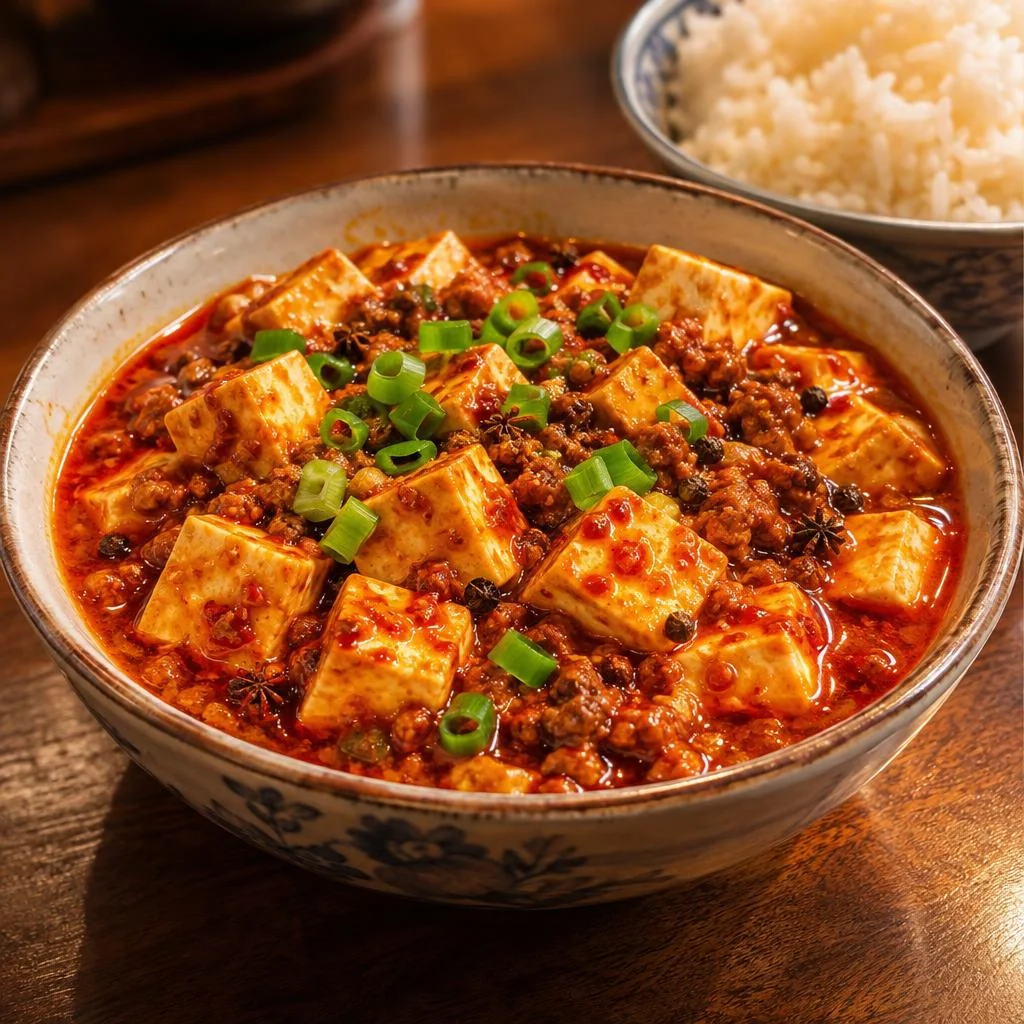
Ingredients stay accurate
GPT Image 2.6 reads the brief like a recipe: mapo tofu gets glossy red chili sauce, ground pork, Sichuan peppercorns and spring onions — not a generic red stew. Name the ingredients and the garnish and they show up; leave them out and the model improvises.
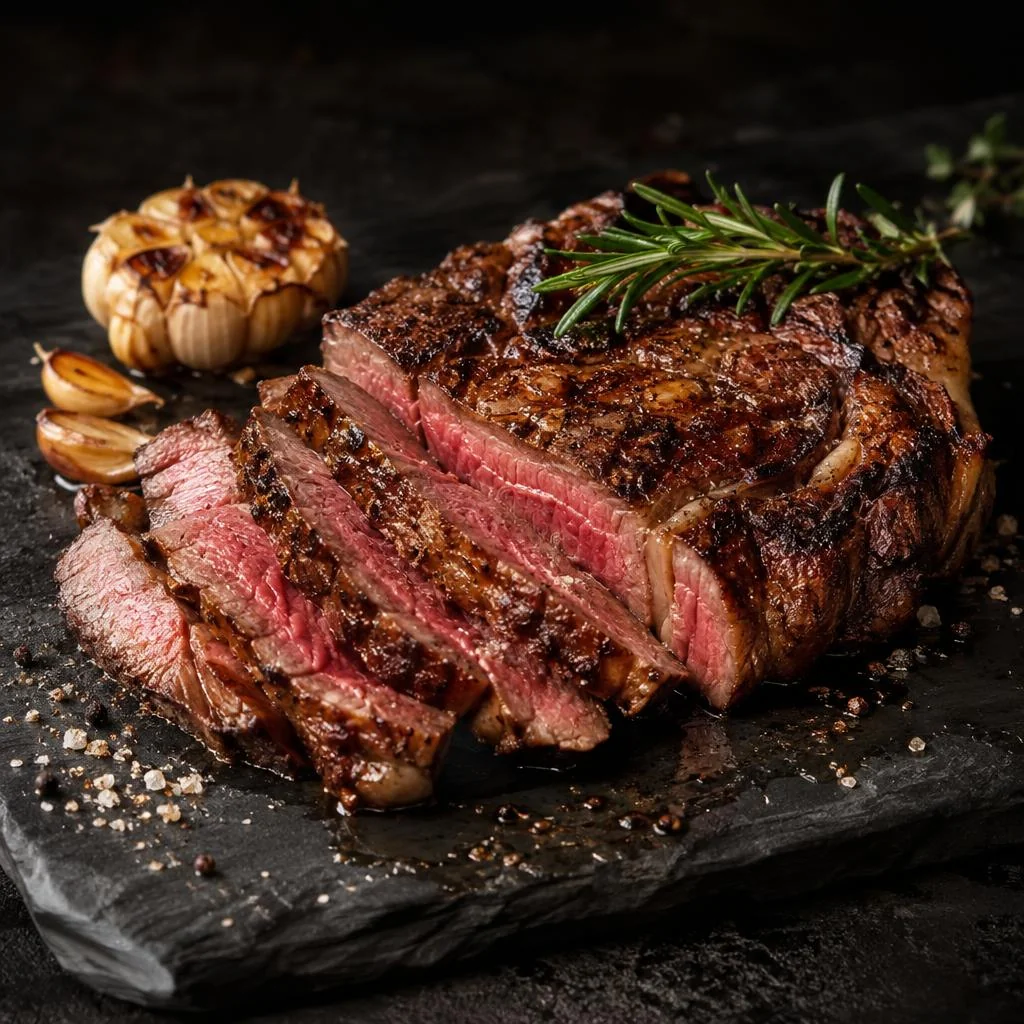
Light and angle are yours to set
Moody slate and side light for a steakhouse, bright marble and morning sun for a brunch café. Ask for the light like a photographer — "moody restaurant lighting", "soft natural window light" — and the same dish changes character with it.
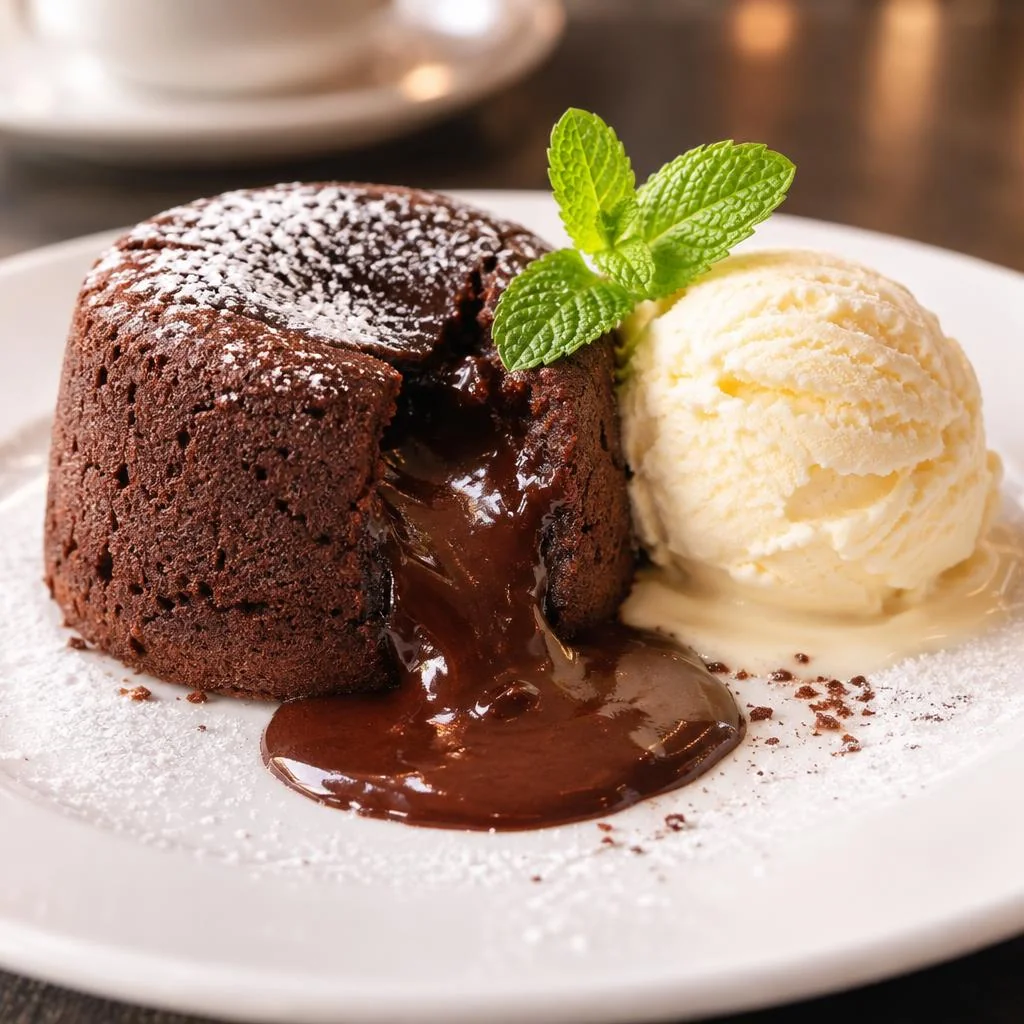
One style across the whole menu
Reuse the same angle, surface and lighting line in every prompt and a 20-dish menu looks like one shoot, not twenty. Or upload a photo of your own dish as a reference and restyle the light and background around the real plate.
03 · Create
What you can create with the AI Menu Image Generator
Real outputs from this studio, with the exact prompts that made them. Load one into the tool and make it yours.
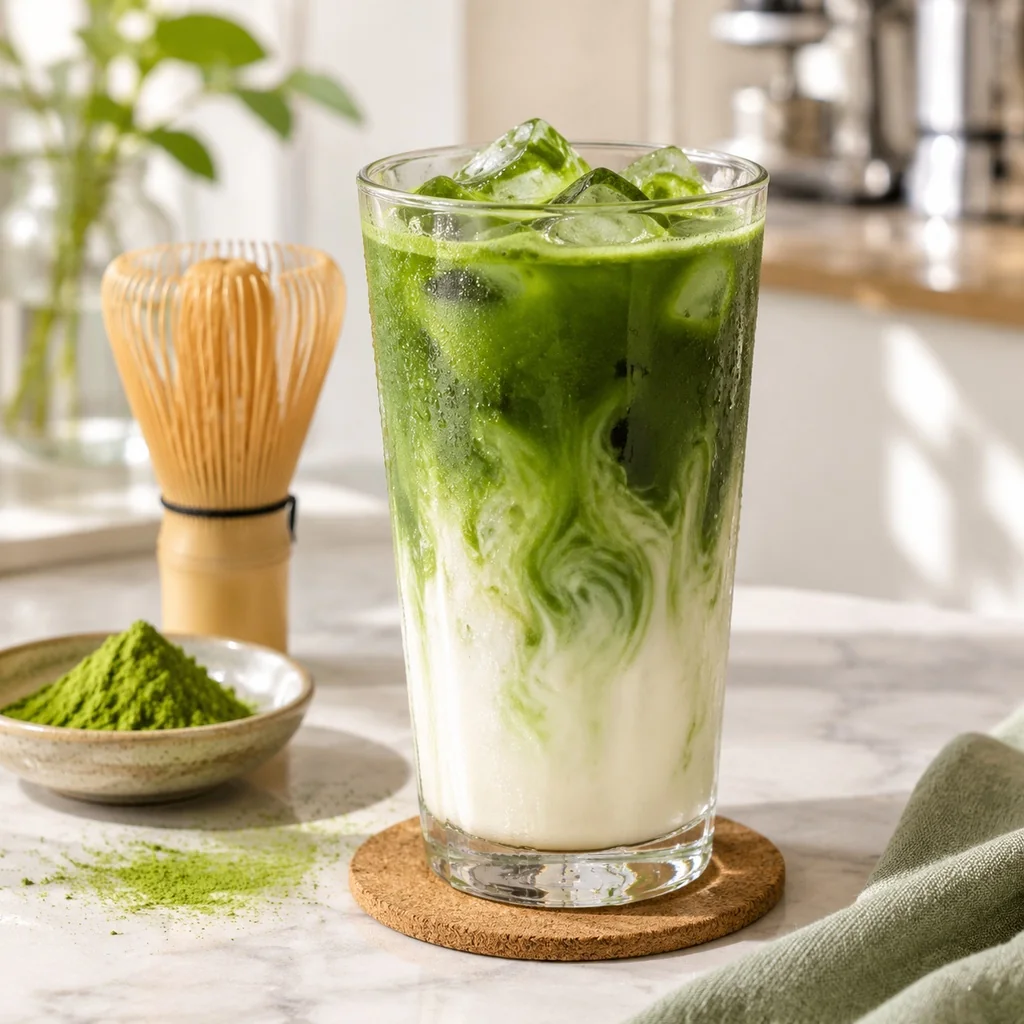
Drinks and café menus
“Food photograph of an iced matcha latte in a tall glass, layers of green matcha and white milk, ice cubes, bamboo whisk and matcha powder beside it, bright minimal cafe background”
Layered drinks, props and all — the bamboo whisk and matcha powder sell the café story around the glass.
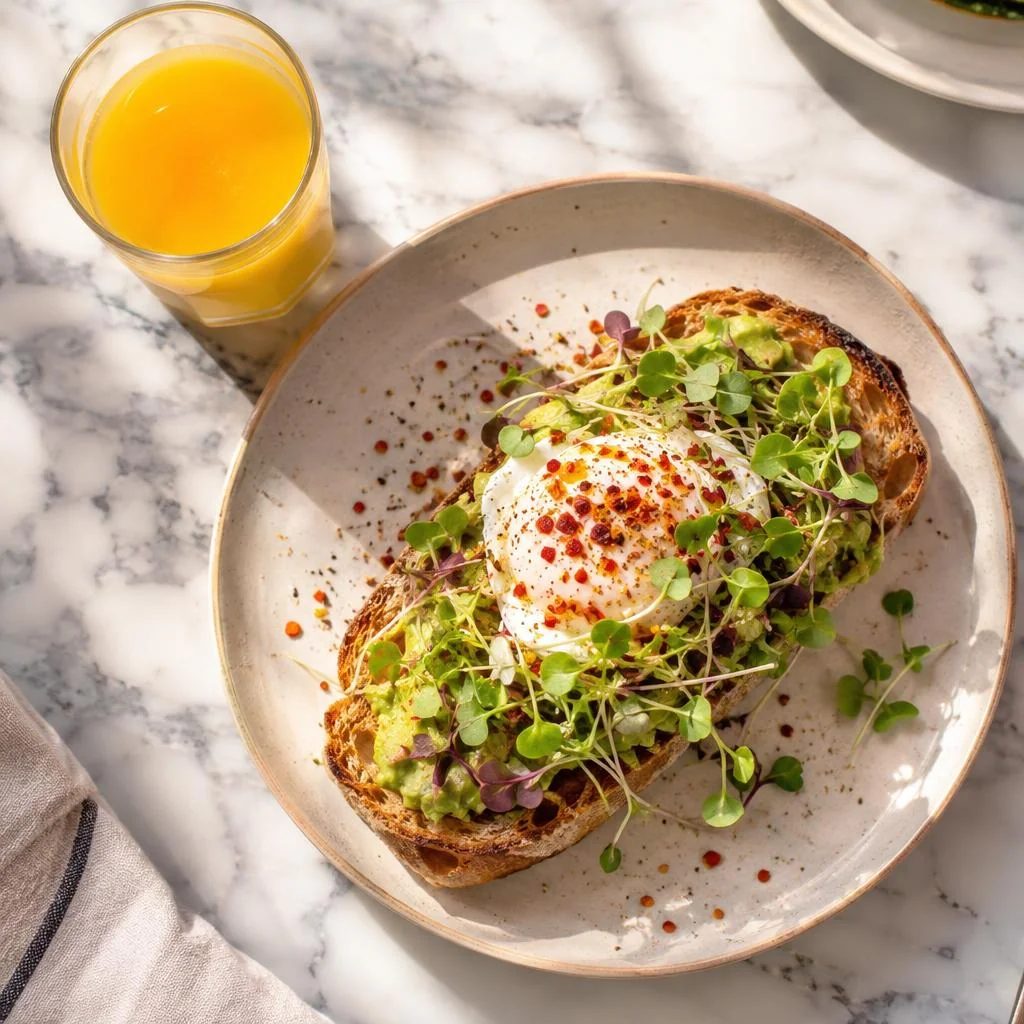
Brunch and breakfast
“Overhead food photograph of avocado toast with a poached egg, chili flakes and microgreens on sourdough, orange juice glass beside it, bright morning light, brunch cafe style”
Overhead, bright, marble — the brunch-café look that fills an Instagram grid and a breakfast menu alike.
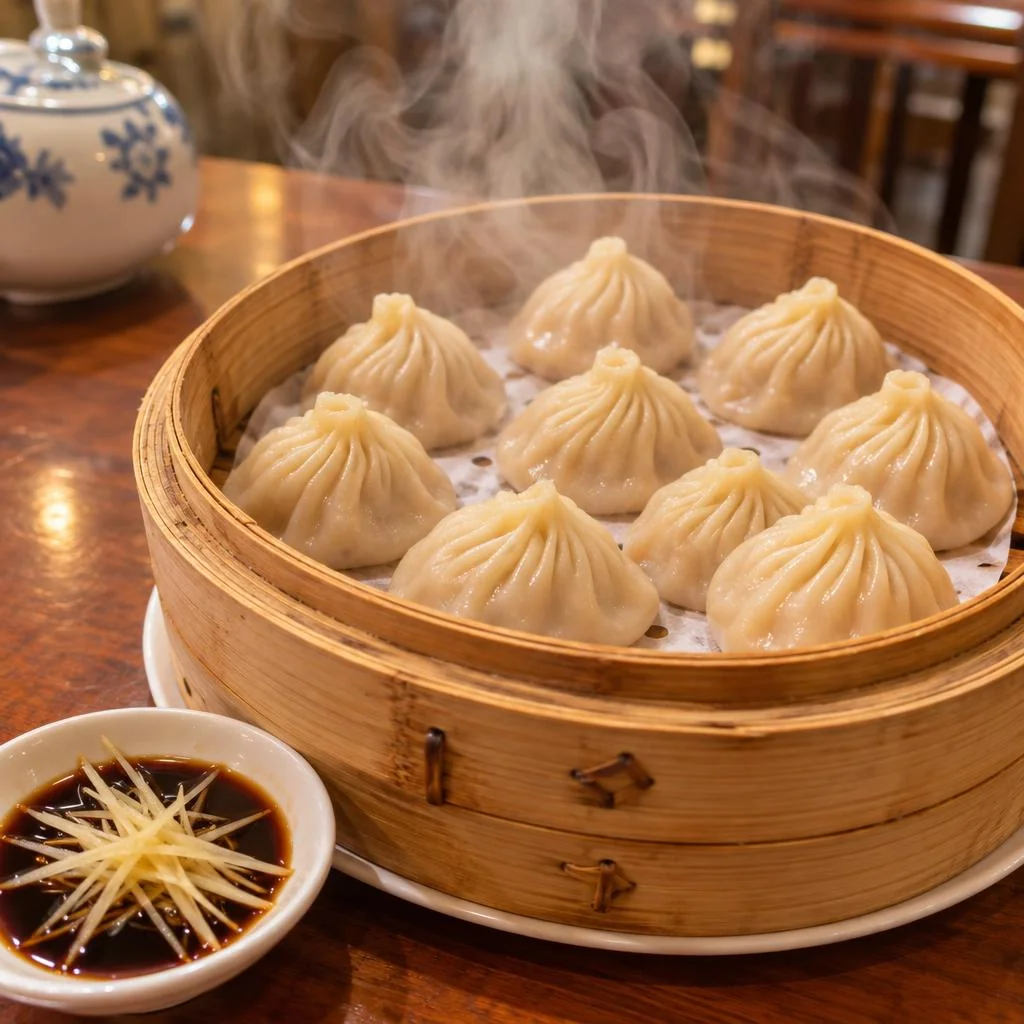
Dim sum and Chinese dishes
“Food photograph of steamed soup dumplings xiao long bao in a bamboo steamer basket, ginger strips and black vinegar dish beside it, steam rising, warm dim sum restaurant light”
Steam, pleats and the vinegar dish — the details that make a dim sum photo read as the real thing.
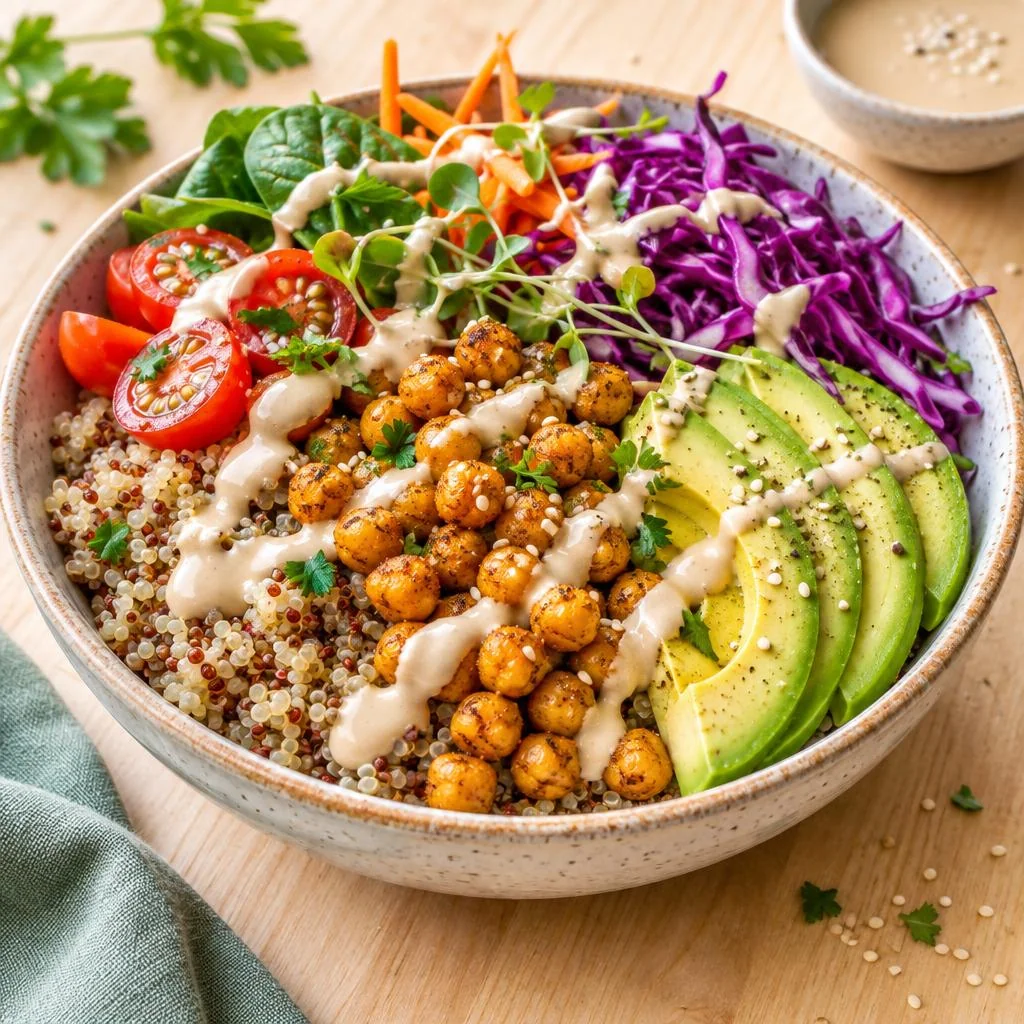
Healthy bowls and salads
“Food photograph of a colorful vegan buddha bowl, quinoa, roasted chickpeas, avocado slices, purple cabbage, tahini drizzle, in a ceramic bowl on a light wooden table, bright natural light”
Every component visible and named — quinoa, chickpeas, avocado, cabbage, tahini — so a health-food menu reads as honest, not decorative.
04 · How to use
How to use the AI Menu Image Generator
1
Describe the dish — with ingredients
Name the dish, the ingredients, the plate and the surface. Or load an example above. For your own dish, upload a photo as a reference and describe the new light and background.
2
Pick quality and shape
Low (5 credits) for drafts, medium (9) for menus, high (10) for print. Square for delivery apps, 4:5 for social, 16:9 for menu boards.
3
Generate & download
Charged only on success — failed generations cost nothing. Reuse the same lighting and angle line across dishes to keep the menu consistent.
Prompt guide — getting the best results
- Write the prompt like a menu line plus a photo brief: dish, ingredients, plate, surface, angle, light.
- Pick one angle per menu — overhead for bowls and brunch, 45° for plated mains — and keep it for every dish.
- Name the light: "soft natural window light" for cafés, "moody restaurant lighting" for dinner service.
- For your real dish, upload a photo as a reference and ask for a new background or light instead of regenerating the food.
- Draft at low (5 credits), then re-run the winners at medium or high — the composition usually survives the quality jump.
05 · Pricing
AI Menu Image Generator pricing
Every menu photo costs 5 credits at low quality, 9 at medium, 10 at high — about $0.05–0.10 each. A 20-dish menu at medium is 180 credits, under a fifth of the $5 Mini pack.
Mini pack
Best for a first top-up
$5
One-time · ≈ $0.01 per credit
≈ 83 Seedream images
≈ 100 GPT Image 2.6 drafts
- Full ownership & commercial rights
- Credits never expire
- Charged only on success
Most popular
Pro pack
Best for regular creative work
$20
One-time · ≈ $0.01 per credit
≈ 333 Seedream images
≈ 83 Nano Banana Pro 2K finals
- Full ownership & commercial rights
- Credits never expire
- Charged only on success
Studio pack
Best for high-volume projects
$50
One-time · ≈ $0.01 per credit
≈ 866 Seedream images
≈ 1,040 GPT Image 2.6 drafts
- Full ownership & commercial rights
- Credits never expire
- Charged only on success
Max pack
Best for the heaviest workloads
$100
One-time · ≈ $0.01 per credit
≈ 1,800 Seedream images
≈ 450 Nano Banana Pro 2K finals
- Full ownership & commercial rights
- Credits never expire
- Charged only on success
One-time packs from $5 (500 credits, never expire). Full pricing on the pricing page.
06 · FAQ
Frequently asked questions
How much does one menu image cost?
5 credits at low quality, 9 at medium, 10 at high — about $0.05–0.10 each in pack terms. A 20-dish menu at medium costs 180 credits. You are charged only when a generation succeeds.
Can I use the images on my real menu and delivery apps?
Yes — paid plans include a commercial license: menus, delivery listings, social posts, ads, packaging. One honest caveat: an AI image shows the dish as described, not necessarily your exact plate as served. If a listing must show the real dish, upload a photo of it as a reference and let the model restyle the light and background around your plate.
Can it match my restaurant's style?
Yes — two ways. Reuse the same angle, surface and lighting line in every prompt for a consistent look across the menu, or upload up to 16 reference images (your dishes, your plates, your table) and the model builds new shots around them.
Can I edit an image instead of regenerating it?
Yes. This tool runs on GPT Image 2.6, which edits photos: upload the image, describe the change ("swap the white plate for a dark slate one", "add a sprig of rosemary"), and it edits in place. Edits cost 8 / 11 / 13 credits by quality tier, +3 per extra reference.
What resolution are the images?
1K at low, medium and high quality; the top tiers (xhigh/max, 35–78 credits) render at 2K. 1K is plenty for menus, delivery apps and social; use 2K for large printed menu boards.
Can it add text or prices to the image?
GPT Image 2.6 renders text well — short labels and dish names usually come out spelled right. But for a finished menu, add the text in your design tool instead: it stays editable, and the price never needs a regeneration when it changes.