 Pizyn
AI tool · Christmas Special · Powered by Nano Banana 2.1
Christmas PFP Generator
A Christmas profile picture here costs 11 credits at 2K (8 at 1K) — about $0.11 — and takes under a minute. Upload your photo, pick a look, and Nano Banana 2.1 puts the Santa hat on: your face stays yours, the hat trim sits above your eyebrows, and the frame is centered for the round crop every app uses.
Your generation will appear here.
Pick a look, upload your photo, and hit Generate.
Session history
01 · Overview
What is the Christmas PFP Generator?
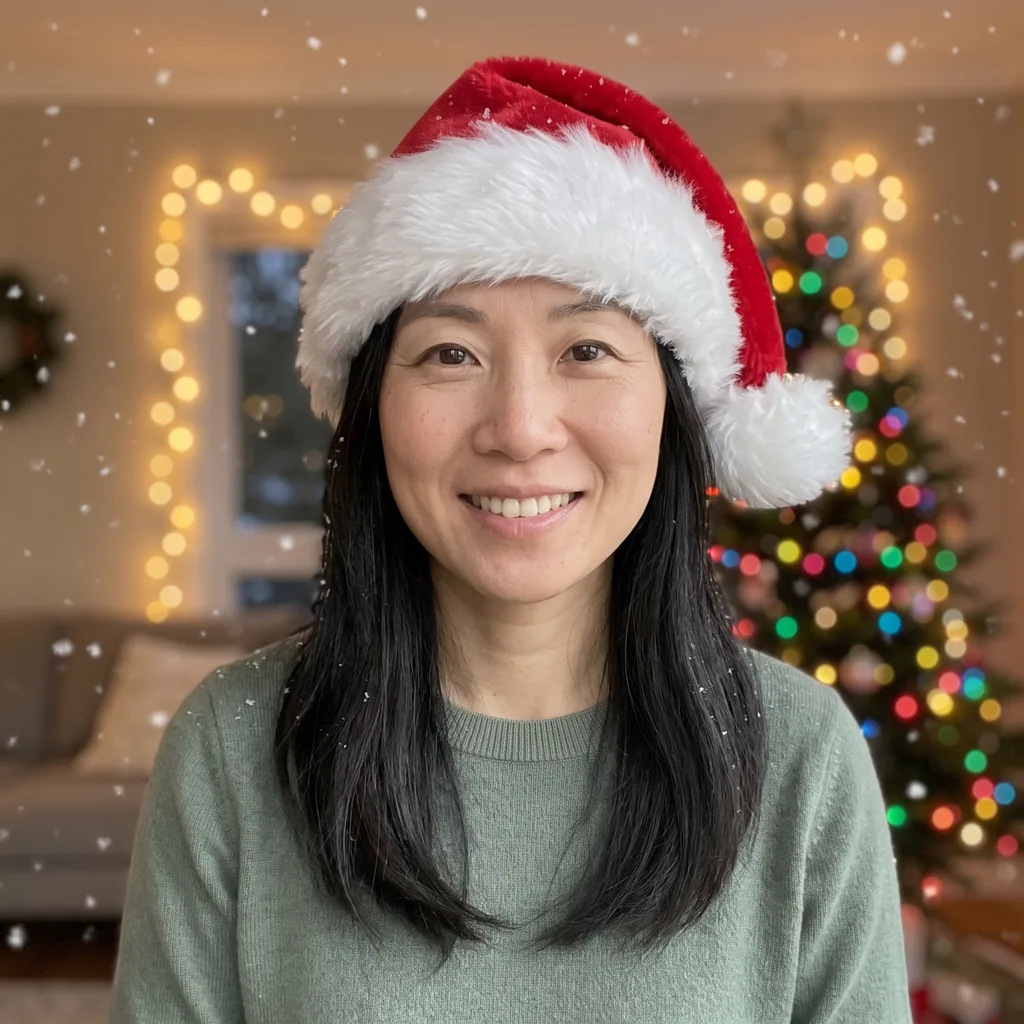
A Christmas profile picture maker: upload a photo of yourself and get a festive PFP — Santa hat, snow, warm fairy lights — without a photoshoot or a photo editor. It runs on Nano Banana 2.1, which edits your photo in place instead of redrawing it from scratch, so the person in the picture is still recognizably you.
Five looks cover the season: the classic Santa hat, a cartoon version of you, a matching pair for two people, a Santa hat for your pet, and a warm shot by the tree. Every look is framed for the round crop — face centered, room above the hat — so it survives as a profile picture on any app.
02 · Features
Why the hat fits here

Your face stays yours
Every look locks your identity first: face, hair, glasses and expression are carried over from your photo, and only the festive parts change. The hat trim sits above your eyebrows so your eyes stay visible — no more Santa hats swallowing half the face. Even the cartoon look keeps your likeness, redrawn in an original illustrated style.
Two photos, one pair
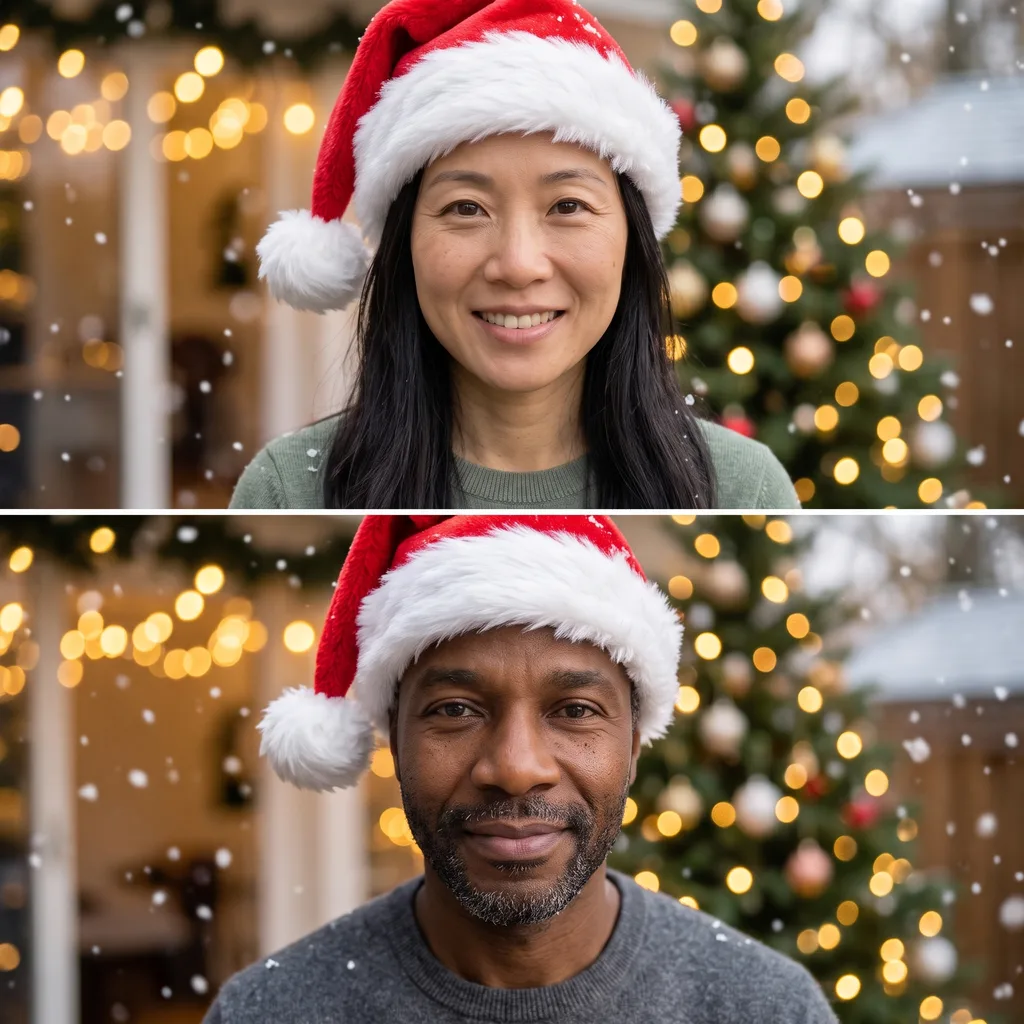
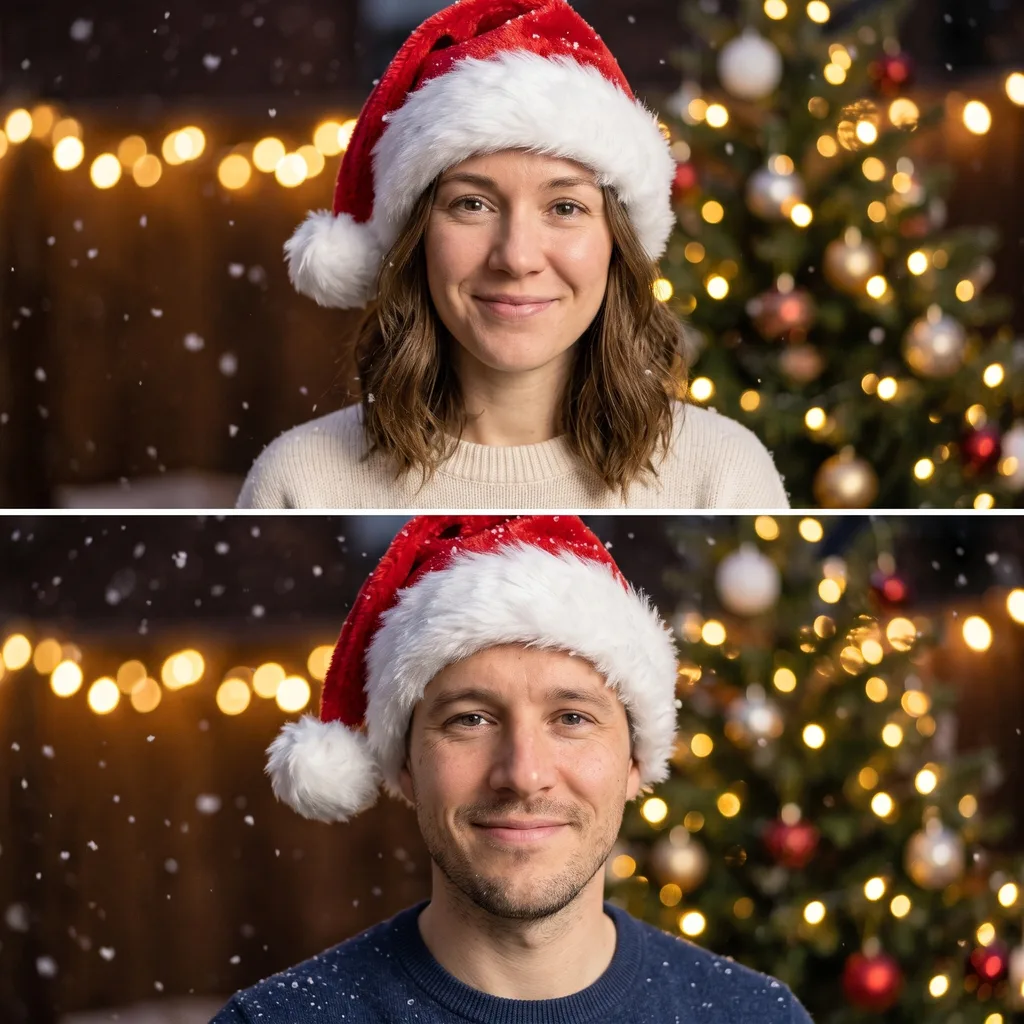
Matching Pair takes two photos — you and a partner, a friend, a sibling — and returns two stacked square portraits with the same hat, the same light and the same background, each croppable as its own profile picture. Upload both photos, pick the look, and the pair comes out consistent by construction.
Pets get hats too
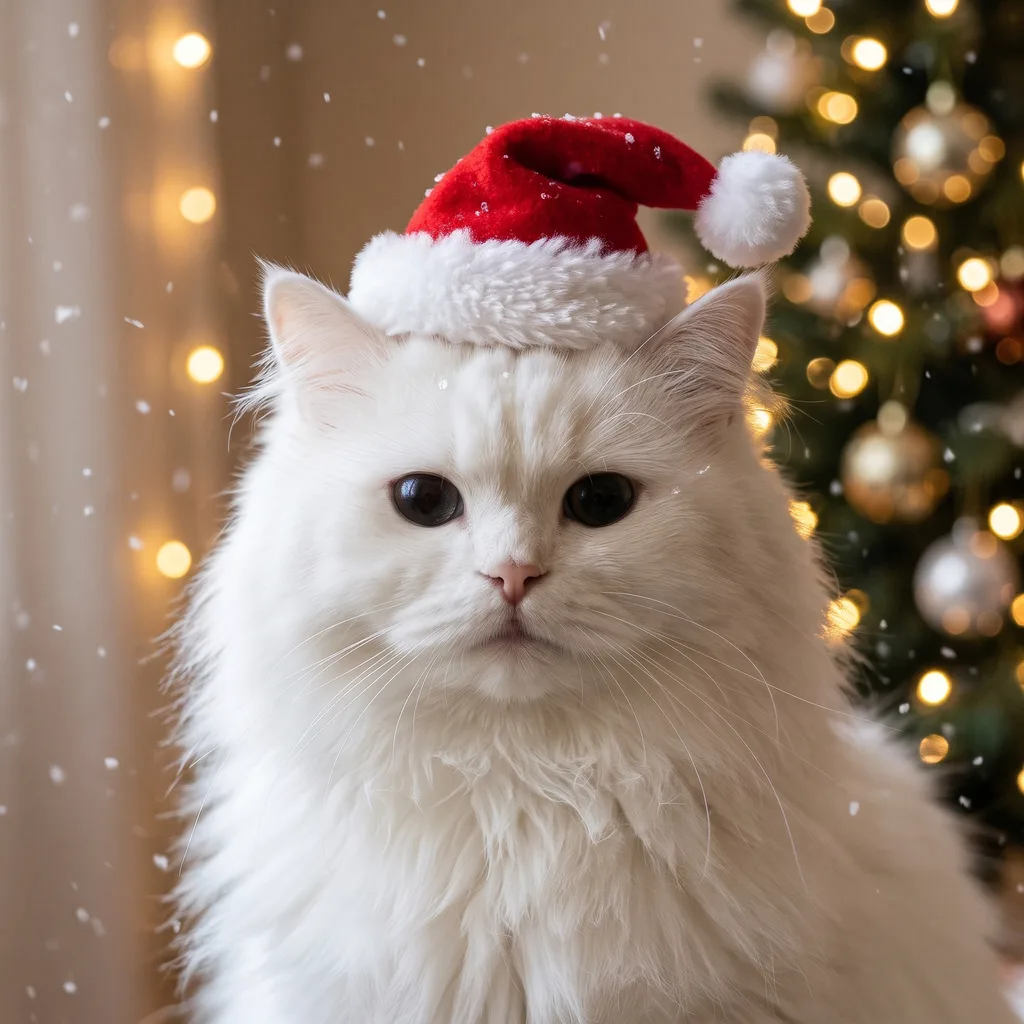
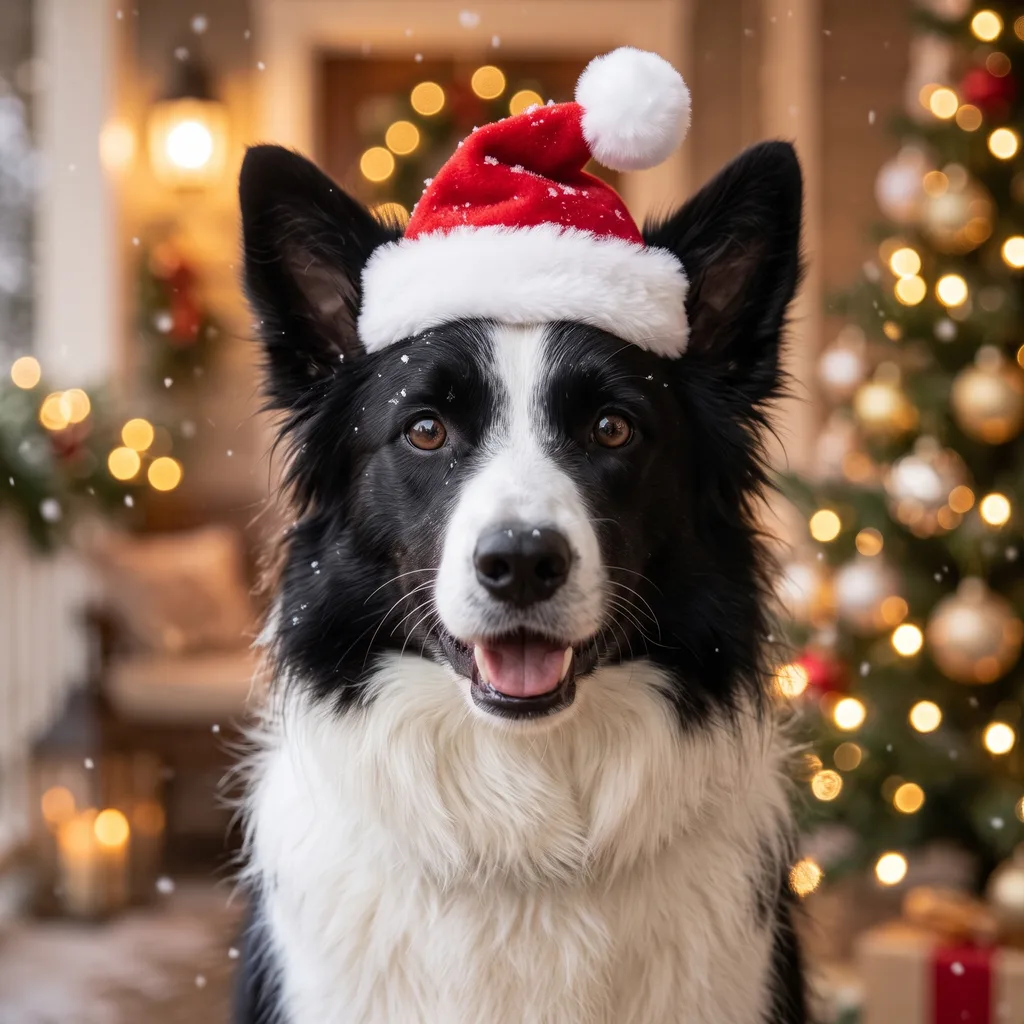
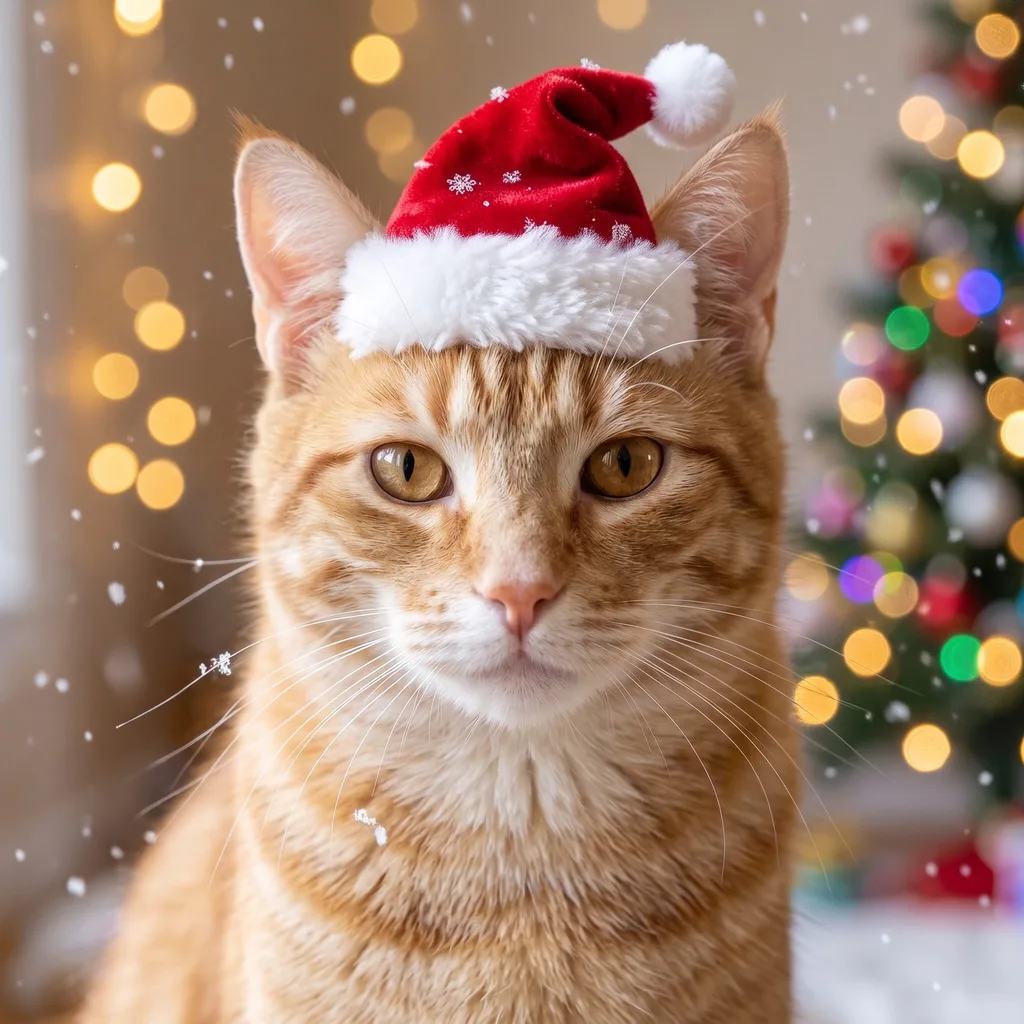
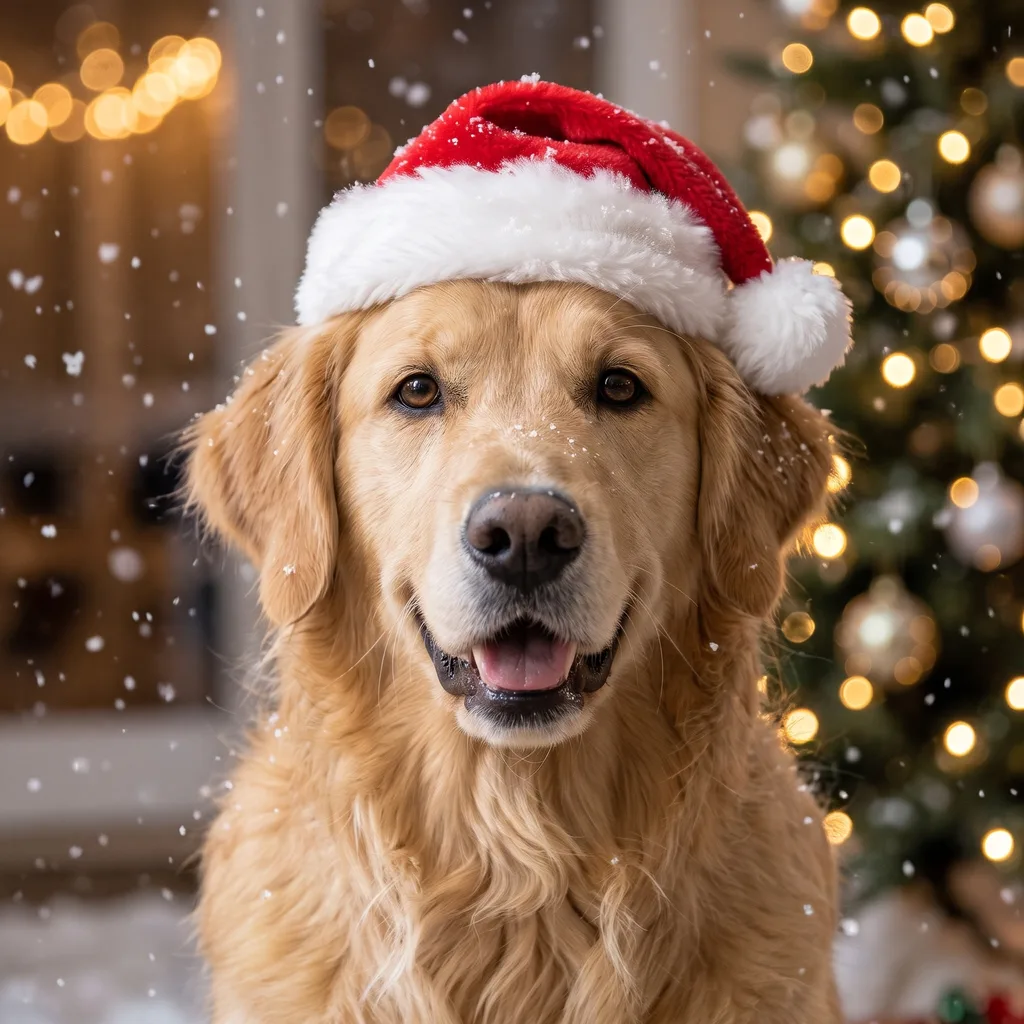
The Pet Santa Hat look fits a hat to your dog or cat and keeps the animal looking like itself — same ears, same eyes, same expression, just festive. Works for profile pictures, holiday cards and the group chat.
03 · Create
Five Christmas PFP looks
Real outputs from this studio. Load any look into the tool, upload your photo, and make it yours.

Classic Santa Hat
The one everyone recognizes: a fitted red Santa hat, soft falling snow, warm fairy lights behind you — photorealistic, face centered for the round crop.
The default look, and the most forgiving: it works with almost any clear front-facing photo. The hat trim stays above your eyebrows, so your eyes — the part people actually recognize — stay fully visible.

Cartoon You
You, redrawn as a cute cartoon: clean outlines, rosy cheeks, a Santa hat and a snowy background — in an original illustrated style, never a copy of any existing character.
The cartoon look restyles the whole image, so it changes more than the other looks — but your face shape, hair and expression carry through, and the result still reads as you.
Matching Pair
Two photos in, two matching portraits out: the same Santa hat, the same warm light, the same snowy background — one square each, ready to crop as a pair.
Upload two photos (yours and your partner's or friend's) and pick this look. The second photo adds just 1 credit — 12 at 2K for the pair. Both portraits are framed the same way, so they sit neatly side by side.
Pet Santa Hat
Your dog or cat in a fitted Santa hat, with the same warm fairy-light background as the classic look — the pet's face, ears and expression stay true to the photo.
Best with a front-facing photo where the pet's face is clear and well lit. The hat is sized to the animal, not pasted on — no floating hats, no covered eyes.


By the Tree
Indoors by the tree: a glowing Christmas tree behind you, warm light on your face, a Santa hat — the cozy living-room version of the classic look.
The warmest of the five looks, and the best choice when your photo is already indoors. The tree lights add depth behind you without competing with your face.
04 · How to use
How to make a Christmas PFP
1
Upload a clear photo
Front-facing, face clear, decent light, shoulders up. For Matching Pair, upload two photos. For a pet, a front-facing shot of the animal.
2
Pick a look and quality
Five looks in the picker above; 2K (11 credits) is the default and the sweet spot for profile pictures. Draft at 1K (8 credits) if you want to preview a look first.
3
Generate & download
Charged only on success — failed generations cost nothing. Try another look with the same photo for a few more credits and pick your favorite.
Prompt guide — getting the best results
- Start with a front-facing photo where your face fills a good part of the frame — the model can only keep what it can see.
- Skip sunglasses, hats and heavy shadows in the source photo; the Santa hat goes on top, and a hat under a hat looks wrong.
- For Matching Pair, use two photos with similar framing (both shoulders-up, both facing the camera) — the pair comes out more consistent.
- Want a different hat color? Edit the loaded prompt — “swap the red hat for a deep green one” — instead of starting from scratch.
- The cartoon look changes the most, so if likeness matters, generate at 2K and compare with the classic look before settling.
05 · Pricing
Christmas PFP Generator pricing
One PFP costs 8 credits at 1K, 11 at 2K, 24 at 4K — about $0.08–0.24 each. Matching Pair adds 1 credit for the second photo (12 at 2K). All five looks at 2K come to 56 credits — barely a tenth of the $5 Mini pack.
Mini pack
Best for a first top-up
$5
One-time · ≈ $0.01 per credit
≈ 83 Seedream images
≈ 100 GPT Image 2.6 drafts
- Full ownership & commercial rights
- Credits never expire
- Charged only on success
Most popular
Pro pack
Best for regular creative work
$20
One-time · ≈ $0.01 per credit
≈ 333 Seedream images
≈ 83 Nano Banana Pro 2K finals
- Full ownership & commercial rights
- Credits never expire
- Charged only on success
Studio pack
Best for high-volume projects
$50
One-time · ≈ $0.01 per credit
≈ 866 Seedream images
≈ 1,040 GPT Image 2.6 drafts
- Full ownership & commercial rights
- Credits never expire
- Charged only on success
Max pack
Best for the heaviest workloads
$100
One-time · ≈ $0.01 per credit
≈ 1,800 Seedream images
≈ 450 Nano Banana Pro 2K finals
- Full ownership & commercial rights
- Credits never expire
- Charged only on success
One-time packs from $5 (500 credits, never expire). Full pricing on the pricing page.
06 · FAQ
Frequently asked questions
How much does one Christmas PFP cost?
8 credits at 1K, 11 at 2K, 24 at 4K — about $0.08–0.24 each in pack terms. Matching Pair adds 1 credit for the second photo, so 12 at 2K for the pair. You are charged only when a generation succeeds.
Will it still look like me?
Yes — every look is built around an identity lock: your face, hair, glasses and expression are carried over from your photo, and only the festive parts change. The cartoon look restyles the whole image but keeps your likeness. If a result drifts, re-run it — each attempt is a fresh generation.
What photo works best?
A front-facing, shoulders-up photo with your face clear and well lit. Avoid sunglasses, hats and heavy shadows. The model centers your face with room above the hat, so the result survives the round crop on every app.
Can I make a matching PFP with a friend or partner?
Yes — pick the Matching Pair look and upload two photos. You get two stacked square portraits with the same hat, light and background, each croppable as its own profile picture. The second photo adds just 1 credit.
Can I use the PFP anywhere?
Yes — paid plans include a commercial license: profile pictures, social posts, holiday cards, group chats. The images are yours to use.
What happens to my uploaded photo?
Your uploads and results live in your account's generation history, like every other generation on Pizyn — download what you want, and delete anything you don't. Use photos of yourself, or of people (and pets) who said yes.