 Pizyn
AI tool · Powered by Seedream 5.5
AI Tattoo Generator
A tattoo design here costs 4 credits at 1K (6 at 2K) — about $0.04–0.06 — and takes under a minute. Pick a style, describe your idea, and Seedream 5.5 draws it: fine line, minimalist, traditional, blackwork, Japanese, cybersigilism, geometric, microrealism — plus lettering and a stencil mode that exports a transparent PNG your artist can print and transfer. No subscription, ever.
Your generation will appear here.
Try one of these:
Session history
01 · Overview
What is the AI Tattoo Generator?
A tattoo design generator: describe the tattoo you want and get a finished design — in the style you picked, on a clean background, ready to show your artist. It runs on Seedream 5.5, which is why the linework comes out clean and the lettering comes out spelled right: in our test it rendered a traditional banner reading “DEATH BEFORE DISHONOR” letter-perfect.
Eight styles cover the range — fine line, minimalist, traditional, blackwork, Japanese, cybersigilism, geometric and microrealism — plus lettering and a stencil mode that exports a transparent PNG. No subscription, no weekly charge: one design costs 4–6 credits, about $0.04–0.06, and the credits never expire.
02 · How to use
How to design a tattoo with AI
1
Pick a style, describe your idea
Choose one of the eight styles in the studio — or load a sample prompt and edit it. Name the subject, the style and anything it must include, then set the placement, size and ink below the prompt. For a pet portrait or a name, upload a reference photo.
2
Choose quality and background
2K (6 credits) is the default and the sweet spot for designs. Tick Transparent background for a stencil-ready PNG. Draft at 1K (4 credits) if you want to preview a style first.
3
Generate, compare, take it to your artist
Generate 2–4 variations and compare — the first draft is rarely the one. Charged only on success — failed generations cost nothing. Download the PNG, print it at the size you want, and show your artist: they will adapt the lines for your skin and placement, which is normal and expected.
03 · Features
Why the designs are usable, not just pretty
Stencil-ready from the start
A tattoo starts as a stencil — black line art an artist transfers onto skin. Tick Transparent background in the studio and Seedream 5.5 returns a PNG with a real alpha channel: no white box to cut out, no background-remover pass. Print it at the size you want and hand it to your artist, or drop it onto a photo of your arm to see the placement. And a stencil isn’t a one-way door: like a finished design? Load it back with the Stencil chip and re-run it — every design can become a stencil.
Print math: a 2K PNG is about 17 cm wide at 300 DPI, a 1K PNG about 9 cm — print at the size you’ll wear, not the size it downloads at.
Lettering that spells right
Names and dates are the most common tattoo text — and a misspelled tattoo is permanent. Seedream 5.5 handles short text well: our test banner came out letter-perfect, and a “MAMA” script test passed once the placement was spelled out in the prompt. The Lettering chip in the studio loads a name template you can edit — keep the text short, say where each element goes, and always proofread before you ink it.
Priced per design, not per month
Tattoo apps sell subscriptions — and their one-star reviews tell the story: charges after cancelling, no cancel button in the app, quiz funnels that take your money before showing a result. Here there is no subscription to cancel. One design is 4–6 credits, the packs are one-time and never expire, and you are charged only when a generation succeeds.
04 · Create
Eight tattoo styles — plus lettering and stencil
Real outputs from this studio, two examples per style. Load any style into the tool and make it yours.
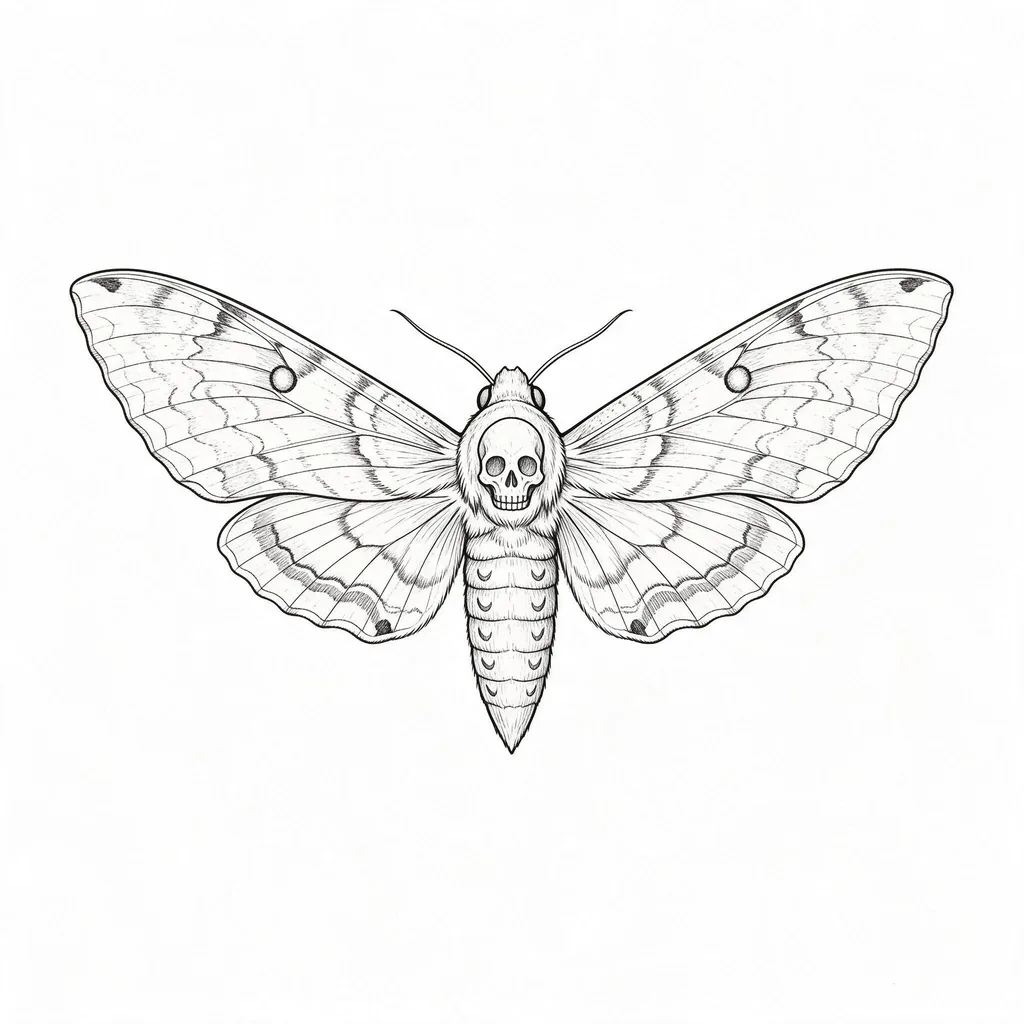
Fine Line
Single-needle delicacy: ultra-thin precise lines, botanicals, insects, small portraits — the most requested style of 2026.
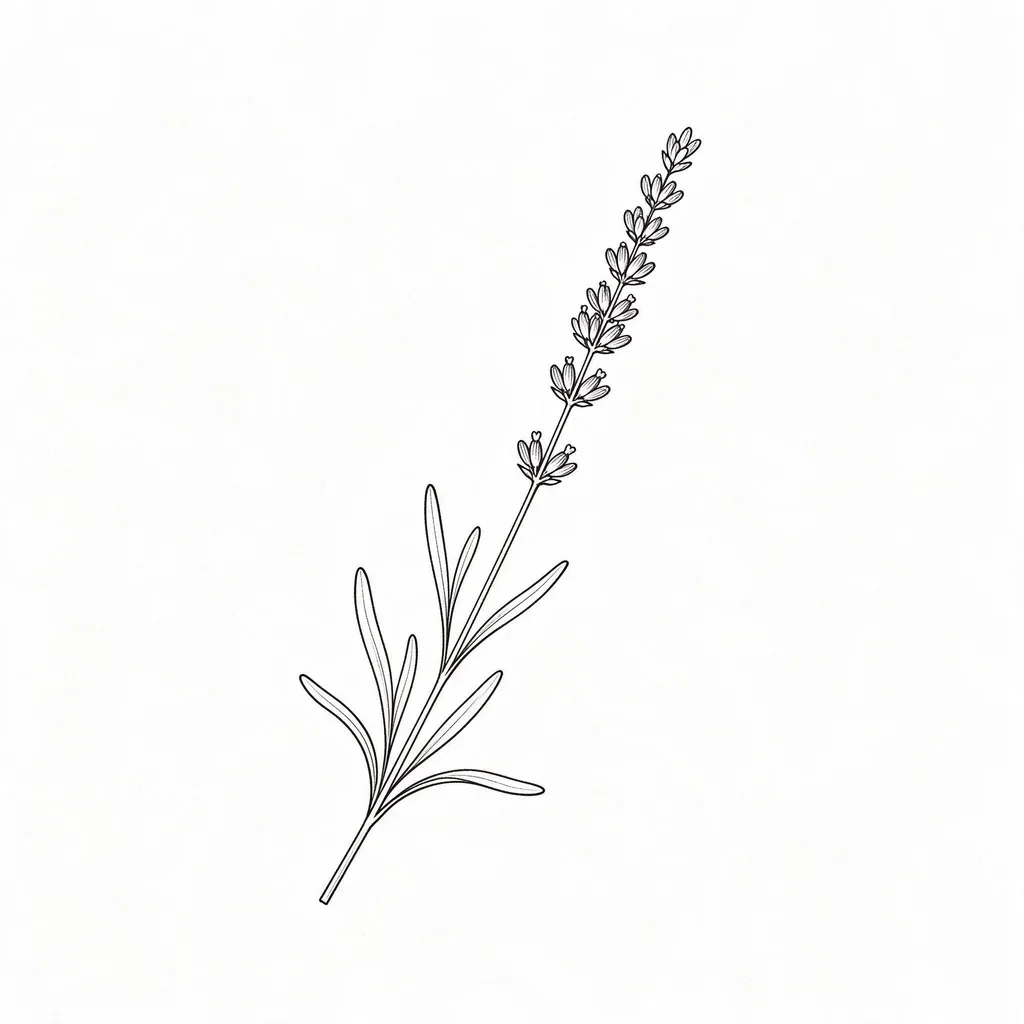
The lavender sprig and the hawkmoth show what fine line does best: detail without weight. One honest note — fine lines fade faster than bold ones, so keep the design simple and ask your artist about placement and size before committing to anything tiny.
Size & lines: 1RL–3RL single-needle lines. Simple designs hold from about 3 cm; detailed pieces want 5 cm or more. Small gaps close first as ink spreads — keep space between the lines.
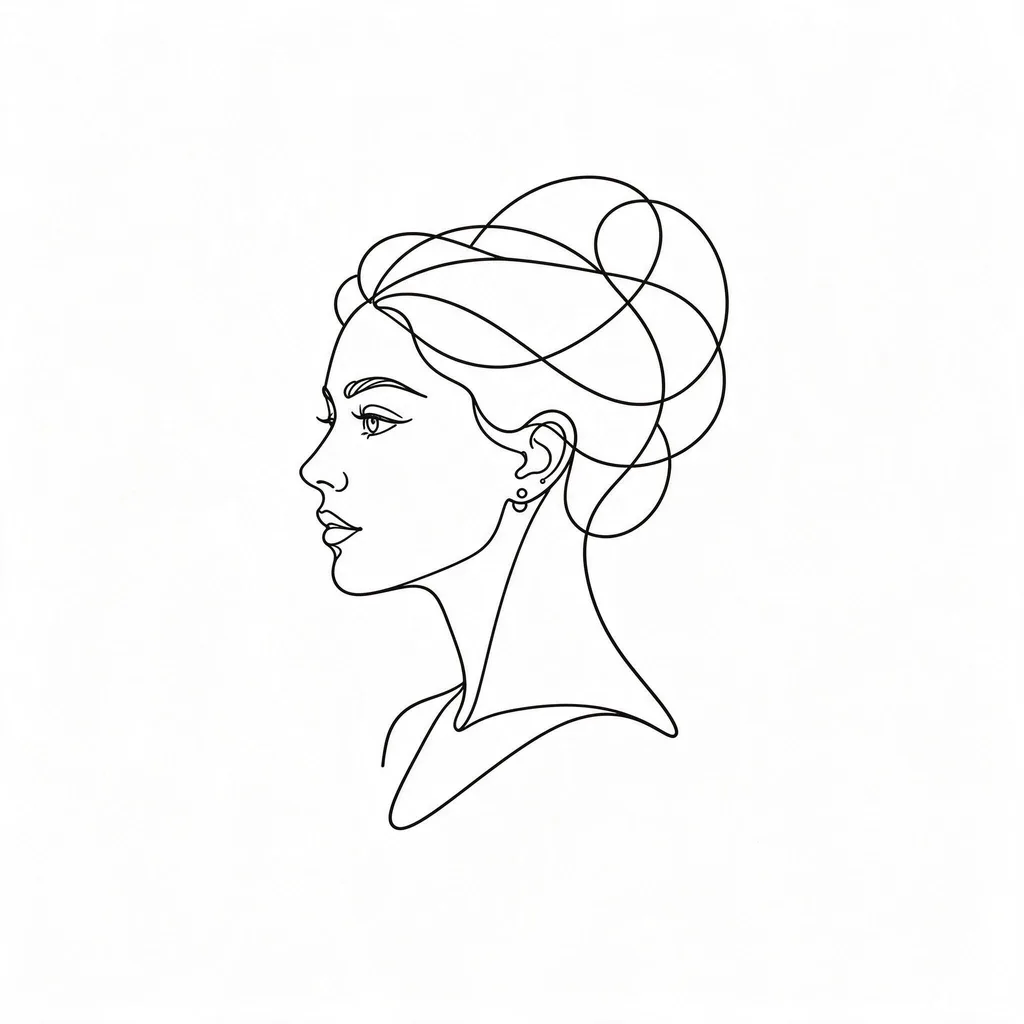
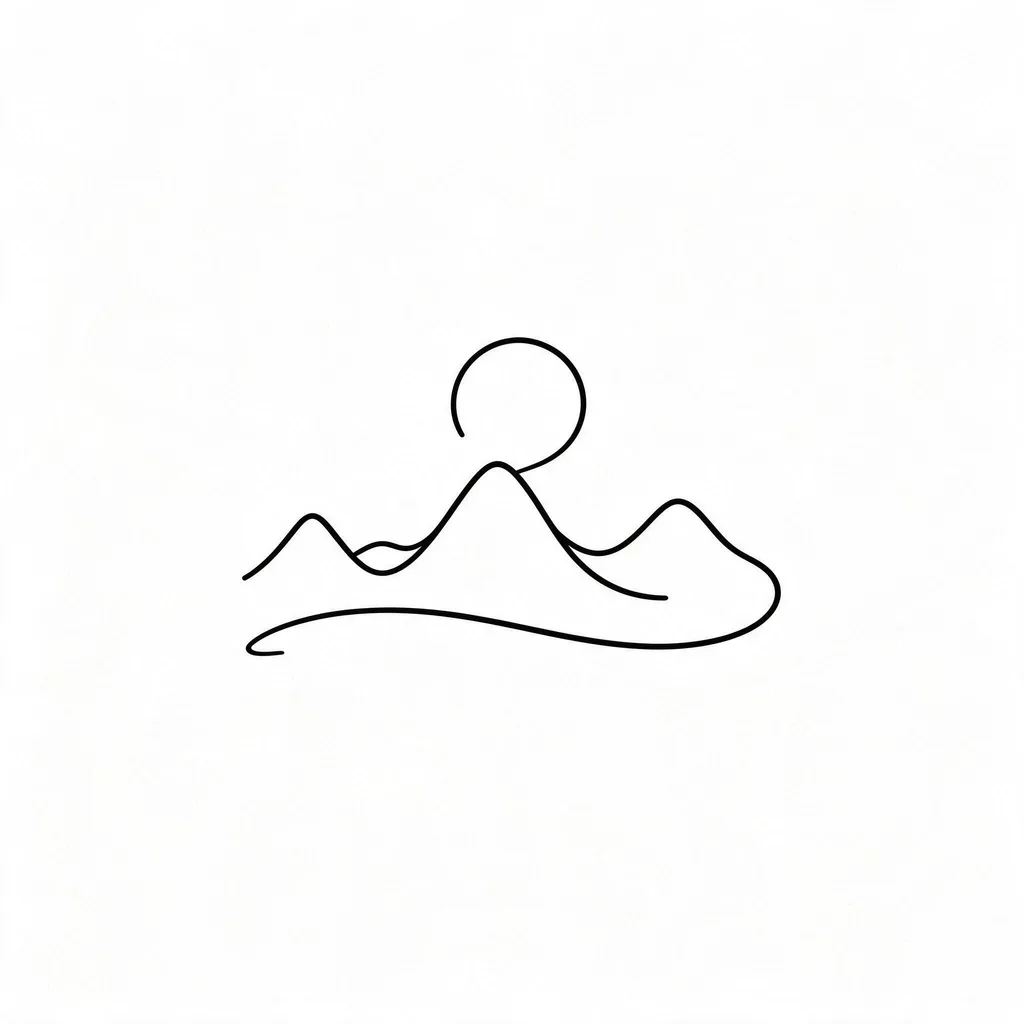
Minimalist
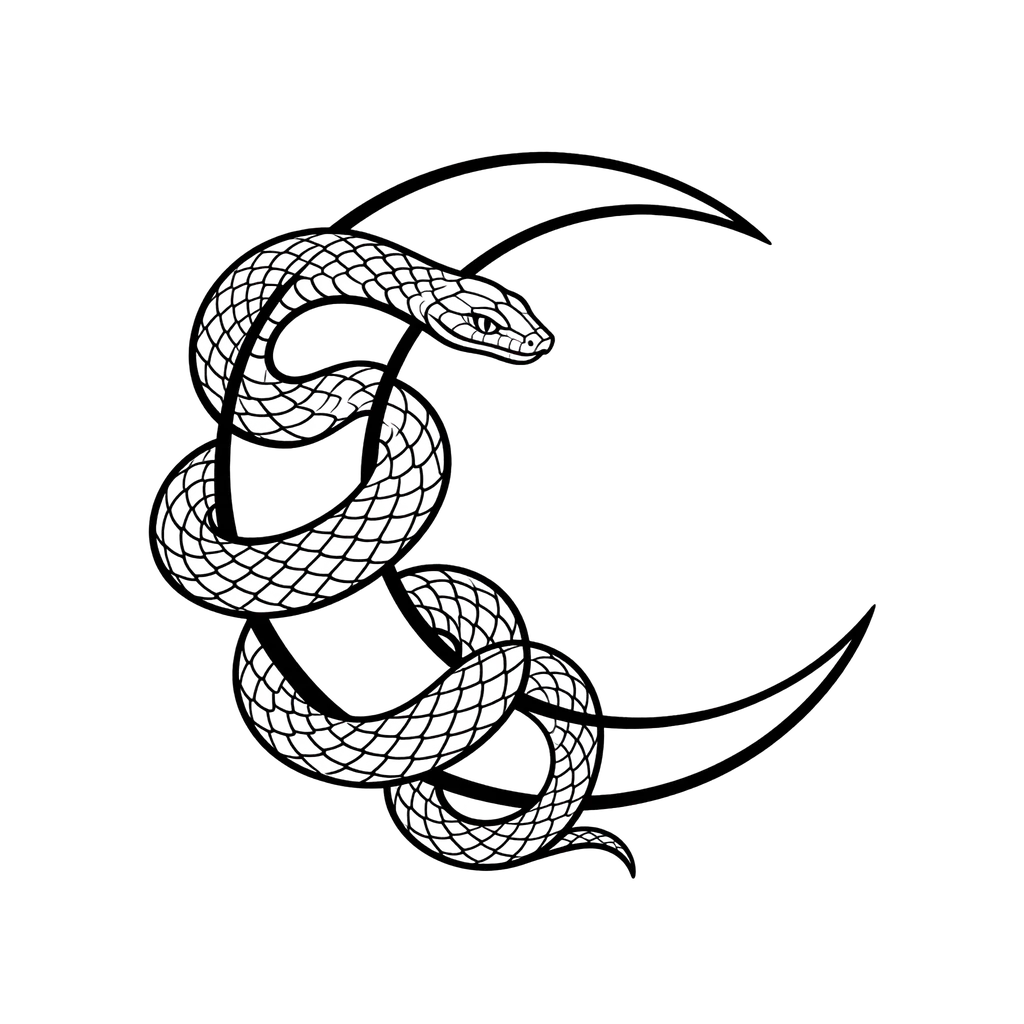
One line, one idea: single-line faces, tiny symbols, small mountains — the style for a first tattoo.
Minimalist tattoos live on wrists, ankles and behind ears: small, quiet, easy to place. The fewer the lines, the more each one matters — describe the subject in one clear sentence and let the model keep it simple.
Size & lines: one continuous line, best at 3–8 cm. Tiny gaps close as the ink settles, so keep the design to one clear idea.
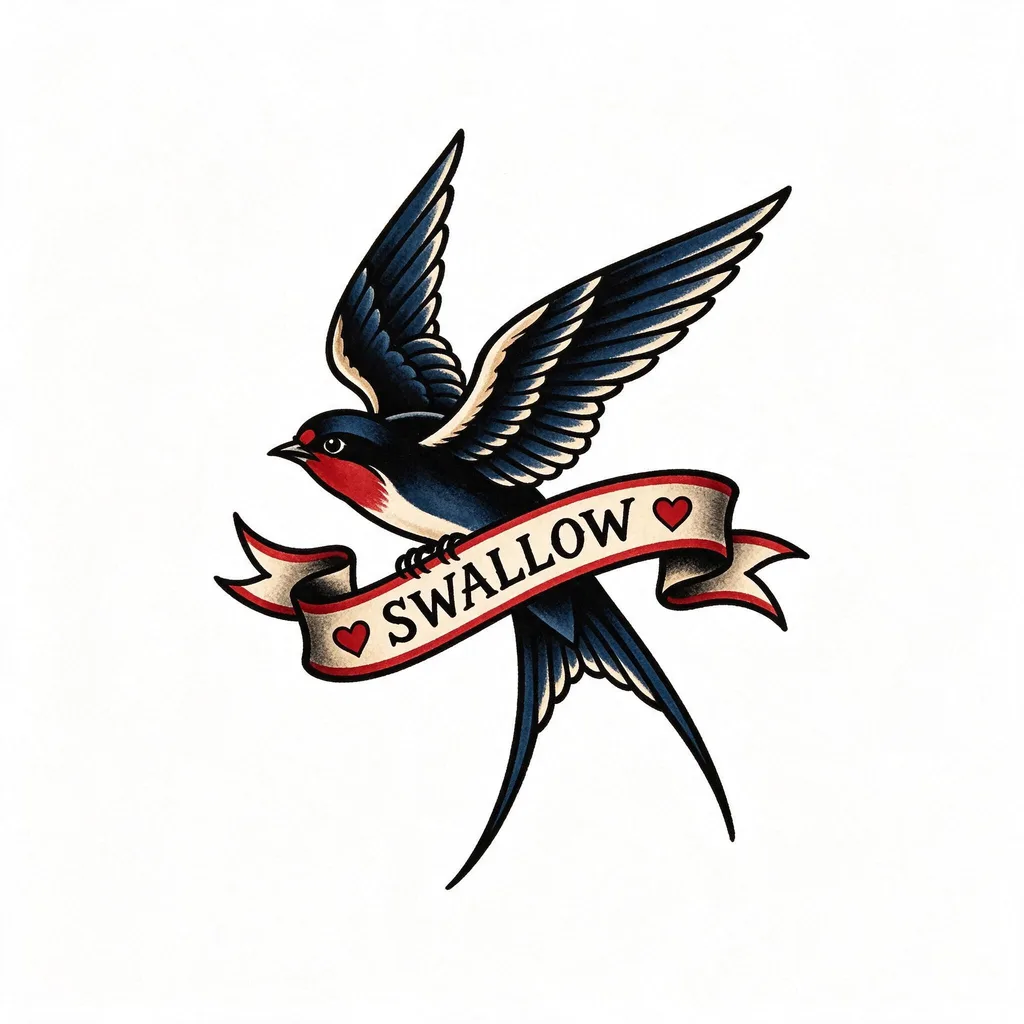
Traditional (Old School)
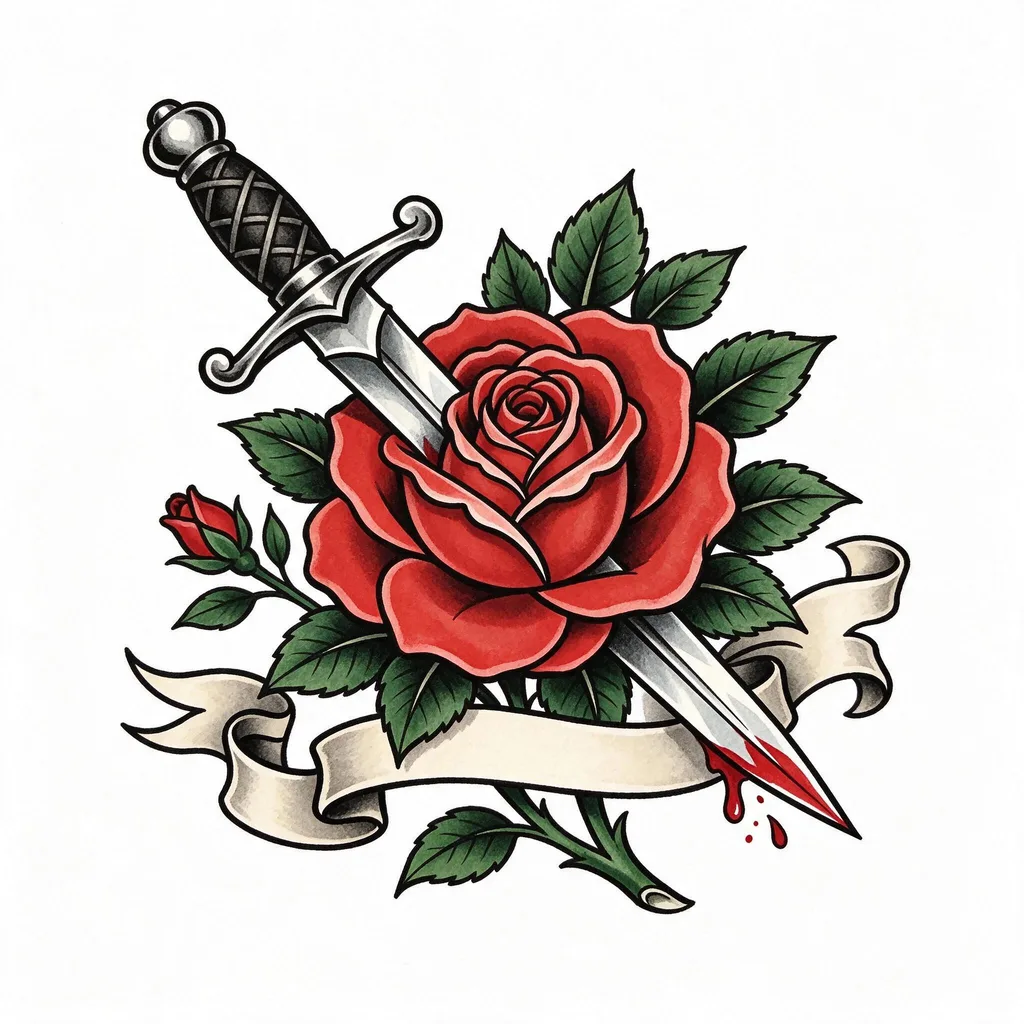
Bold outlines, solid color, no apologies: daggers, roses, swallows — the flash-sheet classics that age the best.
Traditional is the style that holds up longest on skin: thick black outlines and flat color don’t blur the way fine detail does. Neo-traditional — the same bold bones with more shading and color range — works from this preset too: add “neo-traditional, soft shading, muted colors” to the prompt.
Size & lines: bold 7–14RL outlines and flat color — the longest-lasting lines on skin. Works at almost any size; the outlines do the holding.
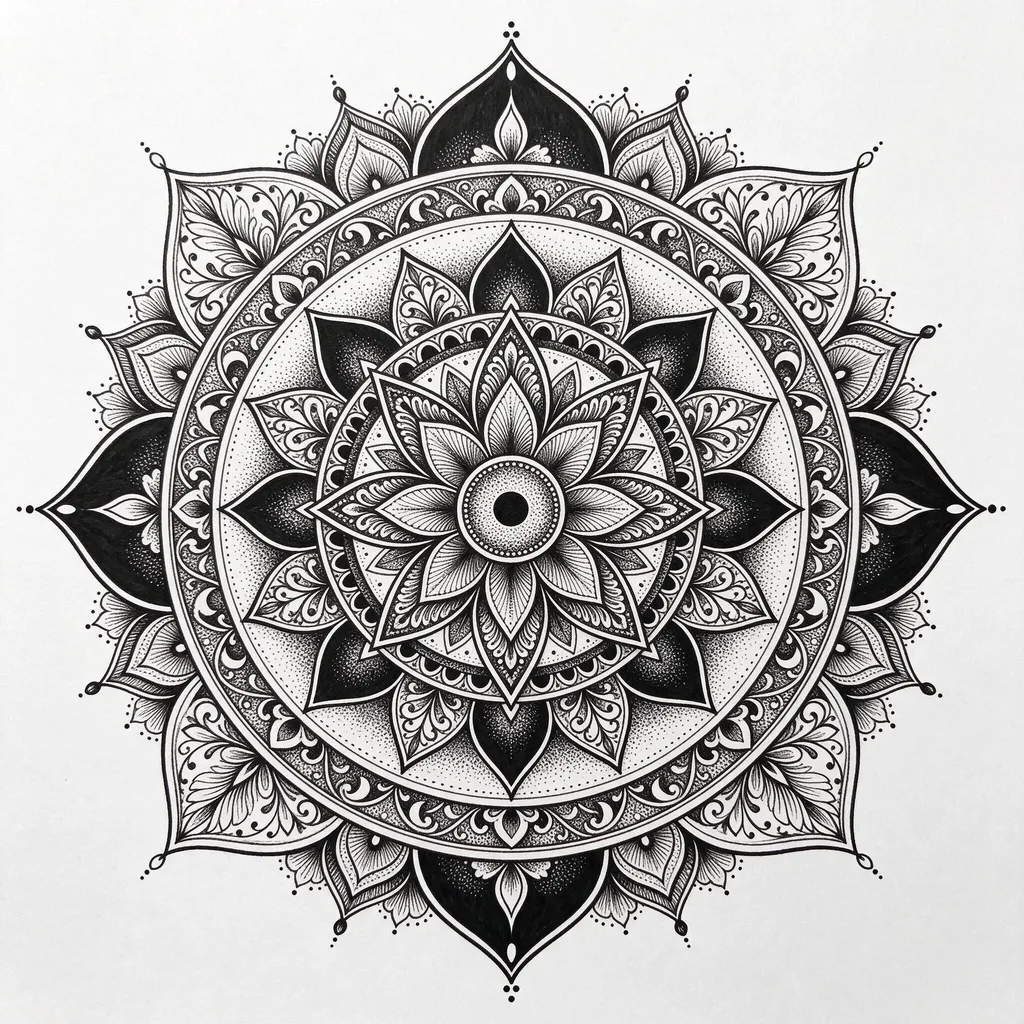
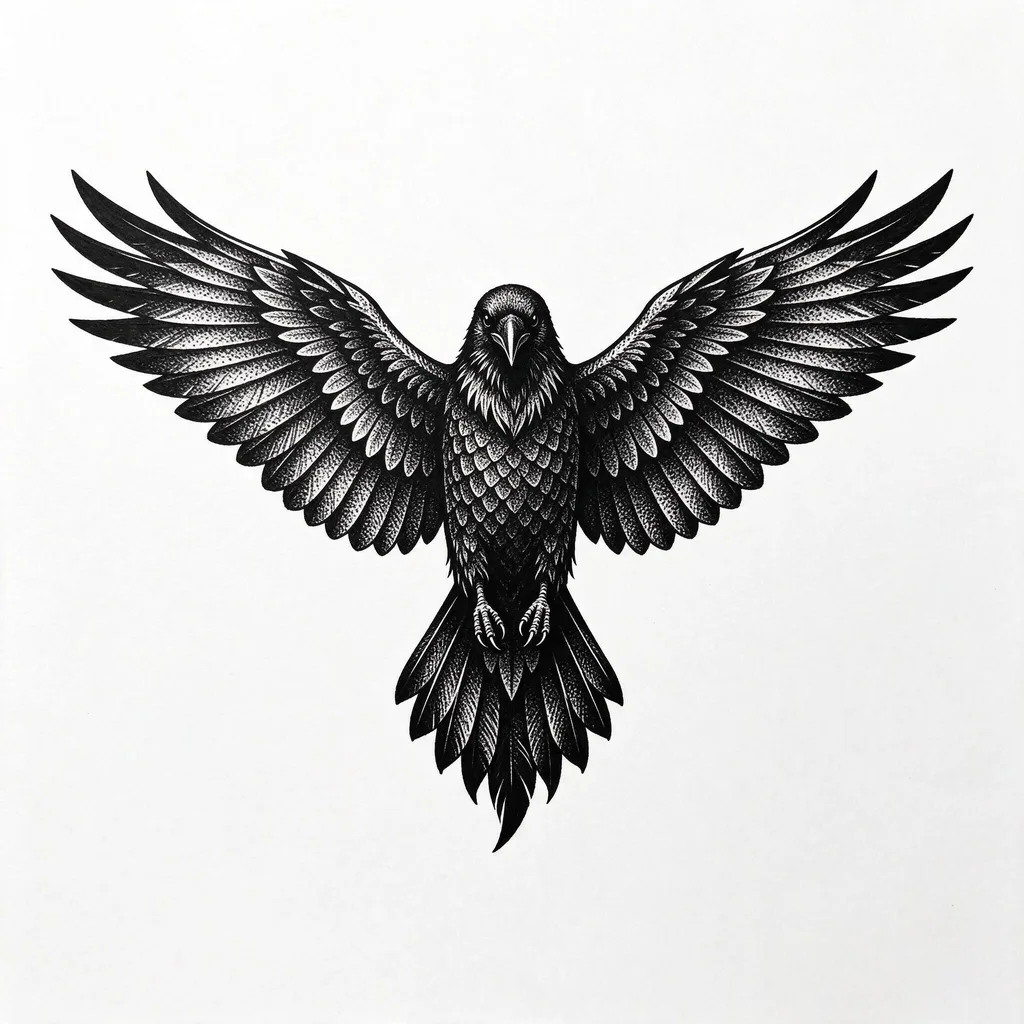
Blackwork
Solid black, graphic shapes, dotwork shading: mandalas, ravens, bold ornamental pieces that read from across the room.
Blackwork is pure contrast — no color to lean on, so the shapes have to carry the design. Dotwork shading (the fine stippled gradients in the raven’s feathers) lives here too: ask for it by name and it shows up as texture, not mud.
Size & lines: solid black fills and dotwork. Bold fills age best; fine dotwork softens like fine line, so give it room.
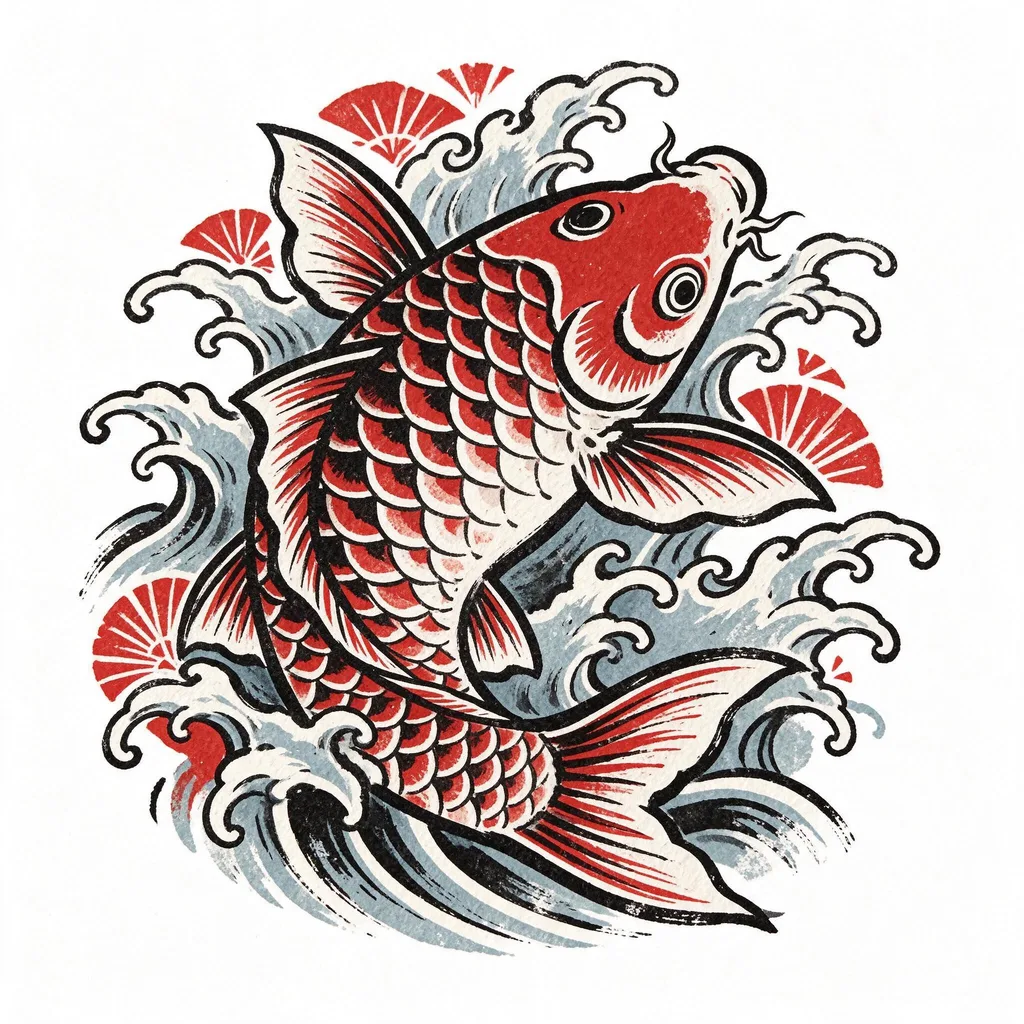
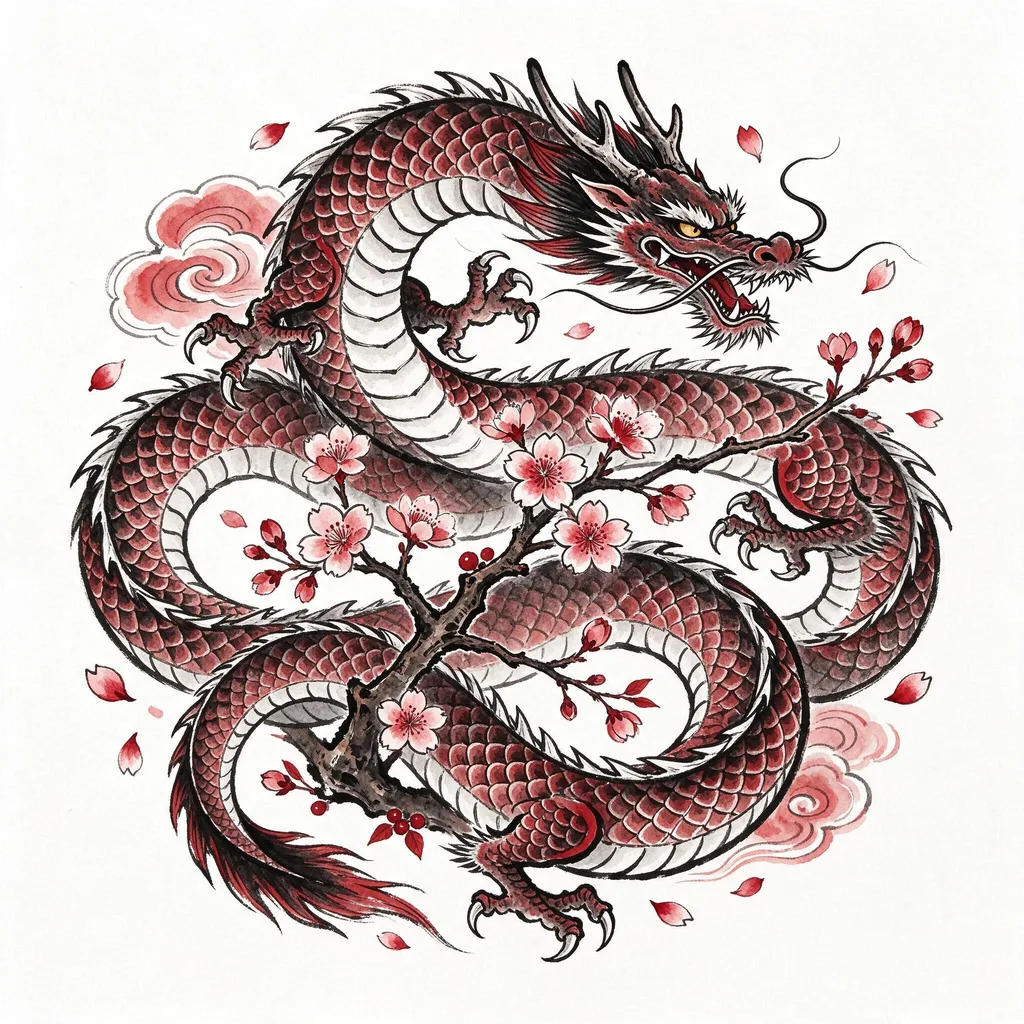
Japanese (Irezumi)
Koi, dragons, cherry blossoms: bold ukiyo-e flow built for larger pieces — half sleeves, backs, thighs.
Japanese tattooing is composed for the body, not the frame: the koi swims upward, the dragon coils around the limb. These samples are single motifs — for a sleeve, generate the motifs separately and let your artist compose them around the arm.
Size & lines: built for larger pieces — half sleeves, backs, thighs. Small versions lose the wave and flower detail; give the composition room to flow.
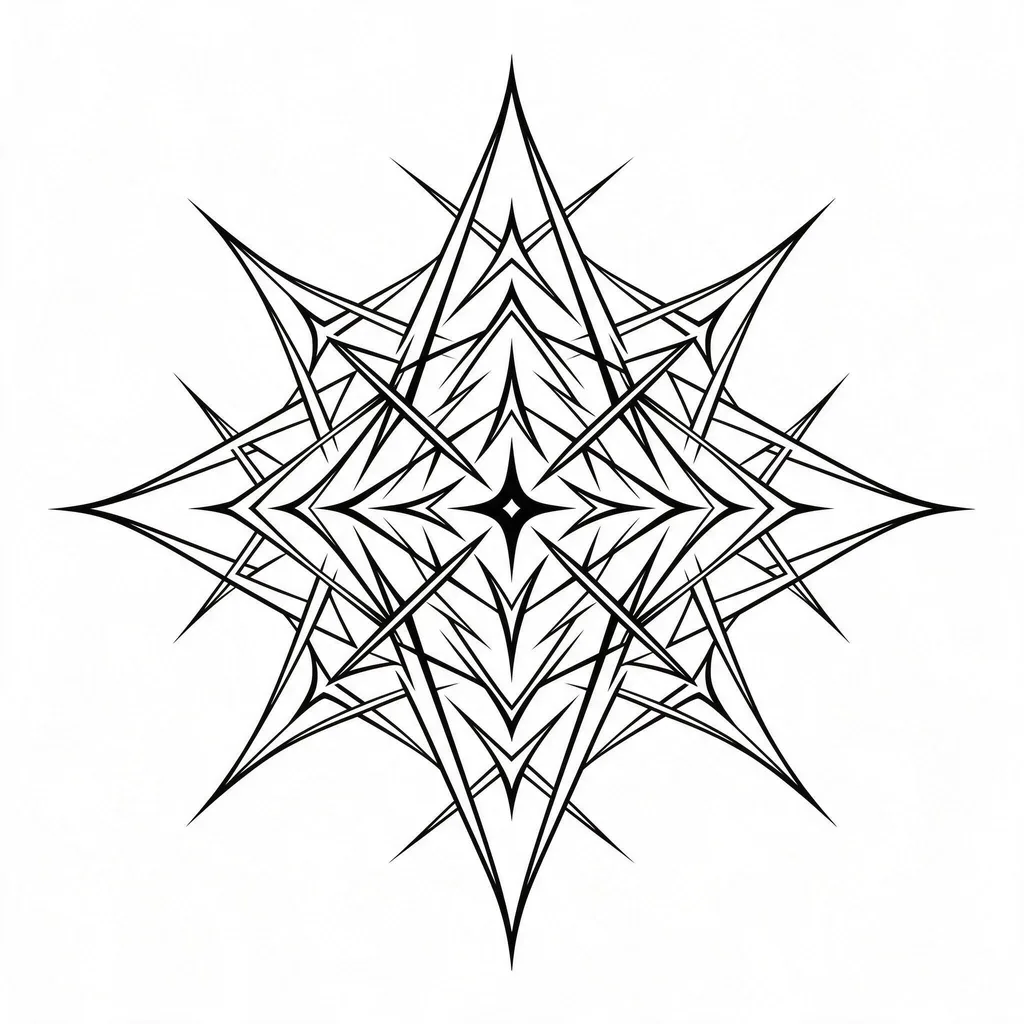
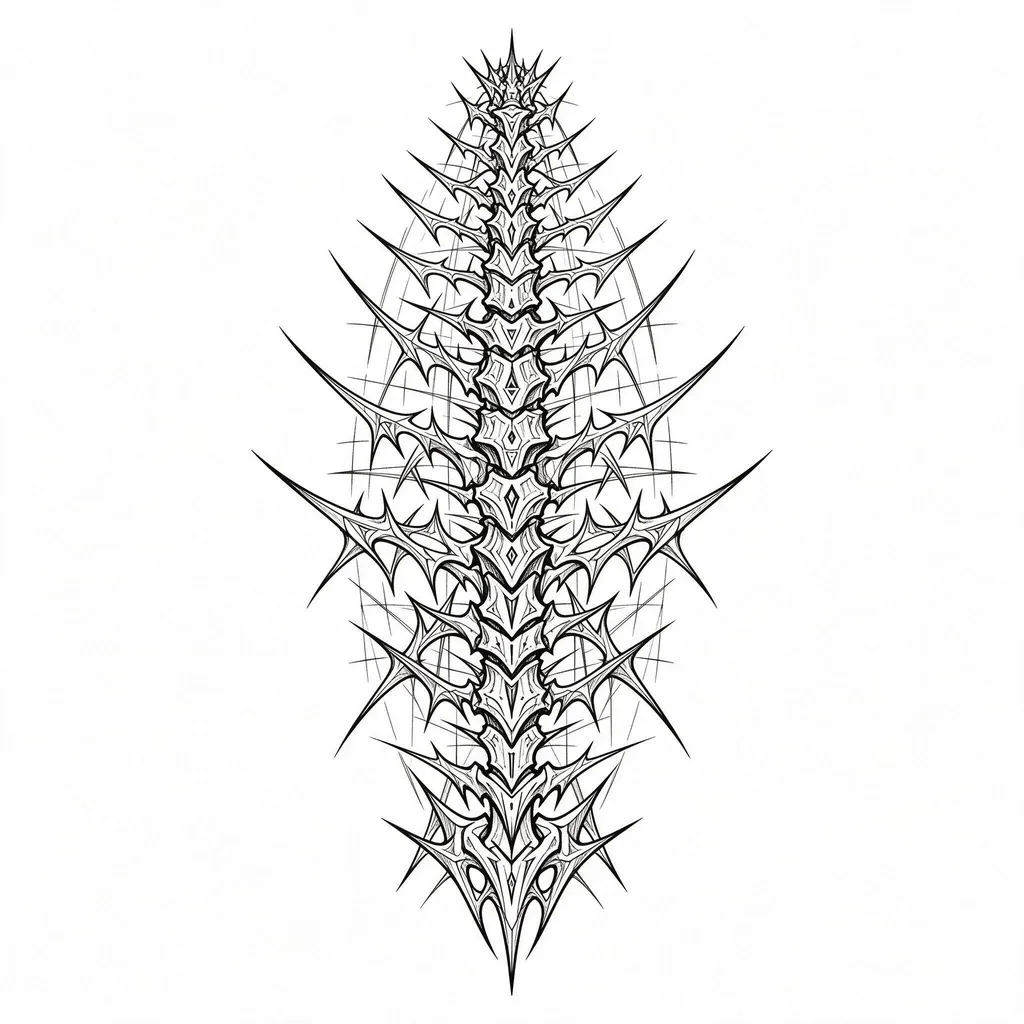
Cybersigilism
Sharp, angular, futuristic: blade-like sigils and spine lines — the fastest-growing tattoo trend of the last two years.
Cybersigilism is abstract by design — the lines are the meaning. It works best as a vertical piece down the spine, forearm or sternum. Say “symmetrical” if you want it mirrored, or drop it for something deliberately off-balance.
Size & lines: sharp thin strokes, same aging rules as fine line — keep the thinnest spikes spaced apart, and favor flat areas like the forearm or sternum.
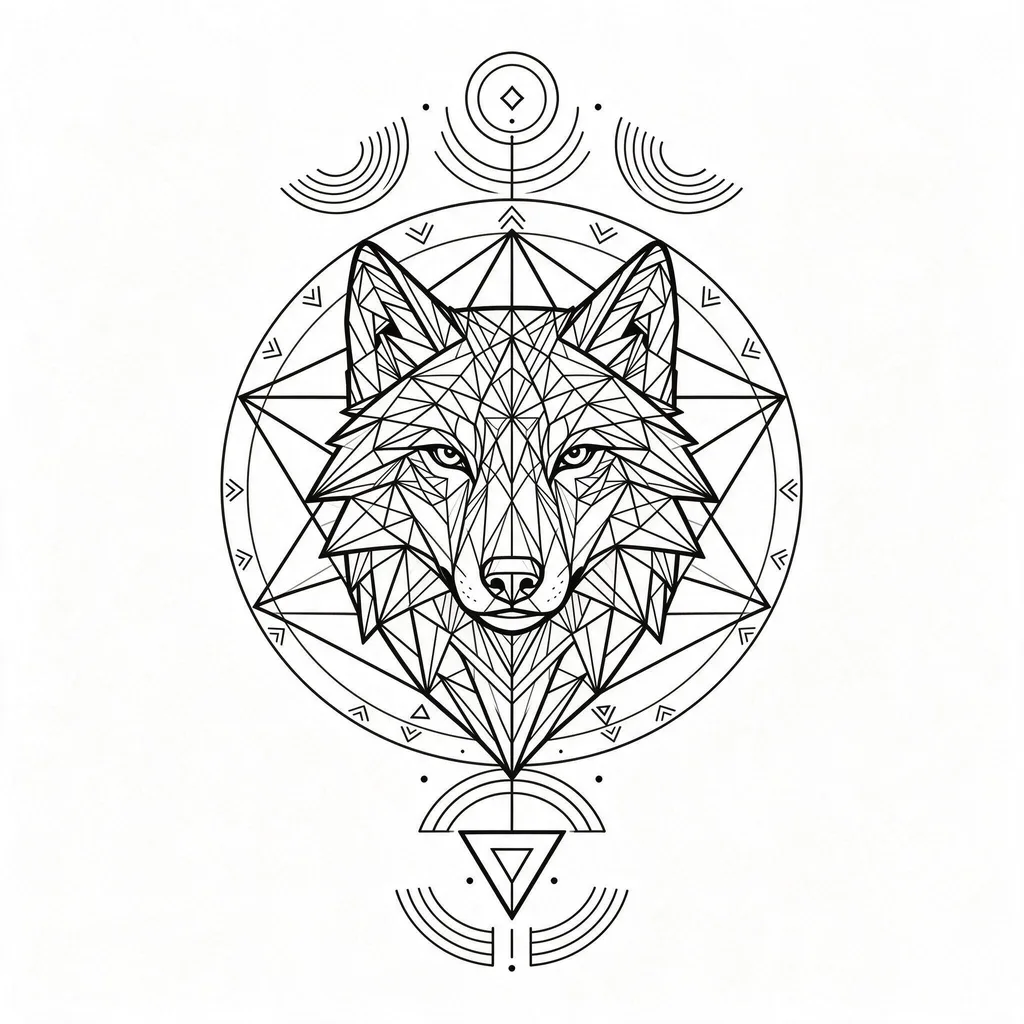
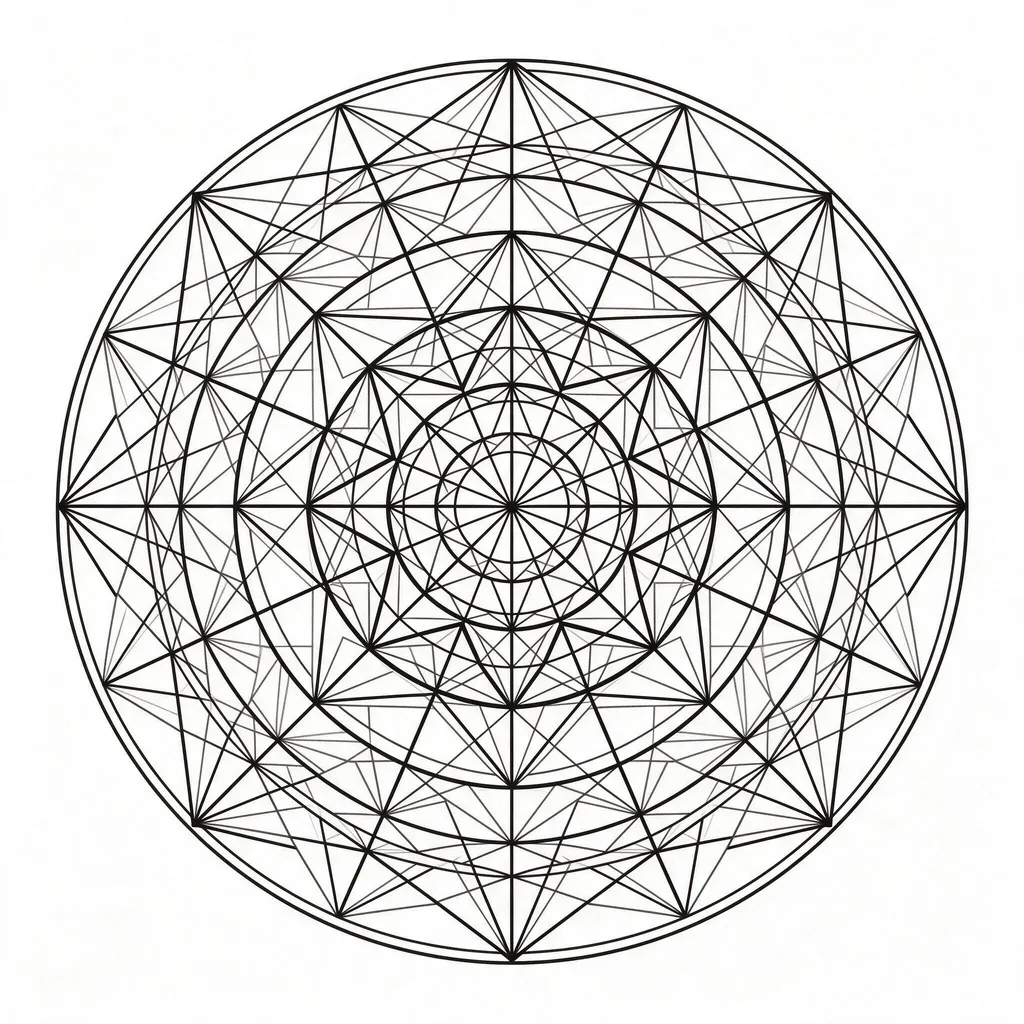
Geometric
Triangles, straight lines, perfect symmetry: animals rebuilt from geometry, sacred mandalas, precise ornamental work.
Geometric tattoos reward precision — the lines have to be straight and the symmetry exact, which is exactly what this model does well. Pick an animal and a structure (“a fox head built from triangles”) and the design composes itself.
Size & lines: precision lines and symmetry. Flat areas (forearm, calf, back) keep the geometry true; curved spots distort it.
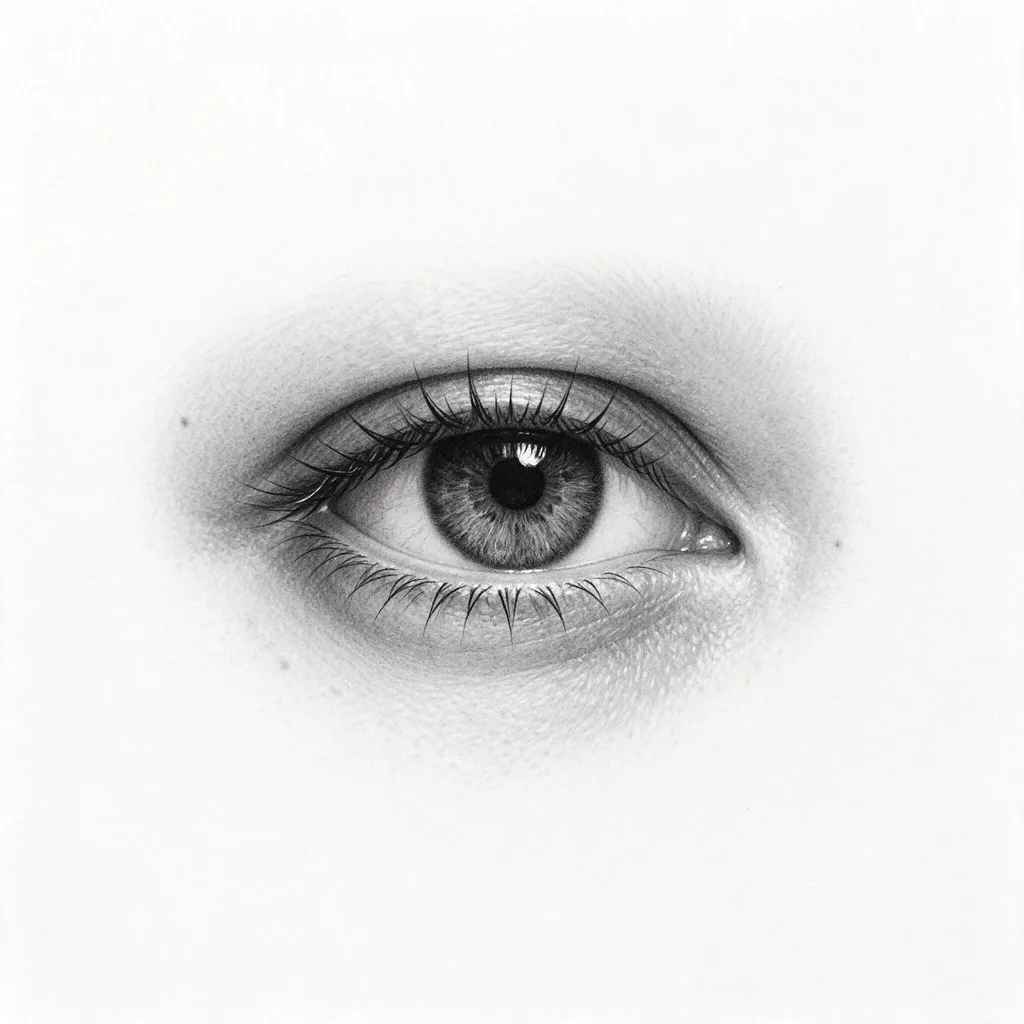
Microrealism
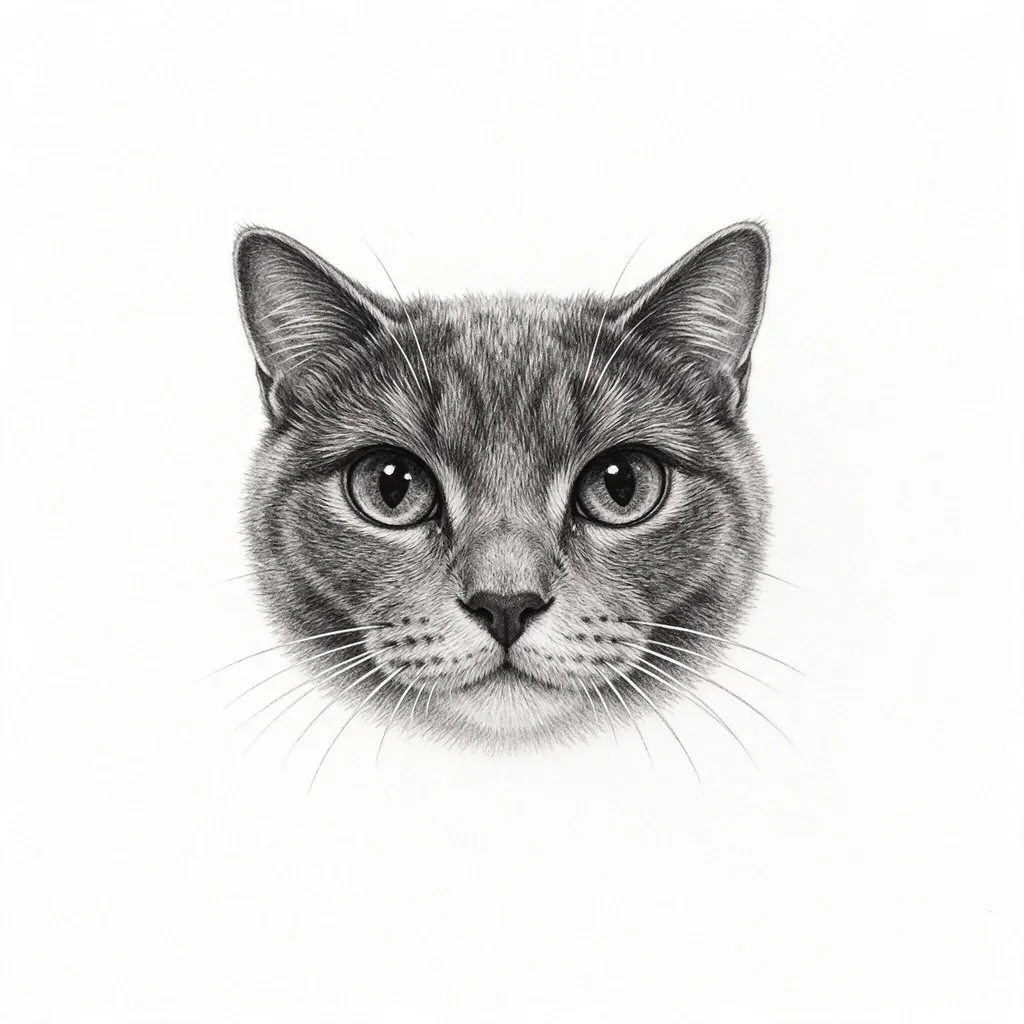
Tiny and hyperreal: a pet’s face, an eye, a flower — photographic detail at 3cm scale, in black and grey.
Microrealism is the most in-demand style of 2026, and the hardest to draw by hand — which is why it’s a good fit for a model. Pet portraits are the classic use: upload a photo of your pet as a reference and the model builds the portrait around the real animal. Keep the subject to one face — two faces at 3cm is a blur waiting to happen.
Size & lines: portraits need about 6 cm minimum — below 4 cm the features merge as ink spreads. High contrast ages better than soft greys.
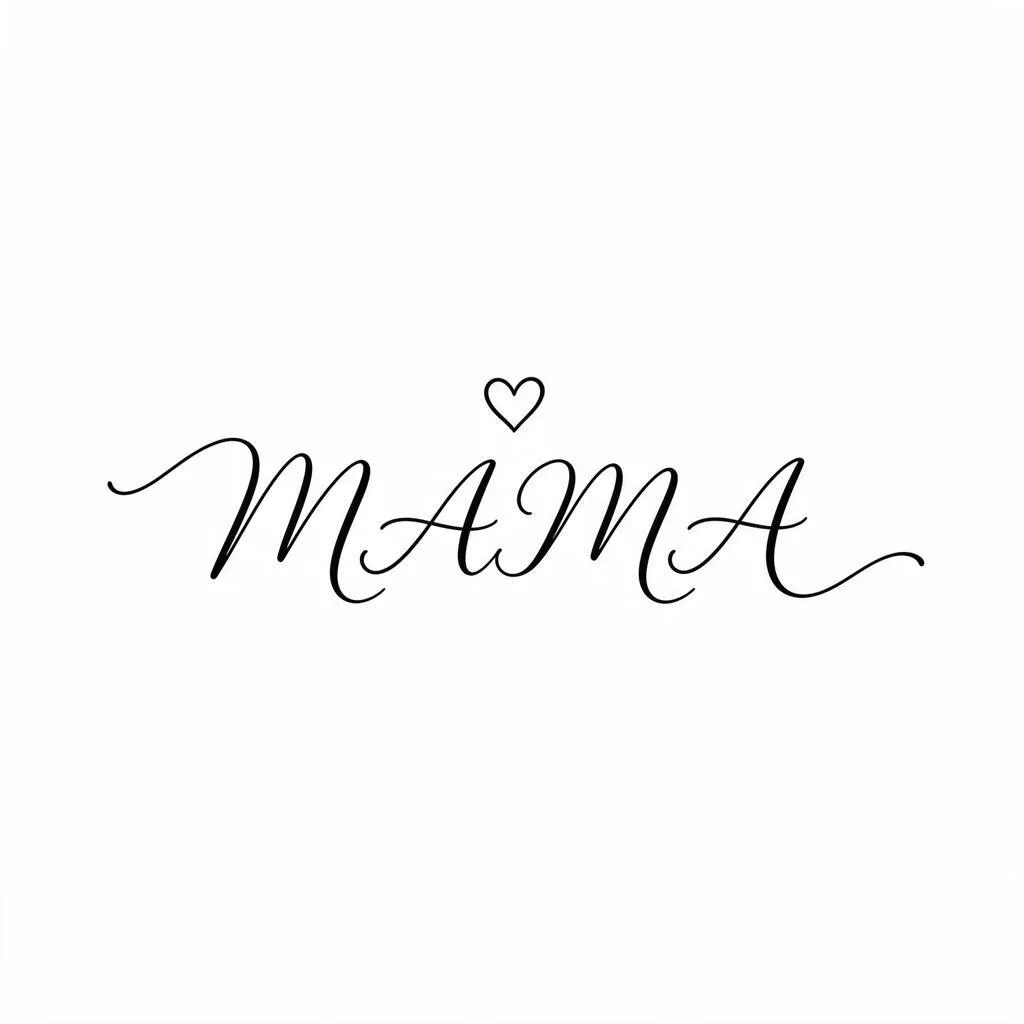
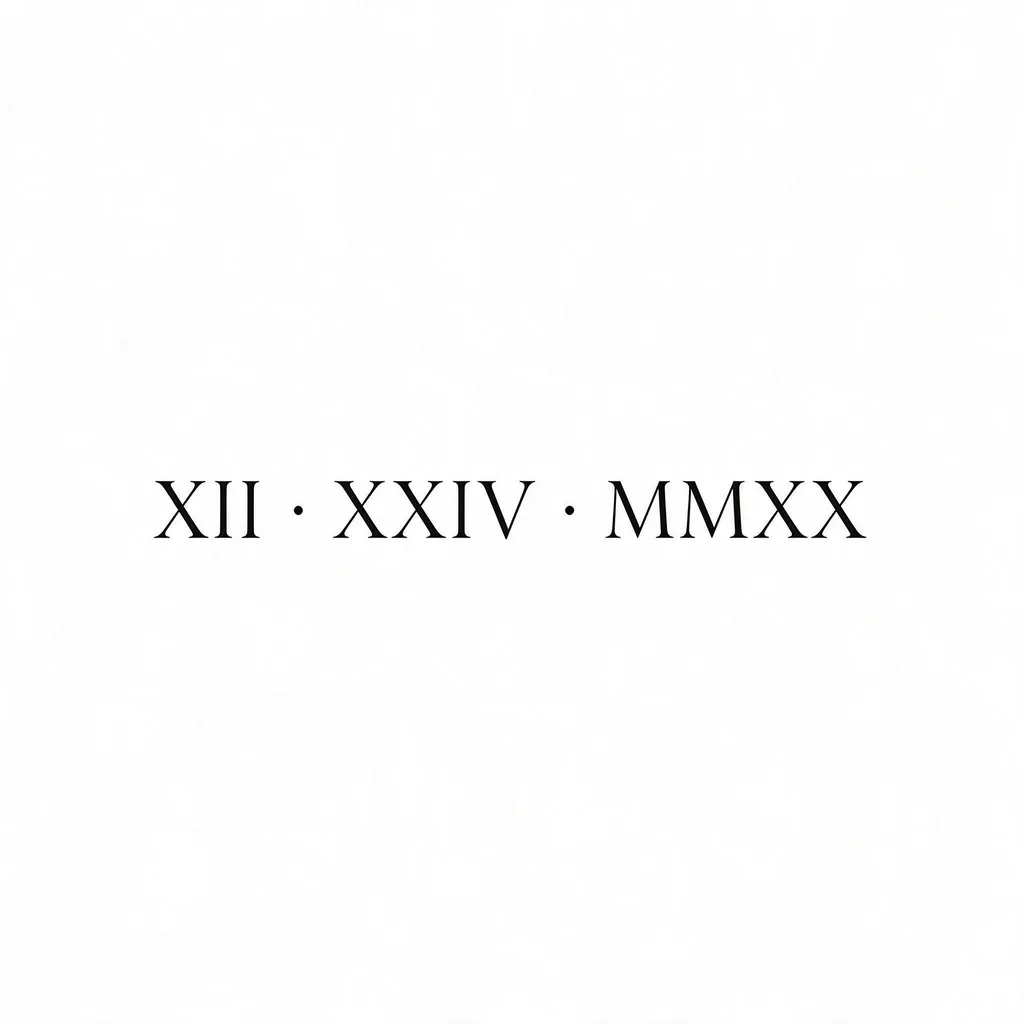
Lettering
Names, dates, one word that matters: script lettering and roman numerals, spelled right — with the placement written into the prompt.
Lettering is the style where the prompt matters most: say the word, say the script, and say where each element goes — “a small heart floating above the word”, not just “with a heart”. The MAMA script and the roman-numeral date above both came out letter-perfect. Edit the template in the studio: swap in your own word, keep the placement wording.
Size & lines: lettering needs the most room of any style — if you have to lean in to read the stencil, it’s too small to last. Short words, generous spacing.
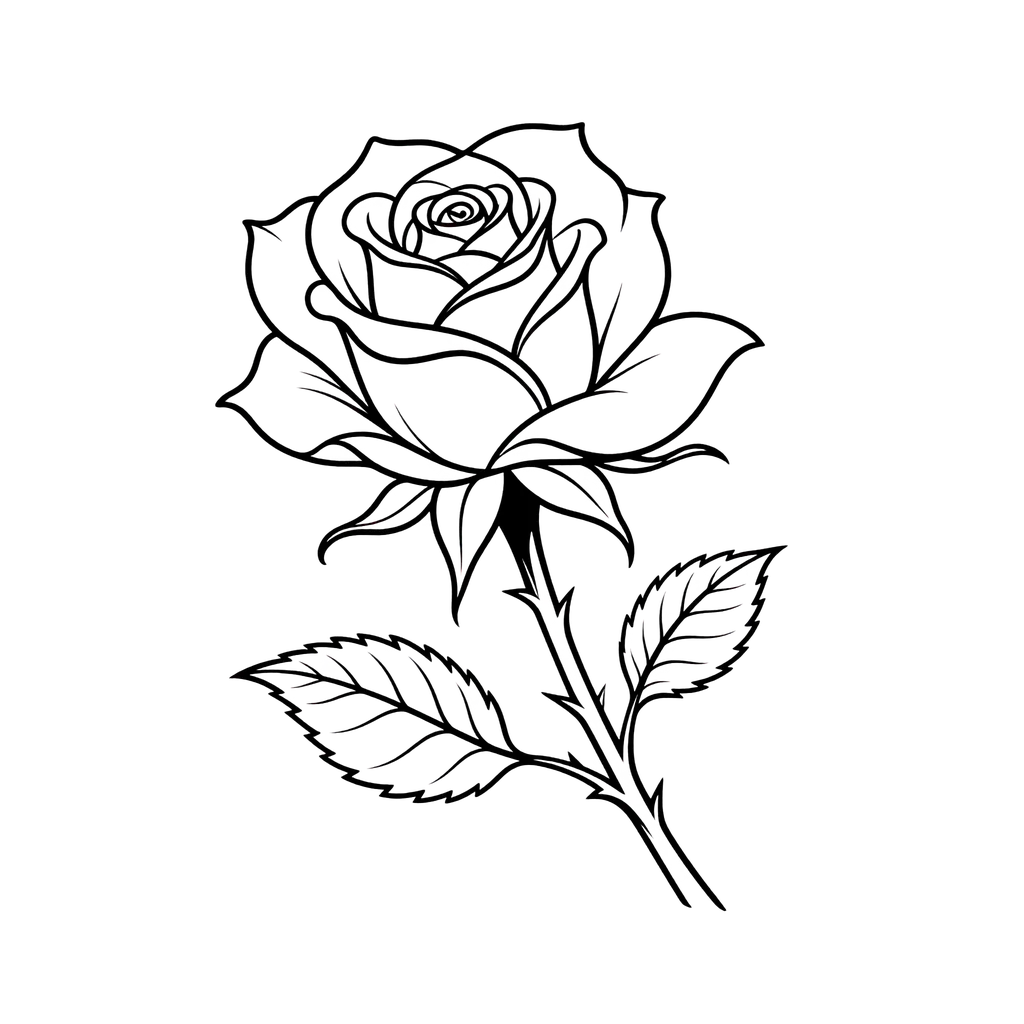
Stencil mode
Pure black line art on a transparent background — the transfer-ready version of any design, straight out of the studio.
Stencil is a mode, not a style: it takes any subject and returns only the lines. Tick Transparent background before generating and the PNG comes out cut out, ready to print at the size you want. It works with the other styles too — add “pure black line art, no shading” to any prompt and tick the same box.
Size & lines: pure black line art. Print at the exact size you’ll wear — a 2K PNG is about 17 cm wide at 300 DPI, 1K about 9 cm.
05 · Try it on
See it on your skin before it’s permanent
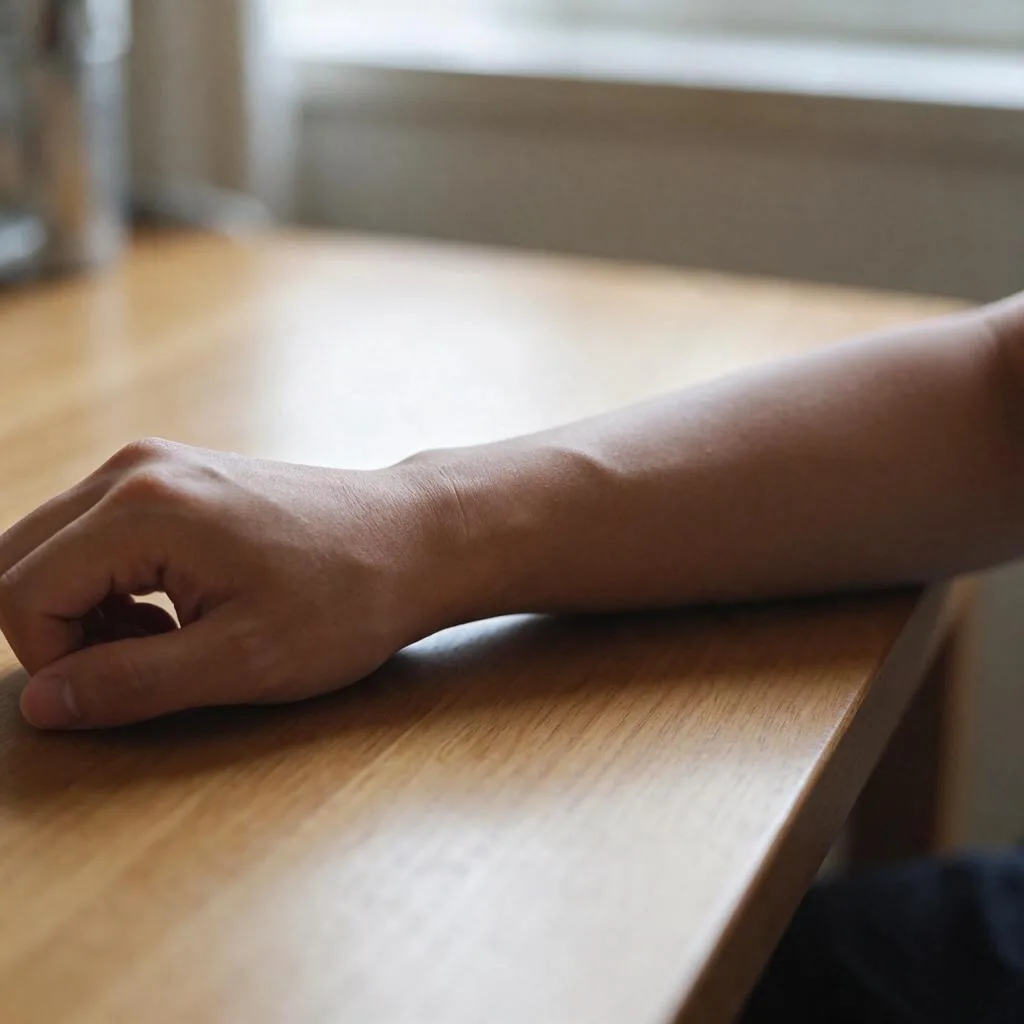
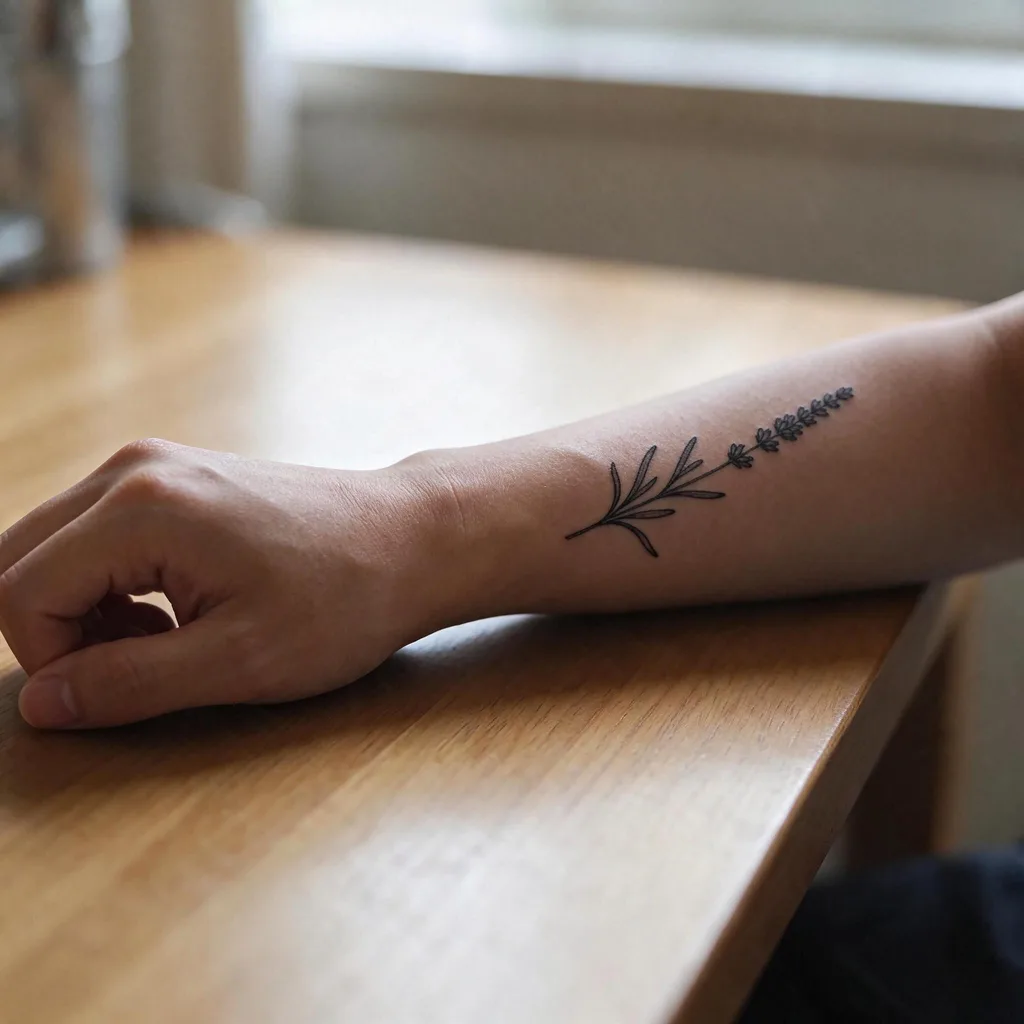
The design is only half the question — the other half is how it sits on your body. This lavender sprig was placed on a real forearm photo with the studio’s Image to Image mode: upload a photo of your arm plus the design, ask the model to place the tattoo on the skin, following the arm’s curve, and judge the size and placement before you commit. It’s an edit, so it costs 5 credits at 1K or 8 at 2K — the cheapest way to answer “will this look right on me?”
Prompt guide — getting the best results
- Name the subject and the style in one sentence: “fine-line lavender sprig”, “traditional dagger and rose” — not just “lavender” or “rose”.
- For lettering, keep the text short and put the placement in words: “the word MAMA in thin script lettering, a small heart floating above the word”. The model needs to be told where each element goes.
- For a stencil, add “pure black line art, no shading” to any prompt and tick Transparent background — the PNG comes out cut out and ready to print.
- To preview a design on your skin, switch to Image to Image, upload a photo of your arm and the design, and ask the model to place the tattoo on the arm, following its curve — see the forearm example above. Edits cost 5 credits at 1K, 8 at 2K.
- For a cover-up, upload a photo of the old tattoo and describe the new design over it — the model works around the existing ink. Bold, dark designs cover best; fine line can’t hide old ink.
- Draft at 1K (4 credits), then re-run the winners at 2K — the composition usually survives the quality jump, and the lines get crisper.
06 · Compare
Tattoo apps vs Pizyn
The difference isn’t the generator — it’s what happens after you pay.
| Pizyn | Subscription tattoo apps | BlackInk AI | |
|---|---|---|---|
| Cost to design one tattoo | 4–6 credits, about $0.04–0.06 | A subscription cycle, whether you design one tattoo or twenty | $15/month |
| Subscription | None, ever — one-time packs, credits never expire | Required; one-star reviews cite charges after cancelling and no in-app cancel option | Monthly billing |
| Stencil-ready output | Transparent PNG, included at no extra cost | Varies by app | Yes — stencil is its focus |
| Styles | 8 presets + lettering + any custom prompt | Style presets | Style presets + cover-up tools |
App prices and complaints as reported in App Store reviews and the apps’ own pricing pages, November 2026. BlackInk’s $15/month is its listed subscription price.
07 · Pricing
AI Tattoo Generator pricing
Every design costs 4 credits at 1K and 1.5K, 6 at 2K — about $0.04–0.06 each. All eight styles at 2K come to 48 credits — under a tenth of the $5 Mini pack.
Mini pack
Best for a first top-up
$5
One-time · ≈ $0.01 per credit
≈ 83 Seedream images
≈ 100 GPT Image 2.6 drafts
- Full ownership & commercial rights
- Credits never expire
- Charged only on success
Most popular
Pro pack
Best for regular creative work
$20
One-time · ≈ $0.01 per credit
≈ 333 Seedream images
≈ 83 Nano Banana Pro 2K finals
- Full ownership & commercial rights
- Credits never expire
- Charged only on success
Studio pack
Best for high-volume projects
$50
One-time · ≈ $0.01 per credit
≈ 866 Seedream images
≈ 1,040 GPT Image 2.6 drafts
- Full ownership & commercial rights
- Credits never expire
- Charged only on success
Max pack
Best for the heaviest workloads
$100
One-time · ≈ $0.01 per credit
≈ 1,800 Seedream images
≈ 450 Nano Banana Pro 2K finals
- Full ownership & commercial rights
- Credits never expire
- Charged only on success
One-time packs from $5 (500 credits, never expire). Full pricing on the pricing page.
08 · FAQ
Frequently asked questions
How much does one tattoo design cost?
4 credits at 1K and 1.5K, 6 at 2K — about $0.04–0.06 each in pack terms. Edits (for example, previewing a design on your skin) cost 5 credits at 1K, 8 at 2K. You are charged only when a generation succeeds.
Can I take the design to a tattoo artist?
Yes — that’s what the designs are for. Download the PNG, print it at the size you want, and show your artist. They will usually redraw or adapt the lines for your skin and placement: that’s normal practice, and a good artist improves the design rather than tracing it exactly.
What is a stencil, and how do I get one?
A stencil is the black line art an artist transfers onto your skin before tattooing. Pick the Stencil style (or add “pure black line art, no shading” to any prompt) and tick Transparent background — the PNG comes out with a real alpha channel, ready to print: a 2K PNG is about 17 cm wide at 300 DPI, a 1K PNG about 9 cm. It costs no extra credits.
Can it do names and dates?
Yes — the Lettering chip loads a name template you can edit. Keep the text short — one or two words — and put the placement in the prompt: “the word MAMA in thin script lettering, a small heart floating above the word”. Our test spelled MAMA correctly once the placement was spelled out. Always proofread the result before you ink it: a misspelled tattoo is permanent.
Can I preview the tattoo on my skin?
Yes. Switch to Image to Image, upload a photo of your arm (or wherever the tattoo goes) plus the design, and ask the model to place the tattoo on the skin, following the body’s curve. The forearm example in the “See it on your skin” section above was made exactly this way. It’s an edit, so it costs 5 credits at 1K or 8 at 2K — and it’s the best way to judge size and placement before committing.
Can I use the designs commercially?
Yes — paid plans include a commercial license: the designs are yours to use, including in a portfolio or for a client. If you’re a tattoo artist using a generated design as the basis for a client’s tattoo, that’s your work; the design itself is yours to build on.
What if the design has a flaw?
Regenerate it — each attempt is a fresh generation, and you’re charged only on success. For a small fix (a line that crosses wrong, a petal out of place), switch to Image to Image, upload the design, and describe the change instead of starting over.
Which style is best for a first tattoo?
Minimalist or fine line for something small — a wrist, an ankle, behind the ear. Traditional if you want it bold: thick outlines and solid color hold up the longest on skin. Fine lines look delicate but fade faster, so ask your artist about size and placement before going very small.
What should I ask for in a forearm geometric sleeve?
Plan it as separate motifs, not one giant image: generate the pieces one at a time and let your artist compose them around the arm. A prompt that works: “Geometric tattoo design, a fox head built from triangles, precise straight lines, black linework, sacred geometry, designed for the outer forearm, about 15 cm tall”. Flat areas keep the geometry true — set the placement and size in the studio and the prompt carries them.
What prompt works for a small wrist tattoo?
Keep it to one idea at 3–5 cm. A prompt that works: “Fine-line tattoo design, a tiny sprig of lavender with thin stems, single-needle style, ultra-thin precise black lines, minimal detail, no shading, no color, designed for the inner wrist, about 4 cm tall”. Simple designs hold best at wrist size — and fine line fades faster than bold work, so ask your artist about touch-ups.
Do I need a subscription?
No. There is no subscription on Pizyn at all: packs are one-time purchases, credits never expire, and nothing auto-renews. A $5 Mini pack (500 credits) covers more than eighty 2K designs.