 Pizyn
The trend: Christmas portraits went AI first
Searches for "ai christmas photo" went from about 1,900 a month in November 2025 to 74,000 in December 2025 — a forty-fold jump in a single month — and #christmasphotoshoot passed a billion TikTok views by early November 2026. The pattern is the same as the Christmas PFP wave, one step up: people who started with a festive avatar now want a full portrait — for a Christmas card, a family group chat, or just a profile picture that looks like a real shoot.
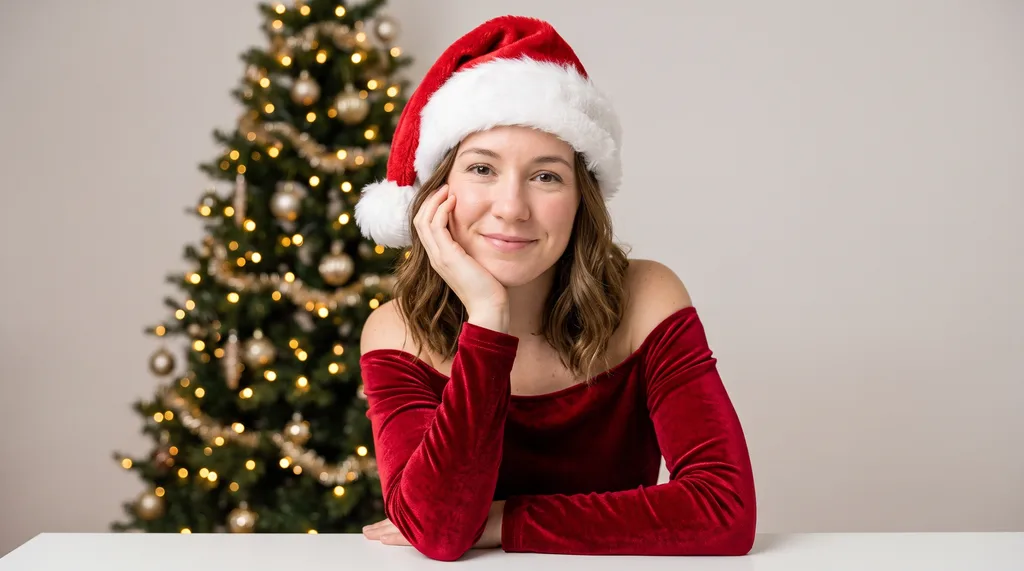
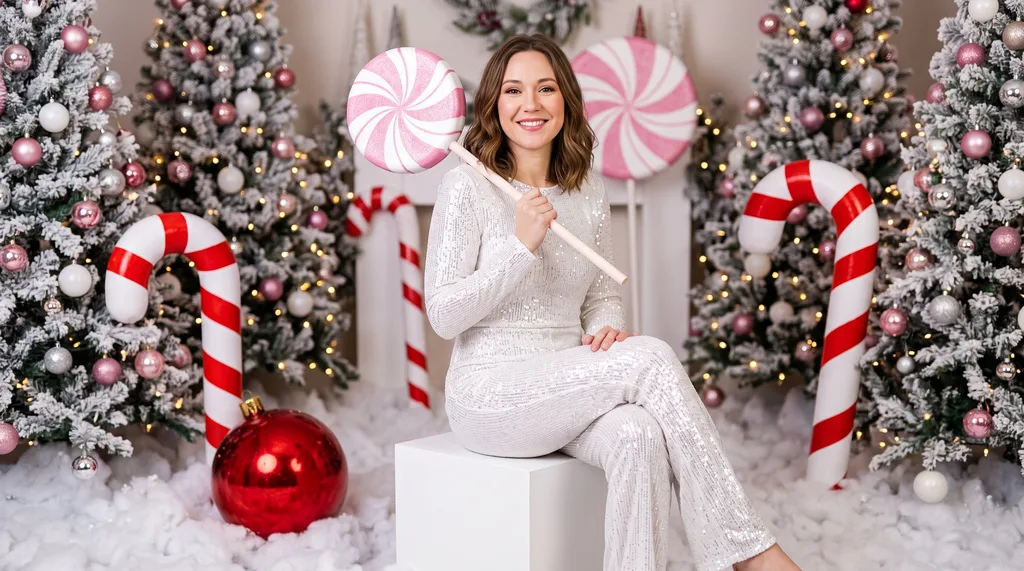
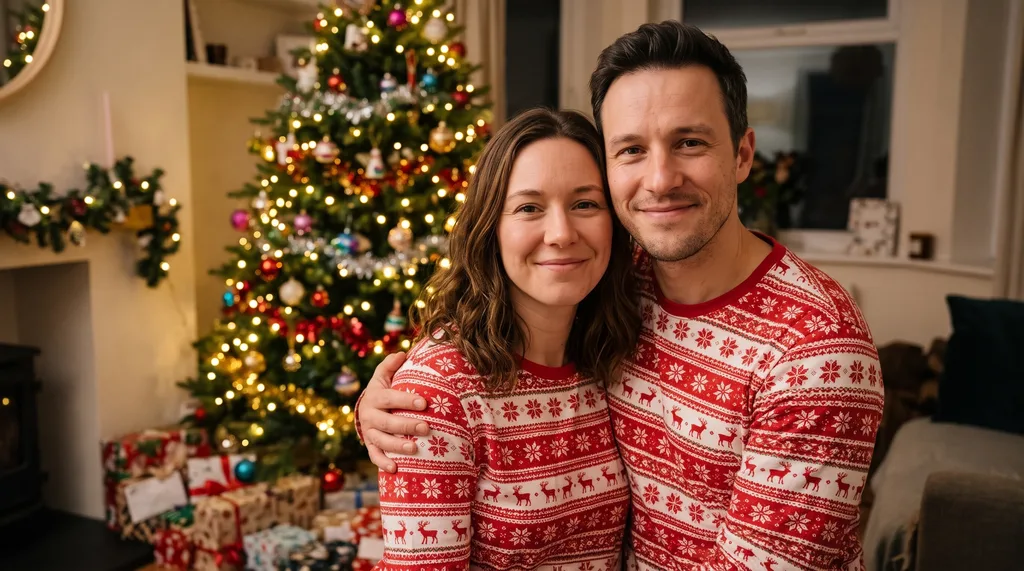
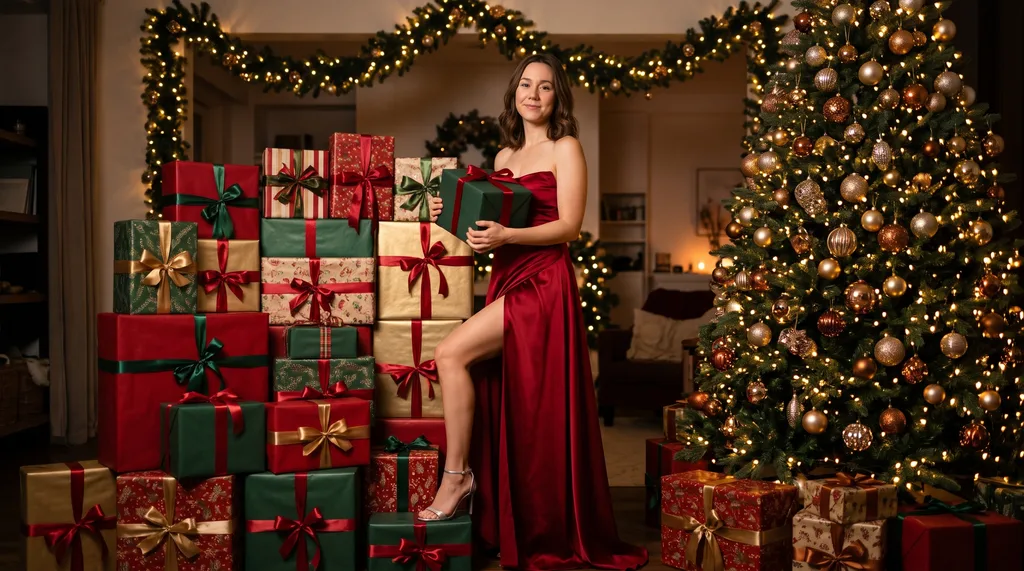
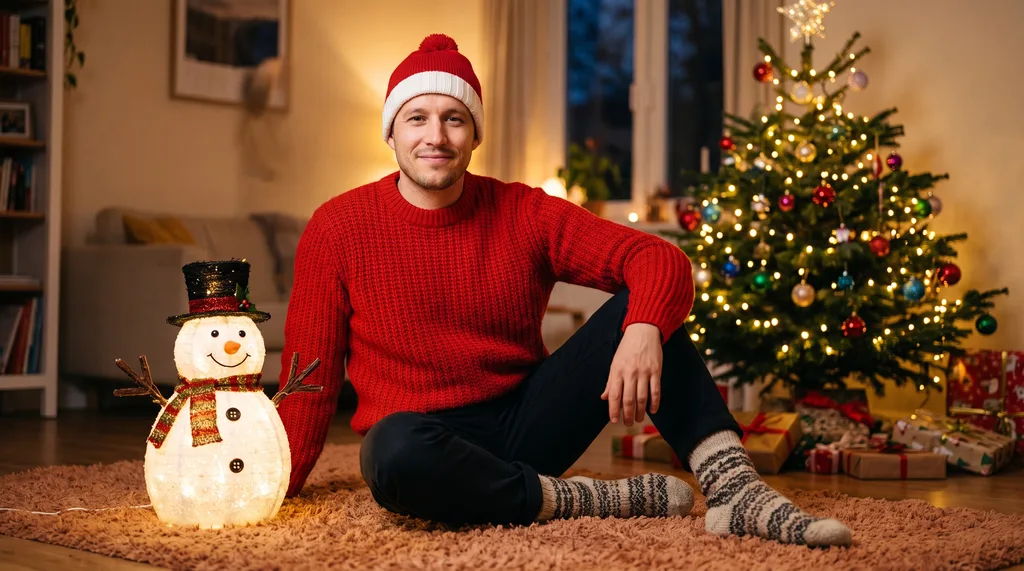
The looks below are the ones that actually went viral, not a studio's idea of festive. Studio Tree started the trend; Couple by the Tree is the most-viewed version; Candy Cane is the one everyone recognises. Each one is a single edit of your own photo, so the face stays yours — the model changes the setting, the outfit and the lights, not the person.
The 6 looks
All six were generated from the same two base portraits on November 14, 2026, with Nano Banana 2.1 at 2K. First outputs, no re-rolls.

How it works
- Open the AI Christmas Photoshoot.
- Upload a photo of yourself — front-facing, good light, face visible. For Couple by the Tree, upload two photos. For Christmas Gown, use a full-body photo.
- Pick a look. The prompt loads automatically; edit it if you want something changed ("add a fireplace", "snow outside the window").
- Generate at 2K for 11 credits (12 for Couple) and download the portrait. The output is a 9:16 portrait — the right shape for a phone wallpaper, a story, or a Christmas card.
Charged only on success: if a generation fails, it costs nothing. If a pose or an outfit comes out wrong, regenerate — each attempt is fresh, and small changes to the prompt ("legs crossed to one side", "three-quarter length") steer the composition more than you'd expect.
Studio session vs AI shoot
A real Christmas mini-session — the seasonal product most portrait studios sell — runs $100–$300 for 20–30 minutes, a handful of edited images, and a booking you have to make weeks ahead. It is still the better choice if you want a print above the fireplace at 60 cm wide, or a multi-generation family group that has to be exact. For everything else — a card, a group-chat photo, a profile picture, a gift print — the AI version does the same job for about $0.11, in the time it takes to upload a photo. The honest trade: the model keeps your face, but it invents the sweater, the tree and the room, so the result is a portrait of you in a place you were never in. If that bothers you, book the studio. If it delights you, you are the audience.
Tips for a good result
- Match the source photo to the look. Gown needs full-body; Snow Throw and Candy Cane want half-body; Studio Tree and Cozy Sweater work with a headshot. The look descriptions on the tool page say which each one wants.
- Good light beats a good camera. A daylight selfie outperforms a dim indoor photo from a better camera. The model re-lights the scene anyway, but it needs a clear face to start from.
- For couples, match the lighting. Two photos taken in similar light composite cleanly; one in daylight and one under warm lamps will look pasted together.
- Say what you want changed. The loaded prompt is a starting point. "Add falling snow", "make the sweater green", "a fireplace instead of a tree" — short edits like these work better than rewriting the whole prompt.
What it costs
Live studio rates, checked against the manifest before writing. A credit is about $0.01 in pack terms; full pack pricing is on the pricing page.
- One Christmas portrait — 11 credits at 2K, about $0.11. Every look except Couple by the Tree.
- Couple by the Tree — 12 credits: two reference photos cost one extra credit.
- All six looks — 67 credits, about $0.67. A $5 Mini pack (500 credits) covers the set seven times over.
Bottom line
The Christmas photoshoot used to be a booking, a drive and an afternoon. Now it is a photo you already have and eleven credits. Start with the AI Christmas Photoshoot — Studio Tree if you want the classic, Cozy Sweater if you want the easiest win — and if you only need the avatar version, the Christmas PFP Generator does the same five-minute job in a square frame.