 Pizyn

Why everyone changes their profile picture in December
The Christmas PFP is the lowest-effort festive gesture on the internet: one image, swapped for a month, seen by everyone you talk to. The numbers show how big it has become — "christmas pfp" drew about 74,000 US searches a month across November and December 2025, and #christmaspfp passed 76.8 million TikTok views by early November 2026. The pattern repeats every year: the first week of December is the peak, and the looks that win are the simple ones — a Santa hat on your own photo, a cartoon version of yourself, your pet in a hat.
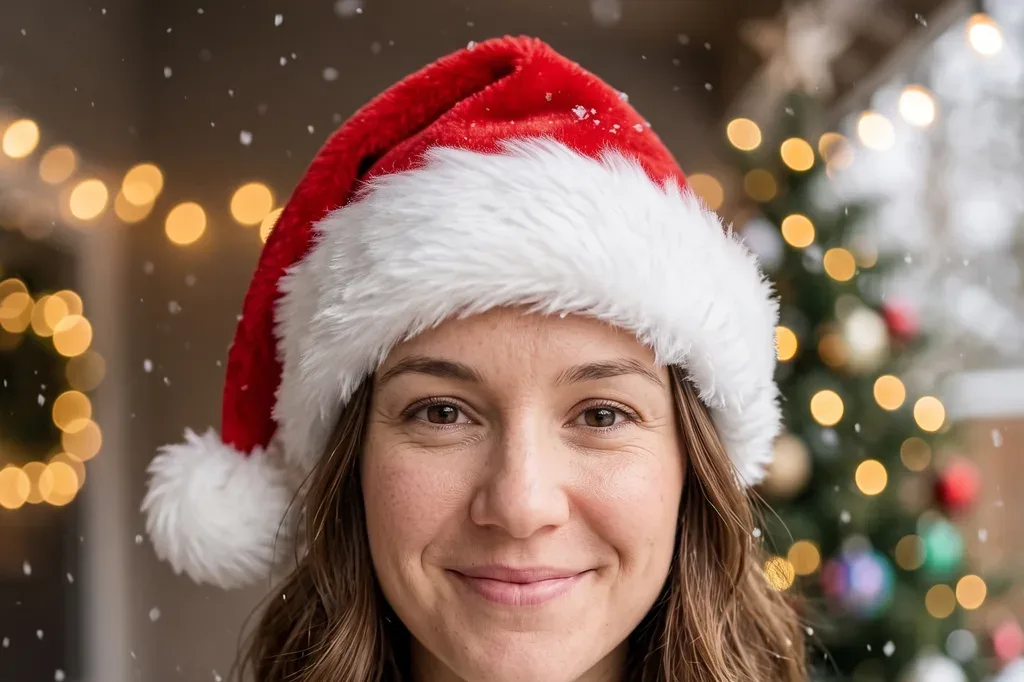
Until recently the options were a clipart hat pasted over your photo, or paying a designer. An image-editing model does the actual work now: it keeps your face, your lighting and your framing, and changes only what the look asks for. The hat sits on your head with the right angle and shadow; the cartoon redraws you instead of pasting a filter over you. That is the whole difference between a PFP people notice and one they scroll past.
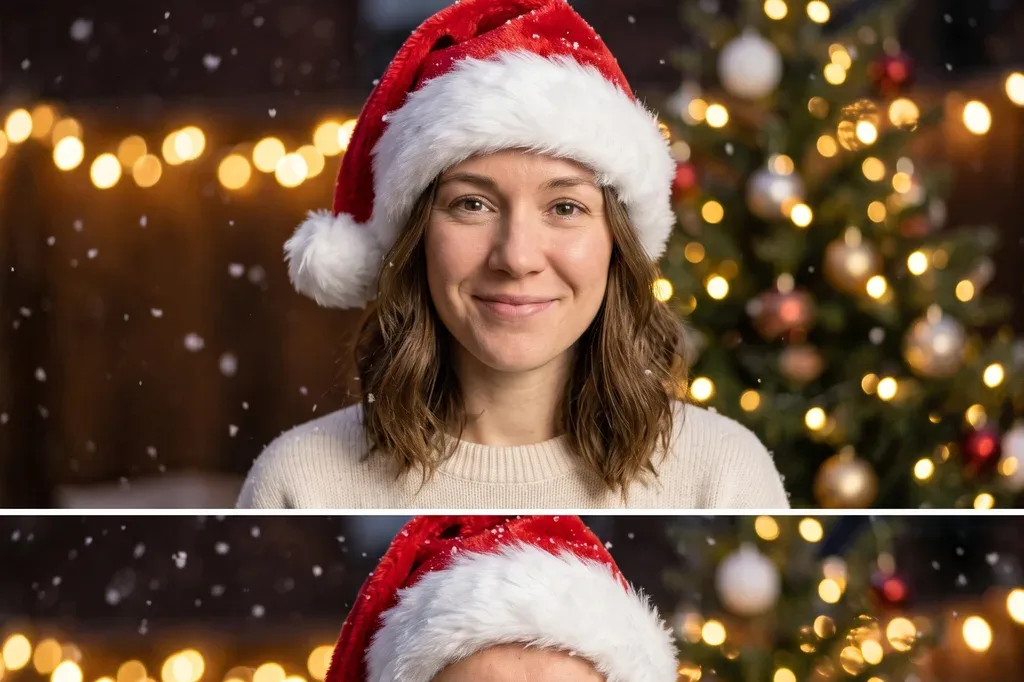
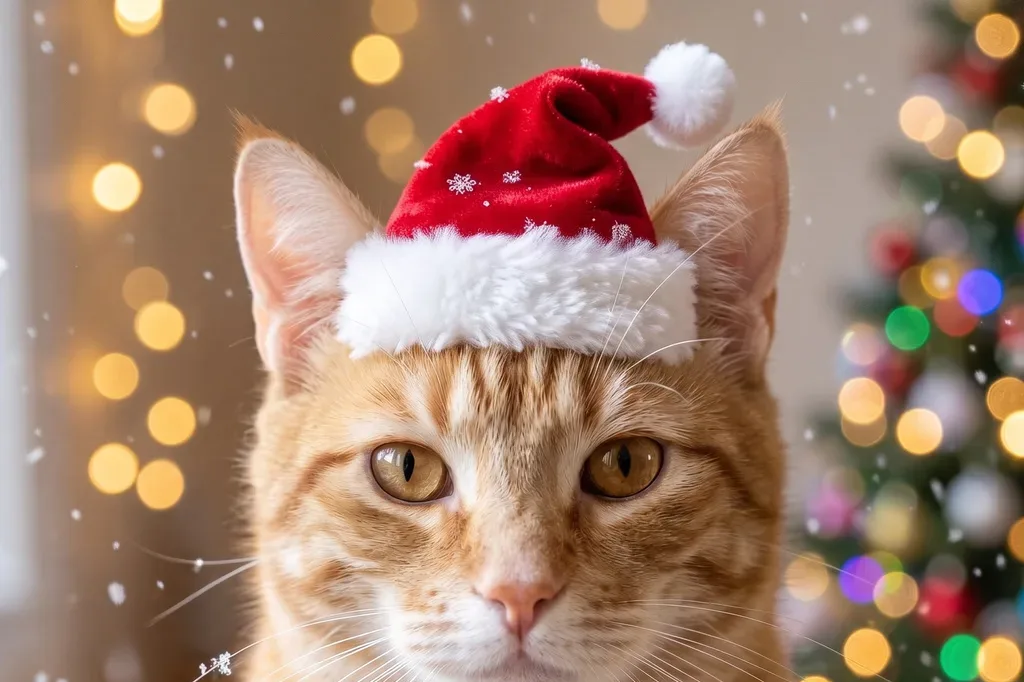
The 5 looks
All five were generated from the same base photos on November 14, 2026, with Nano Banana 2.1 at 2K. First outputs, no re-rolls.



How to make one
- Open the Christmas PFP Generator.
- Upload a clear photo of yourself — front-facing, good light, face visible. For Matching Pair, upload two photos; for Pet Santa Hat, a photo of your pet.
- Pick a look. The prompt loads automatically; edit it if you want something changed ("red sweater instead of a jacket", "snow falling").
- Generate at 2K for 11 credits (12 for Matching Pair) and download the square image. It is already the right shape for a profile picture.
Charged only on success: if a generation fails, it costs nothing, and you can re-run it. If you do not like a result, regenerate — each attempt is a fresh generation, and the model will place the hat or the lights a little differently each time.
Tips for a good result
- Start with a good source photo. The model can add a hat and lights, but it cannot fix a blurry, dark or half-hidden face. A front-facing photo in daylight works best; sunglasses and hats in the source photo confuse the edit.
- Match the look to the framing. Classic Santa Hat and Cartoon You work with headshots. By the Tree wants a half-body photo so there is room for the tree. Matching Pair needs two photos with roughly similar lighting, or the composite looks pasted.
- For pets, face the camera. A side profile or a sleeping pet gives the model little to work with. A face-forward photo, eyes open, head unobstructed — the hat lands correctly almost every time.
- Square is already right. Profile pictures display as squares or circles everywhere, and the generator outputs a square image. No cropping needed — though if your platform crops to a circle, check that the hat survives the corners.
What it costs
Live studio rates, checked against the manifest before writing. A credit is about $0.01 in pack terms; full pack pricing is on the pricing page.
- One Christmas PFP — 11 credits at 2K, about $0.11. Every look except Matching Pair.
- Matching Pair — 12 credits: two reference photos cost one extra credit.
- A $5 Mini pack (500 credits) covers 45 PFPs — the whole family, the pets, and a few re-rolls.
For comparison, dedicated Christmas PFP apps charge roughly $0.30 per photo — about three times as much, for the same kind of edit, usually behind a paywall that asks for payment before showing a result. Here you pay per generation, after you see the look, with no subscription anywhere in the flow.
Bottom line
The Christmas PFP is a one-minute job that used to take a designer or a clipart hat. Upload a decent selfie, pick one of the five looks, and you have a profile picture that actually looks like you — in a Santa hat, as a cartoon, or next to someone you like. Start with the Christmas PFP Generator, and if you want the full portrait version instead of an avatar, the AI Christmas Photoshoot does the same thing at portrait scale.