 Pizyn
The Pizyn Blog
Guides for making better AI images
Prompt craft, honest model comparisons and editing workflows — written from inside a studio that runs 37 image models, with every example generated on the pages we link to.
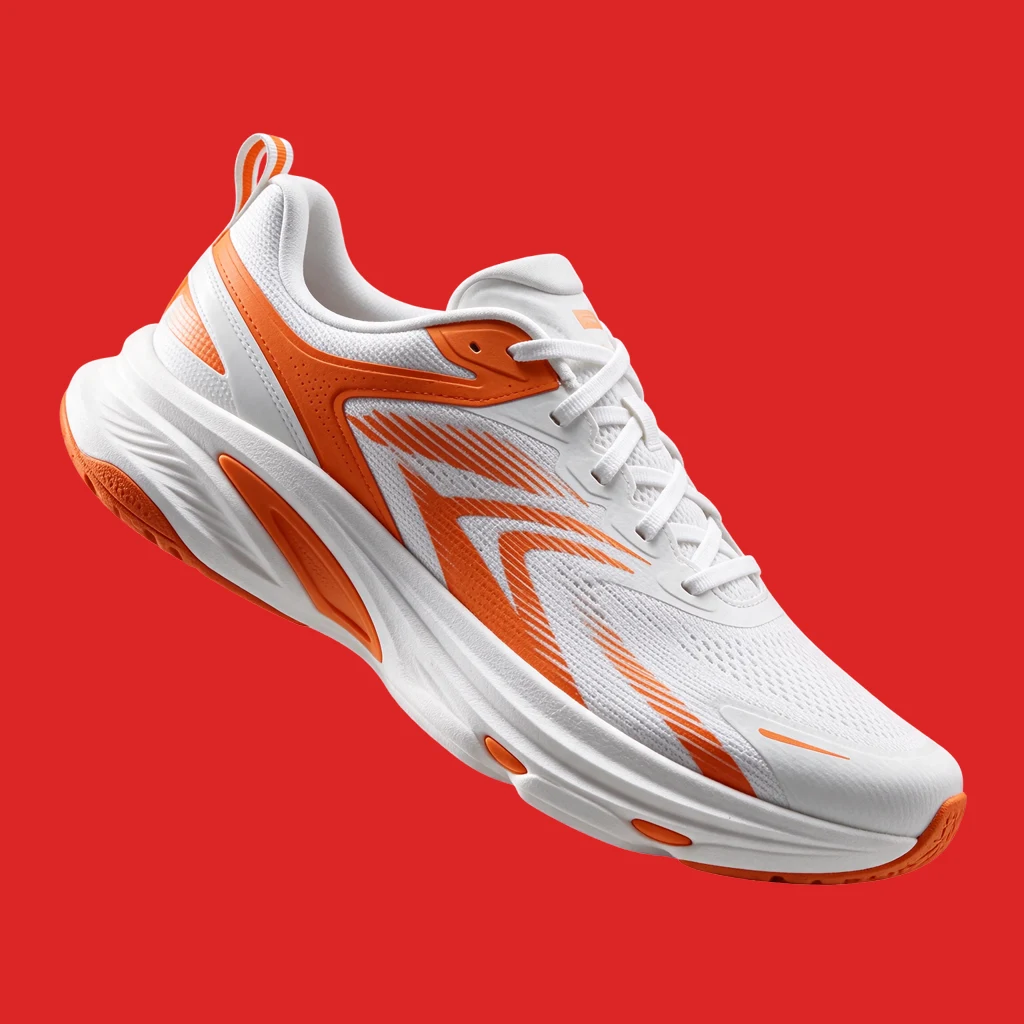
How to generate transparent PNGs with AI: real alpha channels, no background-removal step
Six Seedream 5.5 cutouts at 4 credits each, alpha channels measured pixel by pixel — and the GPT Image 2.6 control, which painted a fake checkerboard instead. Plus the ten-second red-background test.
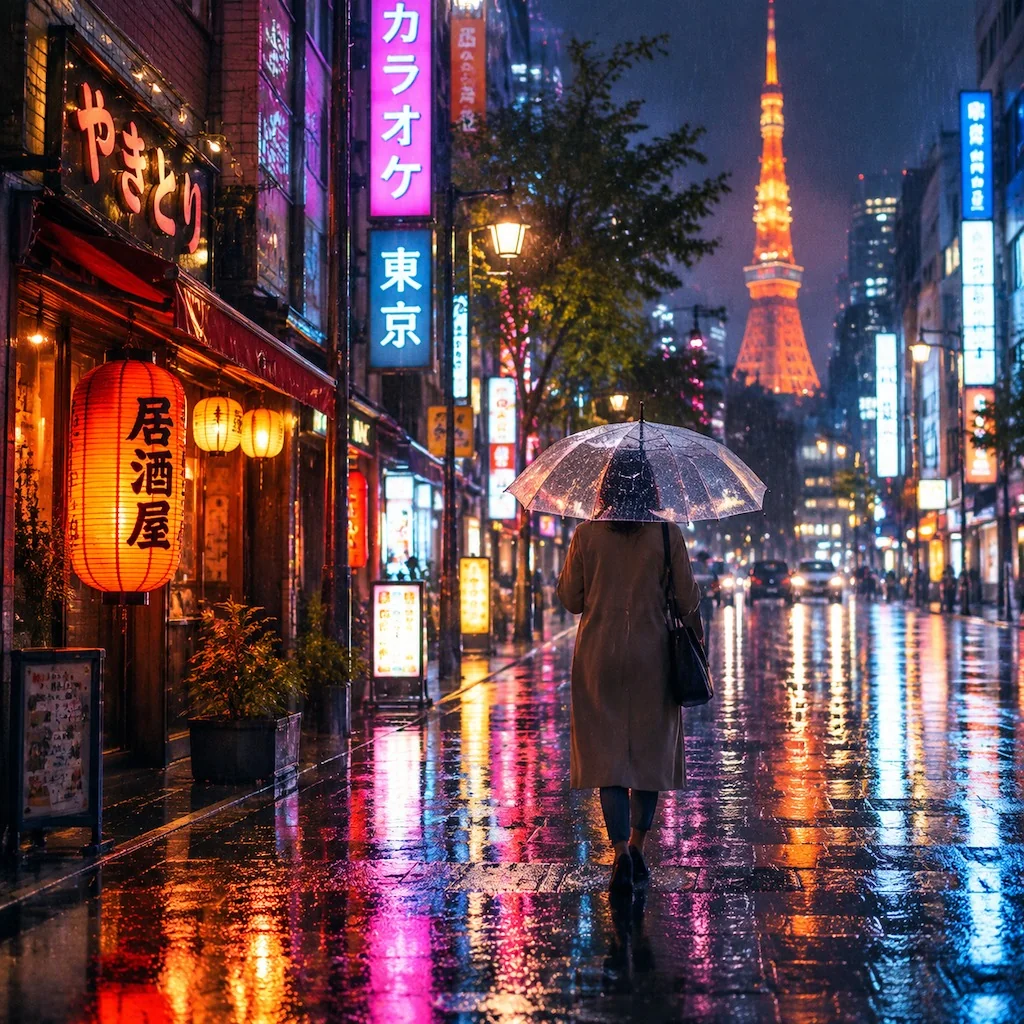
GPT Image 2.6 vs Midjourney v8.2: same prompts, 10 images, nearly the same price
Five identical prompts, first outputs kept: 9 credits against 10 — but Midjourney returns four images per generation. GPT won the poster, Midjourney won fantasy, and the Tokyo street round split on legible signs vs pure mood.
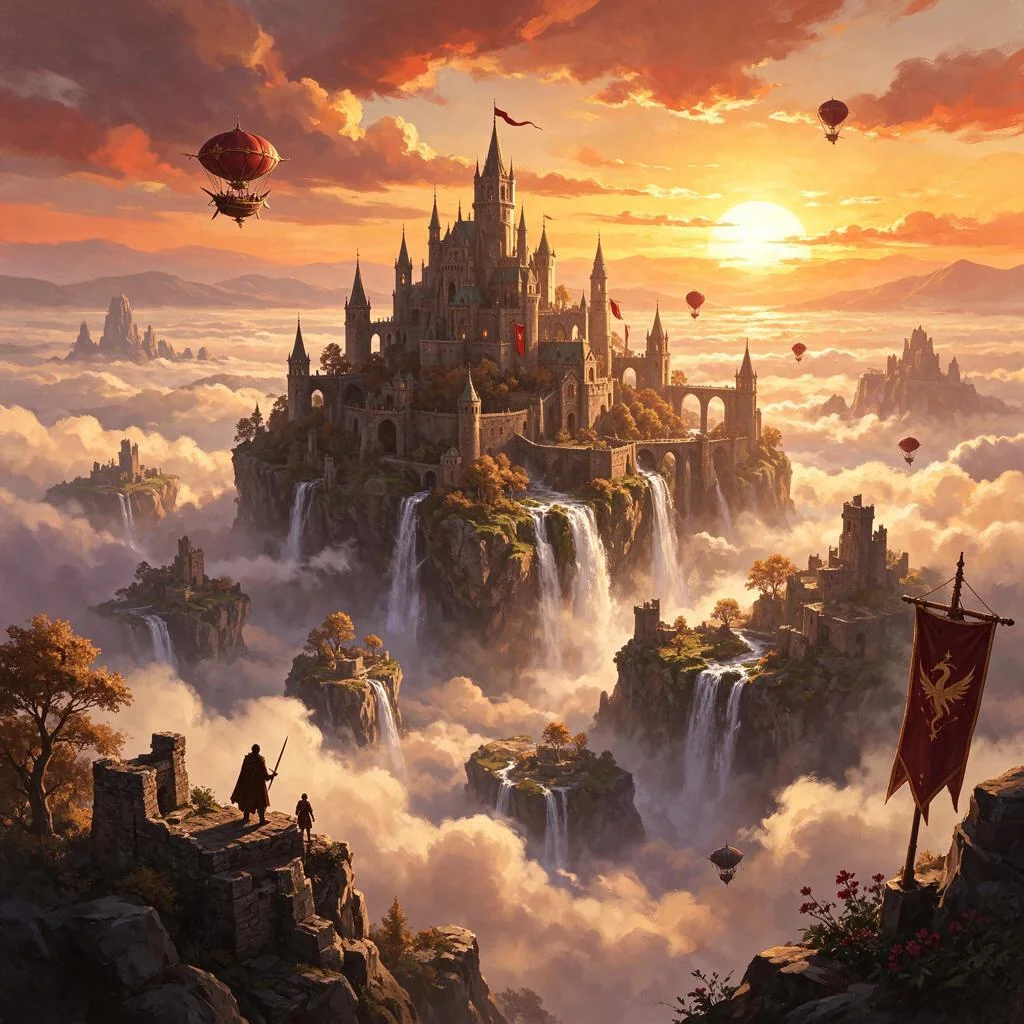
Seedream 5.5 vs Nano Banana Pro: same prompts, 10 images, one clear price gap
Five identical prompts, first outputs kept: 4 credits against 24. The quality gap is small — three ties, one round each — and the price gap is the story. Product, portrait, poster, fantasy and interior, frame by frame.
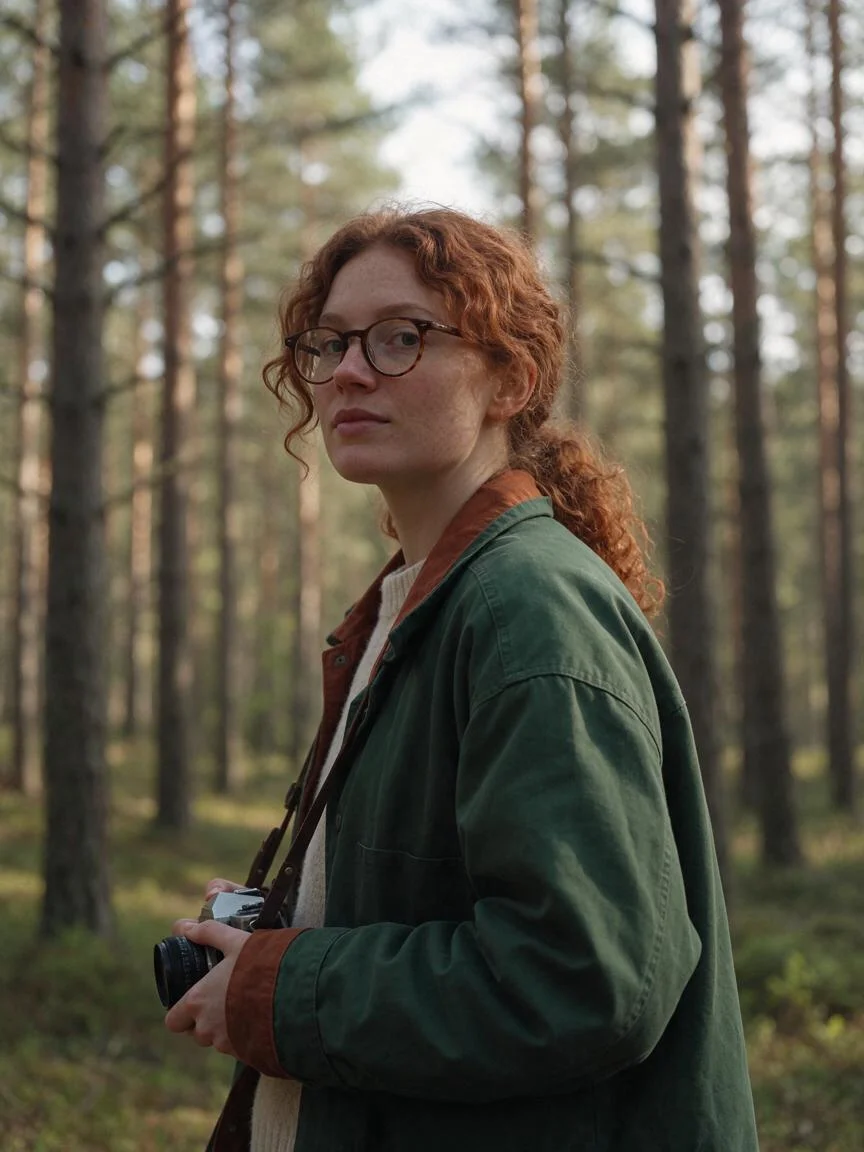
Same character, every scene: keeping an AI character consistent across 4 models
One character sheet, one reference photo, four models: Seedream 5.5, Nano Banana 2.1, GPT Image 2.6 and FLUX 2 Pro all kept Mara's face across five scenes — with one honest wobble. The workflow, the prompts and the per-edit prices.
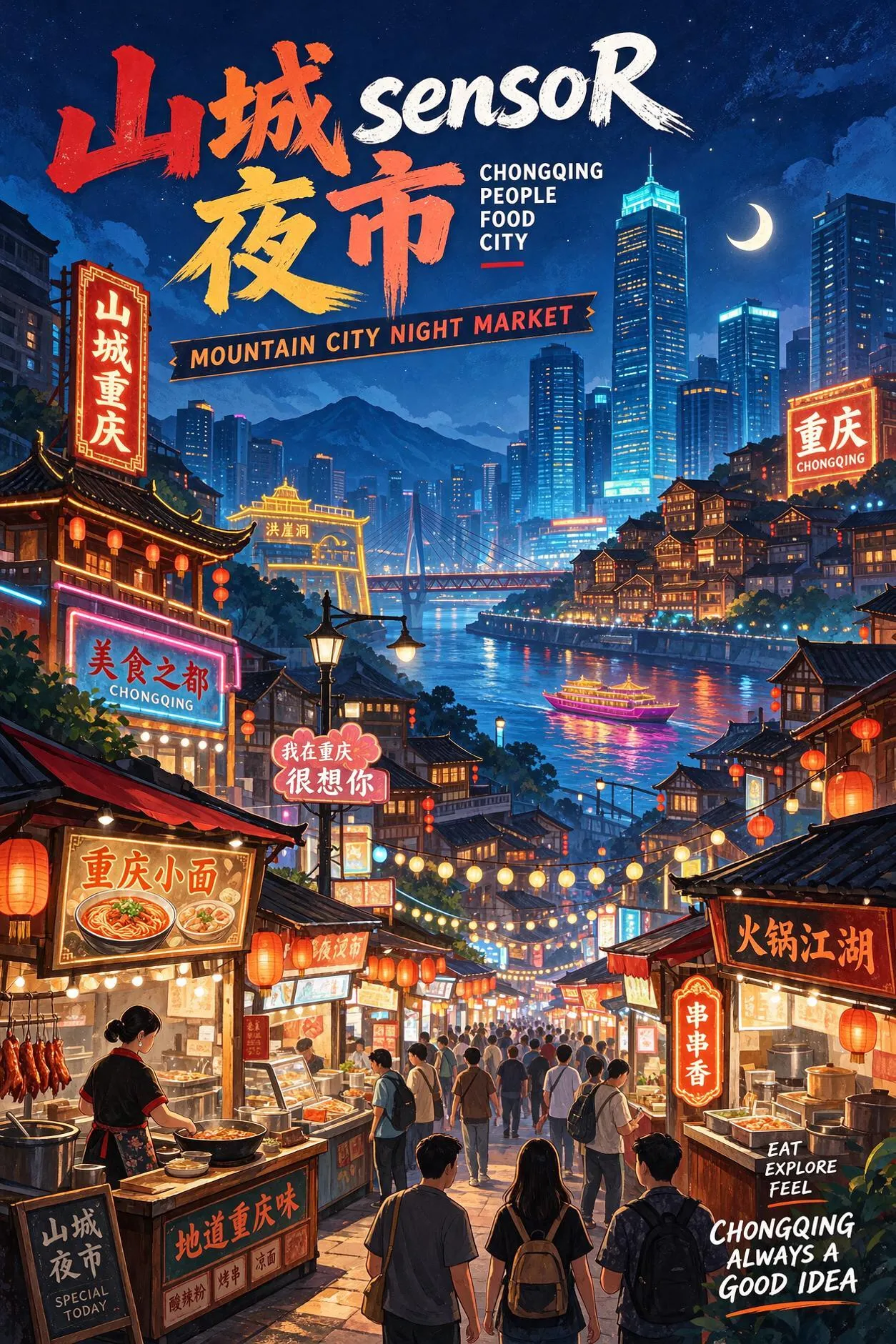
Seedream 5.5, tested: real transparent PNGs, bilingual posters and round-after-round edits
ByteDance's new flagship, tested the week it launched: a transparent background we measured pixel by pixel, a two-script poster with both headlines spelled right, and edits that hold a label through a scene swap. From 4 credits.
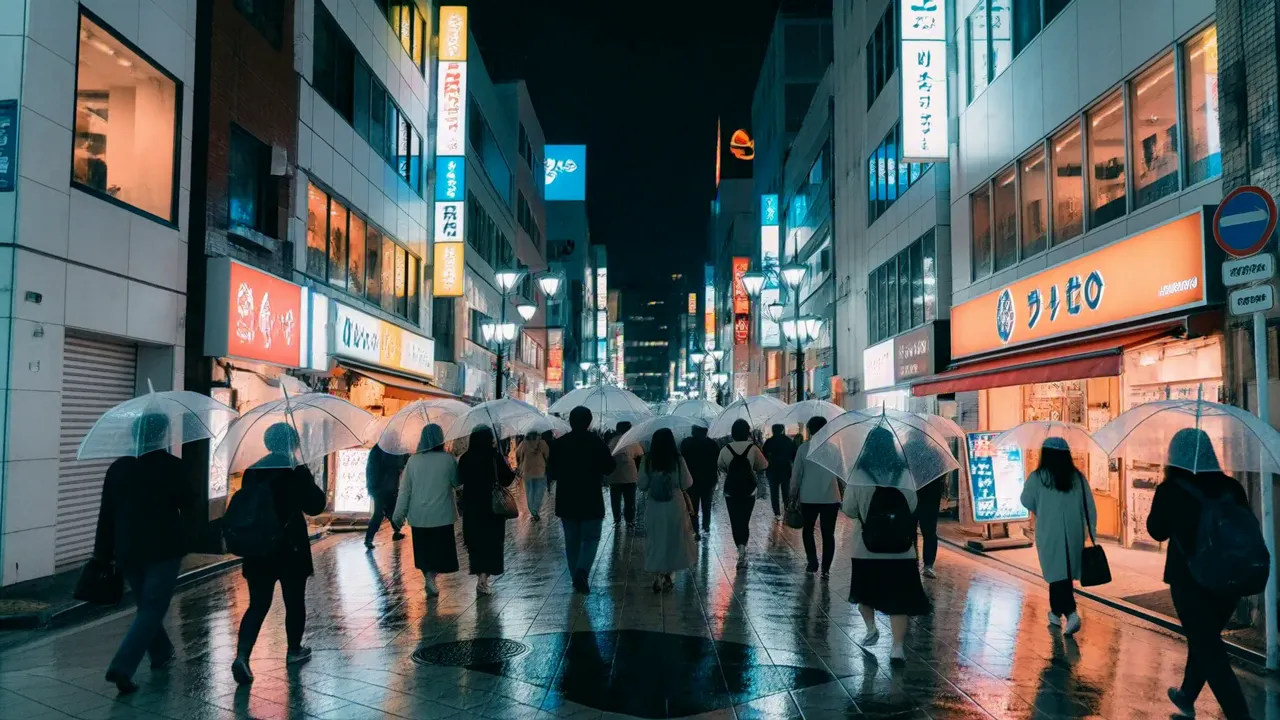
MiniMax H3, tested: cinema-grade stills in seconds, from 4 credits
A video model turned still camera: film-grade skin, fabric and 21:9 frames at 4 credits a draft. Seven frames and one edit — plus the one job we would never hand it: anything with words on it.
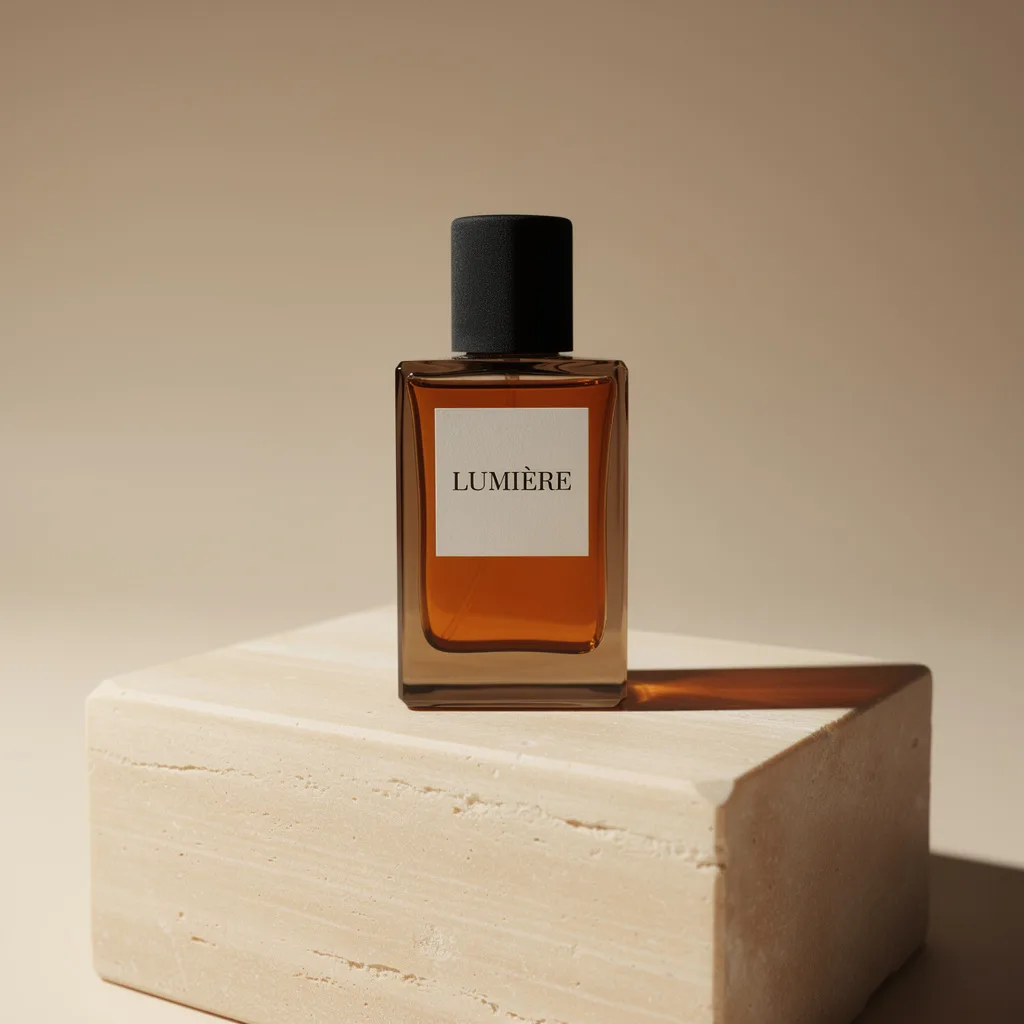
AI product photography: the same perfume bottle, shot by 6 models
One prompt, six models, every first result kept: label spelling, glass, light and cost per shot — from a 1-credit draft to a 24-credit 2K final — plus a 5-credit background swap.
Claude Fable 5.2 review: what the launch-day testers actually found
Anthropic's new flagship built video editors, an Excel clone and a personal Photoshop in its first 48 hours — at up to $15,000 a project. We read every major hands-on test so you don't have to: the builds, the bills, and the spiky consensus.
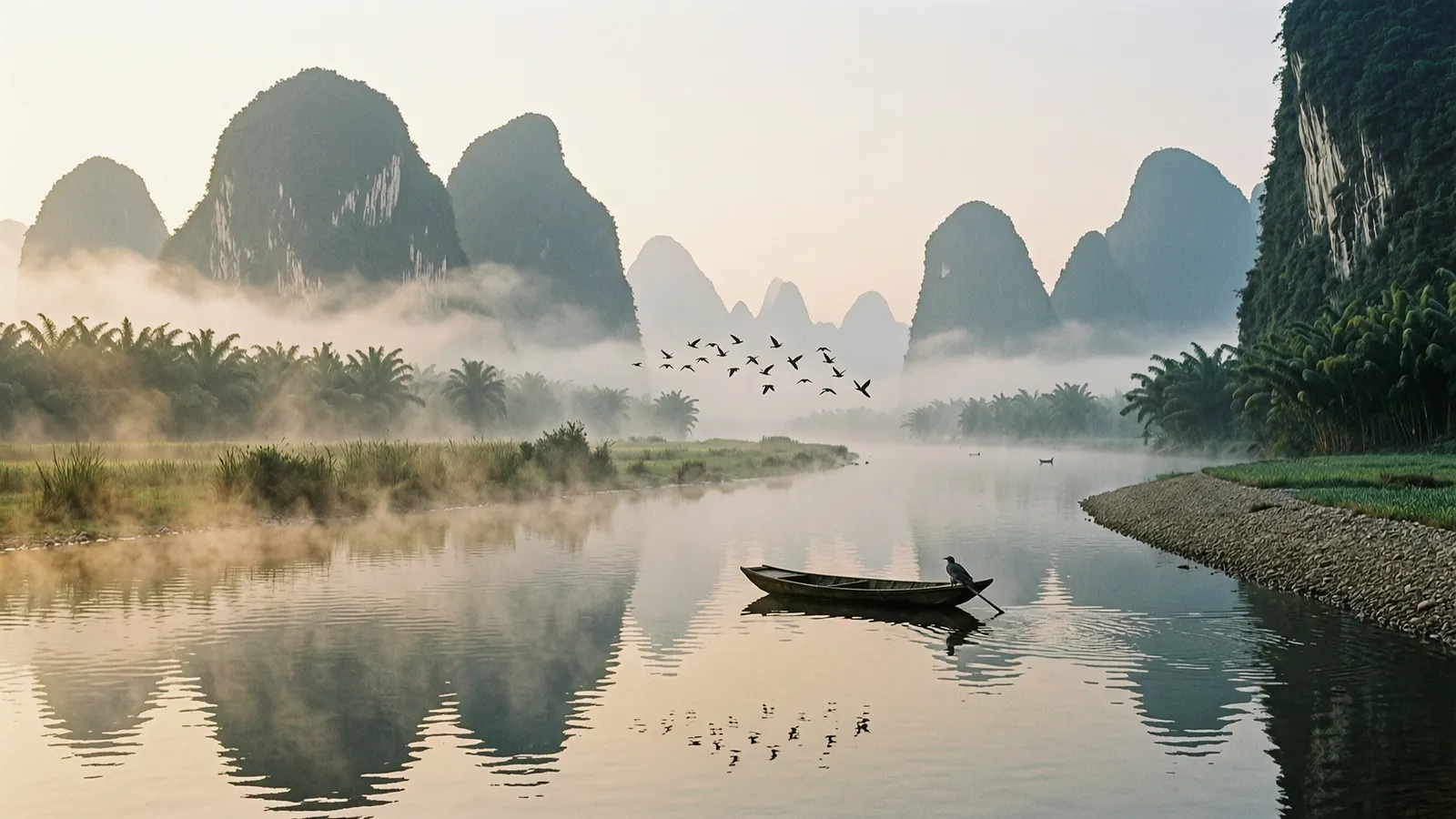
Which AI image model should you use? All 13, compared by job
Thirteen models is a lot of choice. Here is the short version: which one for posters, photos, drafts, edits and GIFs — and what each actually costs per image.